Buy The Lord of the Rings: Return to Moria
Platform:
Windows
Genre:
Adventure
Publisher:
North Beach Games
Activation:
Steam
Release Date:
27 august 2024
Languages:
English
Type:
Key
Region:
EU
30.00 USD
 In stock
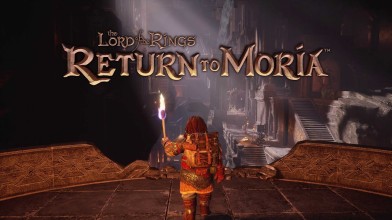
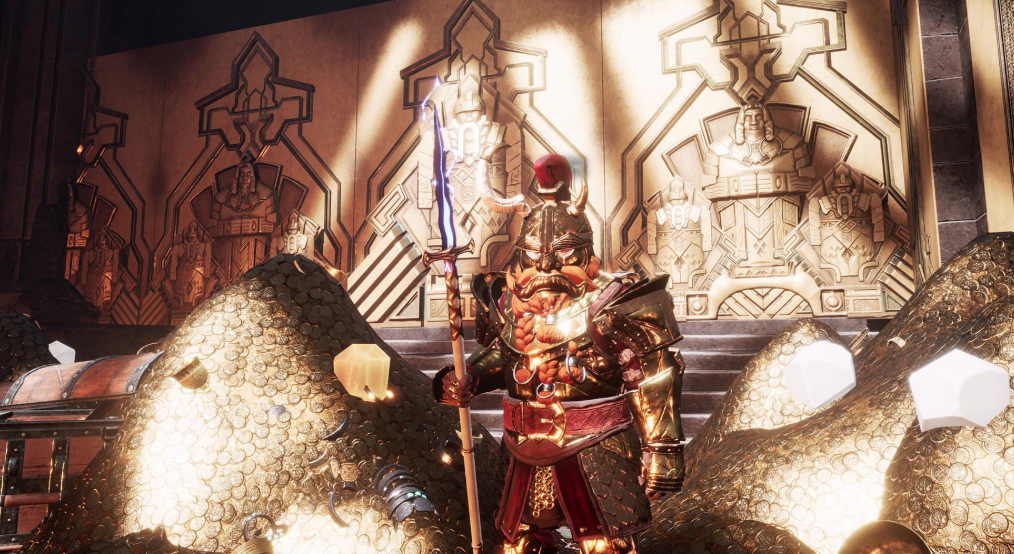
Summoned to the Misty Mountains by Lord Gimli Lockbearer himself, you must answer the call and reclaim Moria, the legendary home beneath the mountain! You will need both your axe and your wit to survive, craft, build and explore the deep, sprawling mines. But beware, many dangers still lurk in the shadows…
Set in a procedurally generated Dwarven realm of Moria, no two adventures will be alike. Journey on your own or call upon your online companions to aid you!
KEY GAME FEATURES
Live the story - Restore the long-lost ancient kingdom of Khazad-dûm to its former glory and recover Dwarven landmarks as the story progresses.
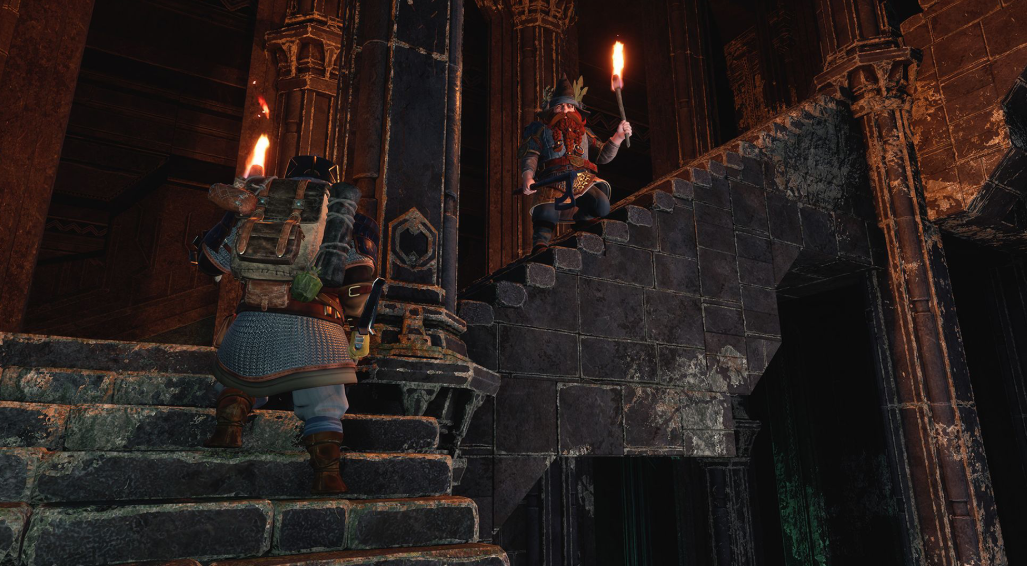
Explore the Mines - Procedurally generated environments are filled with resources, hidden secrets, and dangers, offering a new experience every time you venture into the mines.
Build the Bases - Reveal and clear new locations to create architecture on a grand scale. Get creative and construct bases from scratch or build upon the existing environment.
Survive the Dark - To survive, you must conserve resources, hunt and gather for food and manage sleep, temperature, and noise levels.
Craft the Tools - Craft and loot legendary armor, weapons, and tools. Rebuild legendary forges and rediscover Dwarven crafting and smithing technologies.
Co-op Multiplayer: Adventure alone or band together with friends in online cooperative multiplayer.
Live as a Dwarf in the Fourth Age of Middle-earth!
Mine for resources
Battle the Dark forces
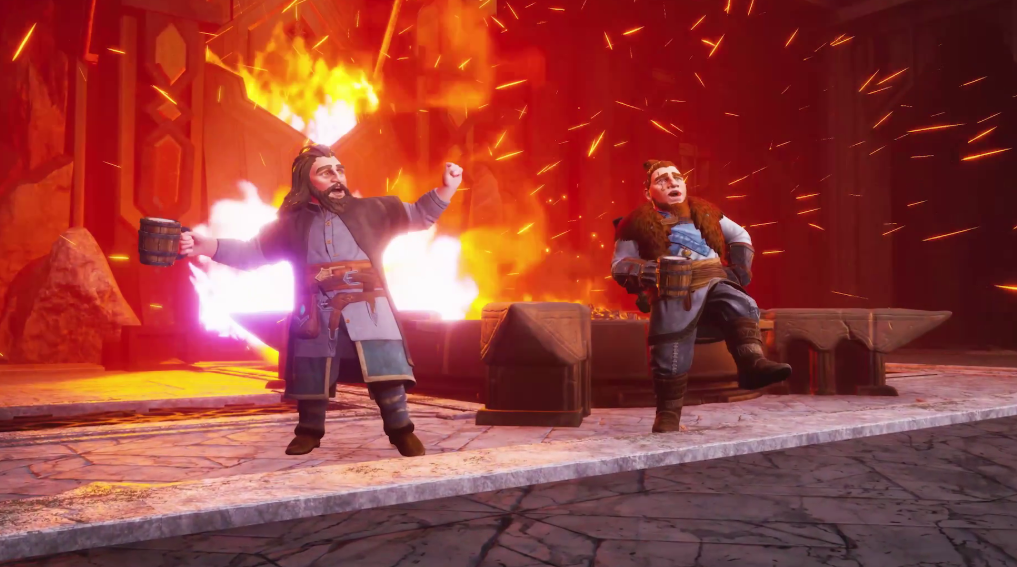
Sing Dwarven songs
Pay attention to glowing weapons (the Orcs are near!)
Uncover powerful enchantments
Brew different kinds of ale
Customize your Dwarf - beard styles included, of course!
Enjoy epic voice acting - including Khuzdul!
Find traces of the Fellowship
And so much more…
Set in a procedurally generated Dwarven realm of Moria, no two adventures will be alike. Journey on your own or call upon your online companions to aid you!
KEY GAME FEATURES
Live the story - Restore the long-lost ancient kingdom of Khazad-dûm to its former glory and recover Dwarven landmarks as the story progresses.
Explore the Mines - Procedurally generated environments are filled with resources, hidden secrets, and dangers, offering a new experience every time you venture into the mines.
Build the Bases - Reveal and clear new locations to create architecture on a grand scale. Get creative and construct bases from scratch or build upon the existing environment.
Survive the Dark - To survive, you must conserve resources, hunt and gather for food and manage sleep, temperature, and noise levels.
Craft the Tools - Craft and loot legendary armor, weapons, and tools. Rebuild legendary forges and rediscover Dwarven crafting and smithing technologies.
Co-op Multiplayer: Adventure alone or band together with friends in online cooperative multiplayer.
Live as a Dwarf in the Fourth Age of Middle-earth!
Mine for resources
Battle the Dark forces
Sing Dwarven songs
Pay attention to glowing weapons (the Orcs are near!)
Uncover powerful enchantments
Brew different kinds of ale
Customize your Dwarf - beard styles included, of course!
Enjoy epic voice acting - including Khuzdul!
Find traces of the Fellowship
And so much more…
Minimum Requirements
Requires a 64-bit processor and operating system
OS Windows 10/11 64-bit
Processor Intel® Core i5 (Quad Core or better)
Memory 8 GB RAM
Graphics NVIDIA® GeForce® GTX 1060
DirectX Version 12
Network Broadband Internet connection
Storage 20 GB available space
Additional Notes SSD Recommended
If you are not familiar with the technical information of your PC, download the CPU-Z program. CPU-Z will give you detailed information about the main system components - CPU, RAM, video card - installed on your system, which you can then compare with the minimum requirements of the game.
- Go to: http://store.steampowered.com/ and download STEAM client
- Click "Install Steam" (from the upper right corner)
- Install and start application, login with your Account name and Password (create one if you don't have).
- Please follow these instructions to activate a new retail purchase on Steam:
- Launch Steam and log into your Steam account.
- Click the Games Menu.
- Choose Activate a Product on Steam...
- Follow the onscreen instructions to complete the process.
- After successful code verification go to the "MY GAMES" tab and start downloading.
Videos & Screenshots
Recommended




- Payments
-

-

-

-

-

-

-

-

-