
Buy STROBO | Rave Horror / LATAM

Platform:
Windows
Genre:
Adventure, Indie
Publisher:
THQ Nordic Mobile
Activation:
Steam
Release Date:
28 october 2020
Languages:
English
Type:
Key
Region:
LATAM
20.00 USD
 In stock
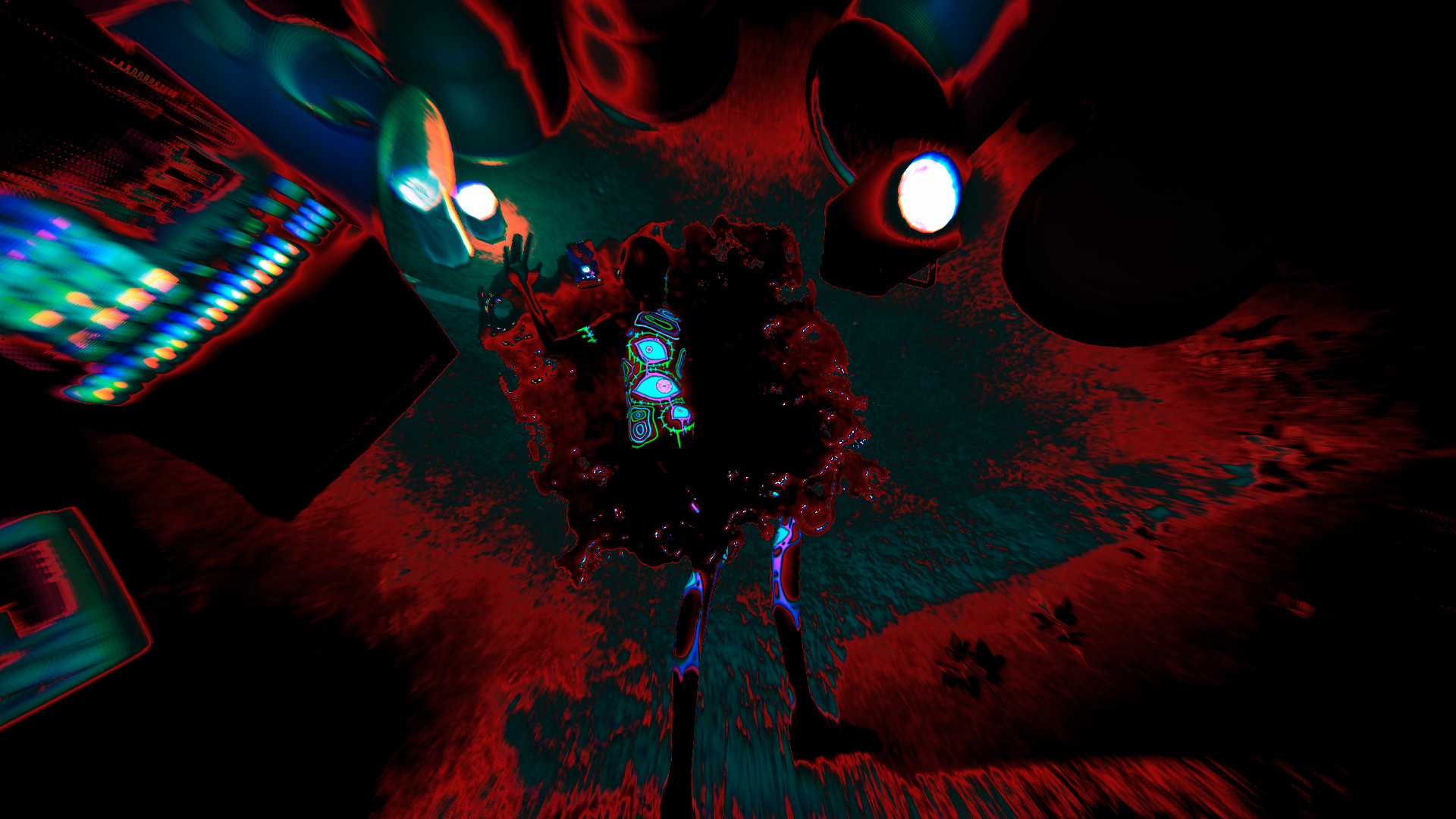
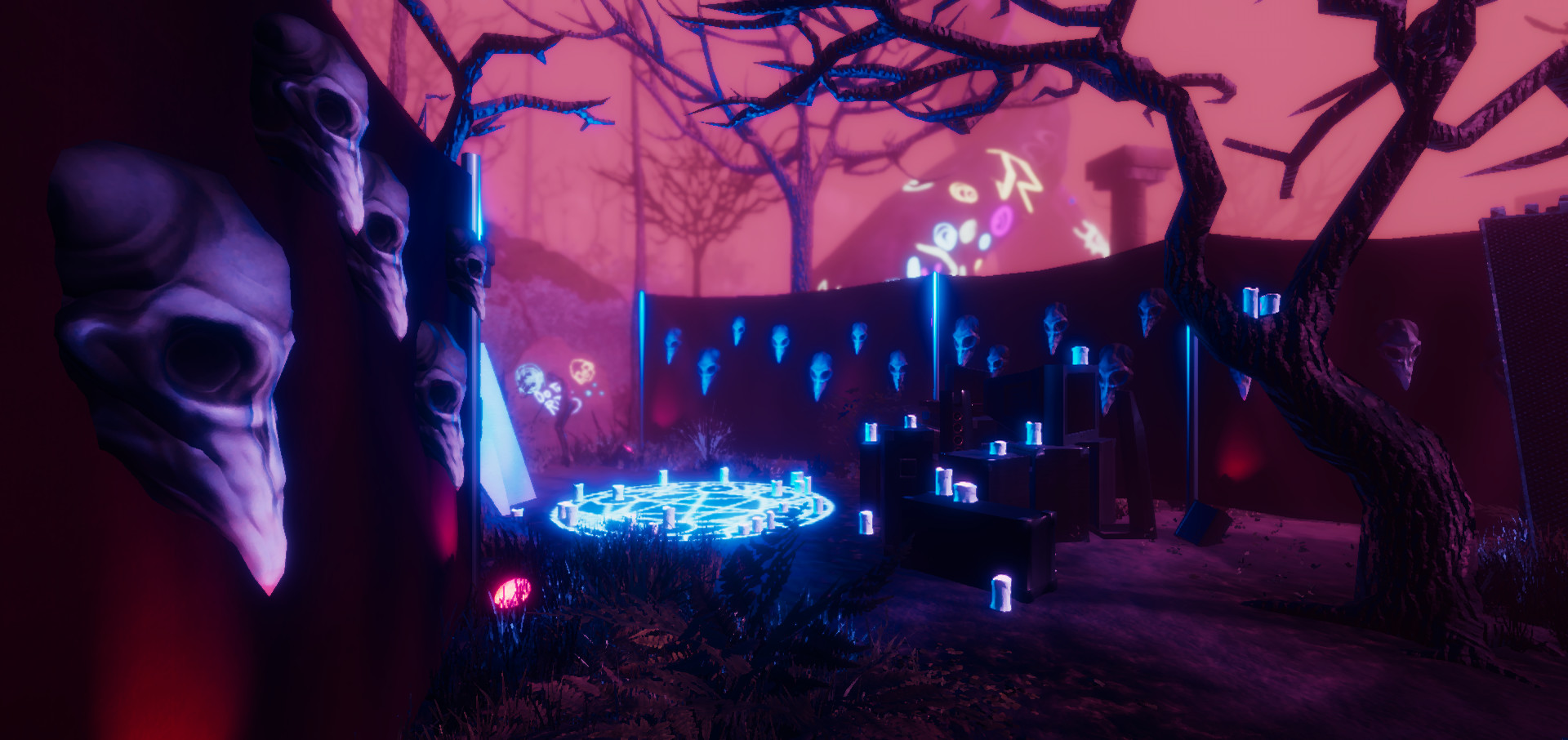
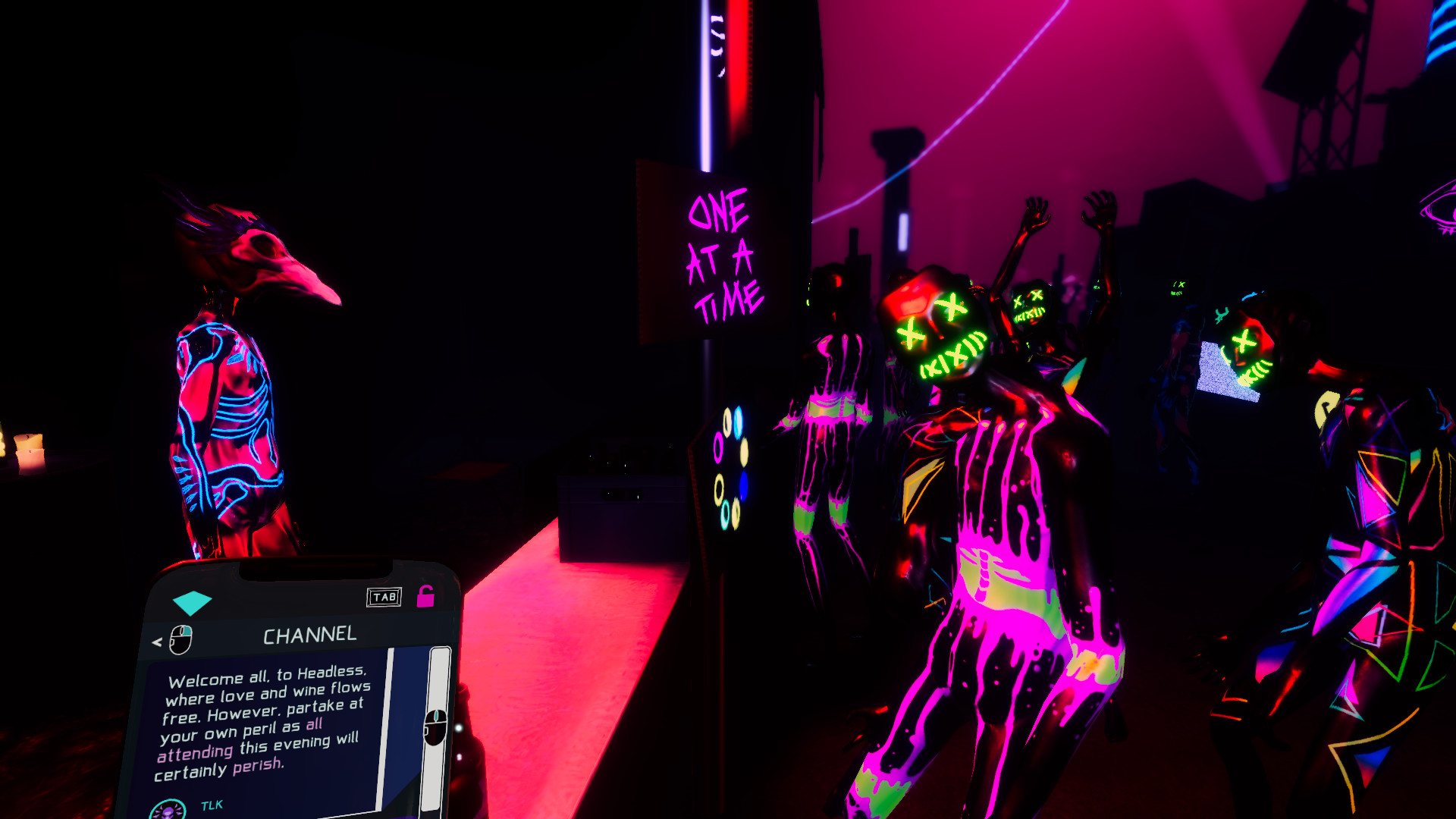
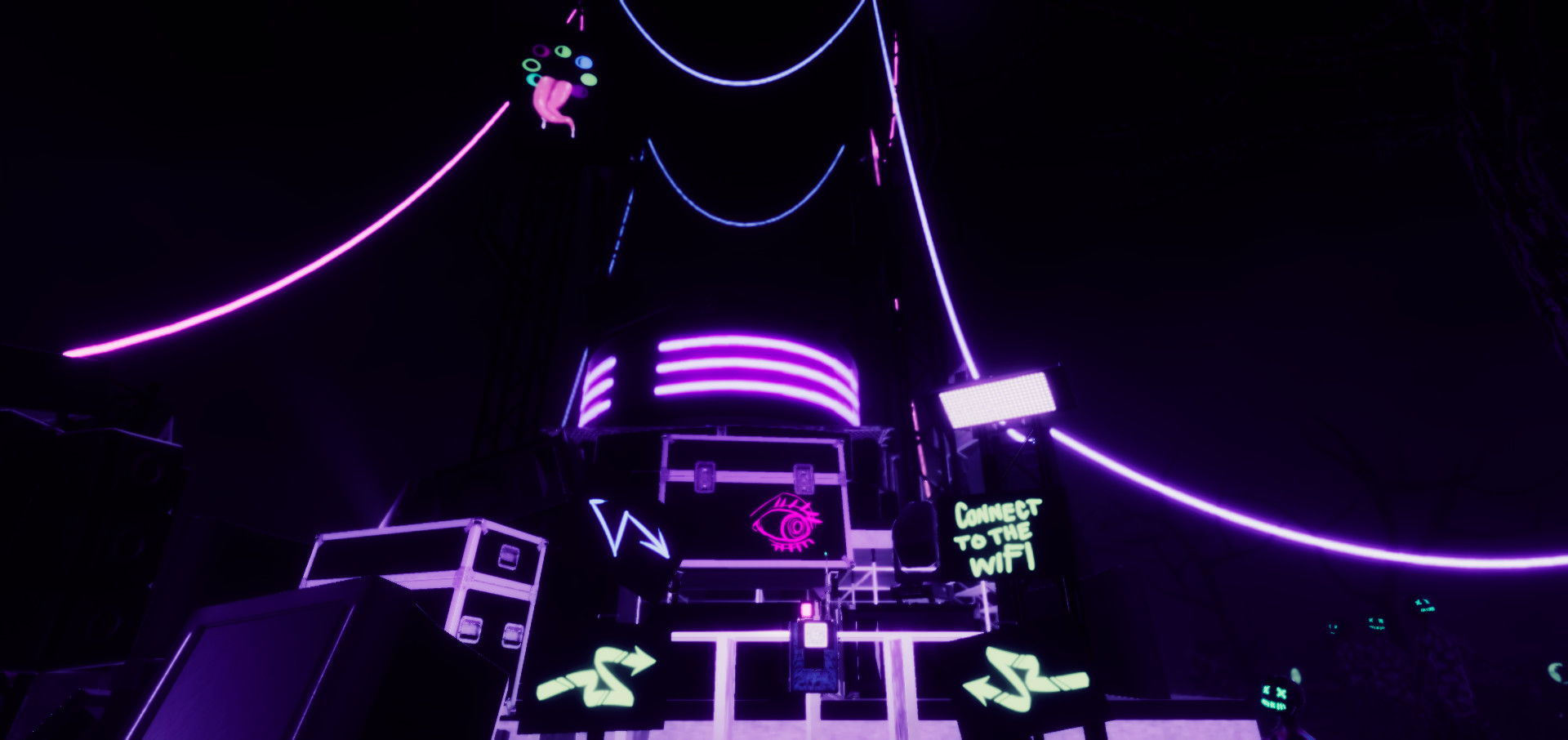
Following a promise of the ultimate expression of freedom, you find yourself at the Headless Rave Festival. However, that freedom comes at a cost as the organisers announce that the price of admission is the lives of all attendees.
Find a way to escape, even as the forest itself appears to work against you. Try to maintain a grip on reality while logic takes a backseat. And whatever you do, stay away from the sinister presence in the darkness.
Can you make your way out without losing yourself?
Classic survival horror through a psychedelic rave lens
Macabre puzzles following twisted logic
In-game smartphone mechanic that helps you locate points of interest and consult the numerous attendees for help
Find a way to escape, even as the forest itself appears to work against you. Try to maintain a grip on reality while logic takes a backseat. And whatever you do, stay away from the sinister presence in the darkness.
Can you make your way out without losing yourself?
Classic survival horror through a psychedelic rave lens
Macabre puzzles following twisted logic
In-game smartphone mechanic that helps you locate points of interest and consult the numerous attendees for help
- Minimum:
- Requires a 64-bit processor and operating system
- OS *: Windows 10, 8 or 7
- Processor: AMD Athlon X4 | |Intel Core i5 2500k
- Memory: 4 GB RAM
- Graphics: Nvidia GTX 950 | AMD R7 370
- DirectX: Version 10
- Storage: 6 GB available space
- Sound Card: Any
- Recommended:
- Requires a 64-bit processor and operating system
- OS: Windows 10
- Processor: AMD Ryzen 3 | |Intel Core i5 2500k
- Memory: 8 GB RAM
- Graphics: Nvidia GTX 970 | AMD RX 570
- DirectX: Version 11
- Storage: 6 GB available space
- Sound Card: Any
If you are not familiar with the technical information of your PC, download the CPU-Z program. CPU-Z will give you detailed information about the main system components - CPU, RAM, video card - installed on your system, which you can then compare with the minimum requirements of the game.
- Go to: http://store.steampowered.com/ and download STEAM client
- Click "Install Steam" (from the upper right corner)
- Install and start application, login with your Account name and Password (create one if you don't have).
- Please follow these instructions to activate a new retail purchase on Steam:
- Launch Steam and log into your Steam account.
- Click the Games Menu.
- Choose Activate a Product on Steam...
- Follow the onscreen instructions to complete the process.
- After successful code verification go to the "MY GAMES" tab and start downloading.
Videos & Screenshots



- Payments
-

-

-

-

-

-

-

-

-
