
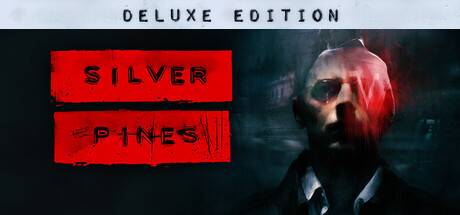
Buy Silver Pines - Deluxe Edition / LATAM
Platform:
Windows
Genre:
RPG, Action, Adventure, Indie
Publisher:
Team17
Activation:
Steam
Release Date:
8 october 2026
Languages:
English, German, French
Type:
Key
Region:
LATAM
26.00 USD
 In stock
Extend your stay in Silver Pines with our Silver Pines Deluxe Edition. The Silver Pines Deluxe Edition Includes:
Silver Pines Original Soundtrack
Make the most of your time in the town of Silver Pines with the Silver Pines original soundtrack composed by Karl Flodin. This album features X original tracks from the game.
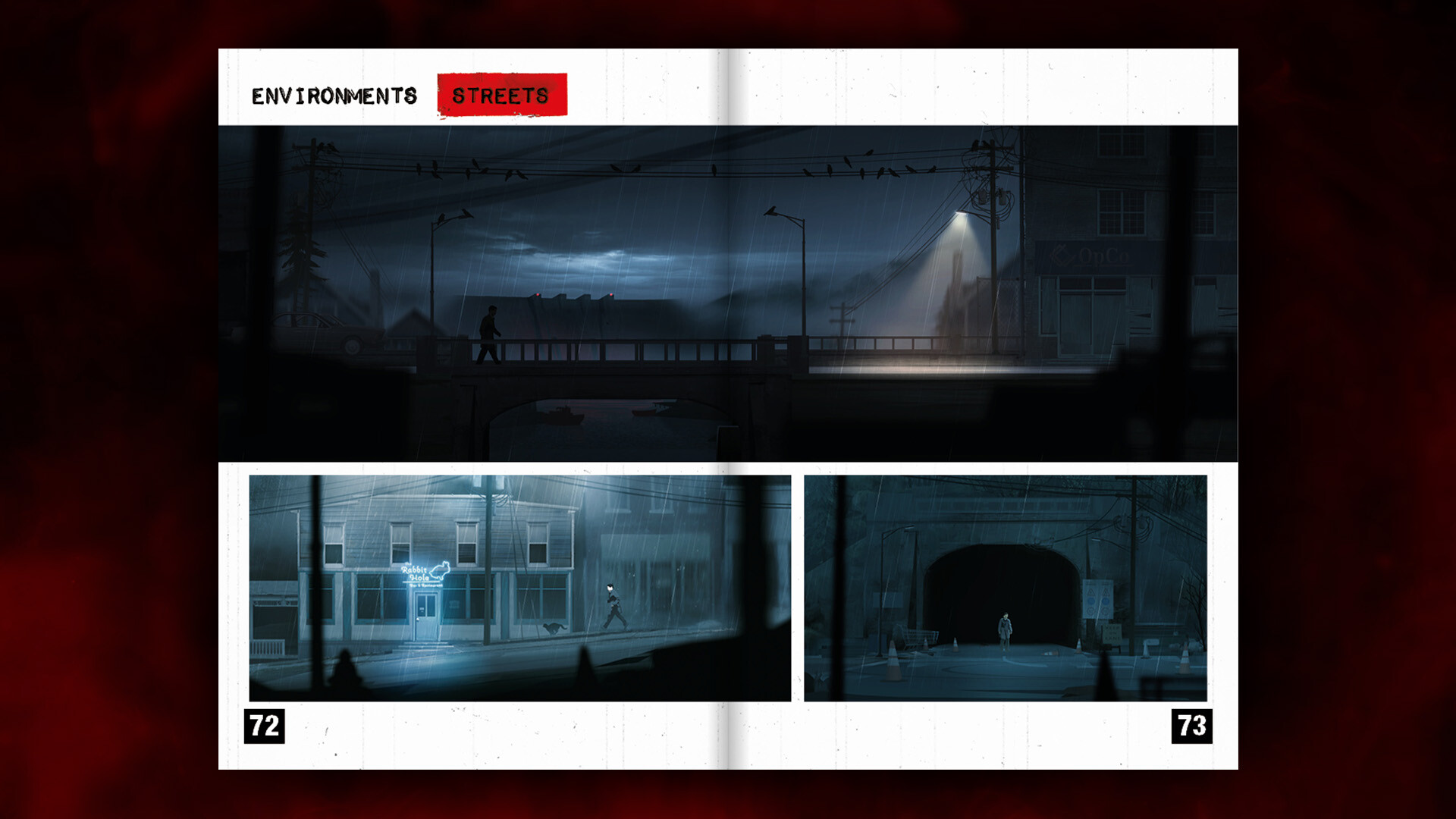
Silver Pines Artbook
Dive behind the scenes of Silver Pines with the Silver Pines artbook. See how the art of Silver Pines has taken shape throughout the game’s development. The artbook features; character sketches, comments from our artists, concept art for the town, environments and much more.
Silver Pines Original Soundtrack
Make the most of your time in the town of Silver Pines with the Silver Pines original soundtrack composed by Karl Flodin. This album features X original tracks from the game.
Silver Pines Artbook
Dive behind the scenes of Silver Pines with the Silver Pines artbook. See how the art of Silver Pines has taken shape throughout the game’s development. The artbook features; character sketches, comments from our artists, concept art for the town, environments and much more.
- Minimum:
- Requires a 64-bit processor and operating system
- OS: Windows 10
- Processor: Intel Core i5-4460 or AMD Ryzen 3 1200
- Memory: 8 GB RAM
- Graphics: NIVIDIA GeForce GTX 660 Ti, AMD Radeon R9 270X
- DirectX: Version 12
- Storage: 5 GB available space
- Recommended:
- Requires a 64-bit processor and operating system
- OS: Windows 11
- Processor: Intel Core i5-6600 or AMD Ryzen 5 1600
- Memory: 8 GB RAM
- Graphics: NIVIDIA GeForce GTX 770, AMD Radeon R9 380
- DirectX: Version 12
- Storage: 5 GB available space
If you are not familiar with the technical information of your PC, download the CPU-Z program. CPU-Z will give you detailed information about the main system components - CPU, RAM, video card - installed on your system, which you can then compare with the minimum requirements of the game.
- Go to: http://store.steampowered.com/ and download STEAM client
- Click "Install Steam" (from the upper right corner)
- Install and start application, login with your Account name and Password (create one if you don't have).
- Please follow these instructions to activate a new retail purchase on Steam:
- Launch Steam and log into your Steam account.
- Click the Games Menu.
- Choose Activate a Product on Steam...
- Follow the onscreen instructions to complete the process.
- After successful code verification go to the "MY GAMES" tab and start downloading.
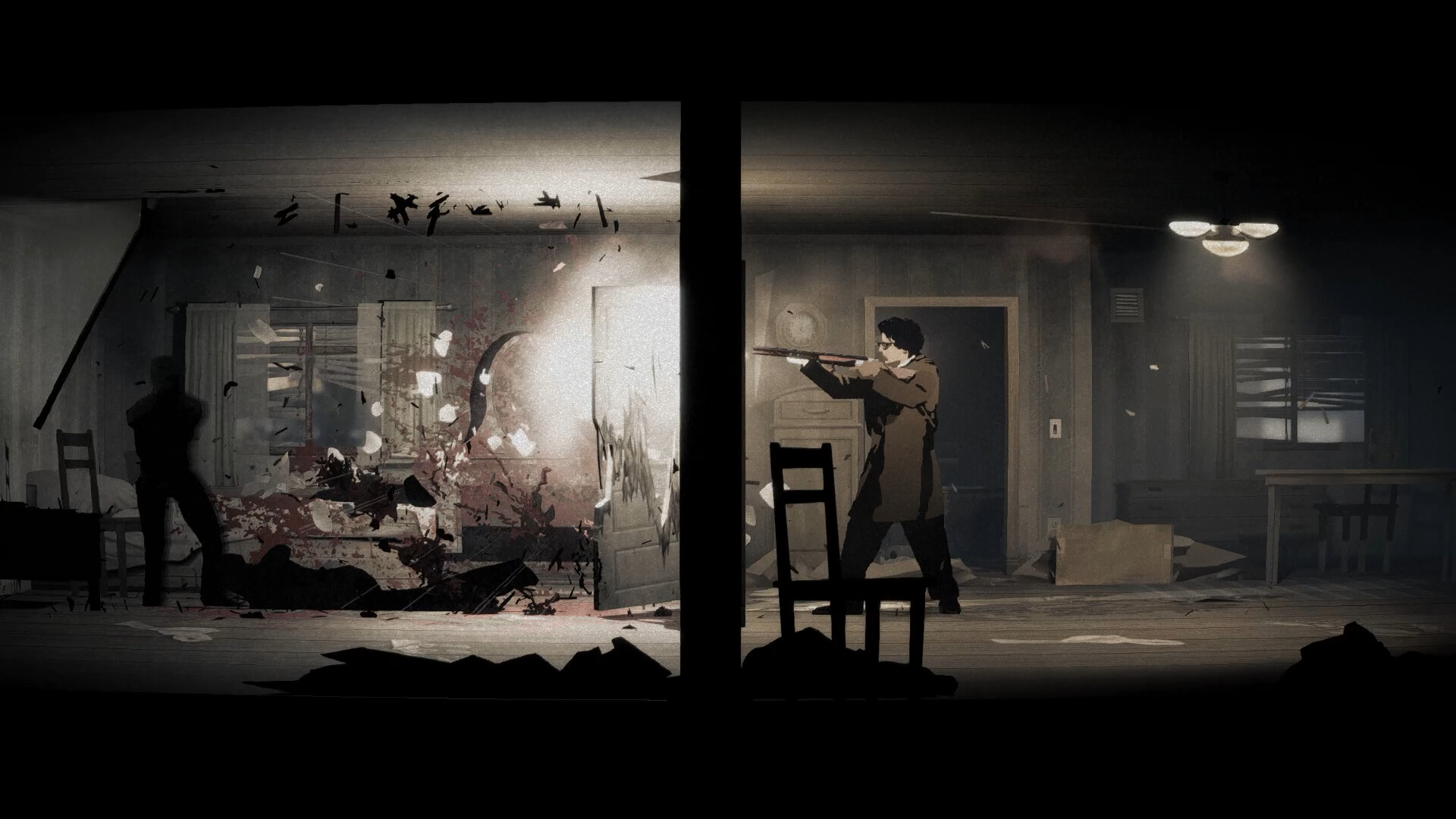
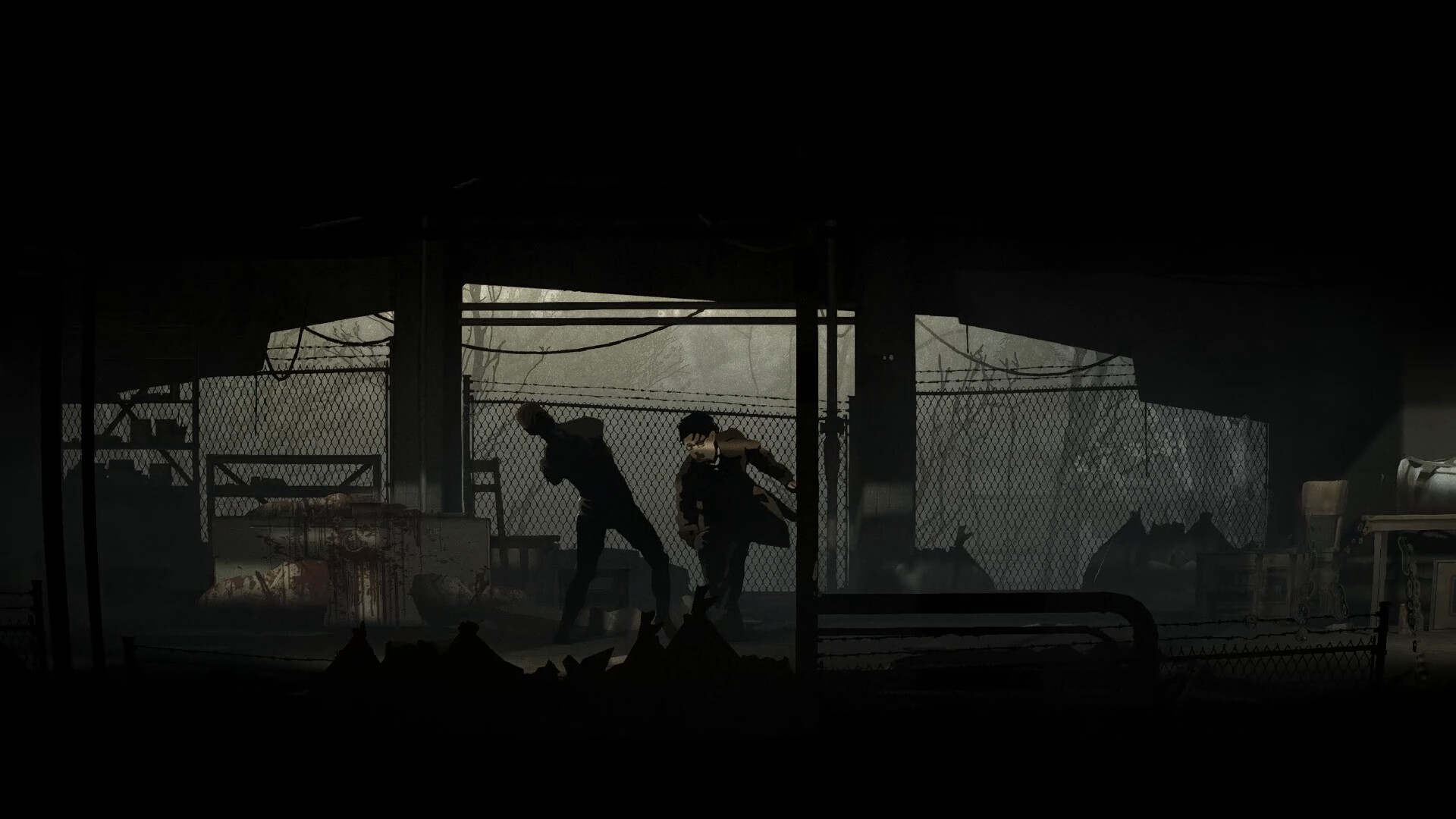
Videos & Screenshots

Recommended





- Payments
-

-

-

-

-

-

-

-

-
