
Buy Behind the Frame: The Finest Scenery / LATAM

 In stock
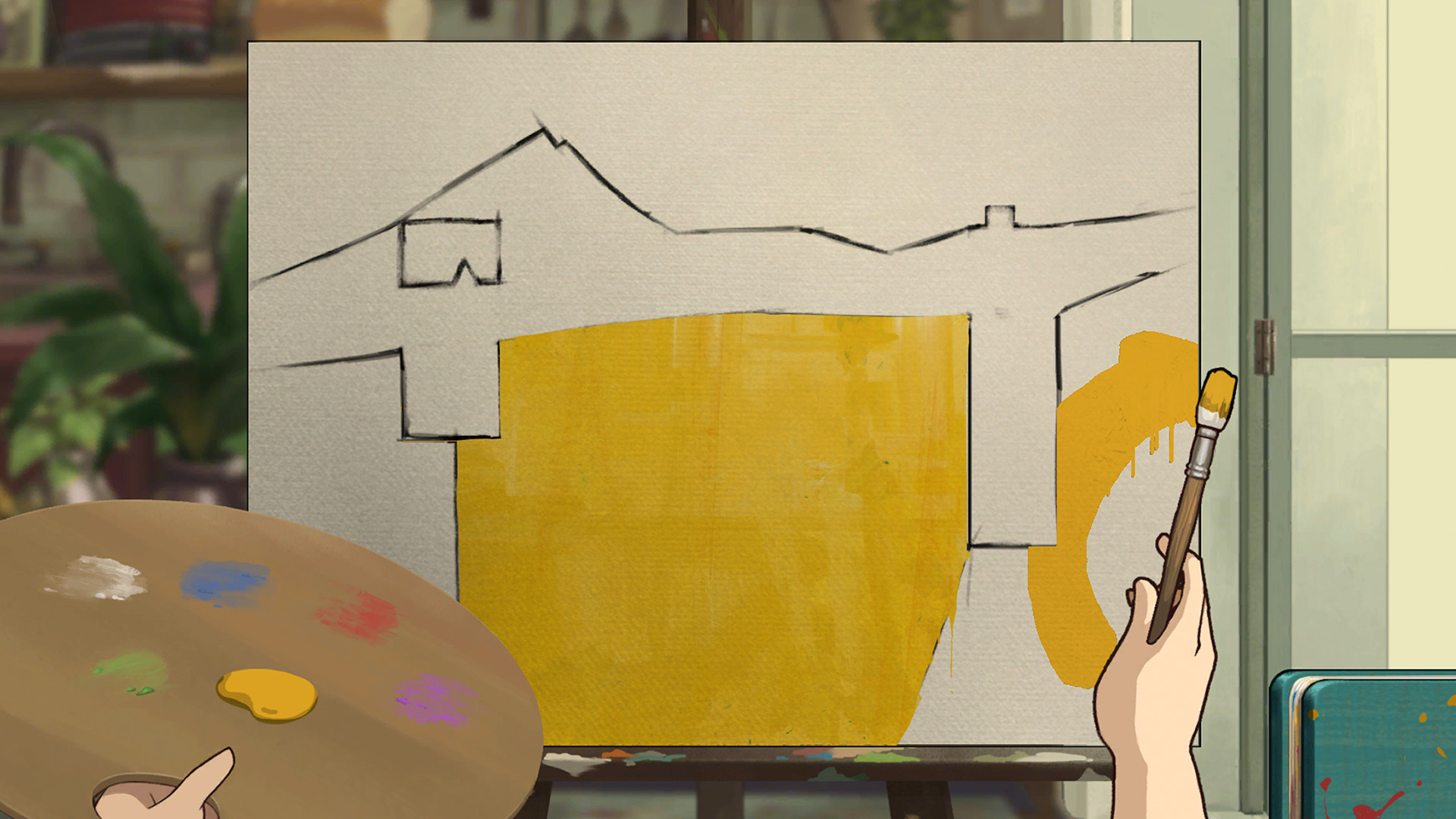
A relaxing, eloquent experience that can be played at any pace. Become immersed in a panoramic world filled with resplendent colors, beautiful hand-animated visuals, and a smooth, easy-listening soundtrack.
As a passionate artist, seek the missing colors that will bring your paintings to life - all while remembering to take the occasional coffee and breakfast breaks that keep you going. There is more than what meets the eye, for every painting has a story to tell.
• Paint, sketch, and retouch your artwork to complete your masterpiece and your memories
• Dive into and explore beautiful panoramic, hand-animated worlds inspired by Miyazaki/Studio Ghibli visuals
• Experience an evocative story, through the eyes of a passionate artist
• Step into a new painter’s artistic adventure - awaiting those who complete the main story
- Minimum:
- OS: Windows 10
- Processor: 4th Gen i5/1st Gen Ryzen
- Memory: 4 GB RAM
- Graphics: GeForce 7 Series/Radeon R7 Series
- Storage: 3 GB available space
- Recommended:
- OS: Windows 10
- Processor: 6th Gen i5/2nd Gen Ryzen (or better)
- Memory: 8 GB RAM
- Graphics: GeForce 9 Series/Radeon R9 Series (or better)
- Storage: 3 GB available space
If you are not familiar with the technical information of your PC, download the CPU-Z program. CPU-Z will give you detailed information about the main system components - CPU, RAM, video card - installed on your system, which you can then compare with the minimum requirements of the game.
- Go to: http://store.steampowered.com/ and download STEAM client
- Click "Install Steam" (from the upper right corner)
- Install and start application, login with your Account name and Password (create one if you don't have).
- Please follow these instructions to activate a new retail purchase on Steam:
- Launch Steam and log into your Steam account.
- Click the Games Menu.
- Choose Activate a Product on Steam...
- Follow the onscreen instructions to complete the process.
- After successful code verification go to the "MY GAMES" tab and start downloading.
Videos & Screenshots






- Payments
-

-

-

-

-

-

-

-

-
