
Buy PAPERHEAD - Deluxe Edition/ EU

Platform:
Windows
Genre:
Action, Indie
Publisher:
HypeTrain Digital
Activation:
Steam
Release Date:
9 october 2026
Languages:
English, German, French
Type:
Key
Region:
EU
25.00 USD
 In stock
Here is the English description of PAPERHEAD - Deluxe Edition and its contents:
PAPERHEAD - Deluxe Edition is a fast-paced retro-horror FPS set in a unique, creepy cardboard world.
What is Included
• PAPERHEAD (Base Game)
• PAPERHEAD - Supporter Pack (DLC featuring digital bonus content like the soundtrack and artbook)
Key Features
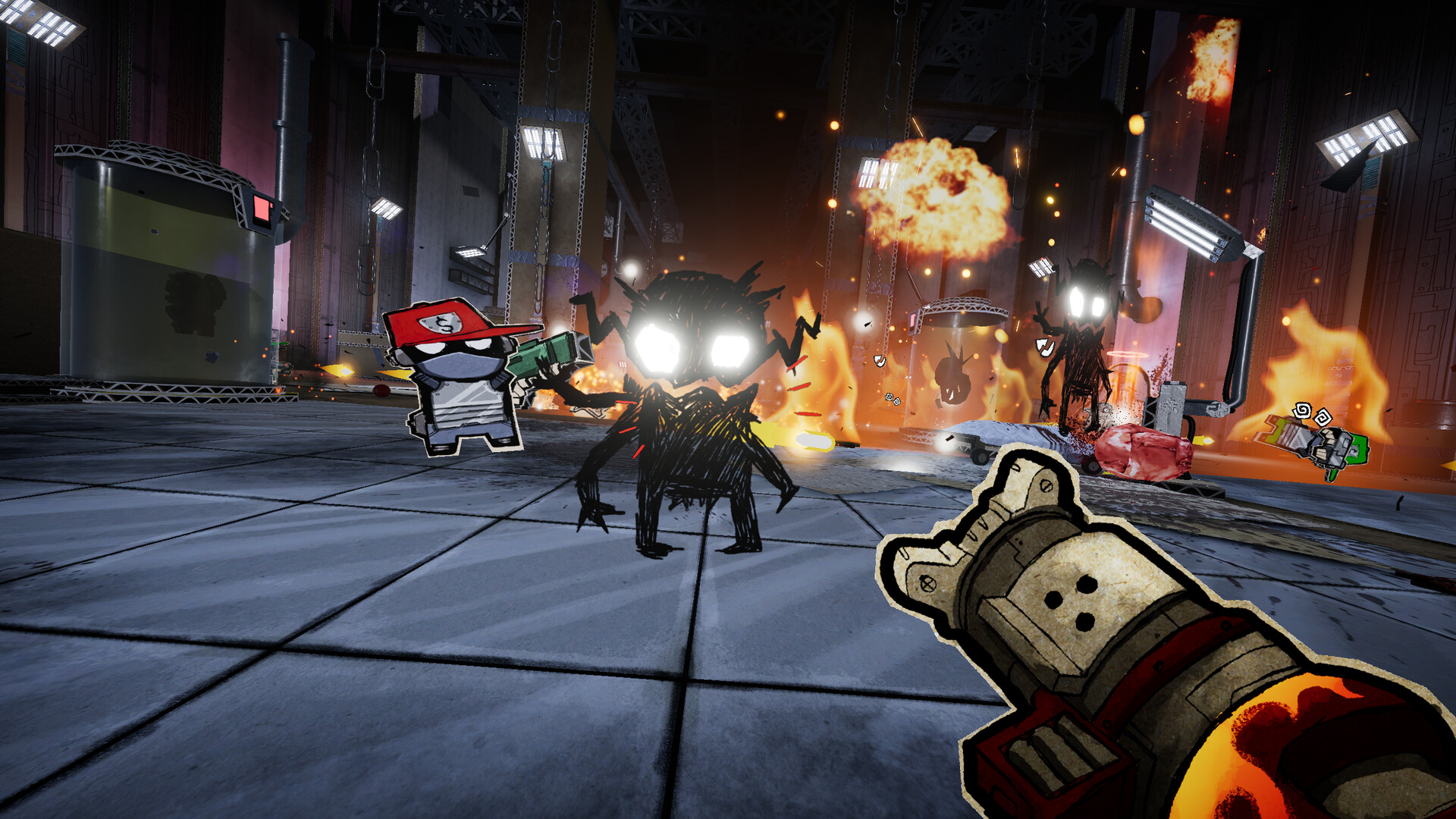
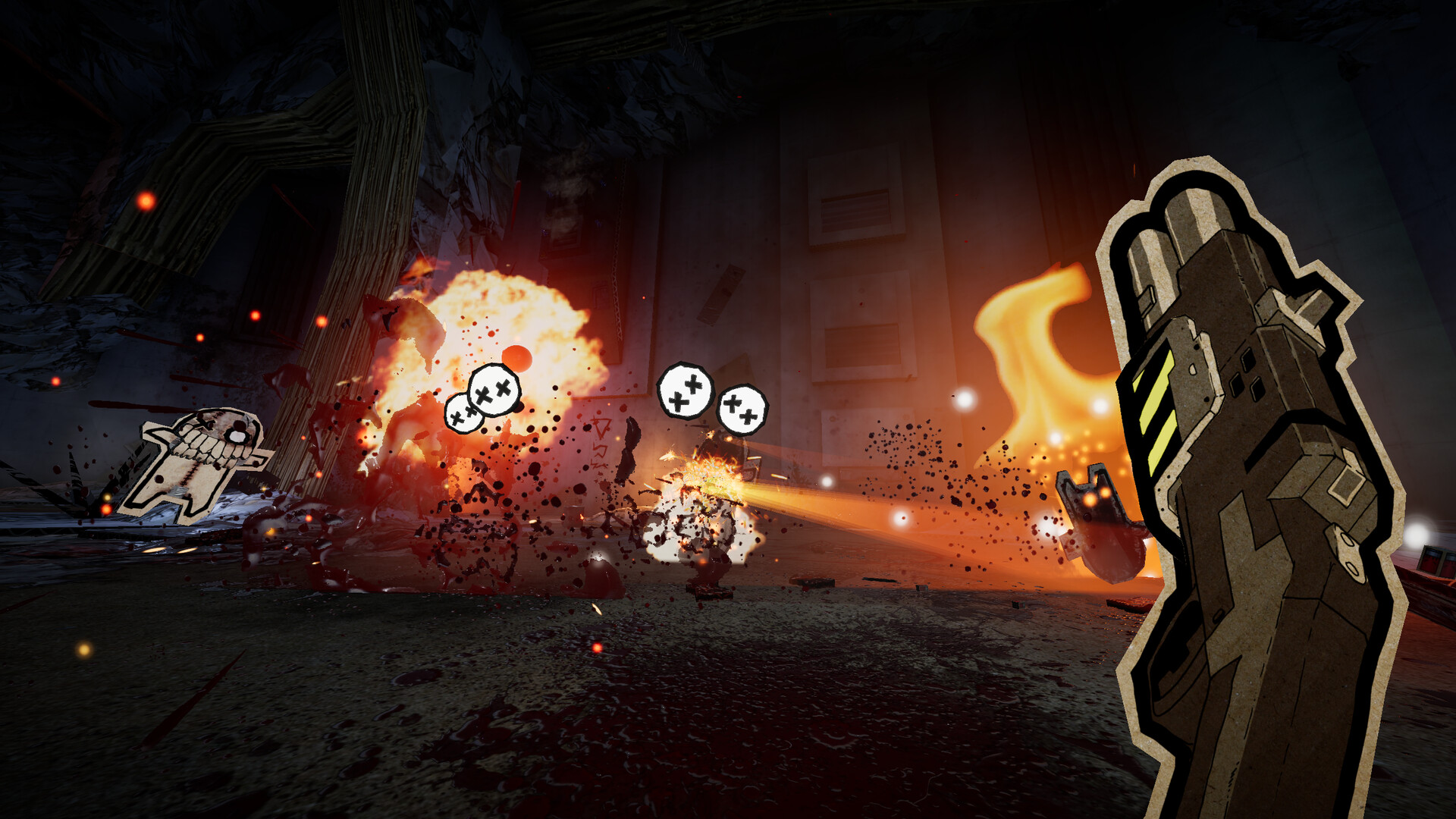
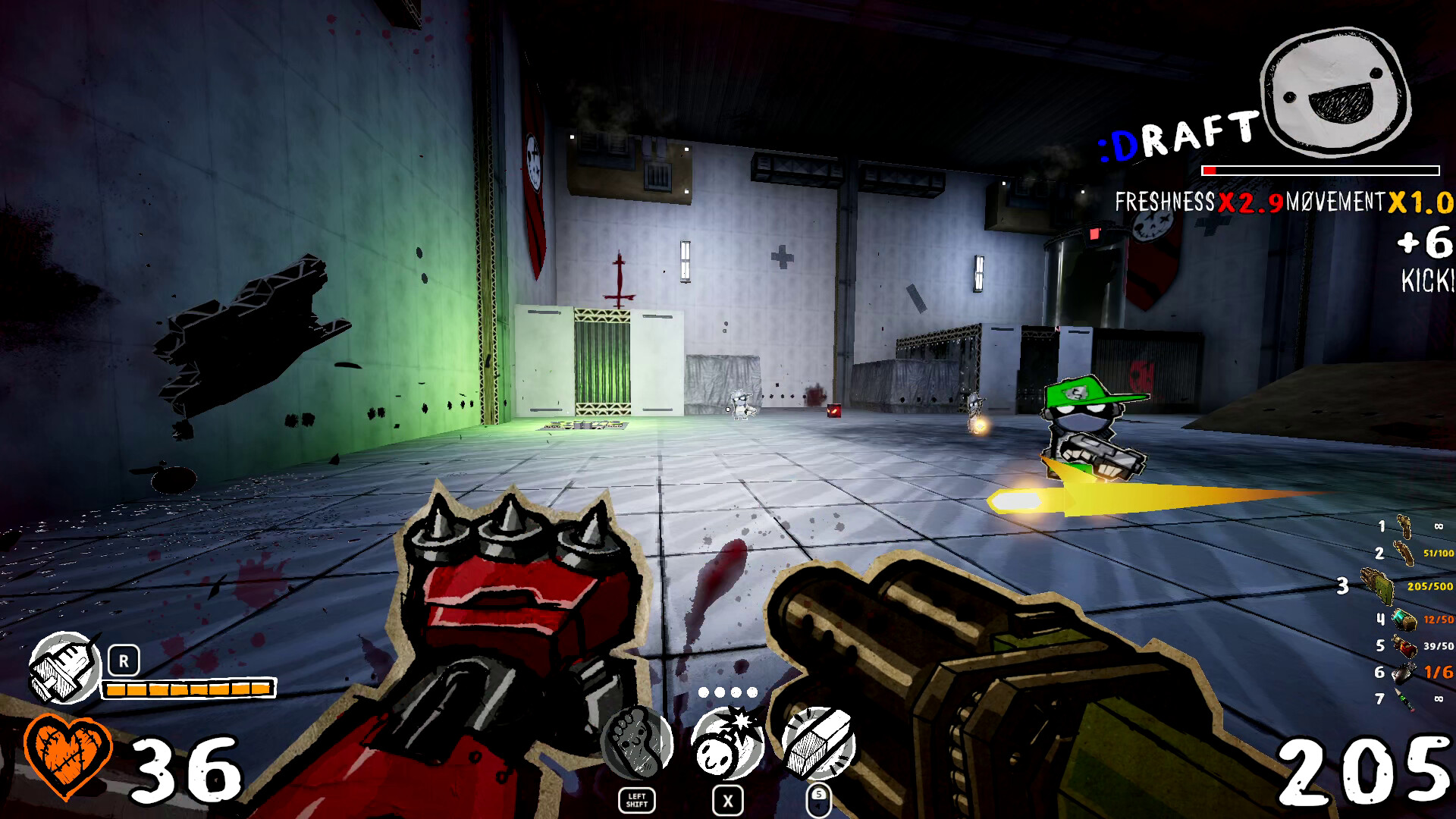
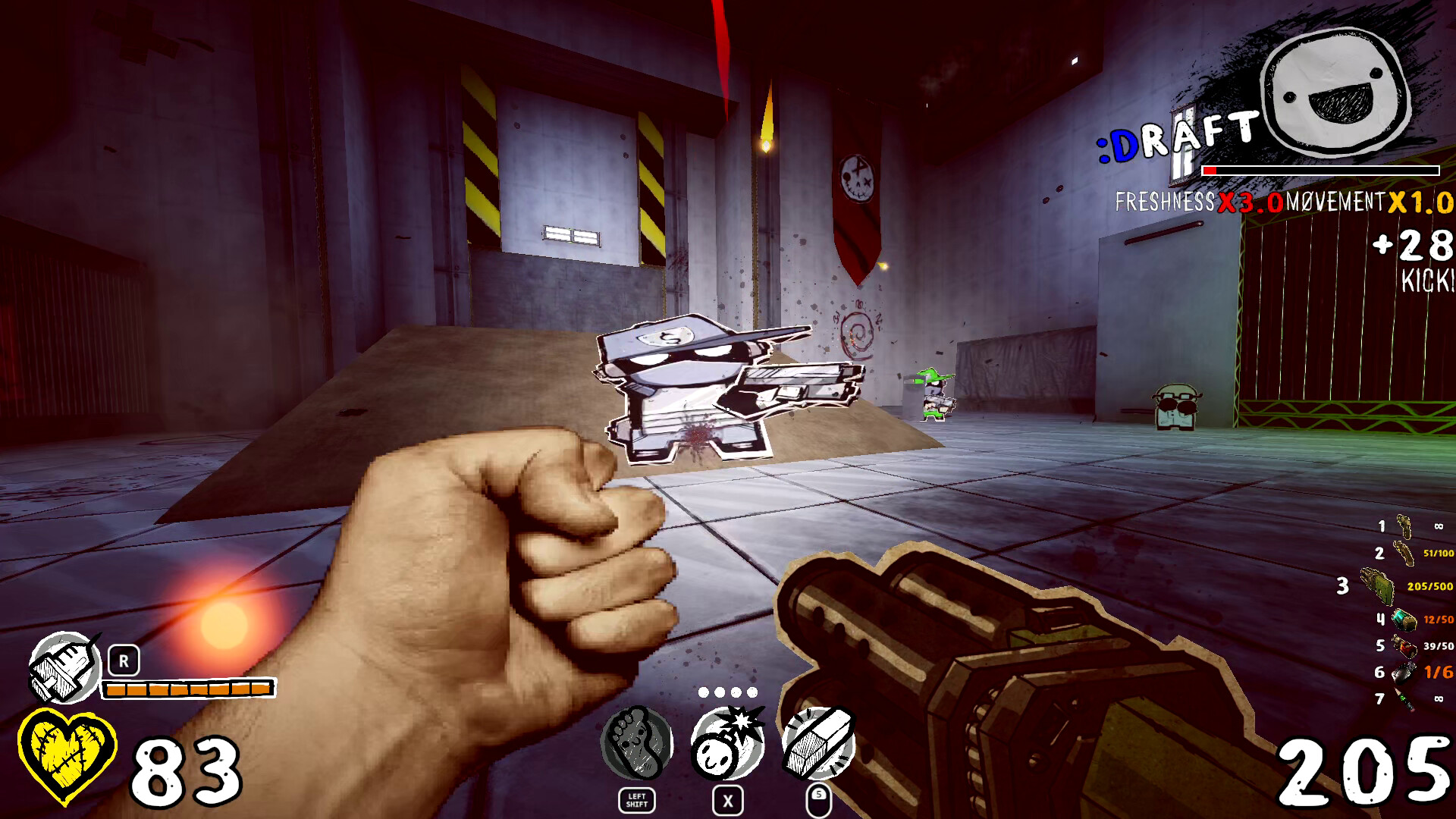
• Fast-paced Combat: Fast movement, shotgun blasts, and intense gore mixed with "boomer-shooter" mechanics.
• The Pencil Mechanic: A unique tool that lets you draw bombs, create new pathways, and manipulate the cardboard environment.
• Paper Horror Aesthetics: A distinctive visual style where everything is made of paper, cardboard, and drawing materials, creating a dark yet stylized atmosphere.
PAPERHEAD - Deluxe Edition is a fast-paced retro-horror FPS set in a unique, creepy cardboard world.
What is Included
• PAPERHEAD (Base Game)
• PAPERHEAD - Supporter Pack (DLC featuring digital bonus content like the soundtrack and artbook)
Key Features
• Fast-paced Combat: Fast movement, shotgun blasts, and intense gore mixed with "boomer-shooter" mechanics.
• The Pencil Mechanic: A unique tool that lets you draw bombs, create new pathways, and manipulate the cardboard environment.
• Paper Horror Aesthetics: A distinctive visual style where everything is made of paper, cardboard, and drawing materials, creating a dark yet stylized atmosphere.
- Minimum:
- OS *: Windows 7 64-bit or later
- Processor: Requires a 64-bit processor and operating system
- Memory: 2 GB RAM
- Graphics: GeForce 9800GT Or Equivalent
- DirectX: Version 9.0
- Storage: 2 GB available space
- Sound Card: Any
- Recommended:
- OS: Windows 10 64-bit
- Processor: 2.4 GHZ Quad Core Processor Or Higher
- Memory: 4 GB RAM
- Graphics: Geforce GTX 460 Or Equivalent
- DirectX: Version 11
- Storage: 3 GB available space
- Sound Card: Any
If you are not familiar with the technical information of your PC, download the CPU-Z program. CPU-Z will give you detailed information about the main system components - CPU, RAM, video card - installed on your system, which you can then compare with the minimum requirements of the game.
- Go to: http://store.steampowered.com/ and download STEAM client
- Click "Install Steam" (from the upper right corner)
- Install and start application, login with your Account name and Password (create one if you don't have).
- Please follow these instructions to activate a new retail purchase on Steam:
- Launch Steam and log into your Steam account.
- Click the Games Menu.
- Choose Activate a Product on Steam...
- Follow the onscreen instructions to complete the process.
- After successful code verification go to the "MY GAMES" tab and start downloading.
Videos & Screenshots
Recommended





- Payments
-

-

-

-

-

-

-

-

-
