
Buy Graveyard Keeper 2 / LATAM
Platform:
Windows
Genre:
RPG, Adventure, Simulator
Publisher:
tinyBuild
Activation:
Steam
Release Date:
22 september 2026
Languages:
English
Type:
Key
Region:
LATAM
13.00 USD
 In stock
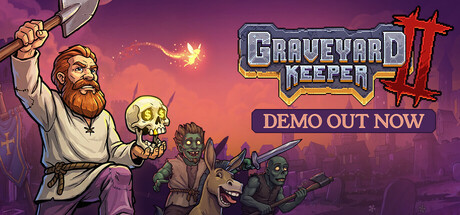
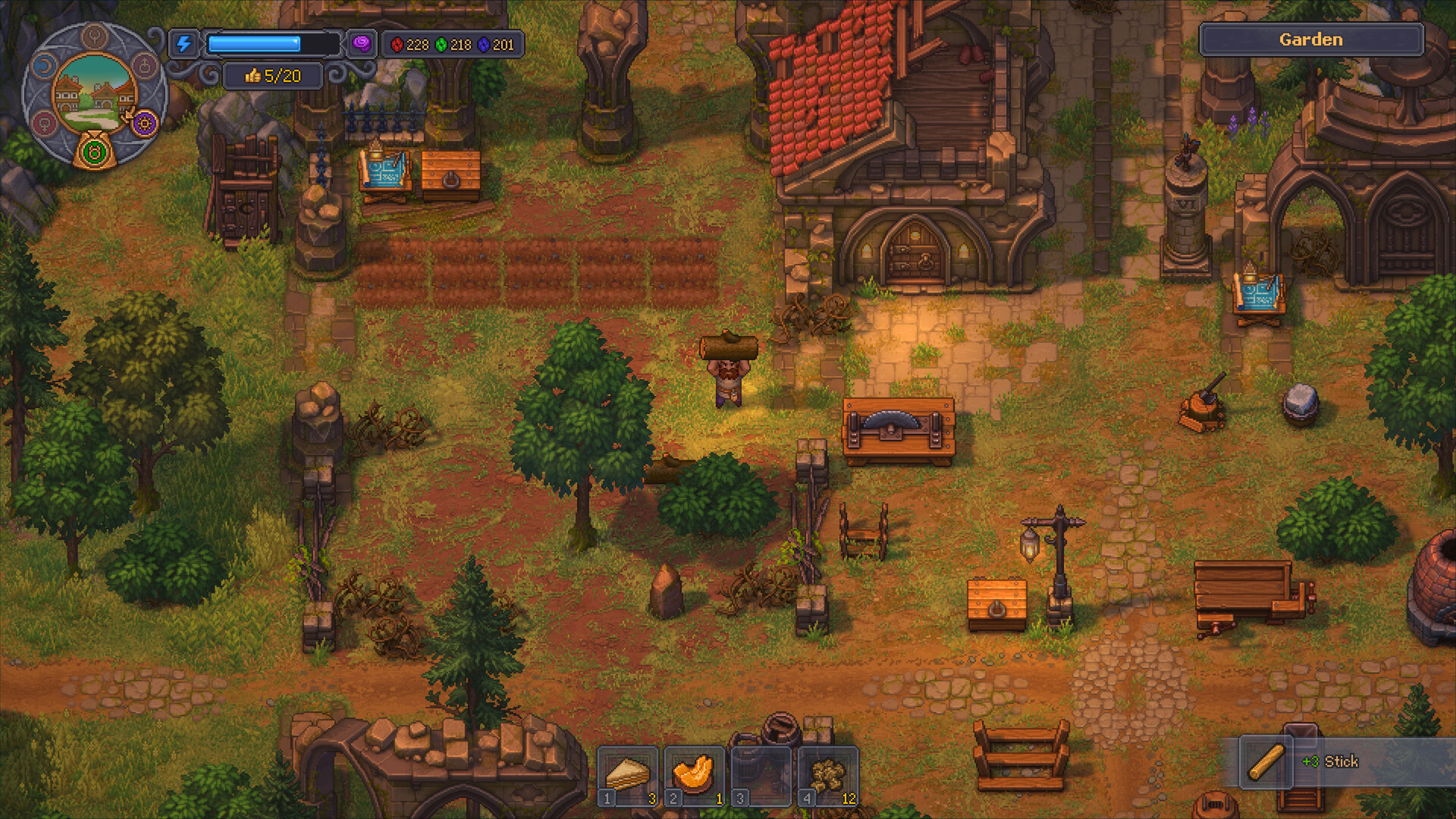
You are the Grand Inquisitor now! Restore the Town and lead your undead army into battle to save the realm from a zombie apocalypse. Welcome to Graveyard Keeper 2 - the sequel to the original, unhinged classic!
Manage your own medieval graveyard
Automate your production like never before
Lead your zombie army into battle and fortify the Town against the undead
Rebuild The Town and milk its residents for maximum profits
A world full of unhinged humour, grotesque characters and a twisted story
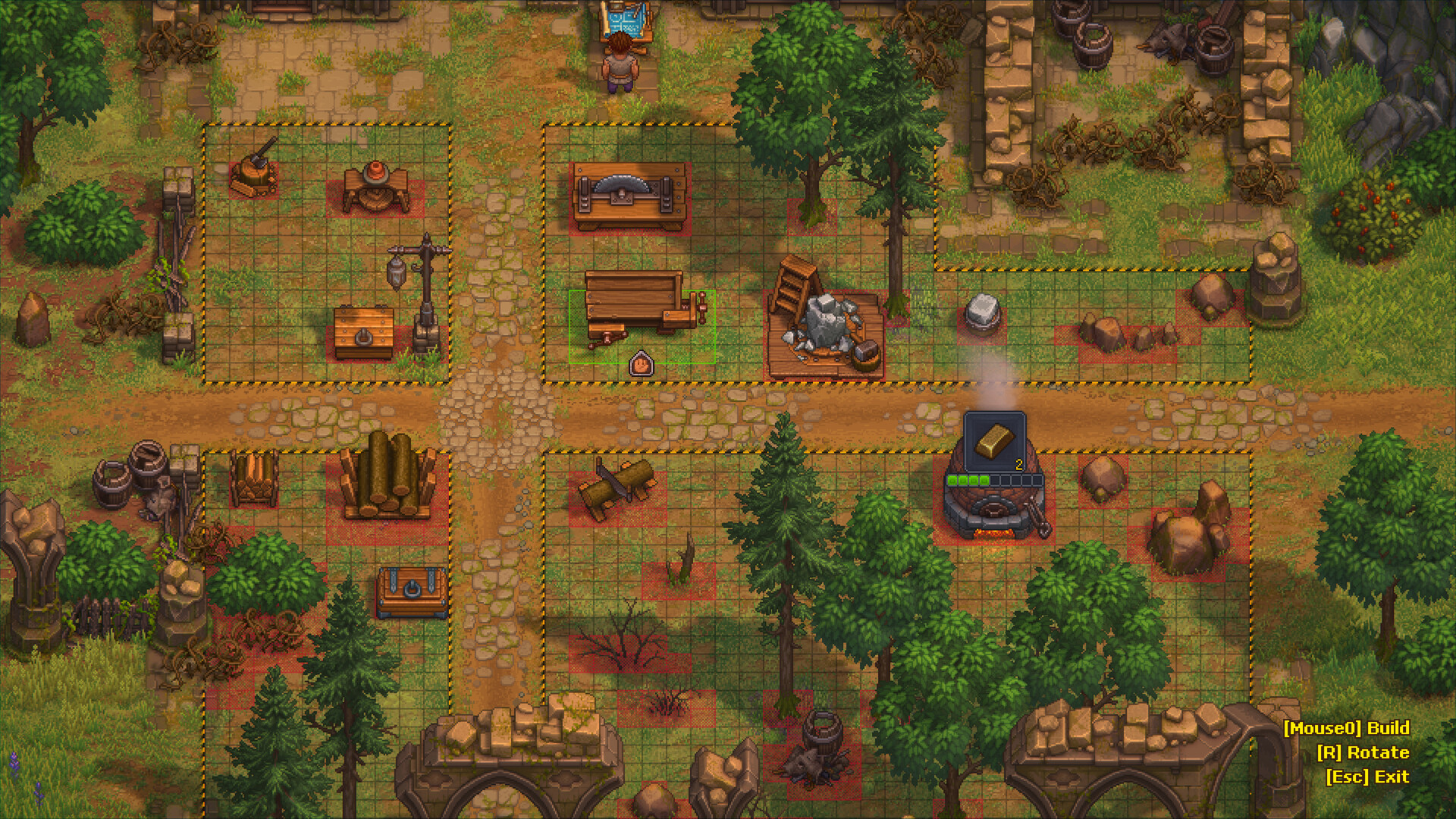
Build and manage your own medieval graveyard. Harvest as much flora, fauna, and human remains as you can to build extraordinary machinery, automate production, and expand your graveyard for pure profit.
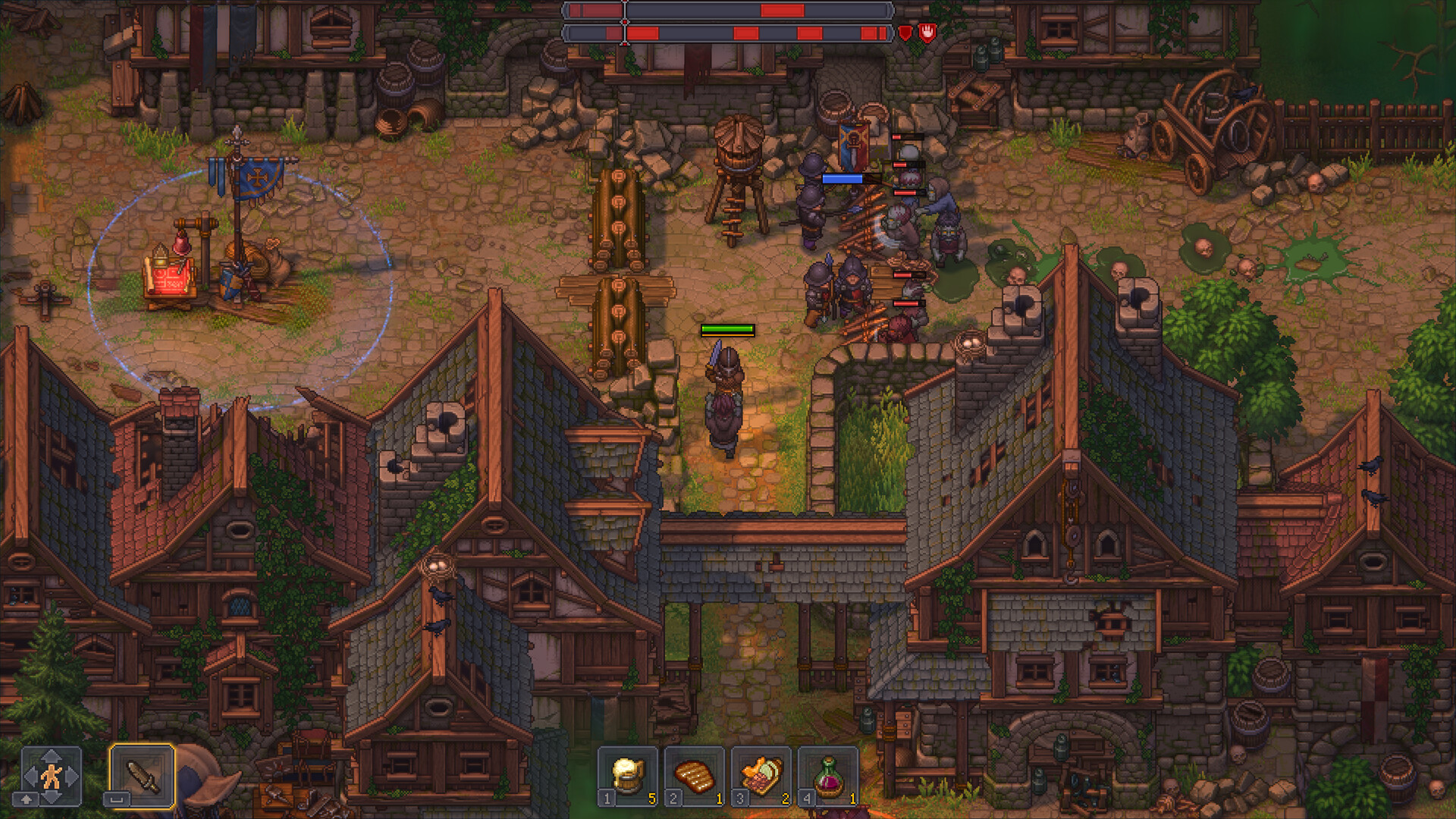
Become the Inquisitor and lead your undead army into battle to save the Kingdom from a zombie apocalypse. Build towers and fortifications, craft powerful armour and weapons, arm and train your not-so-smart troops, and slash your way to victory!
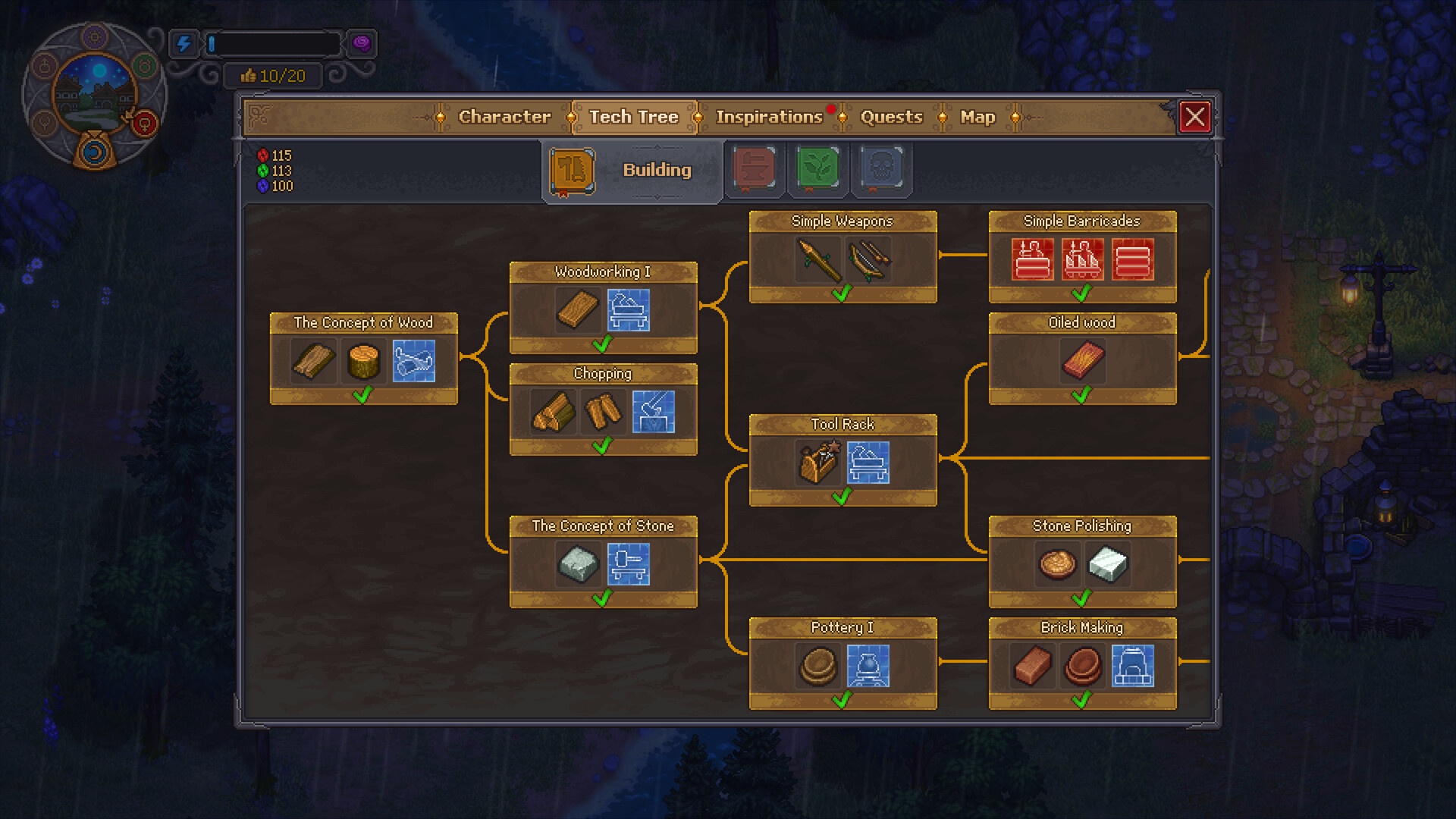
Help the townsfolk restore their homes and turn their problems into revenue. Complete quests throughout the city, as your undead workers take care of the heavy lifting behind the scenes. With zombie-based automation and structured systems, you can transform local efforts into a scalable and profitable operation.
Manage your own medieval graveyard
Automate your production like never before
Lead your zombie army into battle and fortify the Town against the undead
Rebuild The Town and milk its residents for maximum profits
A world full of unhinged humour, grotesque characters and a twisted story
Build and manage your own medieval graveyard. Harvest as much flora, fauna, and human remains as you can to build extraordinary machinery, automate production, and expand your graveyard for pure profit.
Become the Inquisitor and lead your undead army into battle to save the Kingdom from a zombie apocalypse. Build towers and fortifications, craft powerful armour and weapons, arm and train your not-so-smart troops, and slash your way to victory!
Help the townsfolk restore their homes and turn their problems into revenue. Complete quests throughout the city, as your undead workers take care of the heavy lifting behind the scenes. With zombie-based automation and structured systems, you can transform local efforts into a scalable and profitable operation.
- Minimum:
- Requires a 64-bit processor and operating system
- OS: Windows 10 x64 or higher
- Processor: Intel Core i3 (13 gen) or similar
- Memory: 6 GB RAM
- Graphics: GeForce GTX 1650 or similar
- DirectX: Version 12
- Storage: 4 GB available space
- Recommended:
- Requires a 64-bit processor and operating system
- OS: Windows 10 x64 or higher
- Processor: Intel Core i5 (13 gen) or similar
- Memory: 8 GB RAM
- Graphics: GeForce RTX 3060 or similar
- DirectX: Version 12
- Storage: 4 GB available space
If you are not familiar with the technical information of your PC, download the CPU-Z program. CPU-Z will give you detailed information about the main system components - CPU, RAM, video card - installed on your system, which you can then compare with the minimum requirements of the game.
- Go to: http://store.steampowered.com/ and download STEAM client
- Click "Install Steam" (from the upper right corner)
- Install and start application, login with your Account name and Password (create one if you don't have).
- Please follow these instructions to activate a new retail purchase on Steam:
- Launch Steam and log into your Steam account.
- Click the Games Menu.
- Choose Activate a Product on Steam...
- Follow the onscreen instructions to complete the process.
- After successful code verification go to the "MY GAMES" tab and start downloading.
Videos & Screenshots
Recommended





- Payments
-

-

-

-

-

-

-

-

-
