
Buy Tomb Raider: Definitive Survivor Trilogy / ROW

Platform:
Windows
Genre:
Action, Adventure
Publisher:
Crystal Dynamics
Activation:
Steam
Release Date:
1 december 2023
Languages:
English
Type:
Key
Region:
ROW
51.00 USD
 In stock
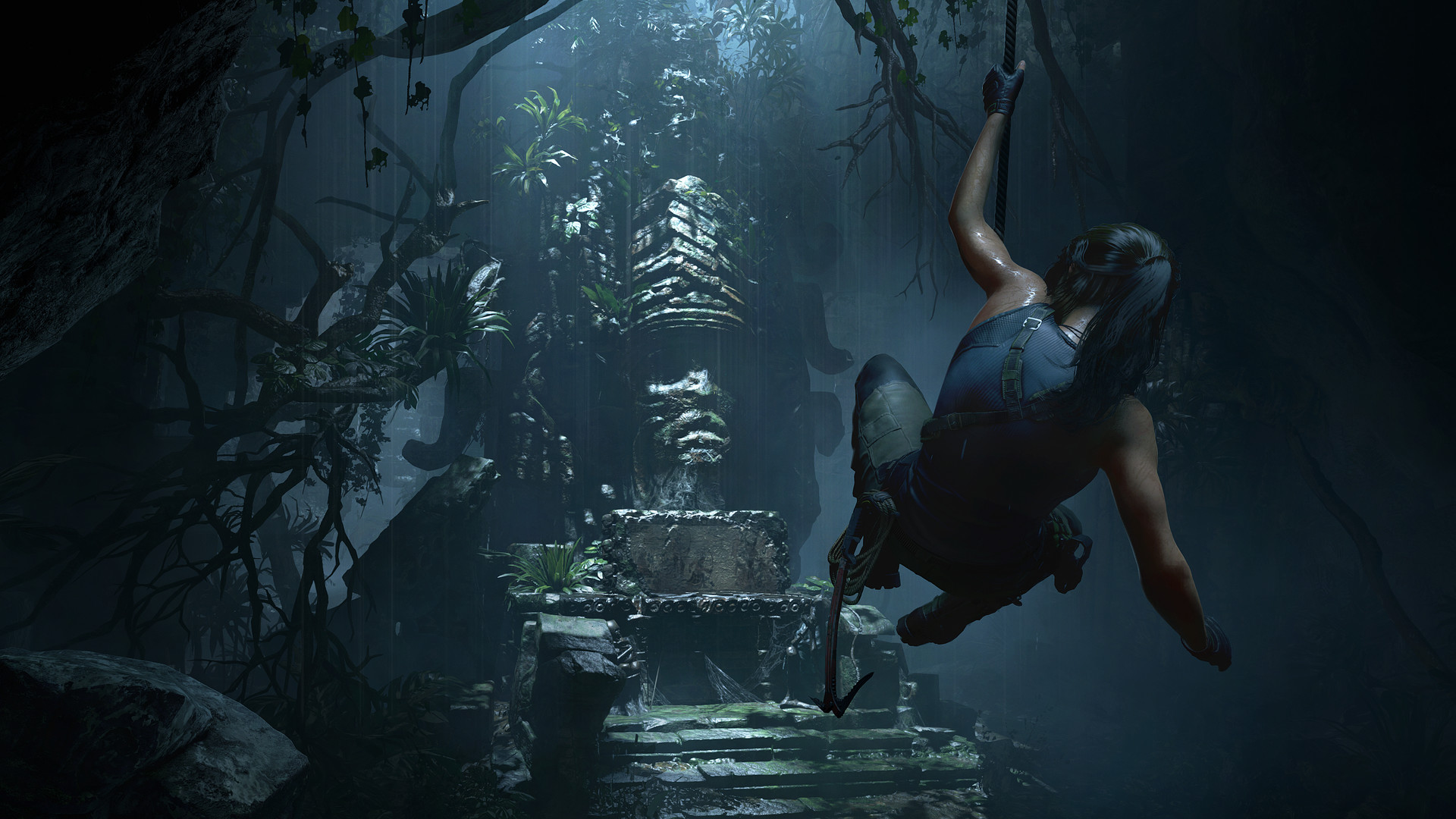
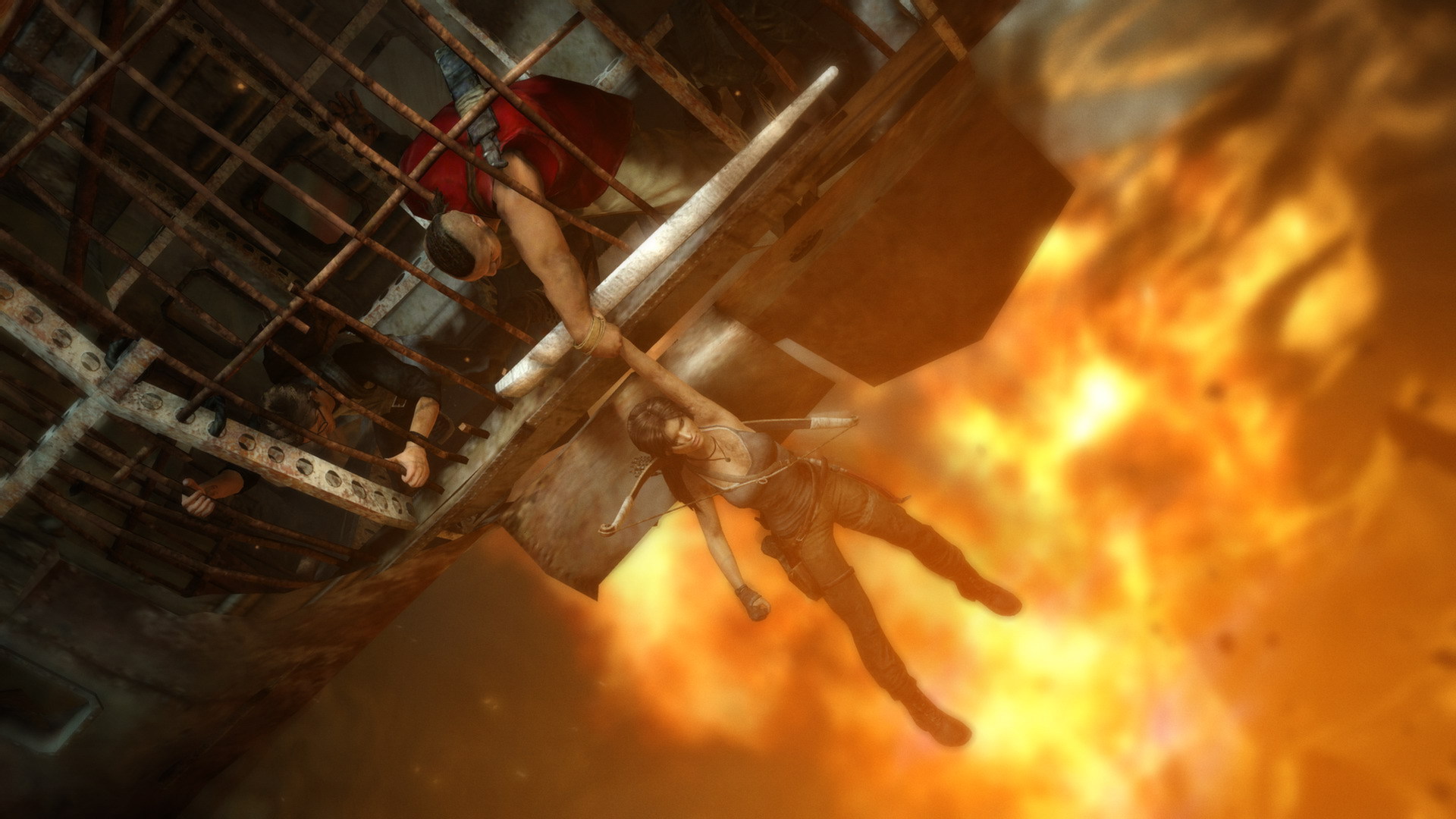
Tomb Raider: Definitive Survivor Trilogy is the complete edition of the award-winning Tomb Raider origin games. This collection contains all the definitive edition content from each critically acclaimed prequel title—Tomb Raider, Rise of the Tomb Raider: 20 Year Celebration, and Shadow of the Tomb Raider: Definitive Edition. Follow Lara on her formative journey across the world, starting in Tomb Raider trapped on the shrouded island of Yamatai off the coast of Japan, to the harsh Siberian tundra hiding an immortal secret in Rise of the Tomb Raider, and finally to the mountainous landscape of Peru to uncover a cataclysmic power in Shadow of the Tomb Raider. With all the definitive edition content from each game, this Trilogy promises dozens of hours of breathtaking exploration, challenging puzzle-solving, and survival combat with Lara as she becomes the Tomb Raider she was destined to become.
- Minimum:
- OS *:Windows XP Service Pack 3, Windows Vista,7,8 (32bit/64bit)
- Processor:Dual core CPU: AMD Athlon64 X2 2.1 Ghz (4050+), Intel Core2 Duo 1.86 Ghz (E6300)
- Memory:1GB Memory (2GB on Vista)
- Graphics:DirectX 9 graphics card with 512Mb Video RAM: AMD Radeon HD 2600 XT, nVidia 8600
- DirectX®:9.0c
- Hard Drive:12 GB HD space
- Other Requirements:Broadband Internet connection
- Recommended:
- OS *:Windows Vista, Windows 7 or Windows 8
- Processor:Quad core CPU: AMD Phenom II X4 955, Intel Core i5-750
- Memory:4 GB RAM
- Graphics:DirectX 11 graphics card with 1GB Video RAM: AMD Radeon HD 5870, nVidia GTX 480
- DirectX®:11
- Hard Drive:12 GB HD space
- Other Requirements:Broadband Internet connection
If you are not familiar with the technical information of your PC, download the CPU-Z program. CPU-Z will give you detailed information about the main system components - CPU, RAM, video card - installed on your system, which you can then compare with the minimum requirements of the game.
- Go to: http://store.steampowered.com/ and download STEAM client
- Click "Install Steam" (from the upper right corner)
- Install and start application, login with your Account name and Password (create one if you don't have).
- Please follow these instructions to activate a new retail purchase on Steam:
- Launch Steam and log into your Steam account.
- Click the Games Menu.
- Choose Activate a Product on Steam...
- Follow the onscreen instructions to complete the process.
- After successful code verification go to the "MY GAMES" tab and start downloading.
Videos & Screenshots








- Payments
-

-

-

-

-

-

-

-

-
