
Buy The Immortal John Triptych / LATAM
Platform:
Windows
Genre:
Adventure, Indie
Publisher:
Akupara Games
Activation:
Steam
Release Date:
27 august 2026
Languages:
English
Type:
Key
Region:
LATAM
12.00 USD
 In stock
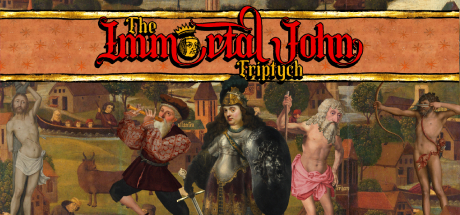
The Immortal John Triptych is a complete collection of satirical point-and-click adventure games developed by Joe Richardson and published by Akupara Games.
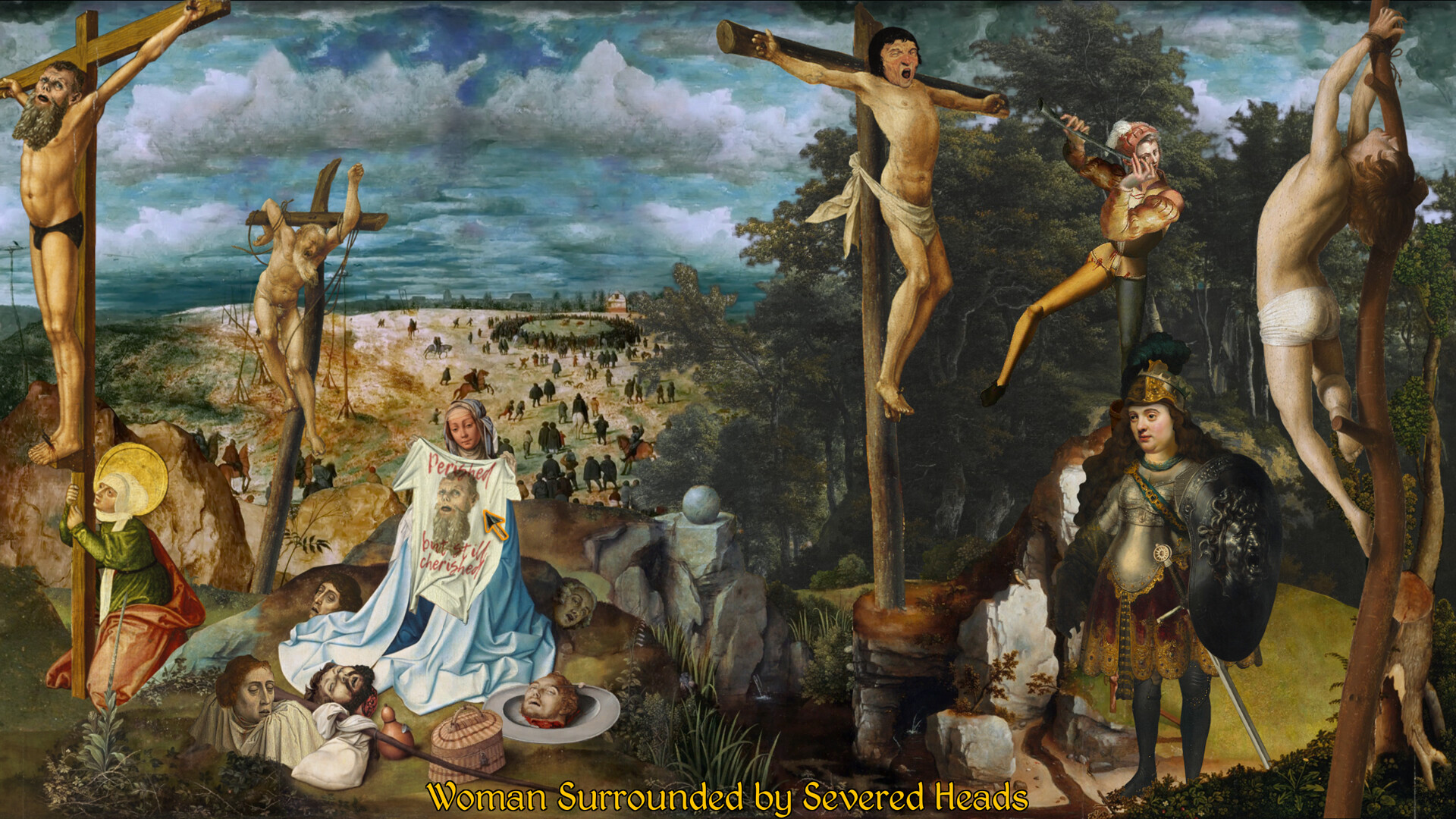
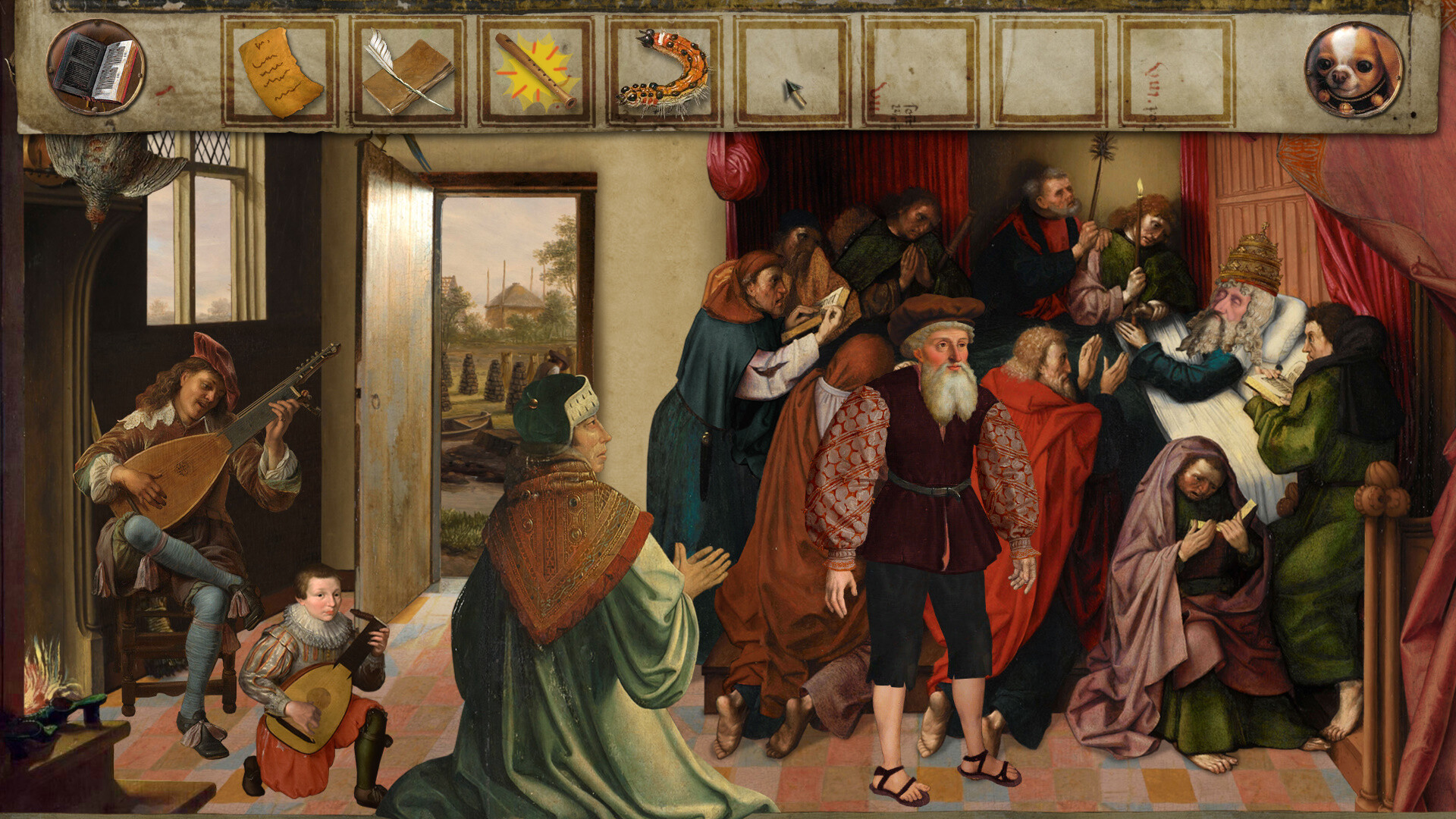
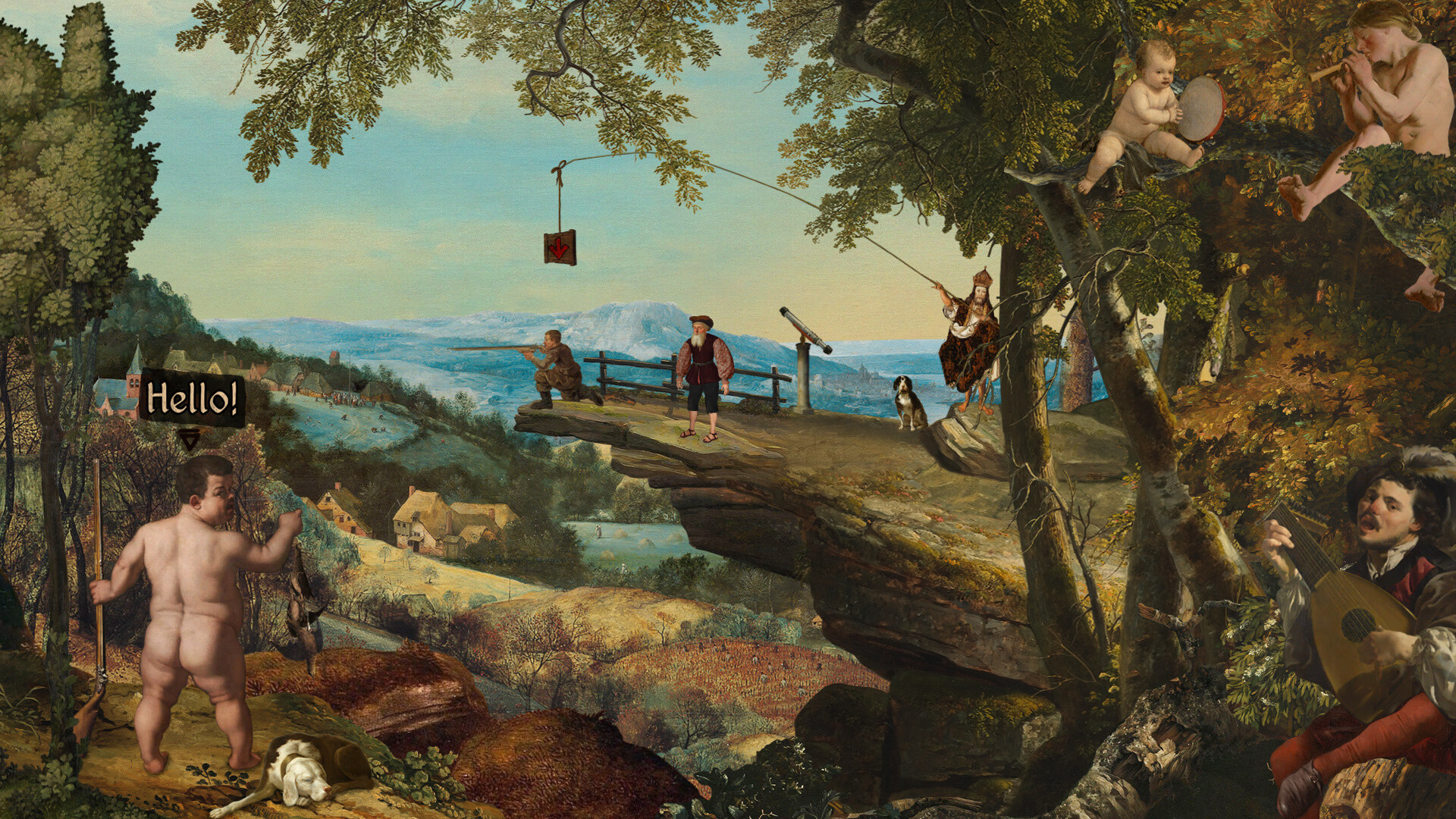
The collection bundles three critically acclaimed titles into a single, cohesive package centered around the recurring character of "Immortal John." The games are famous for their Monty Python-style British humor, classical music soundtracks, and distinct visual style made entirely from Renaissance, Rococo, and Romantic era paintings.
Included Games
The triptych consists of three interconnected stories:
Four Last Things – A journey about sin, penance, and seeking absolution by committing the seven deadly sins.
The Procession to Calvary – An absurd quest to find and eliminate a fugitive tyrant named Heavenly Peter.
Death of the Reprobate – The final chapter of the trilogy, concluding the dark comedy narrative.
Key Features
Renaissance Artwork: The game world is built using collage techniques from hundreds of real masterwork paintings.
Classical Soundtrack: Music features timeless classical pieces alongside tracks by Eduardo Antonello.
Art-O-Vision: A built-in feature that reveals the original title and artist of a painting when you mouse over it.
Exclusive Content: Includes previously unreleased cut scenes, developer audio commentary, and behind-the-scenes collage timelapse videos.
Modern Upgrades: Quality-of-life facelifts, improved interfaces, and multi-game launcher integration.
The collection bundles three critically acclaimed titles into a single, cohesive package centered around the recurring character of "Immortal John." The games are famous for their Monty Python-style British humor, classical music soundtracks, and distinct visual style made entirely from Renaissance, Rococo, and Romantic era paintings.
Included Games
The triptych consists of three interconnected stories:
Four Last Things – A journey about sin, penance, and seeking absolution by committing the seven deadly sins.
The Procession to Calvary – An absurd quest to find and eliminate a fugitive tyrant named Heavenly Peter.
Death of the Reprobate – The final chapter of the trilogy, concluding the dark comedy narrative.
Key Features
Renaissance Artwork: The game world is built using collage techniques from hundreds of real masterwork paintings.
Classical Soundtrack: Music features timeless classical pieces alongside tracks by Eduardo Antonello.
Art-O-Vision: A built-in feature that reveals the original title and artist of a painting when you mouse over it.
Exclusive Content: Includes previously unreleased cut scenes, developer audio commentary, and behind-the-scenes collage timelapse videos.
Modern Upgrades: Quality-of-life facelifts, improved interfaces, and multi-game launcher integration.
- Minimum:
- OS: Windows 10
- Processor: 2 GHz - Dual Core
- Memory: 2 GB RAM
- DirectX: Version 10
- Storage: 2 GB available space
- Recommended:
- OS: Windows 11
- Processor: 2 GHz - Dual Core
- Memory: 4 GB RAM
- DirectX: Version 11
- Storage: 2 GB available space
If you are not familiar with the technical information of your PC, download the CPU-Z program. CPU-Z will give you detailed information about the main system components - CPU, RAM, video card - installed on your system, which you can then compare with the minimum requirements of the game.
- Go to: http://store.steampowered.com/ and download STEAM client
- Click "Install Steam" (from the upper right corner)
- Install and start application, login with your Account name and Password (create one if you don't have).
- Please follow these instructions to activate a new retail purchase on Steam:
- Launch Steam and log into your Steam account.
- Click the Games Menu.
- Choose Activate a Product on Steam...
- Follow the onscreen instructions to complete the process.
- After successful code verification go to the "MY GAMES" tab and start downloading.
Videos & Screenshots





- Payments
-

-

-

-

-

-

-

-

-
