
Buy Star Vikings Forever / ROW
Platform:
Windows
Genre:
Indie, Strategies, Casual
Publisher:
Akupara Games
Activation:
Steam
Release Date:
6 october 2016
Languages:
English
Type:
Key
Region:
EU
10.00 USD
 In stock
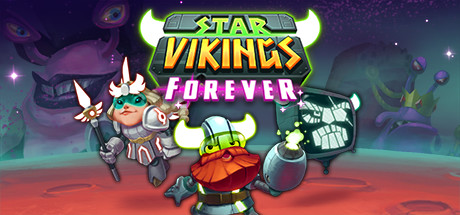
Build Your Strategy. Squash Space Snails. Be a Star Viking.
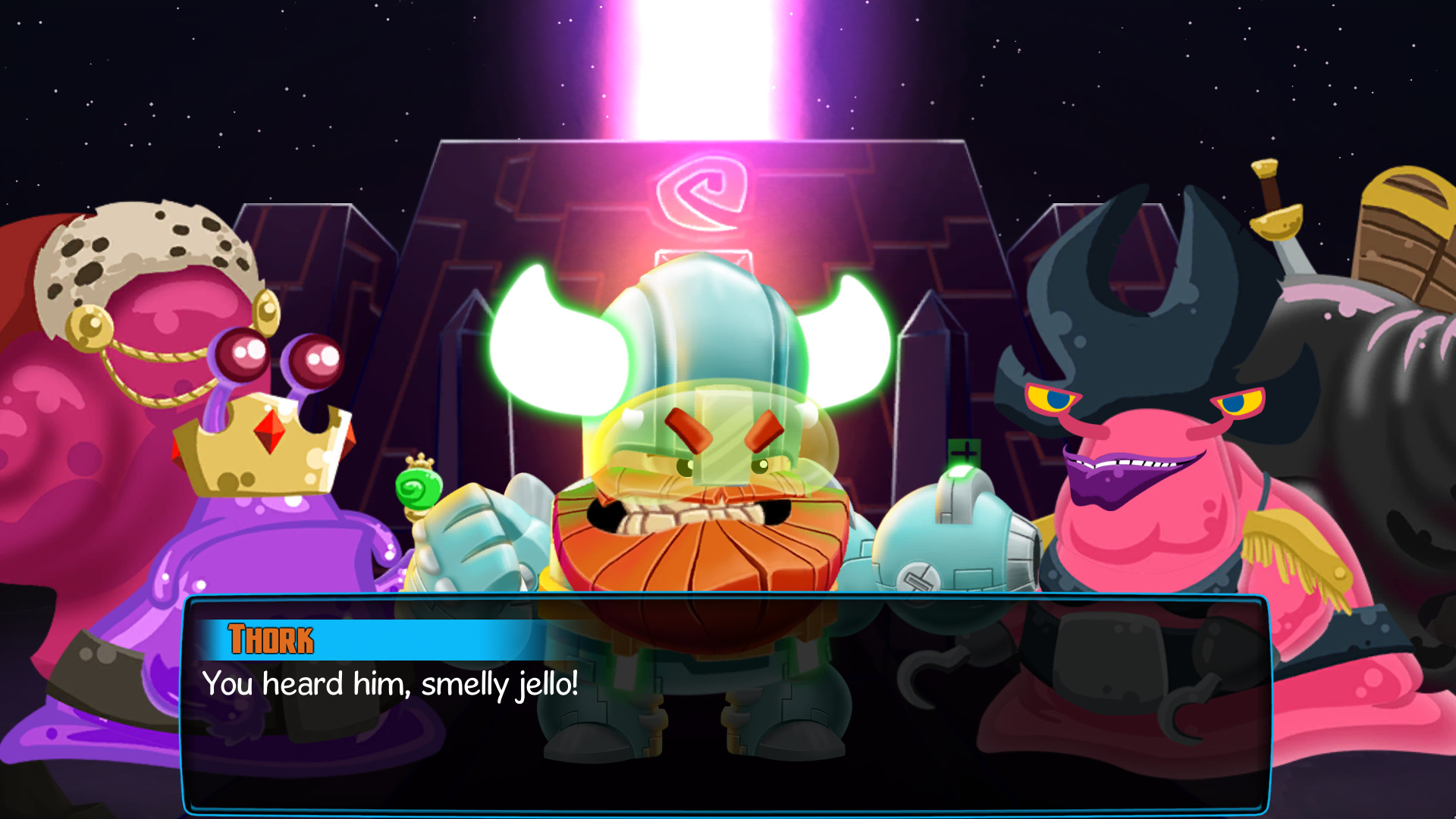
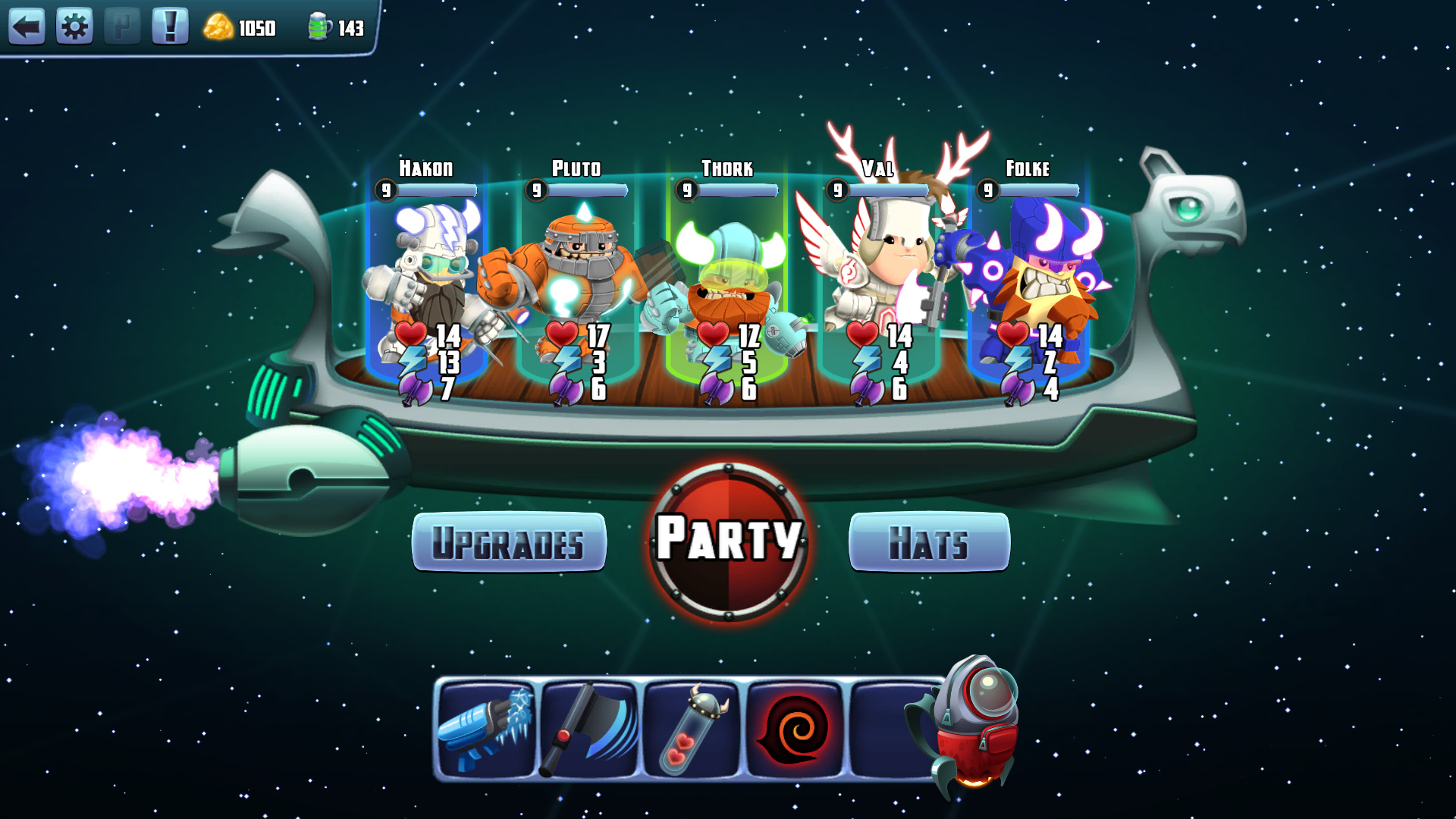
In Star Vikings Forever you will build your team of spacefaring Vikings to take on the evil scourge of intergalactic snails in a fun and nearly endless stream of challenging puzzles.
Best Indie at Google Play Best of 2017, Finalist at the Google Play Indie Games Festival, Winner for "Best Game Design" at the Brazilian Independent Games Festival, and “Most Offensive Game Ever” at the Space Snails Game Conference. Star Vikings Forever is a humorous Puzzle/RPG developed by the award-winning creators of Chroma Squad, Dungeonland, and Relic Hunters Zero.
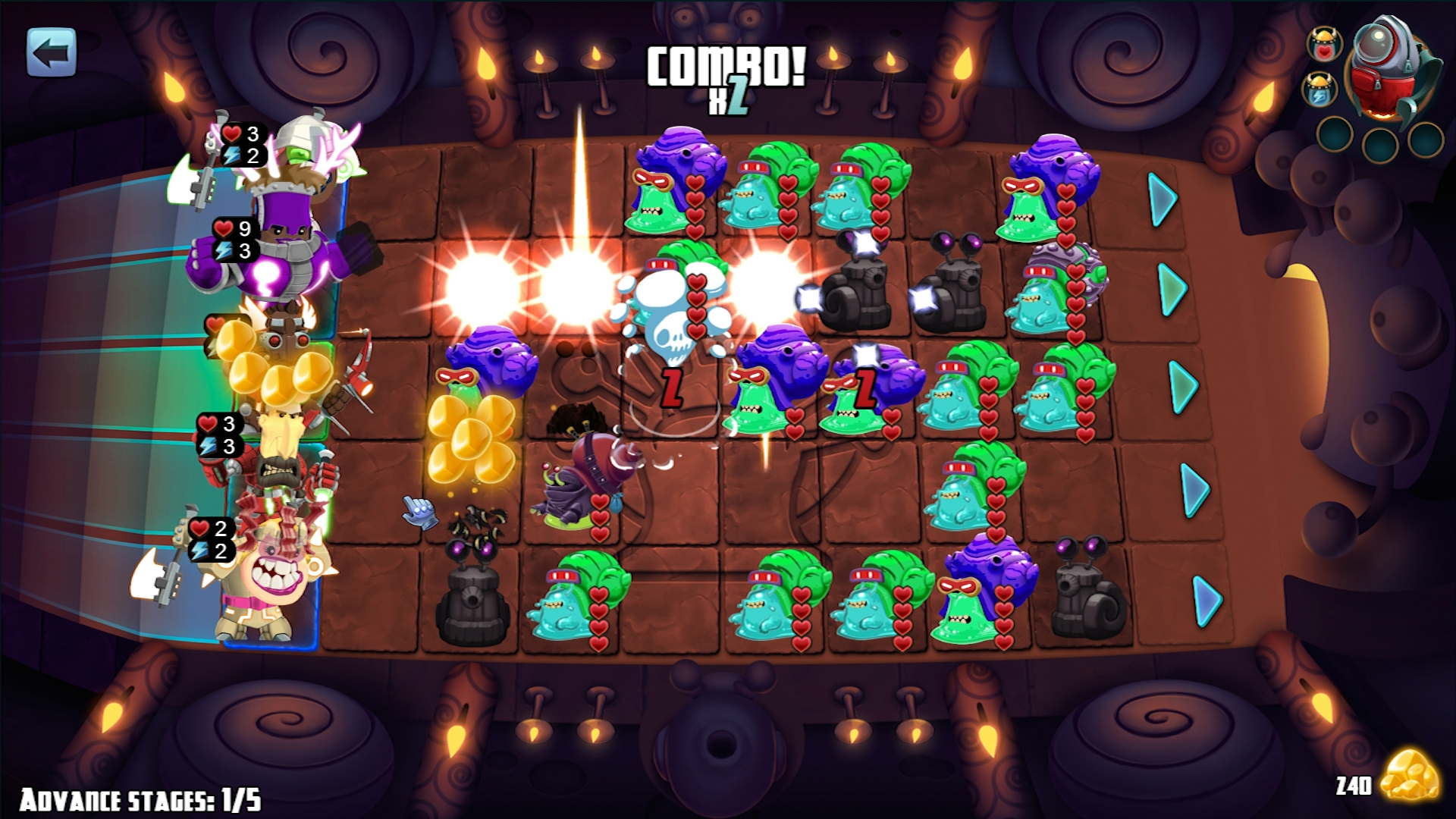
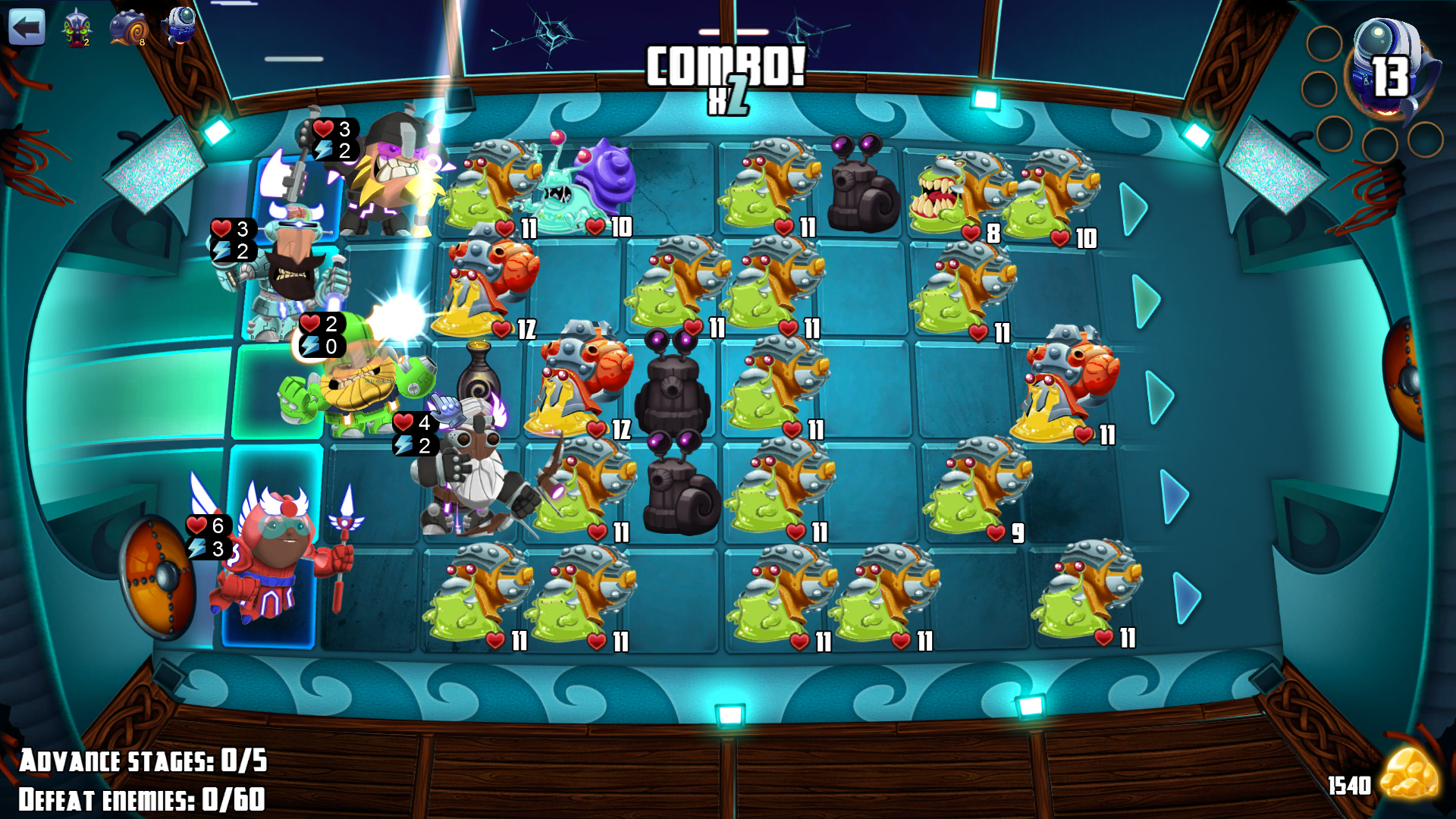
Position your team of uniquely built Vikings to strategically attack enemies, and clear the board. Enemies aren’t the brightest, and will attack each other whenever they are attacked. This creates a very satisfying chain-combo system, where you can wipe entire boards with a few moves to clear a path to advance to the next stage, or to complete a specific objective.
Take your time and strategize, or for faster paced combat, make multiple moves simultaneously. Puzzles are procedurally generated, allowing for unique and nonlinear challenges every time. Each character has a standard melee attack, along with a special ability attack that will send snails crying home to their shells. Each special ability is unique to their class and provides an additional layer of strategy in solving puzzles.
Star Vikings’ unique gameplay is packed full of content, and will turn even your non-gamer grandma into a hardcore min-maxing machine by the time the credits roll!
In Star Vikings Forever you will build your team of spacefaring Vikings to take on the evil scourge of intergalactic snails in a fun and nearly endless stream of challenging puzzles.
Best Indie at Google Play Best of 2017, Finalist at the Google Play Indie Games Festival, Winner for "Best Game Design" at the Brazilian Independent Games Festival, and “Most Offensive Game Ever” at the Space Snails Game Conference. Star Vikings Forever is a humorous Puzzle/RPG developed by the award-winning creators of Chroma Squad, Dungeonland, and Relic Hunters Zero.
Position your team of uniquely built Vikings to strategically attack enemies, and clear the board. Enemies aren’t the brightest, and will attack each other whenever they are attacked. This creates a very satisfying chain-combo system, where you can wipe entire boards with a few moves to clear a path to advance to the next stage, or to complete a specific objective.
Take your time and strategize, or for faster paced combat, make multiple moves simultaneously. Puzzles are procedurally generated, allowing for unique and nonlinear challenges every time. Each character has a standard melee attack, along with a special ability attack that will send snails crying home to their shells. Each special ability is unique to their class and provides an additional layer of strategy in solving puzzles.
Star Vikings’ unique gameplay is packed full of content, and will turn even your non-gamer grandma into a hardcore min-maxing machine by the time the credits roll!
- Minimum:
- OS: Windows 10
- Processor: 3rd Gen i3/AMD FX-4100 Series
- Memory: 4 GB RAM
- Graphics: Intel HD (Integrated), GeForce 6 Series/Radeon R7 Series
- Storage: 250 MB available space
- Recommended:
- OS: Windows 10
- Processor: 5th Gen i5/1st Gen Ryzen (or better)
- Memory: 4 GB RAM
- Graphics: GeForce 7 Series/Radeon R7 Series (or better)
- Storage: 250 MB available space
If you are not familiar with the technical information of your PC, download the CPU-Z program. CPU-Z will give you detailed information about the main system components - CPU, RAM, video card - installed on your system, which you can then compare with the minimum requirements of the game.
- Go to: http://store.steampowered.com/ and download STEAM client
- Click "Install Steam" (from the upper right corner)
- Install and start application, login with your Account name and Password (create one if you don't have).
- Please follow these instructions to activate a new retail purchase on Steam:
- Launch Steam and log into your Steam account.
- Click the Games Menu.
- Choose Activate a Product on Steam...
- Follow the onscreen instructions to complete the process.
- After successful code verification go to the "MY GAMES" tab and start downloading.
Videos & Screenshots
Recommended





- Payments
-

-

-

-

-

-

-

-

-
