
Buy Sniper Dan / WW

Platform:
Windows
Genre:
Indie, Casual
Publisher:
PQube
Activation:
Steam
Release Date:
17 september 2026
Languages:
English
Type:
Key
Region:
WW
13.00 USD
 In stock
Meet Dan. Dan has a sniper rifle. Don’t panic, he’s not here to harm anyone. Dan’s a professional and his job is fixing things. From a distance. With pinpoint accuracy and good intentions.
Sniper Dan is a hidden object game unlike any other. Objects aren't always well hidden and the solution involves shooting them. Each job follows a simple and highly respected method.
1) Figure out the problem. Use the clues. HMM…
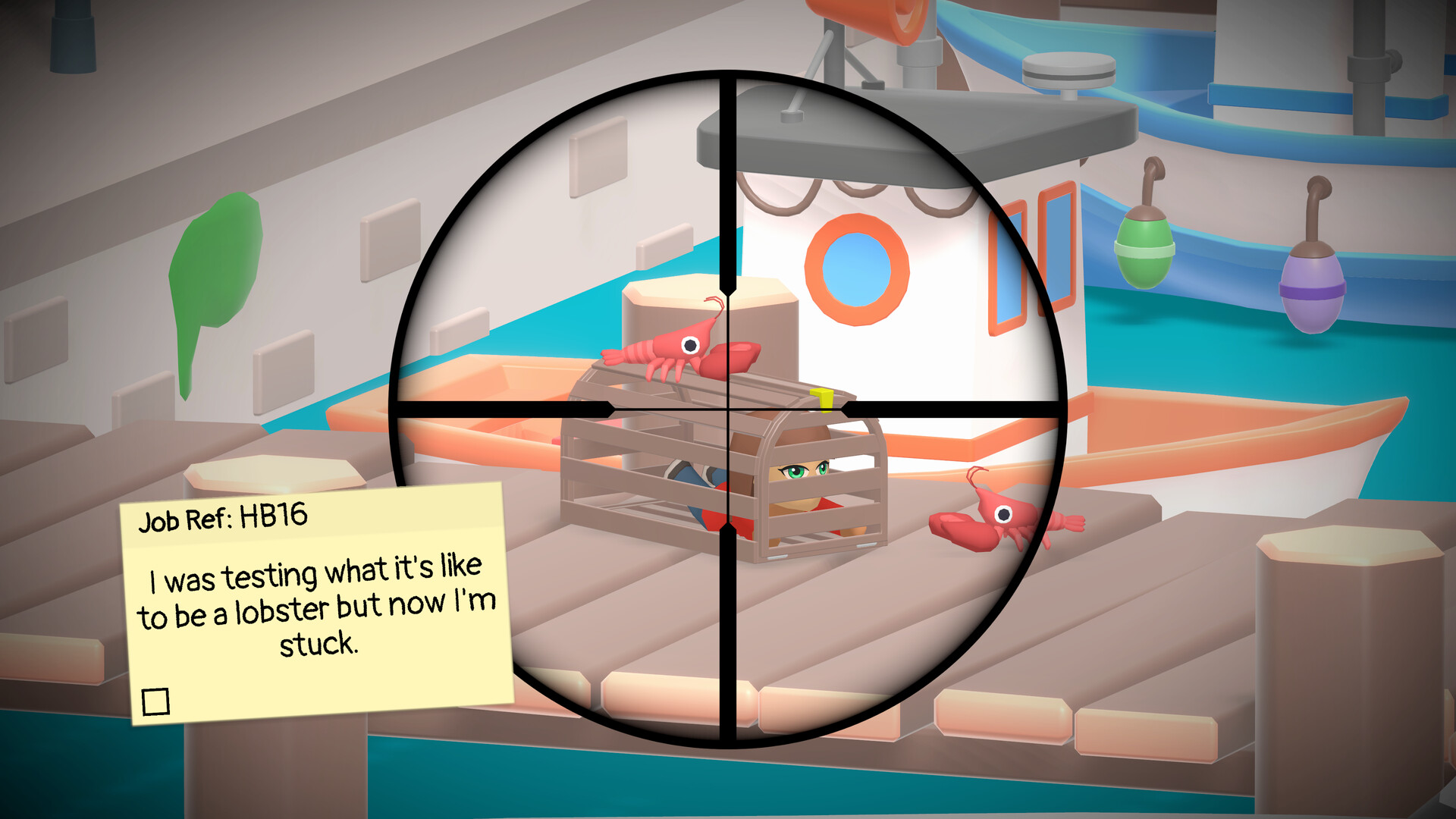
2) Find the problem. Scope the area. AHA!
3) Fix the problem. Shoot. WHEE!
You’re not hunting enemies. You’re hunting problems. Fixing rusty taps, machines behaving badly and even stop a thieving Pelican. Travel far and wide across lively 3D locations packed with visual jokes and silly situations as you help those in need. Can Dan and his trusty tool get the job done?
Dan’s business takes him to villages, parks, farms, airports, cities and beyond. Special challenges keep every day fresh. Take on optional work for extra cash, tackle bigger jobs for even bigger rewards and uncover secrets that leave citizens quietly convinced something magical just happened.
It did. It was Dan!
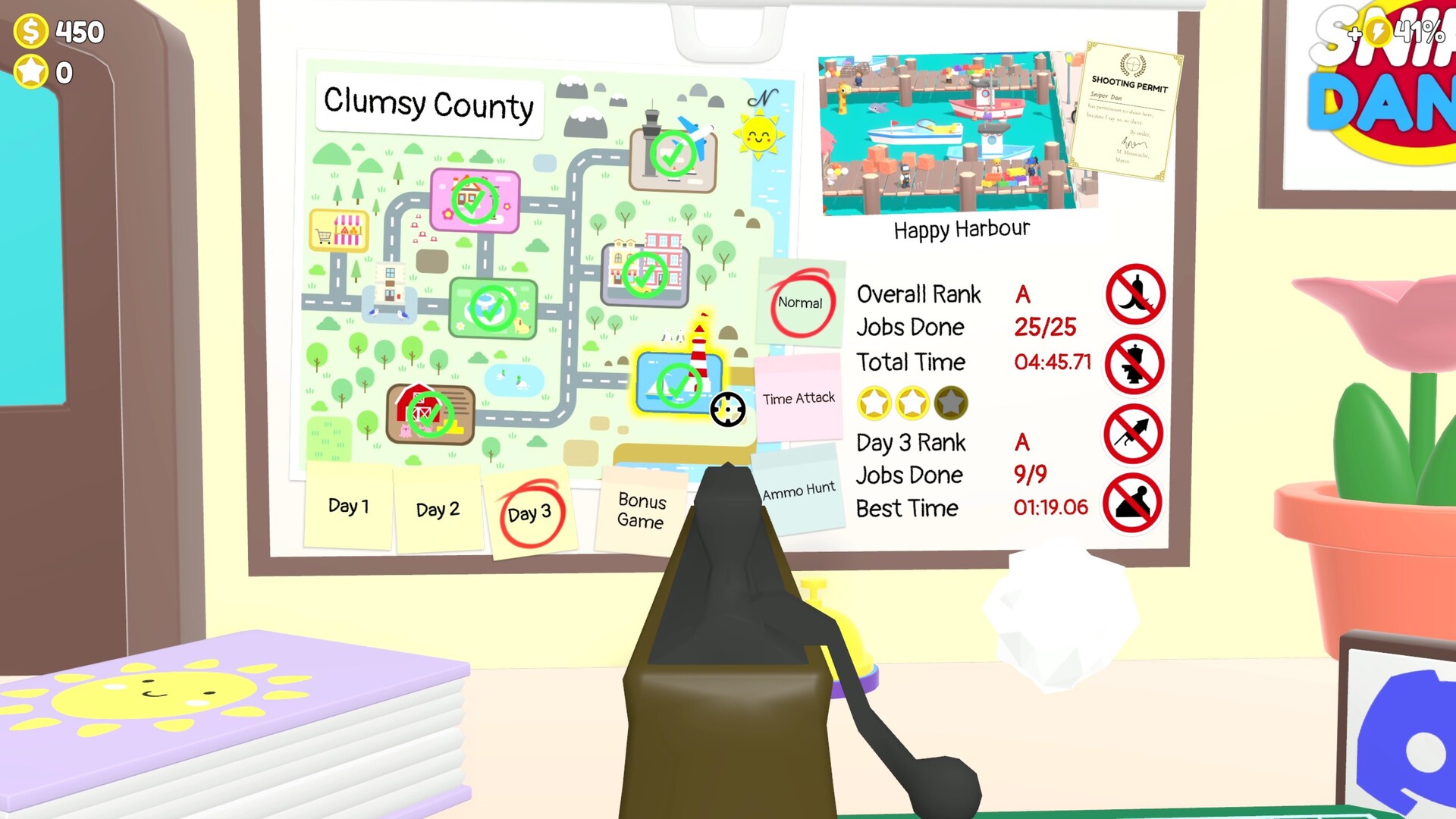
Between contracts, upgrade your rifle, decorate your office hub and grow your entirely legitimate troubleshooting business. Unlock bonus games and extra modes like Time Attack, Ammo Hunt and Snapshot Mode, all under the judgmental eye of Rank Chook.
Funny, colourful and sure to leave you wanting more, Sniper Dan is about finding what’s wrong, fixing it fast and moving on to the next job.
Scope the problem. Take the shot. Make everyone happy.
Key Features
Outrageous tools. Sensible intentions
Use a sniper rifle to fix everyday problems. No danger. No drama. Just long-range problem solving.
A hidden object game through a sniper scope
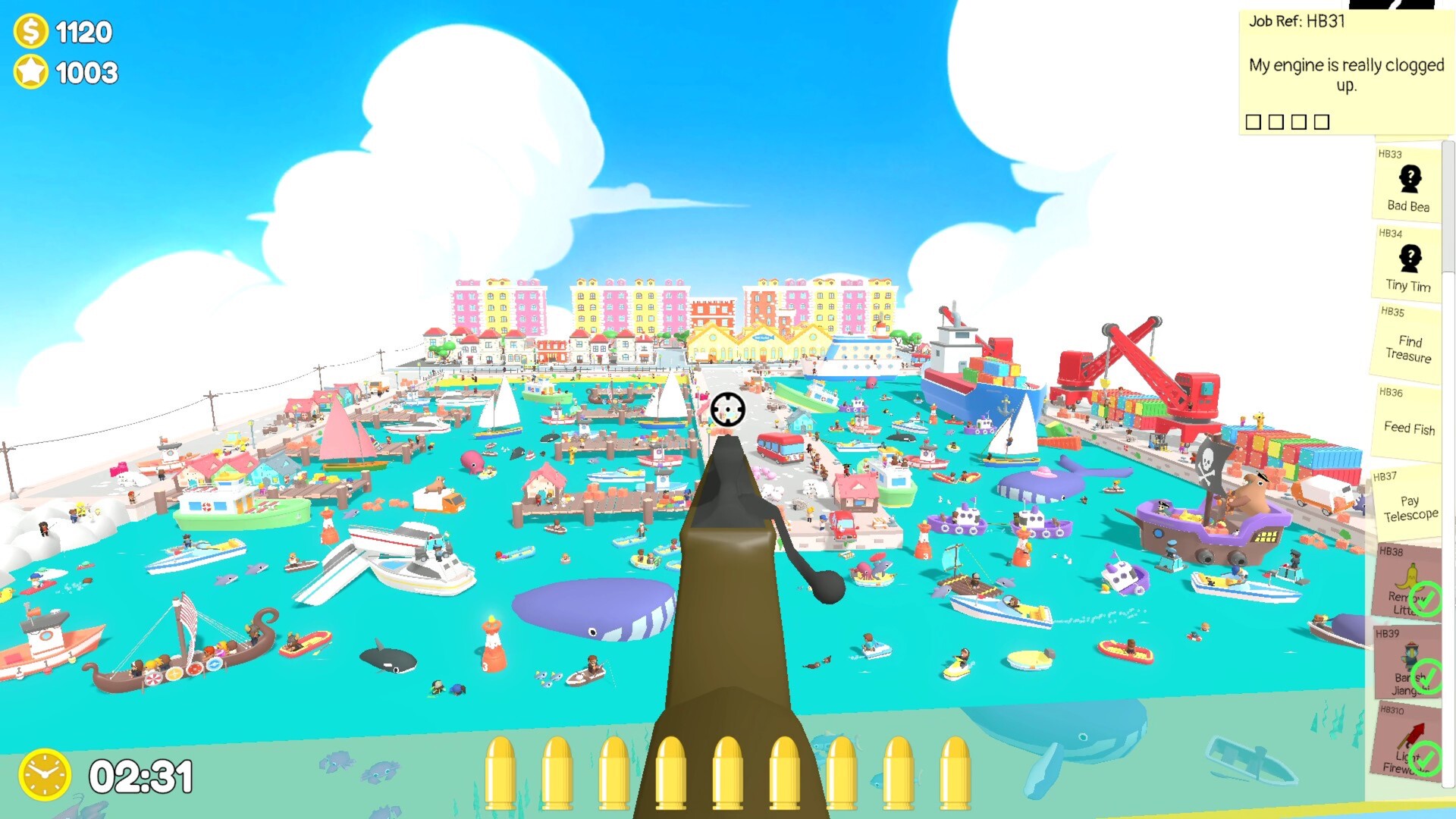
Scan busy 3D scenes, spot what’s wrong and solve it with one perfectly aimed shot.
Over 160 jobs across six lively locations
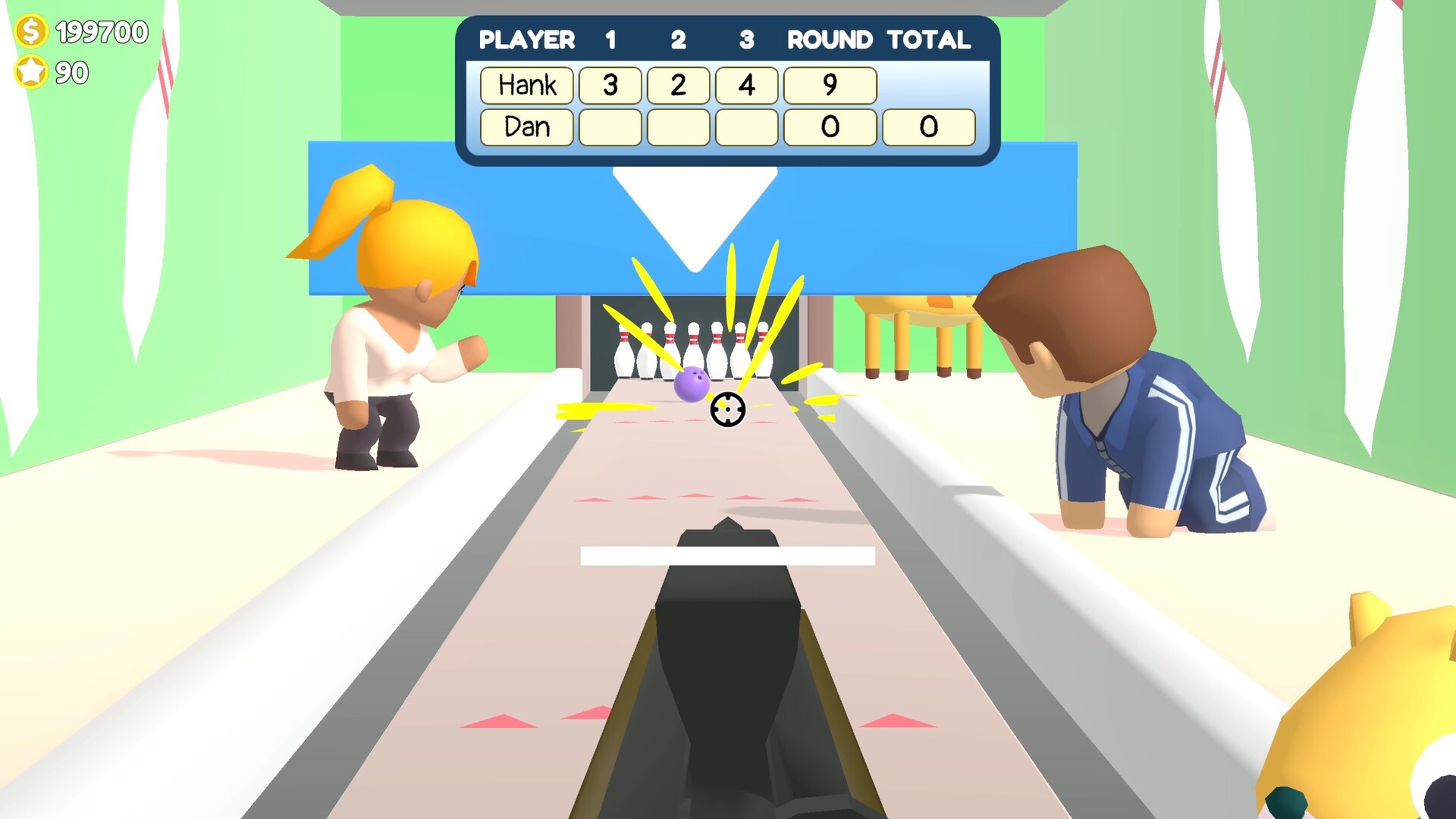
Take on everyday jobs, Answerphone requests, emergency jobs, boss jobs and special challenges, plus bonus games and three dedicated minigames: Bowling, Tennis and Air Hockey.
Every job is a tiny mystery
Figure out cryptic clues, search the scene and work out what actually needs fixing, with dynamic solutions that mean jobs can change each time you play.
A playful 3D world full of shareable moments
Explore six packed locations with 100+ secrets, 200+ ambient stories and 45 hilarious photo opportunities waiting to be discovered and shared.
Grow your business one job at a time
Earn money and reputation from successful jobs, upgrade and customise your rifle, unlock costumes and collectibles, decorate your office hub and expand your operation.
Unexpected problems. Serious precision. Zero violence
Fix signs, tighten bolts, pop balloons and jump-start fireworks. Nobody gets hurt. Ever.
Sniper Dan is a hidden object game unlike any other. Objects aren't always well hidden and the solution involves shooting them. Each job follows a simple and highly respected method.
1) Figure out the problem. Use the clues. HMM…
2) Find the problem. Scope the area. AHA!
3) Fix the problem. Shoot. WHEE!
You’re not hunting enemies. You’re hunting problems. Fixing rusty taps, machines behaving badly and even stop a thieving Pelican. Travel far and wide across lively 3D locations packed with visual jokes and silly situations as you help those in need. Can Dan and his trusty tool get the job done?
Dan’s business takes him to villages, parks, farms, airports, cities and beyond. Special challenges keep every day fresh. Take on optional work for extra cash, tackle bigger jobs for even bigger rewards and uncover secrets that leave citizens quietly convinced something magical just happened.
It did. It was Dan!
Between contracts, upgrade your rifle, decorate your office hub and grow your entirely legitimate troubleshooting business. Unlock bonus games and extra modes like Time Attack, Ammo Hunt and Snapshot Mode, all under the judgmental eye of Rank Chook.
Funny, colourful and sure to leave you wanting more, Sniper Dan is about finding what’s wrong, fixing it fast and moving on to the next job.
Scope the problem. Take the shot. Make everyone happy.
Key Features
Outrageous tools. Sensible intentions
Use a sniper rifle to fix everyday problems. No danger. No drama. Just long-range problem solving.
A hidden object game through a sniper scope
Scan busy 3D scenes, spot what’s wrong and solve it with one perfectly aimed shot.
Over 160 jobs across six lively locations
Take on everyday jobs, Answerphone requests, emergency jobs, boss jobs and special challenges, plus bonus games and three dedicated minigames: Bowling, Tennis and Air Hockey.
Every job is a tiny mystery
Figure out cryptic clues, search the scene and work out what actually needs fixing, with dynamic solutions that mean jobs can change each time you play.
A playful 3D world full of shareable moments
Explore six packed locations with 100+ secrets, 200+ ambient stories and 45 hilarious photo opportunities waiting to be discovered and shared.
Grow your business one job at a time
Earn money and reputation from successful jobs, upgrade and customise your rifle, unlock costumes and collectibles, decorate your office hub and expand your operation.
Unexpected problems. Serious precision. Zero violence
Fix signs, tighten bolts, pop balloons and jump-start fireworks. Nobody gets hurt. Ever.
- Minimum:
- Requires a 64-bit processor and operating system
- OS *: Windows 7, 8, 8.1, 10 x64
- Processor: Intel Core i5-6600K (4 * 3500) or equivalent/AMD FX-9370 (8 * 4400) or equivalent
- Memory: 8 GB RAM
- Graphics: GeForce GTX 750 (2048 MB) or Radeon HD 7870 (2048 MB)
- Storage: 1 GB available space
- Sound Card: Any
- Recommended:
- Requires a 64-bit processor and operating system
- OS: Windows 10 x64
- Processor: Intel Core i7-6700K (4 * 4000) or equivalent/AMD Ryzen 1500X (4 * 3500) or equivalent
- Memory: 8 GB RAM
- Graphics: GeForce GTX 970 (4096 MB) or Radeon R9 270X (2048 MB)
- Storage: 1 GB available space
- Sound Card: Any
If you are not familiar with the technical information of your PC, download the CPU-Z program. CPU-Z will give you detailed information about the main system components - CPU, RAM, video card - installed on your system, which you can then compare with the minimum requirements of the game.
- Go to: http://store.steampowered.com/ and download STEAM client
- Click "Install Steam" (from the upper right corner)
- Install and start application, login with your Account name and Password (create one if you don't have).
- Please follow these instructions to activate a new retail purchase on Steam:
- Launch Steam and log into your Steam account.
- Click the Games Menu.
- Choose Activate a Product on Steam...
- Follow the onscreen instructions to complete the process.
- After successful code verification go to the "MY GAMES" tab and start downloading.
Videos & Screenshots



- Payments
-

-

-

-

-

-

-

-

-
