
Buy Silver Pines / Indonesia

Platform:
Windows
Genre:
RPG, Action, Adventure, Indie
Publisher:
Team17
Activation:
Steam
Release Date:
8 october 2026
Languages:
English, Korean, Simplified Chinese
Type:
Key
Region:
Indonesia
20.00 USD
 In stock
Find Eddie Velvet.
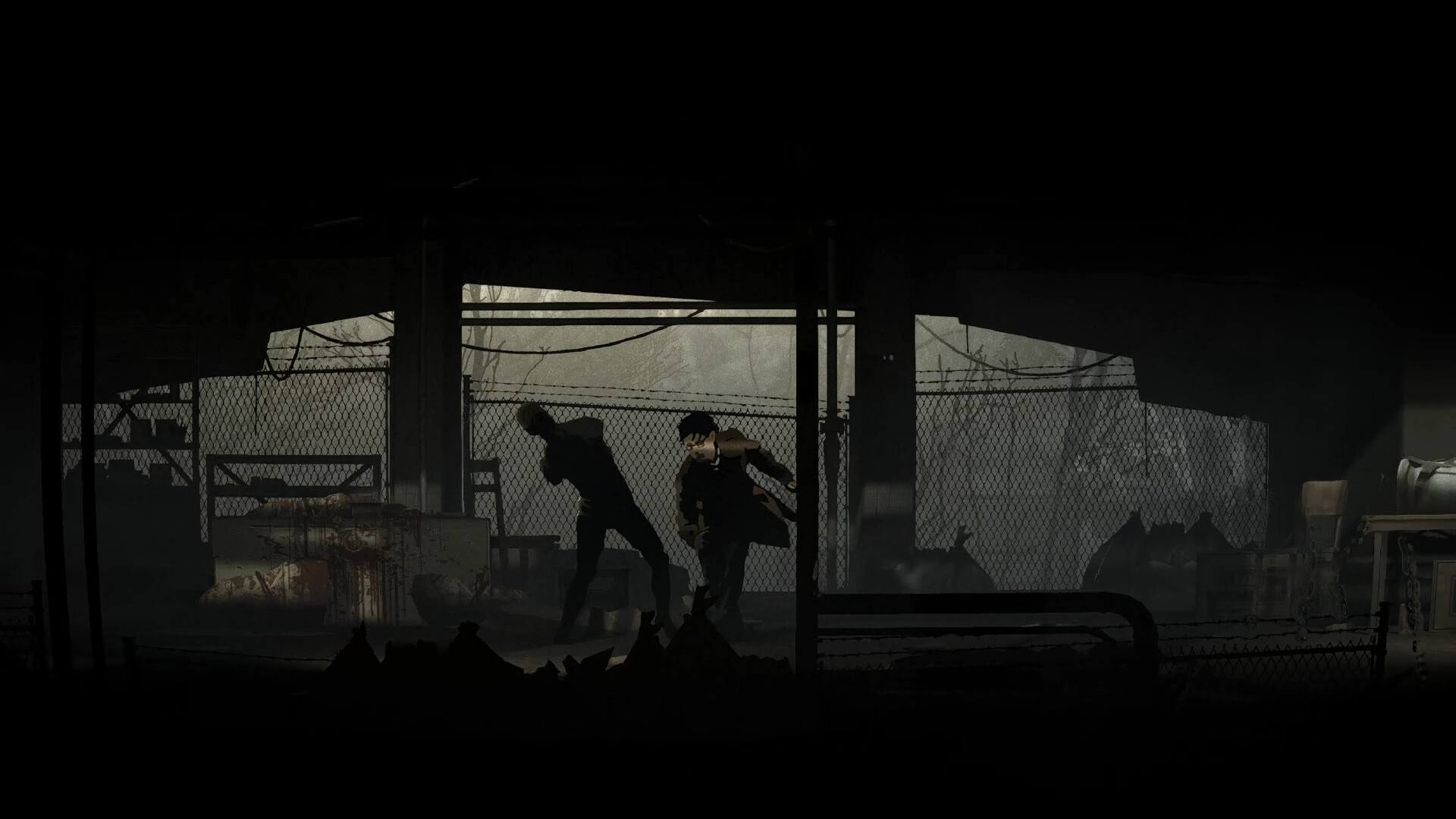
Private investigator Red Walker finds himself in Silver Pines, a place half-abandoned, half-forgotten, in the middle of nowhere on a job to track down Eddie Velvet. A musician who has vanished. As the case begins to reveal a dark past, Walker soon slips into a strange and nightmarish descent beyond his control.
Embark on a journey filled with dread and atmosphere. Haunted by shadows of the past, Silver Pines is waiting to reveal its dark secrets.
***
A love letter to classic survival horror. Fight or avoid the horrors of the town as you scavenge for resources and solutions to the puzzles blocking your way.
***
Filled with locked doors and hidden paths, every turn holds an uncovered clue, a resource, or something waiting in the dark. With better tools and weapons more and more of the town becomes accessible.
***
The horrors of the town include a large variety of challenging monsters and hulking bosses that keeps every encounter tense and dangerous.
***
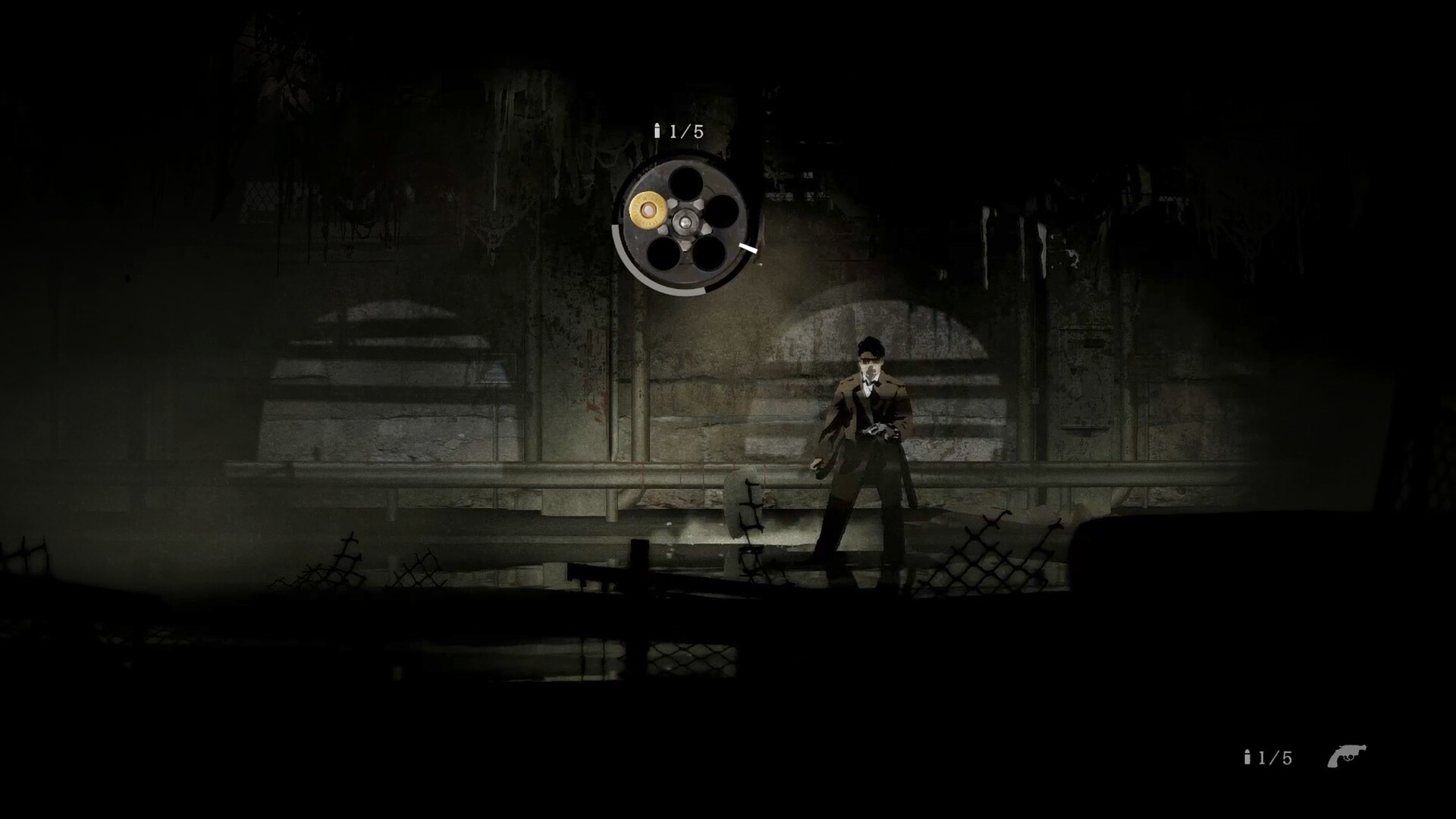
Inventory space is limited. Search everywhere for items because every bullet, bottle of medicine and upgrade matters.
Private investigator Red Walker finds himself in Silver Pines, a place half-abandoned, half-forgotten, in the middle of nowhere on a job to track down Eddie Velvet. A musician who has vanished. As the case begins to reveal a dark past, Walker soon slips into a strange and nightmarish descent beyond his control.
Embark on a journey filled with dread and atmosphere. Haunted by shadows of the past, Silver Pines is waiting to reveal its dark secrets.
***
A love letter to classic survival horror. Fight or avoid the horrors of the town as you scavenge for resources and solutions to the puzzles blocking your way.
***
Filled with locked doors and hidden paths, every turn holds an uncovered clue, a resource, or something waiting in the dark. With better tools and weapons more and more of the town becomes accessible.
***
The horrors of the town include a large variety of challenging monsters and hulking bosses that keeps every encounter tense and dangerous.
***
Inventory space is limited. Search everywhere for items because every bullet, bottle of medicine and upgrade matters.
- Minimum:
- Requires a 64-bit processor and operating system
- OS: Windows 10
- Processor: Intel Core i5-4460 or AMD Ryzen 3 1200
- Memory: 8 GB RAM
- Graphics: NIVIDIA GeForce GTX 660 Ti, AMD Radeon R9 270X
- DirectX: Version 12
- Storage: 5 GB available space
- Recommended:
- Requires a 64-bit processor and operating system
- OS: Windows 11
- Processor: Intel Core i5-6600 or AMD Ryzen 5 1600
- Memory: 8 GB RAM
- Graphics: NIVIDIA GeForce GTX 770, AMD Radeon R9 380
- DirectX: Version 12
- Storage: 5 GB available space
If you are not familiar with the technical information of your PC, download the CPU-Z program. CPU-Z will give you detailed information about the main system components - CPU, RAM, video card - installed on your system, which you can then compare with the minimum requirements of the game.
- Go to: http://store.steampowered.com/ and download STEAM client
- Click "Install Steam" (from the upper right corner)
- Install and start application, login with your Account name and Password (create one if you don't have).
- Please follow these instructions to activate a new retail purchase on Steam:
- Launch Steam and log into your Steam account.
- Click the Games Menu.
- Choose Activate a Product on Steam...
- Follow the onscreen instructions to complete the process.
- After successful code verification go to the "MY GAMES" tab and start downloading.
Videos & Screenshots


Recommended






- Payments
-

-

-

-

-

-

-

-

-
