
Buy SG ZH School Girl Zombie Hunter / WW
Platform:
Windows
Genre:
Action
Publisher:
D3PUBLISHER
Activation:
Steam
Release Date:
5 june 2018
Languages:
English, Japanese
Type:
Key
Region:
WW
40.00 USD
 In stock
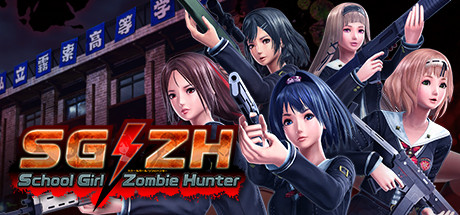
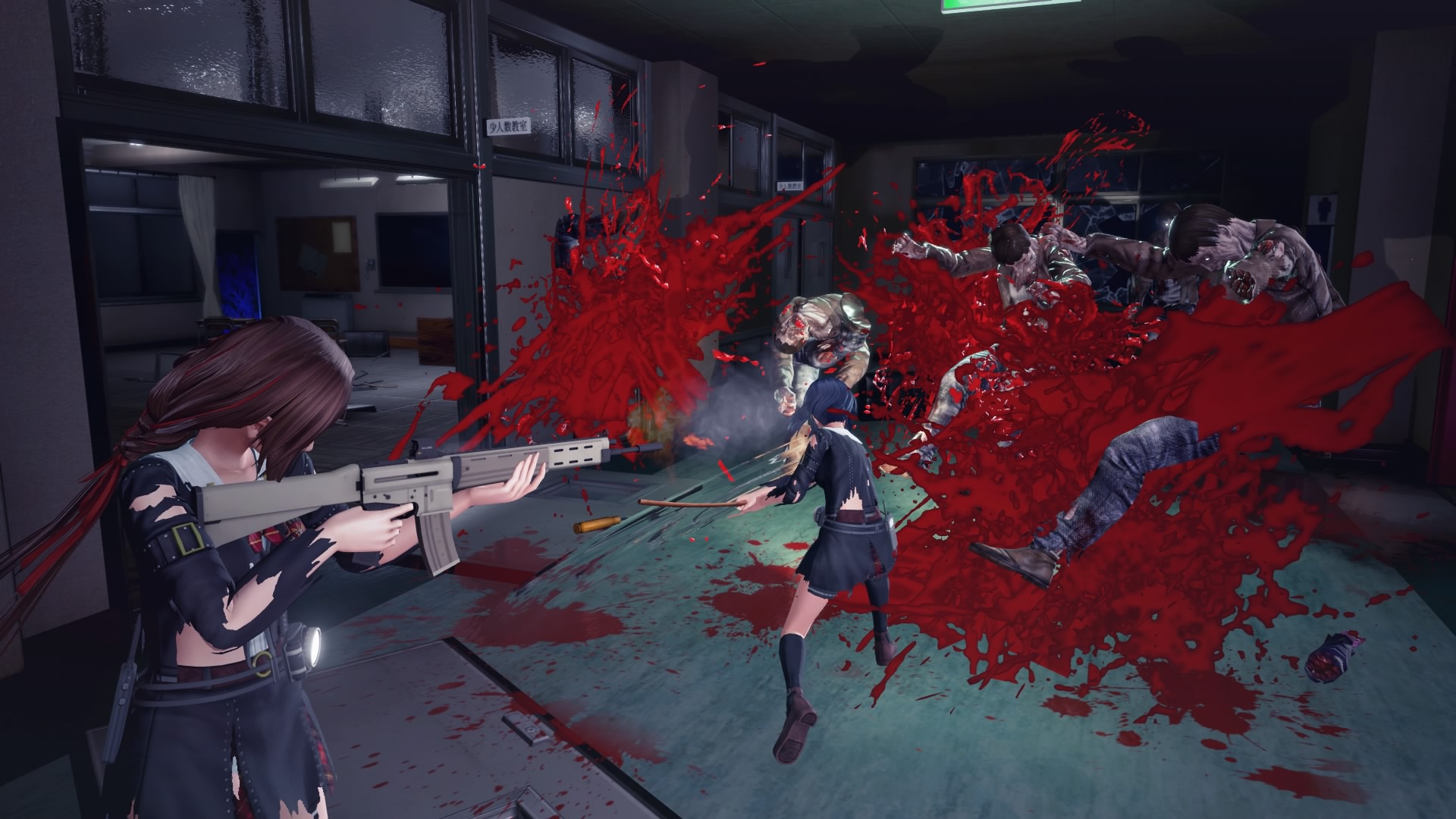
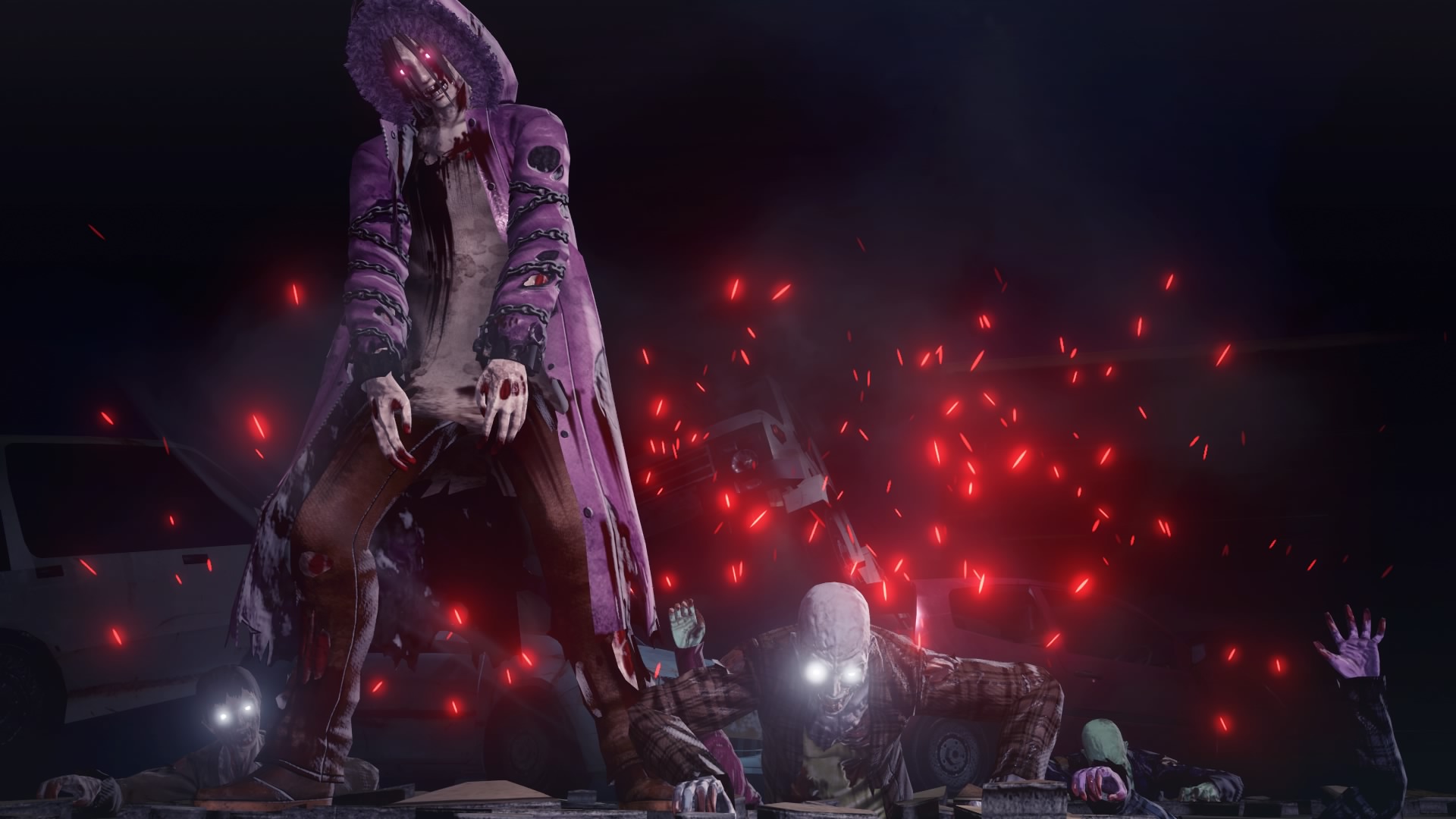
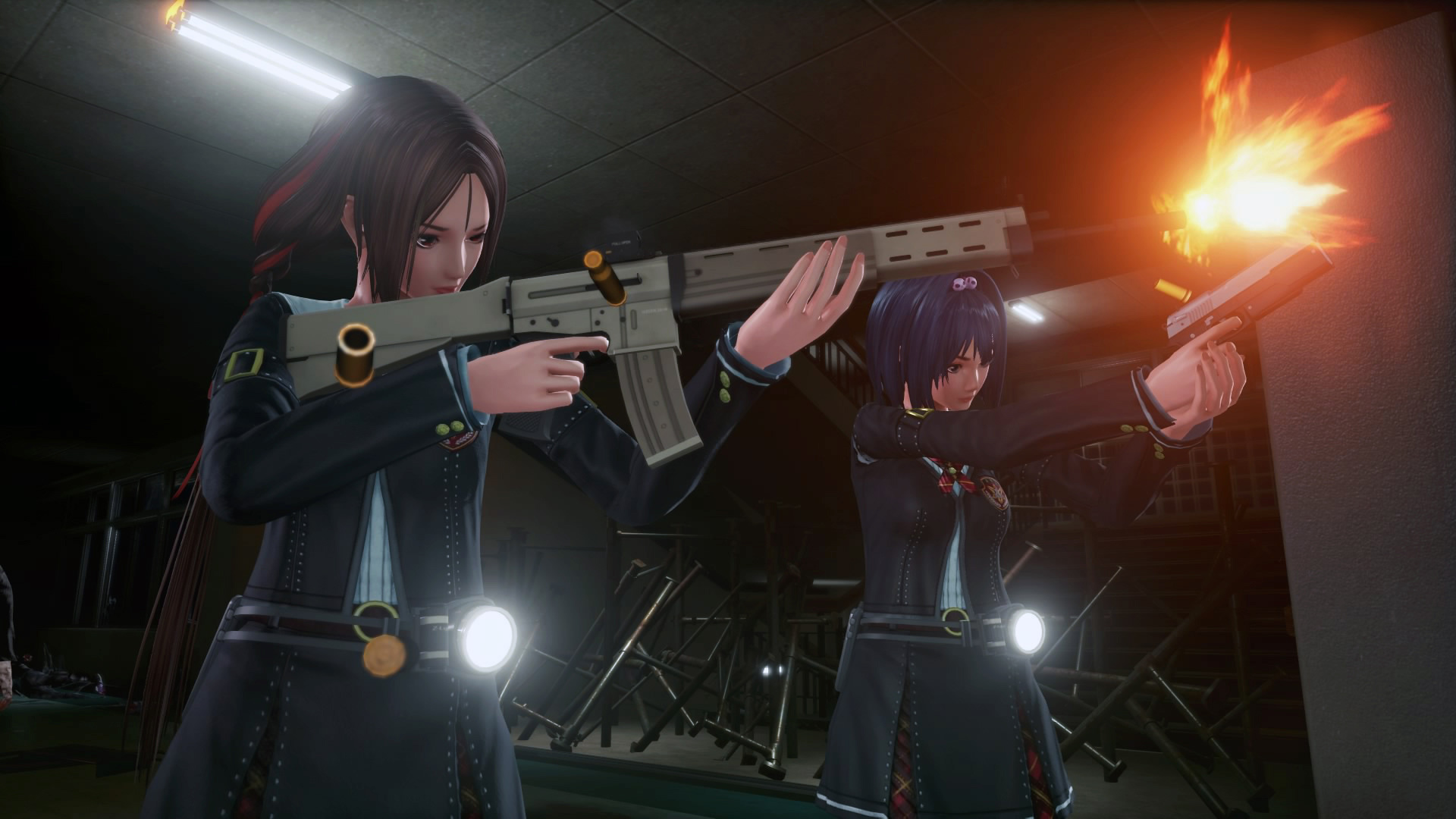
SG/ZH is a shooting action game where the story takes place at "Kirisaki High School". The school has been suddenly cut off by the outside world and surrounded by the crowds of zombies.
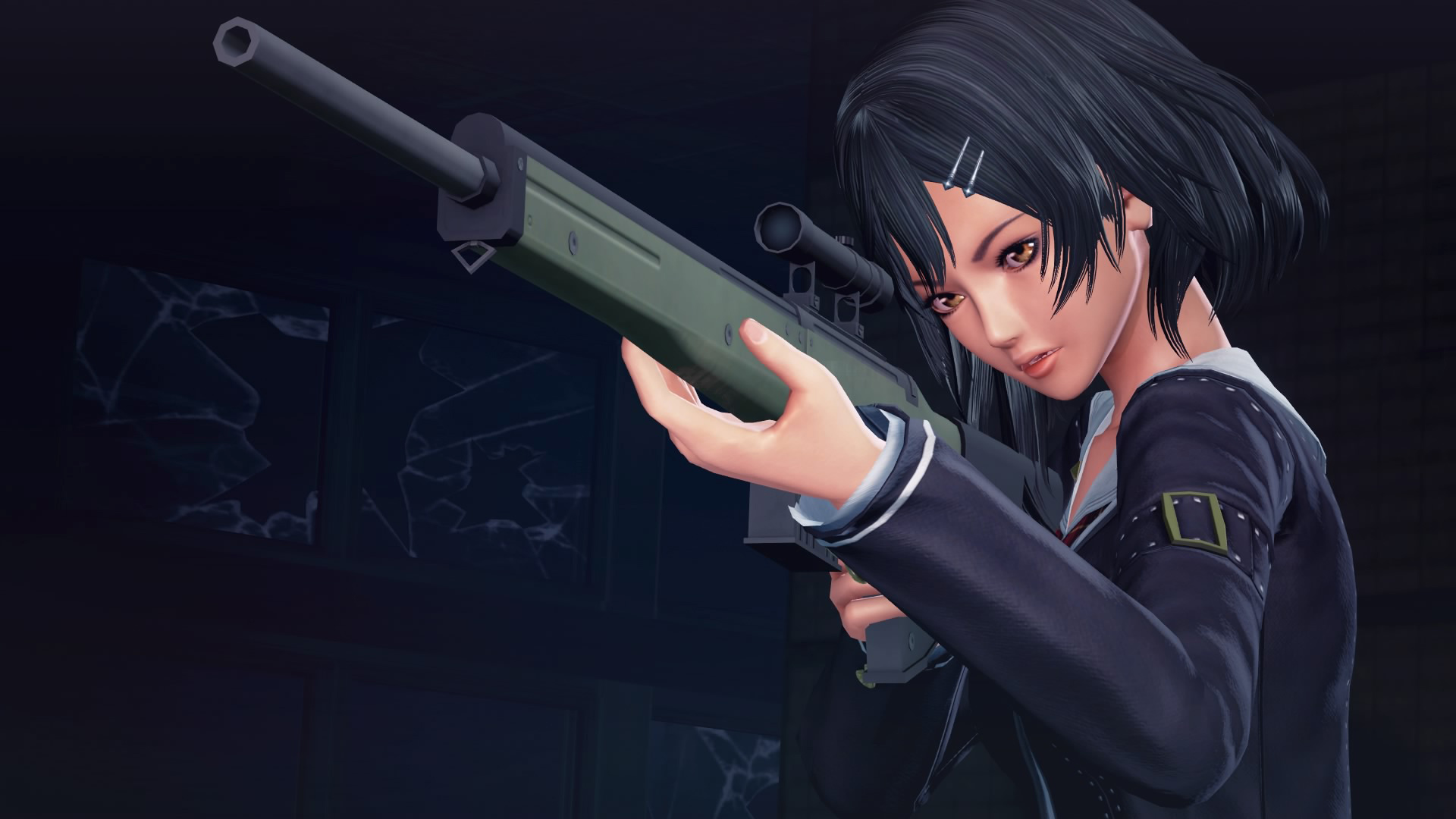
There exist several firearms in the game such as handguns, assault rifles, sniper rifles, shotguns, submachine guns, and rocket launchers. Hide and attack the crowds of invading zombies, and at the very end, survive and escape the deadly high school.
There are episodes of each characters which explain about their past. Although they all suffer various kinds of mental conflicts in the game, they would eventually team up and overcome the challenges they face.
There exist several firearms in the game such as handguns, assault rifles, sniper rifles, shotguns, submachine guns, and rocket launchers. Hide and attack the crowds of invading zombies, and at the very end, survive and escape the deadly high school.
There are episodes of each characters which explain about their past. Although they all suffer various kinds of mental conflicts in the game, they would eventually team up and overcome the challenges they face.
- Minimum:
- OS *: Windows 7 / 8.1 /10 (64bit)
- Processor: Intel Core i5-4670 3.40GHz
- Memory: 6 GB RAM
- Graphics: NVidia GeForce GTX660 / AMD Radeon R7 360
- DirectX: Version 11
- Storage: 5.5 GB available space
- Sound Card: Compatible with DirectX 11.0
- Recommended:
- OS *: Windows 7 / 8.1 /10 (64bit)
- Processor: Intel Core i7-4790K 4.00GHz
- Memory: 8 GB RAM
- Graphics: NVidia GeForce GTX 960 / Radeon R9 280
- DirectX: Version 11
- Storage: 5.5 GB available space
- Sound Card: Compatible with DirectX 11.0
If you are not familiar with the technical information of your PC, download the CPU-Z program. CPU-Z will give you detailed information about the main system components - CPU, RAM, video card - installed on your system, which you can then compare with the minimum requirements of the game.
- Go to: http://store.steampowered.com/ and download STEAM client
- Click "Install Steam" (from the upper right corner)
- Install and start application, login with your Account name and Password (create one if you don't have).
- Please follow these instructions to activate a new retail purchase on Steam:
- Launch Steam and log into your Steam account.
- Click the Games Menu.
- Choose Activate a Product on Steam...
- Follow the onscreen instructions to complete the process.
- After successful code verification go to the "MY GAMES" tab and start downloading.
Videos & Screenshots





- Payments
-

-

-

-

-

-

-

-

-
