
Buy RENNSPORT Standard Edition / TR

Platform:
Windows
Genre:
Simulator, Sports, Racing
Publisher:
Competition Company
Activation:
Steam
Release Date:
10 november 2025
Languages:
English
Type:
Key
Region:
TR
23.00 USD
 In stock
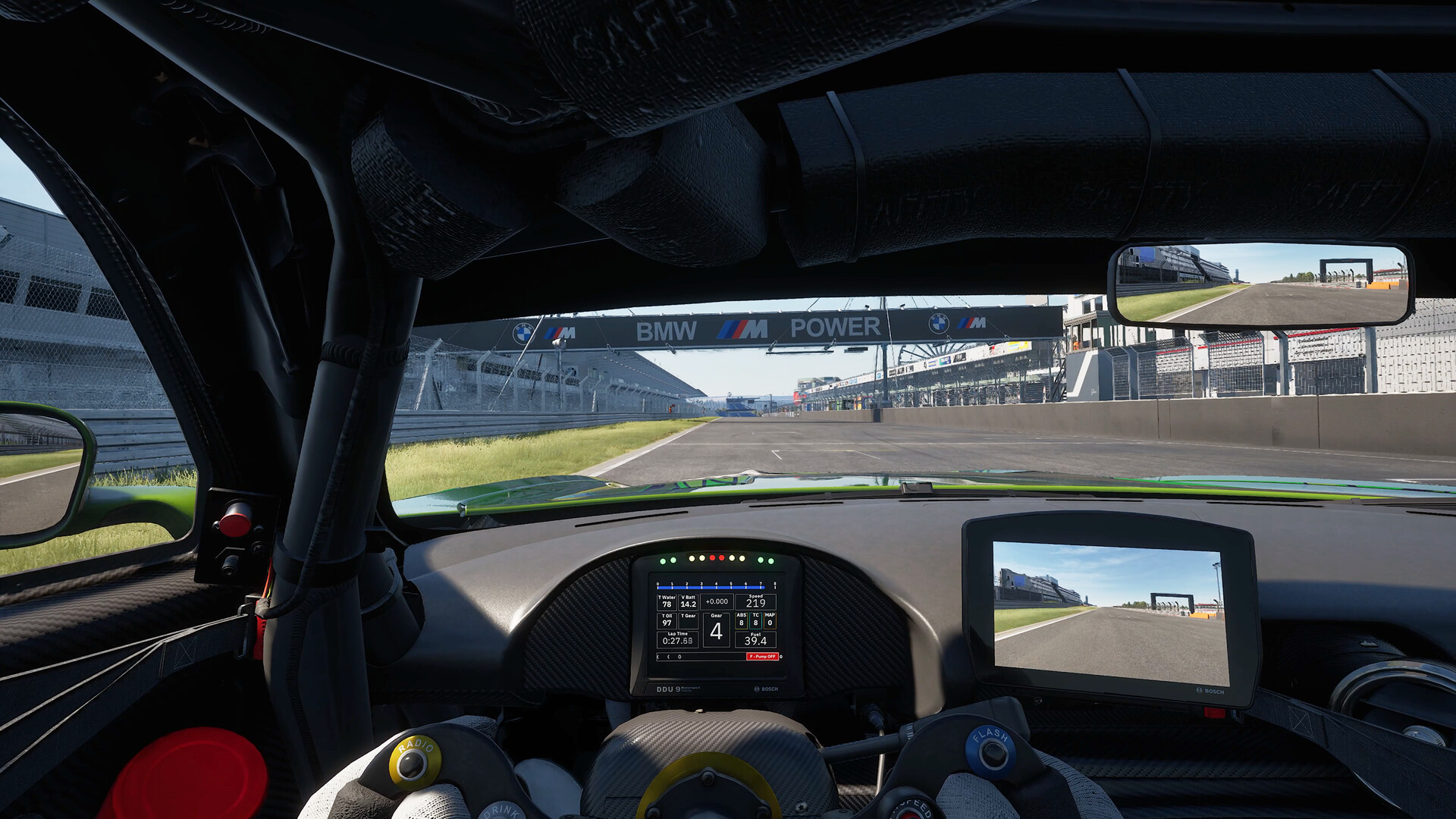
The information provided is for general knowledge, should not be taken as medical advice, and you should consult with a healthcare provider if you have any health-related concerns. RENNSPORT Standard Edition is the baseline version of the ultra-realistic racing simulation game, designed for competitive digital motorsport and esports. Built on Unreal Engine 5, it focuses on hyper-authentic driving physics, laser-scanned tracks, and highly detailed licensed race cars.
🚗 Core Content Included
16 Licensed Cars: Features a prominent lineup of GT3, GT4, and Hypercars, including the BMW M Hybrid V8, Porsche 963, Mercedes-AMG GT3 (2020), Audi R8 LMS Evo II, and Porsche 911 GT3 R.
12 Laser-Scanned Tracks: Includes world-famous circuits such as Hockenheimring, Nürburgring GP, Circuit de Spa-Francorchamps, Autodromo Nazionale Monza, and Daytona International Speedway.
Game Modes: Single-player practice, official multiplayer ranked races, and Time Trials leaderboards with full cross-play support.
🚗 Core Content Included
16 Licensed Cars: Features a prominent lineup of GT3, GT4, and Hypercars, including the BMW M Hybrid V8, Porsche 963, Mercedes-AMG GT3 (2020), Audi R8 LMS Evo II, and Porsche 911 GT3 R.
12 Laser-Scanned Tracks: Includes world-famous circuits such as Hockenheimring, Nürburgring GP, Circuit de Spa-Francorchamps, Autodromo Nazionale Monza, and Daytona International Speedway.
Game Modes: Single-player practice, official multiplayer ranked races, and Time Trials leaderboards with full cross-play support.
- Minimum:
- Requires a 64-bit processor and operating system
- OS: Windows 10 20H2
- Processor: Intel i7 6700k
- Memory: 16 GB RAM
- Graphics: NVIDIA RTX 2070
- DirectX: Version 12
- Network: Broadband Internet connection
- Storage: 100 GB available space
- Recommended:
- Requires a 64-bit processor and operating system
- OS: Windows 10 22H2
- Processor: Intel i7 10700k
- Memory: 16 GB RAM
- Graphics: NVIDIA RTX 3070Ti
- DirectX: Version 12
- Network: Broadband Internet connection
- Storage: 100 GB available space
If you are not familiar with the technical information of your PC, download the CPU-Z program. CPU-Z will give you detailed information about the main system components - CPU, RAM, video card - installed on your system, which you can then compare with the minimum requirements of the game.
- Go to: http://store.steampowered.com/ and download STEAM client
- Click "Install Steam" (from the upper right corner)
- Install and start application, login with your Account name and Password (create one if you don't have).
- Please follow these instructions to activate a new retail purchase on Steam:
- Launch Steam and log into your Steam account.
- Click the Games Menu.
- Choose Activate a Product on Steam...
- Follow the onscreen instructions to complete the process.
- After successful code verification go to the "MY GAMES" tab and start downloading.
Videos & Screenshots






- Payments
-

-

-

-

-

-

-

-

-
