
Buy RENNSPORT: Endurance Classics Part 1 / EU

DLC
Platform:
Windows
Genre:
Sports
Publisher:
Competition Company
Activation:
Steam
Release Date:
21 may 2026
Languages:
English
Type:
Key
Region:
EU
15.00 USD
 In stock
Extra Content
RENNSPORT Standard Edition required to run
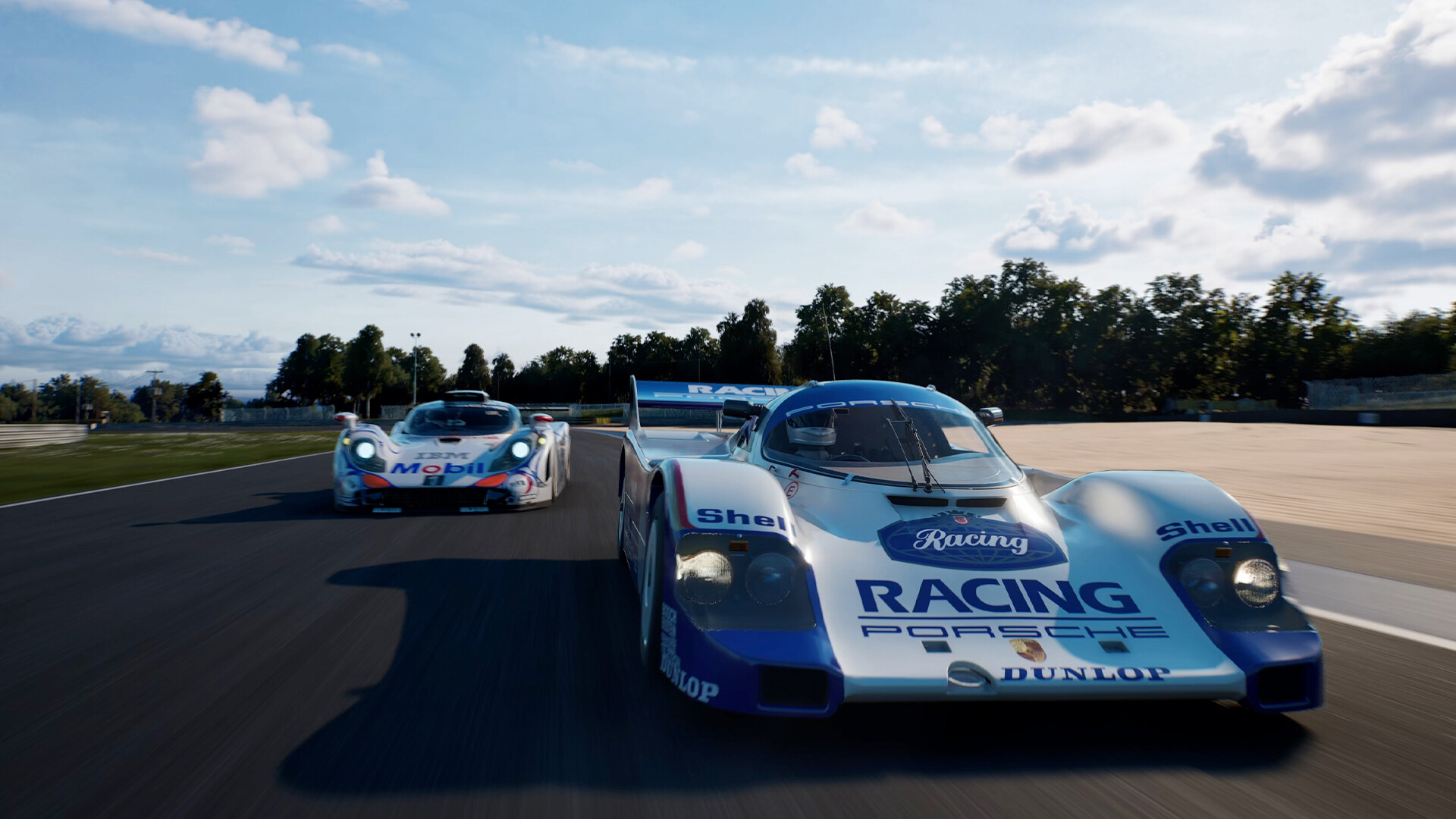
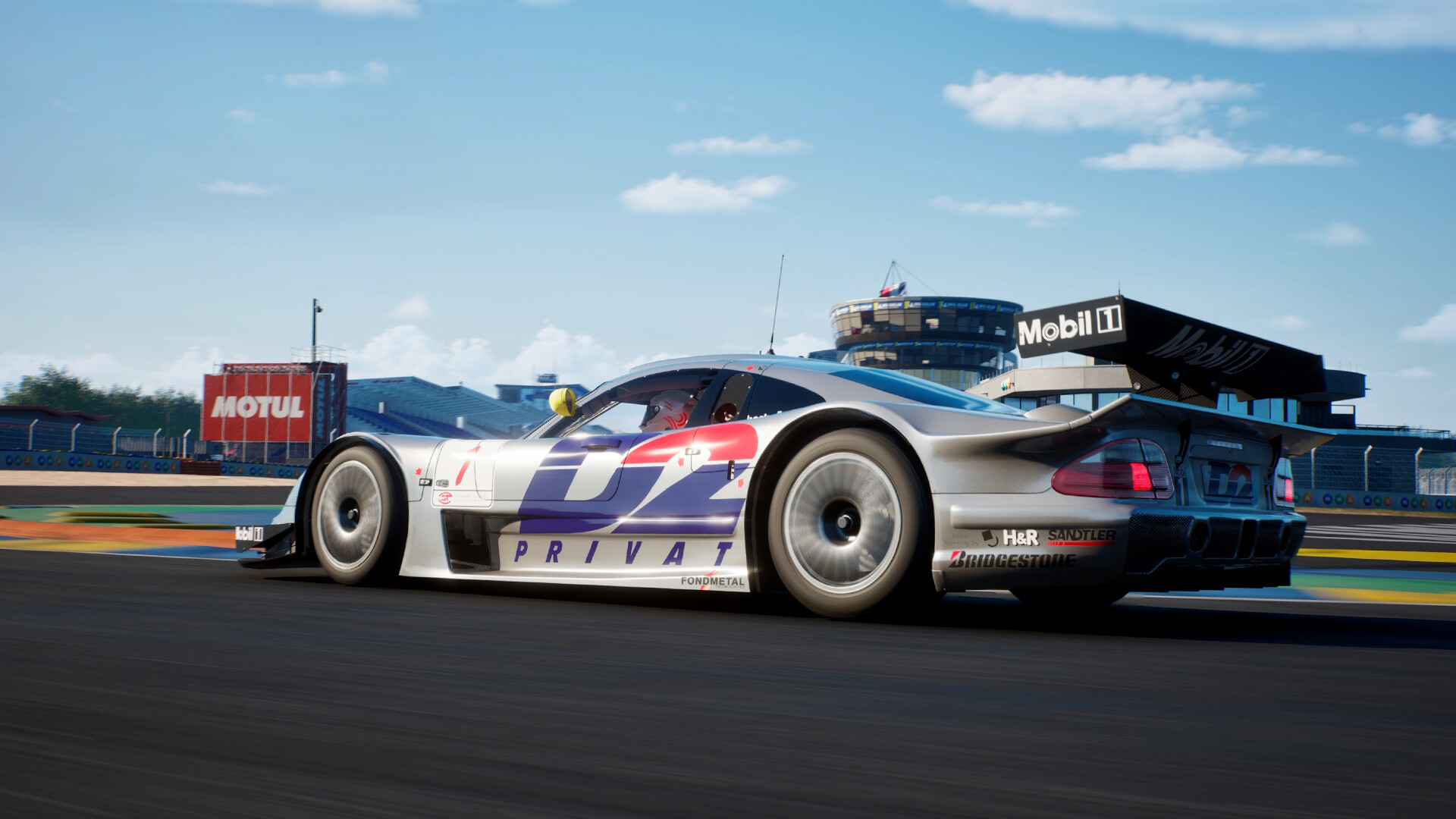
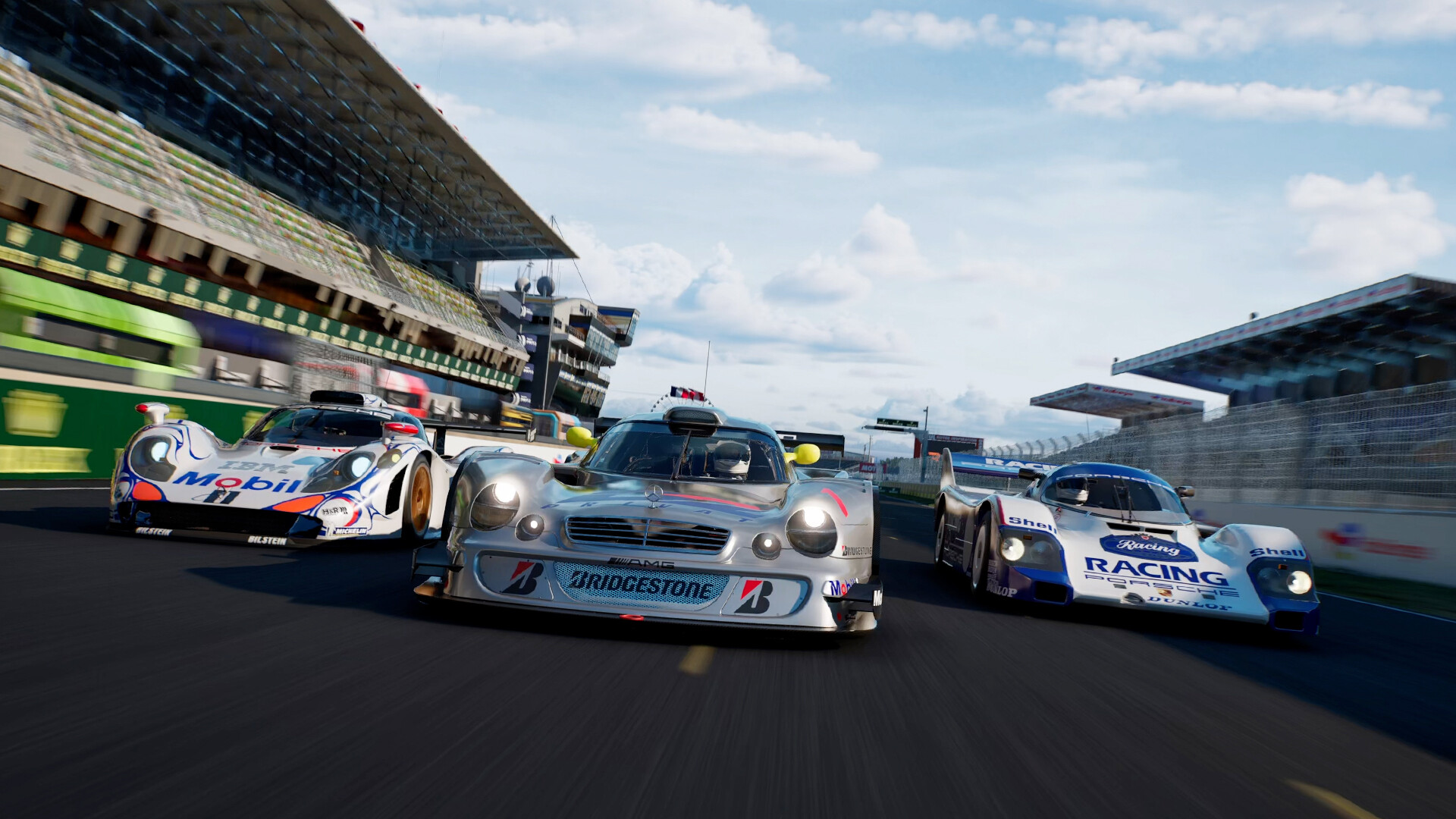
RENNSPORT Endurance Classics Part 1 lets you step back in time and relive some of motorsport's most legendary moments, pitting iconic machines against each other on a laser-scanned recreation of the legendary Circuit de la Sarthe. Deep dive into endurance racing history, capturing the thrill of the "Golden Era" when Group C prototypes and powerful GT1 cars dominated the track. Whether you're chasing that perfect lap through the Esses, fighting through the night, or pushing these classics to their limits in high-stakes endurance events - it's all here for you to experience.
Race Cars
Porsche 911 GT1 '98 - the Le Mans-winning GT1 that claimed victory in 1998
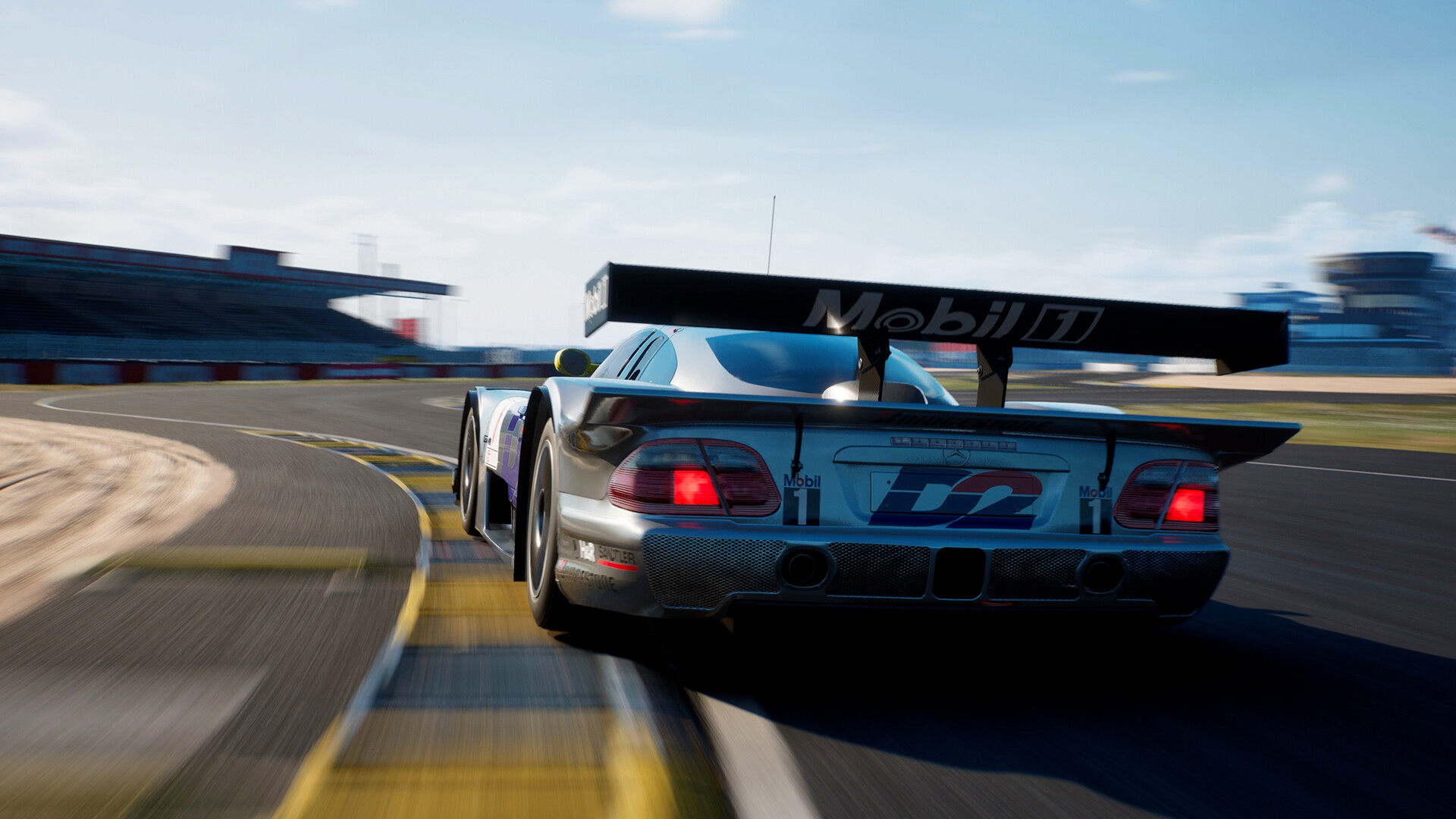
Mercedes-Benz CLK LM - the unstoppable GT1 with a perfect record
Porsche 956 - the groundbreaking Group C legend that defined an era of endurance supremacy
Peugeot 9X8 Evo - the modern Hypercar evolution, bringing cutting-edge hybrid tech to the classic fray
Track
Circuit des 24 Heures du Mans (La Sarthe) - laser-scanned for unparalleled accuracy and realism
Endurance Classics Part 1 is perfect if you are craving historical depth, epic rivalries, and the pure adrenaline of endurance racing's most celebrated cars and circuit.
Race Cars
Porsche 911 GT1 '98 - the Le Mans-winning GT1 that claimed victory in 1998
Mercedes-Benz CLK LM - the unstoppable GT1 with a perfect record
Porsche 956 - the groundbreaking Group C legend that defined an era of endurance supremacy
Peugeot 9X8 Evo - the modern Hypercar evolution, bringing cutting-edge hybrid tech to the classic fray
Track
Circuit des 24 Heures du Mans (La Sarthe) - laser-scanned for unparalleled accuracy and realism
Endurance Classics Part 1 is perfect if you are craving historical depth, epic rivalries, and the pure adrenaline of endurance racing's most celebrated cars and circuit.
Minimum:
- Requires a 64-bit processor and operating system
- OS: Windows 10 20H2
- Processor: Intel i7 6700k
- Memory: 16 GB RAM
- Graphics: NVIDIA RTX 2070
- DirectX: Version 12
- Network: Broadband Internet connection
- Storage: 100 GB available space
If you are not familiar with the technical information of your PC, download the CPU-Z program. CPU-Z will give you detailed information about the main system components - CPU, RAM, video card - installed on your system, which you can then compare with the minimum requirements of the game.
- Go to: http://store.steampowered.com/ and download STEAM client
- Click "Install Steam" (from the upper right corner)
- Install and start application, login with your Account name and Password (create one if you don't have).
- Please follow these instructions to activate a new retail purchase on Steam:
- Launch Steam and log into your Steam account.
- Click the Games Menu.
- Choose Activate a Product on Steam...
- Follow the onscreen instructions to complete the process.
- After successful code verification go to the "MY GAMES" tab and start downloading.
Videos & Screenshots
Recommended




- Payments
-

-

-

-

-

-

-

-

-
