
Buy Project Motor Racing: GT Icons Pack / Global

DLC
Platform:
Windows
Genre:
Sports
Publisher:
GIANTS Software
Activation:
Steam
Release Date:
23 june 2026
Languages:
English
Type:
Key
Region:
Global
15.00 USD
 In stock
Extra Content
Project Motor Racing required to run
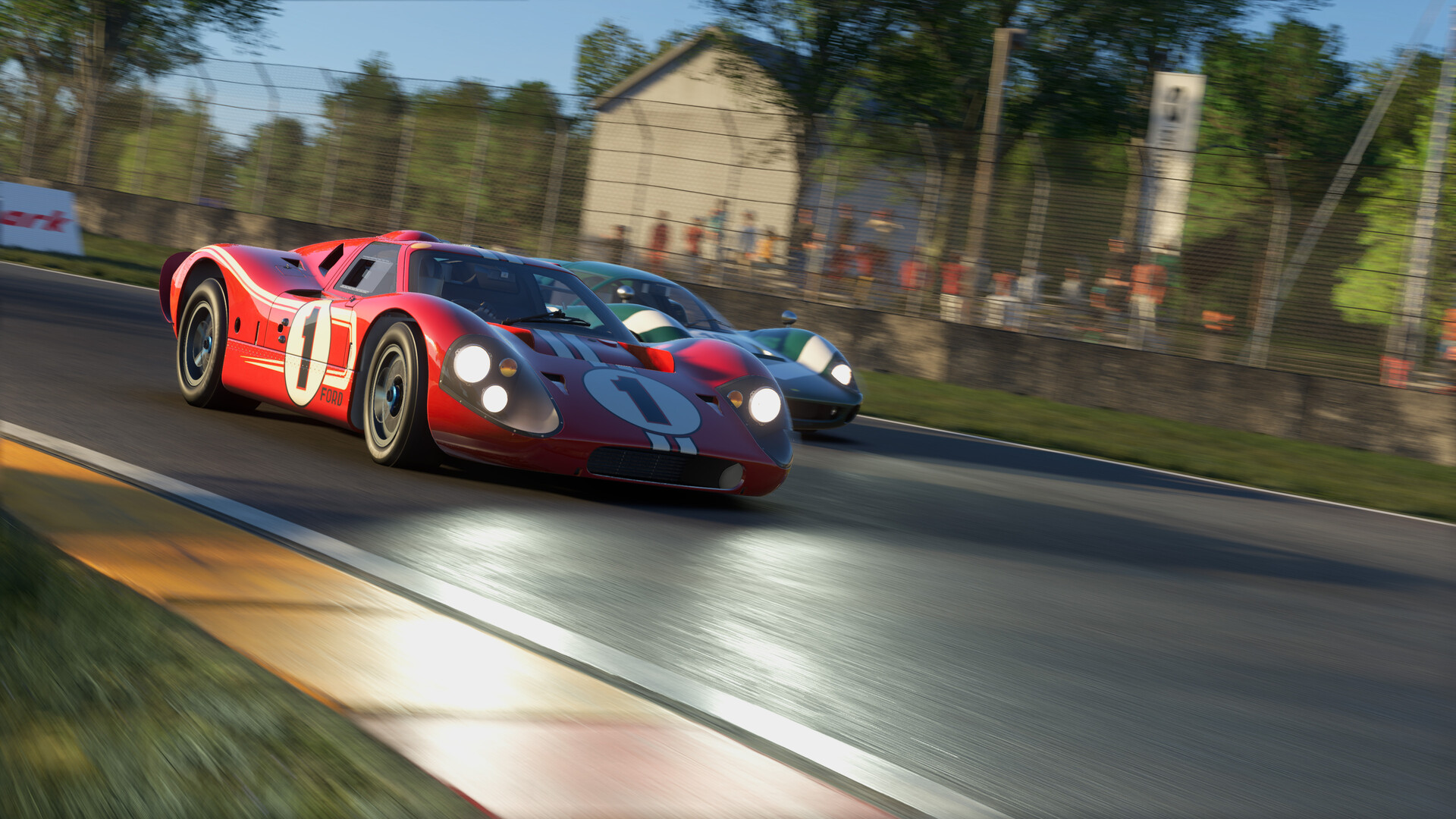
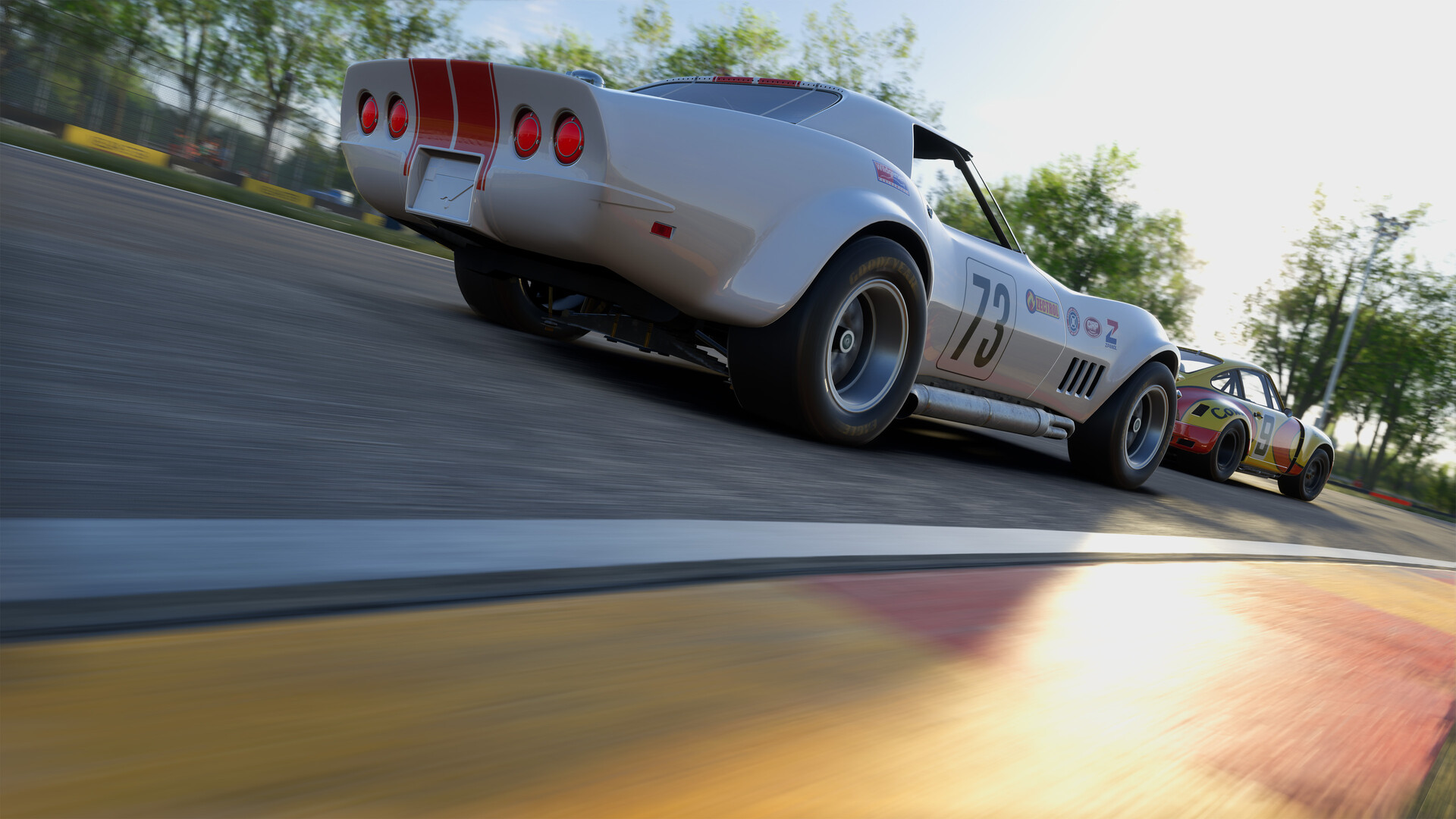
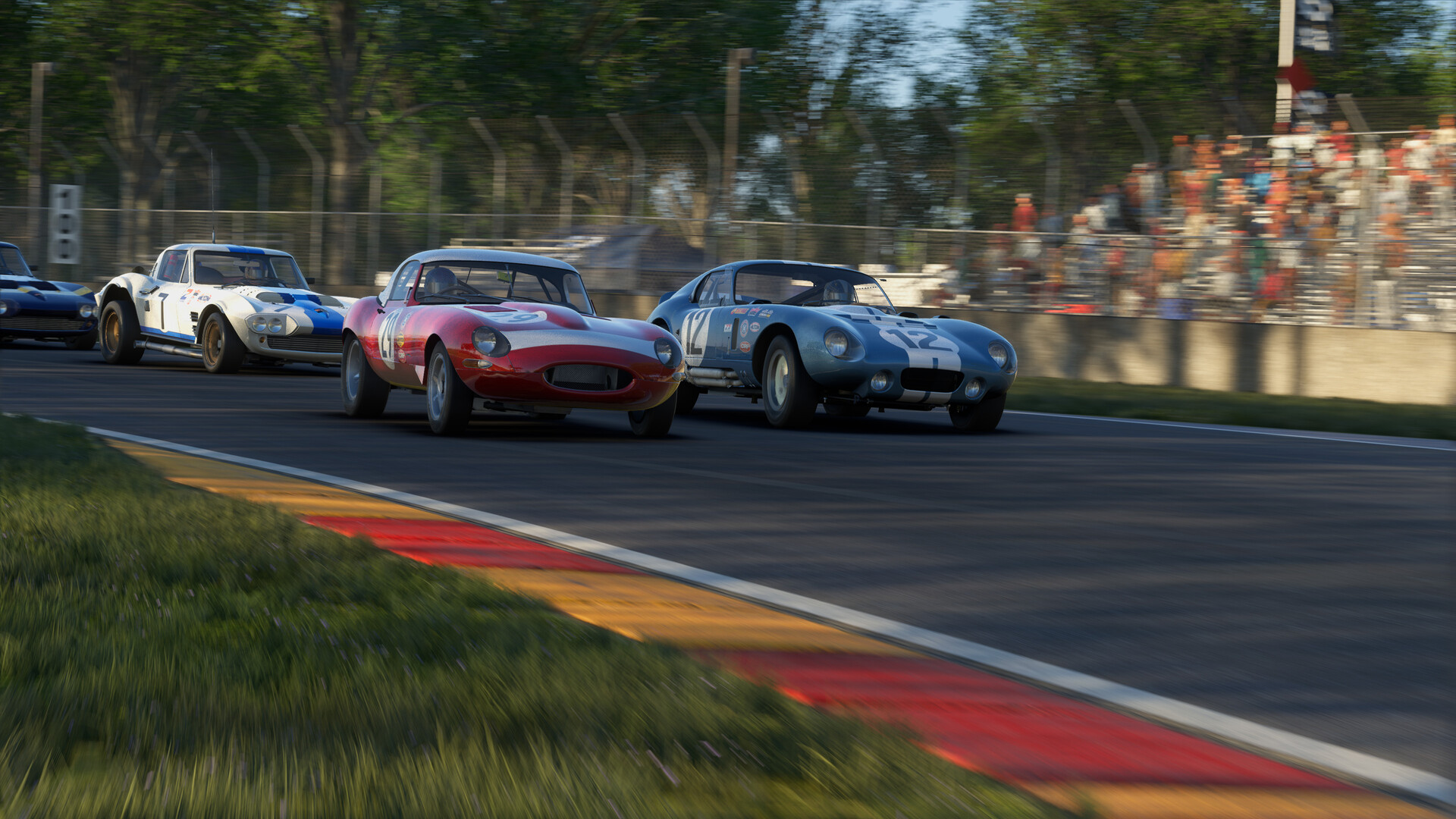
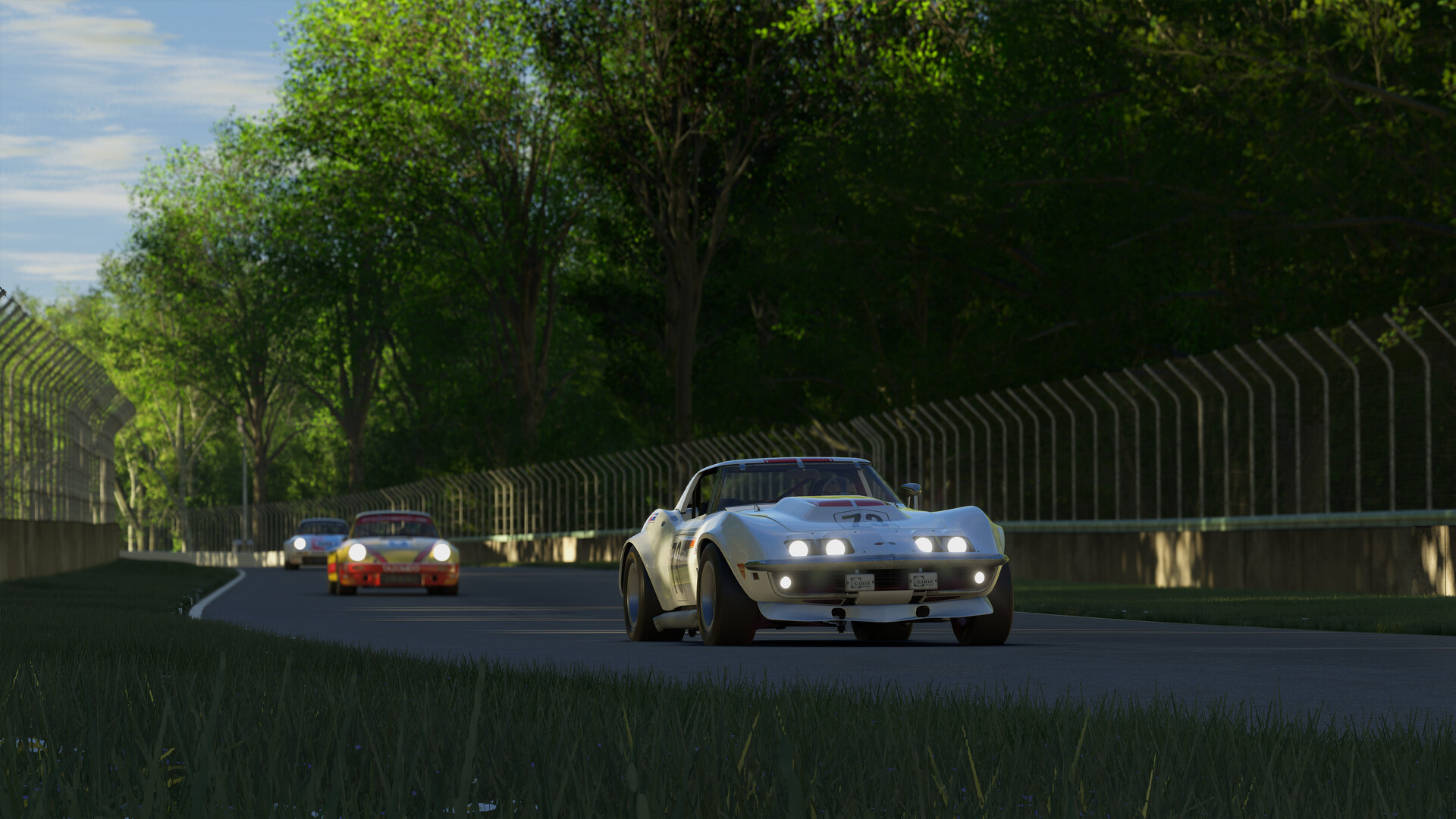
The GT Icons Pack brings together 9 cars that mark a unique era of sports car racing, when raw power, basic aerodynamics, and mechanical grip shaped the identity of every grid. This Pack showcases 3 distinct classes from the late-’60s and early 1970s, each representing a different philosophy of speed and the unique machines that dominated that decade.
GT 70 reflects the rise of homologation specials—cars built to win on Sunday and sell on Monday. From the precision of the Porsche 911 Carrera RSR 3.0 to the brute power of the Corvette C3 and Ford Capri RS3100, these cars demand poise, commitment and respect.
Sports Car 67 takes you into prototype racing’s golden age. High downforce experiments like the era-defining Chaparral 2F line up alongside icons such as the Ford GT40 Mk IV and Lola T70 Mk 3. Big power, dodgy aero, edgy reliability.
GT 60 completes the pack with 3 lightweight, analogue racers—the Shelby Daytona Coupe, Jaguar E-Type Lightweight, and Corvette Grand Sport—that reward drivers able to live with sideways action fun.
No driver aids, no nannies. Just you and your talent. Enjoy them all on a scanned version of the American road track “Rocky Knoll Raceway”.
GT 70 reflects the rise of homologation specials—cars built to win on Sunday and sell on Monday. From the precision of the Porsche 911 Carrera RSR 3.0 to the brute power of the Corvette C3 and Ford Capri RS3100, these cars demand poise, commitment and respect.
Sports Car 67 takes you into prototype racing’s golden age. High downforce experiments like the era-defining Chaparral 2F line up alongside icons such as the Ford GT40 Mk IV and Lola T70 Mk 3. Big power, dodgy aero, edgy reliability.
GT 60 completes the pack with 3 lightweight, analogue racers—the Shelby Daytona Coupe, Jaguar E-Type Lightweight, and Corvette Grand Sport—that reward drivers able to live with sideways action fun.
No driver aids, no nannies. Just you and your talent. Enjoy them all on a scanned version of the American road track “Rocky Knoll Raceway”.
Minimum:
- Requires a 64-bit processor and operating system
- OS: Windows 10 (x64)
- Processor: Intel Core i7-8700 / AMD Ryzen 5 (minimum 12 threads required)
- Memory: 16 GB RAM
- Graphics: NVIDIA RTX 2060 / AMD Radeon RX 580 (6 GB VRAM or more)
- DirectX: Version 12
- Network: Broadband Internet connection
- Storage: 50 GB available space
- Sound Card: Sound card
- Additional Notes: These system requirements can´t cover all possible system configurations so issues could occur that influence the functionality in some cases.
If you are not familiar with the technical information of your PC, download the CPU-Z program. CPU-Z will give you detailed information about the main system components - CPU, RAM, video card - installed on your system, which you can then compare with the minimum requirements of the game.
- Go to: http://store.steampowered.com/ and download STEAM client
- Click "Install Steam" (from the upper right corner)
- Install and start application, login with your Account name and Password (create one if you don't have).
- Please follow these instructions to activate a new retail purchase on Steam:
- Launch Steam and log into your Steam account.
- Click the Games Menu.
- Choose Activate a Product on Steam...
- Follow the onscreen instructions to complete the process.
- After successful code verification go to the "MY GAMES" tab and start downloading.
Videos & Screenshots
Recommended





- Payments
-

-

-

-

-

-

-

-

-
