
Buy Overcooked! 2 - Surf 'n' Turf / ROW
DLC
Platform:
Windows
Genre:
Action, Indie, Casual
Publisher:
Team17 Digital Ltd
Activation:
Steam
Release Date:
3 october 2018
Languages:
English
Type:
Key
Region:
EU
5.00 USD
 In stock
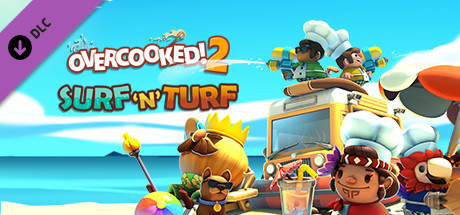
Get your sunglasses on, gather your chef squad and fire up the barbecue…IT’S TIME TO GO TO THE BEACH!
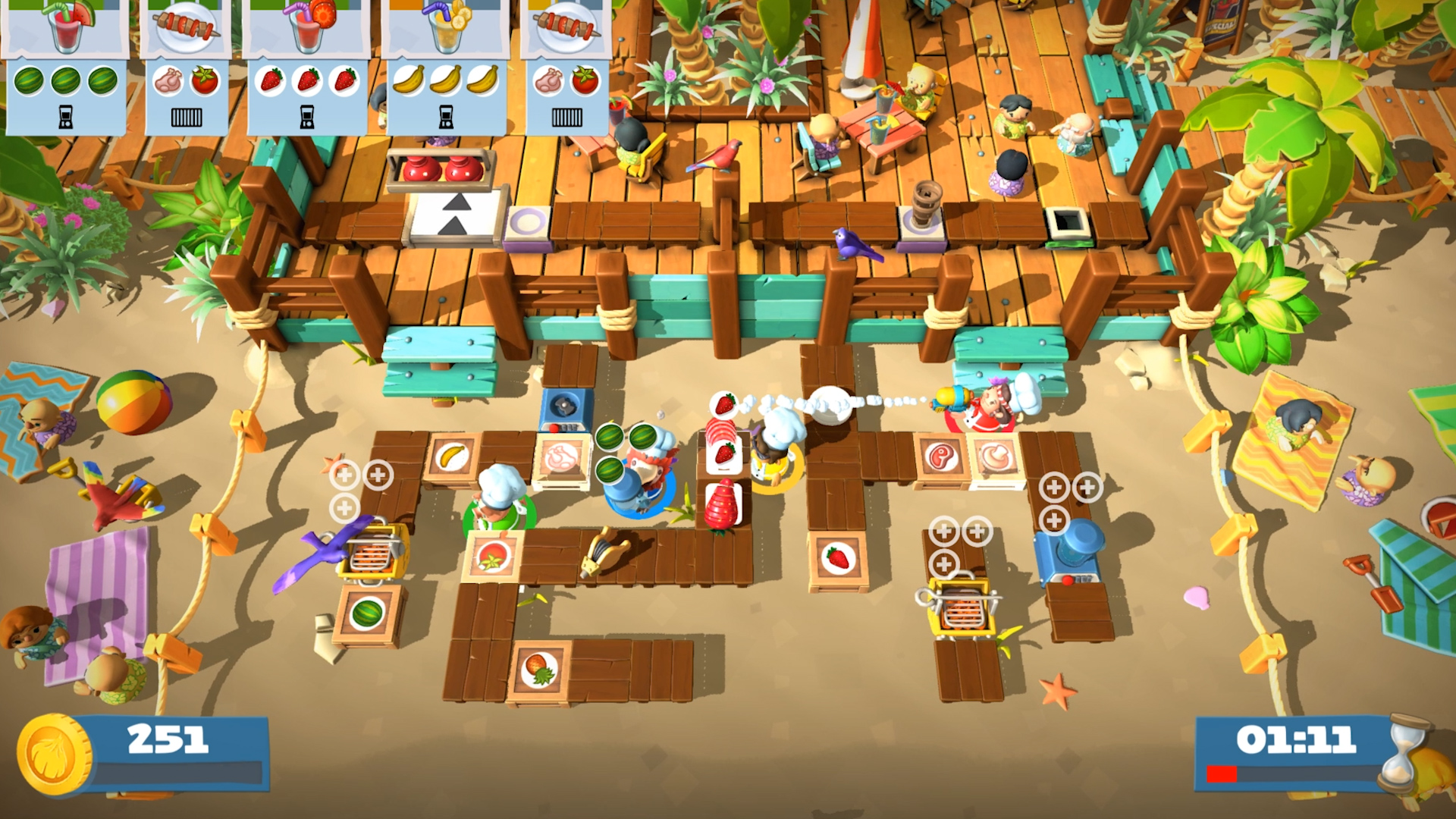
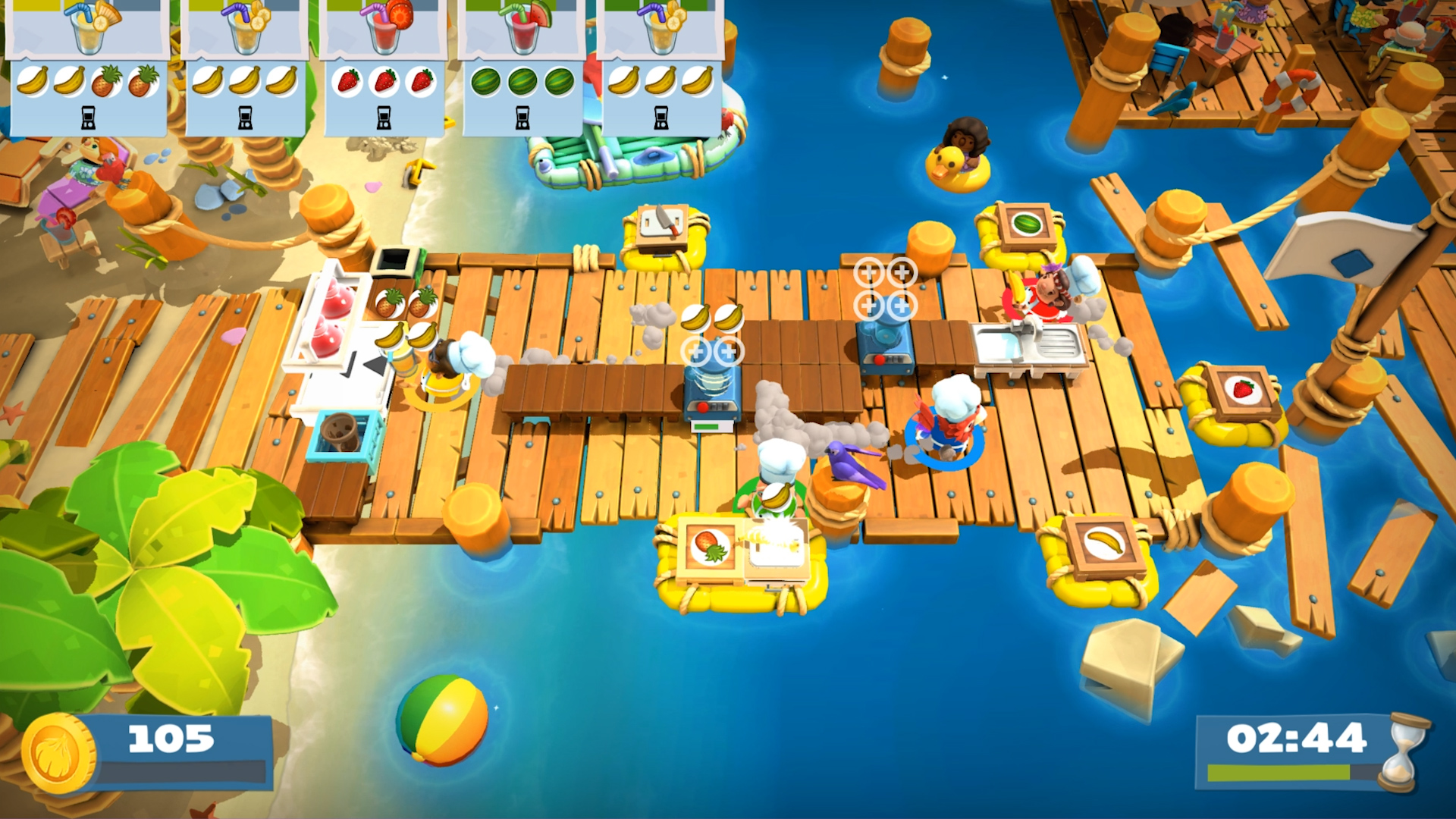
More recipes, more chefs, more kitchens! You’ll be having a whale of a time as you cook up kebab skewers and smoothies with our new friends the ever so exotic parrot chef and the fiery island chef.
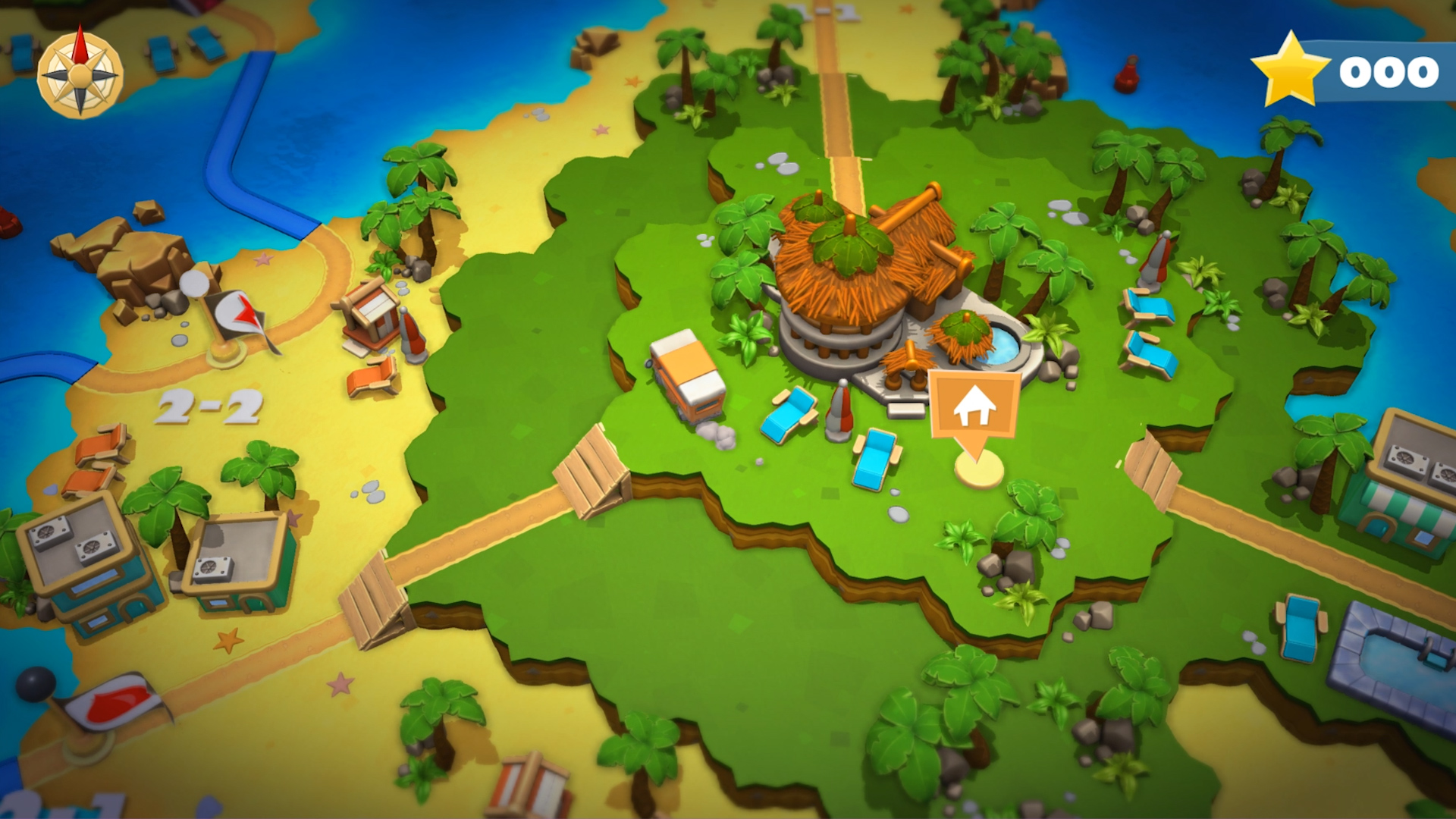
Go head-to-head in two scorching versus levels or combat the hungry masses as a team in one of the 12 new succulent story levels, using your trusty water pistol to clean dishes for maximum cooperation or against each other for maximum chaos…Whatever floats your boat!
More recipes, more chefs, more kitchens! You’ll be having a whale of a time as you cook up kebab skewers and smoothies with our new friends the ever so exotic parrot chef and the fiery island chef.
Go head-to-head in two scorching versus levels or combat the hungry masses as a team in one of the 12 new succulent story levels, using your trusty water pistol to clean dishes for maximum cooperation or against each other for maximum chaos…Whatever floats your boat!
- Minimum:
- OS: WIN7-64 bit
- Processor: Intel i3-2100 / AMD A8-5600k
- Memory: 4 GB RAM
- Graphics: GeForce GTX 630 / Radeon HD 6570
- DirectX: Version 11
- Storage: 3 GB available space
- Sound Card: DirectX Compatible Sound Card
- Recommended:
- OS: Win7 -64 bit
- Processor: Intel i5-650 / AMD A10-5800K
- Memory: 4 GB RAM
- Graphics: Nvidia GeForce GTX 650 / Radeon HD 7510
- DirectX: Version 11
- Storage: 3 GB available space
- Sound Card: DirectX Compatible Sound Card
If you are not familiar with the technical information of your PC, download the CPU-Z program. CPU-Z will give you detailed information about the main system components - CPU, RAM, video card - installed on your system, which you can then compare with the minimum requirements of the game.
- Go to: http://store.steampowered.com/ and download STEAM client
- Click "Install Steam" (from the upper right corner)
- Install and start application, login with your Account name and Password (create one if you don't have).
- Please follow these instructions to activate a new retail purchase on Steam:
- Launch Steam and log into your Steam account.
- Click the Games Menu.
- Choose Activate a Product on Steam...
- Follow the onscreen instructions to complete the process.
- After successful code verification go to the "MY GAMES" tab and start downloading.
Videos & Screenshots







- Payments
-

-

-

-

-

-

-

-

-
