
Buy Oddsparks: An Automation Adventure - Tailor's Animal / ROW
DLC
Platform:
Windows
Genre:
Adventure, Indie, Simulator, Strategies
Publisher:
HandyGames
Activation:
Steam
Release Date:
27 june 2025
Languages:
English
Type:
Key
Region:
EU
5.00 USD
 In stock
Extra Content
Oddsparks: An Automation Adventure required to run
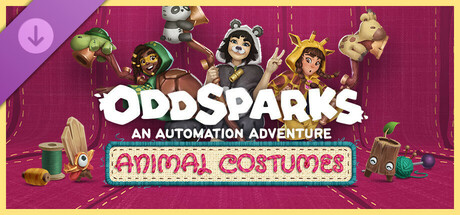
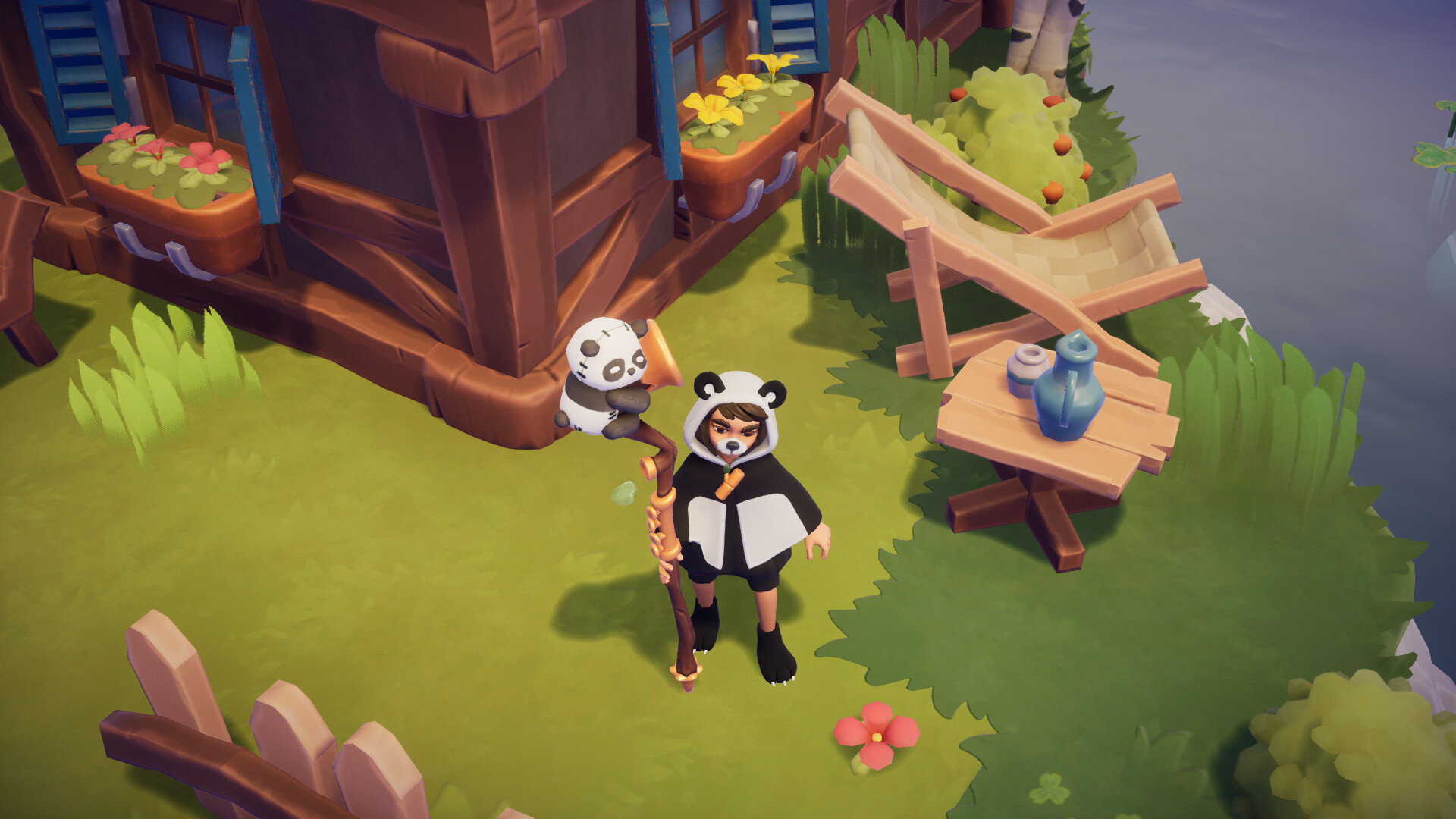
The Animal Costumes Pack includes 5 optional animal-themed costumes with a total of 28 individual items, which will make you stand out from the crowd:
Panda Set
Panda Face Accessory
Panda Poncho Pattern
Panda Bear Ears
Panda Poncho Type
Panda Shoes
Panda Brooch
Panda Staff
Turtle Set
Turtle Poncho Pattern
Turtle Face Mask
Turtle Brooch
Turtle Poncho Type
Turtle Staff
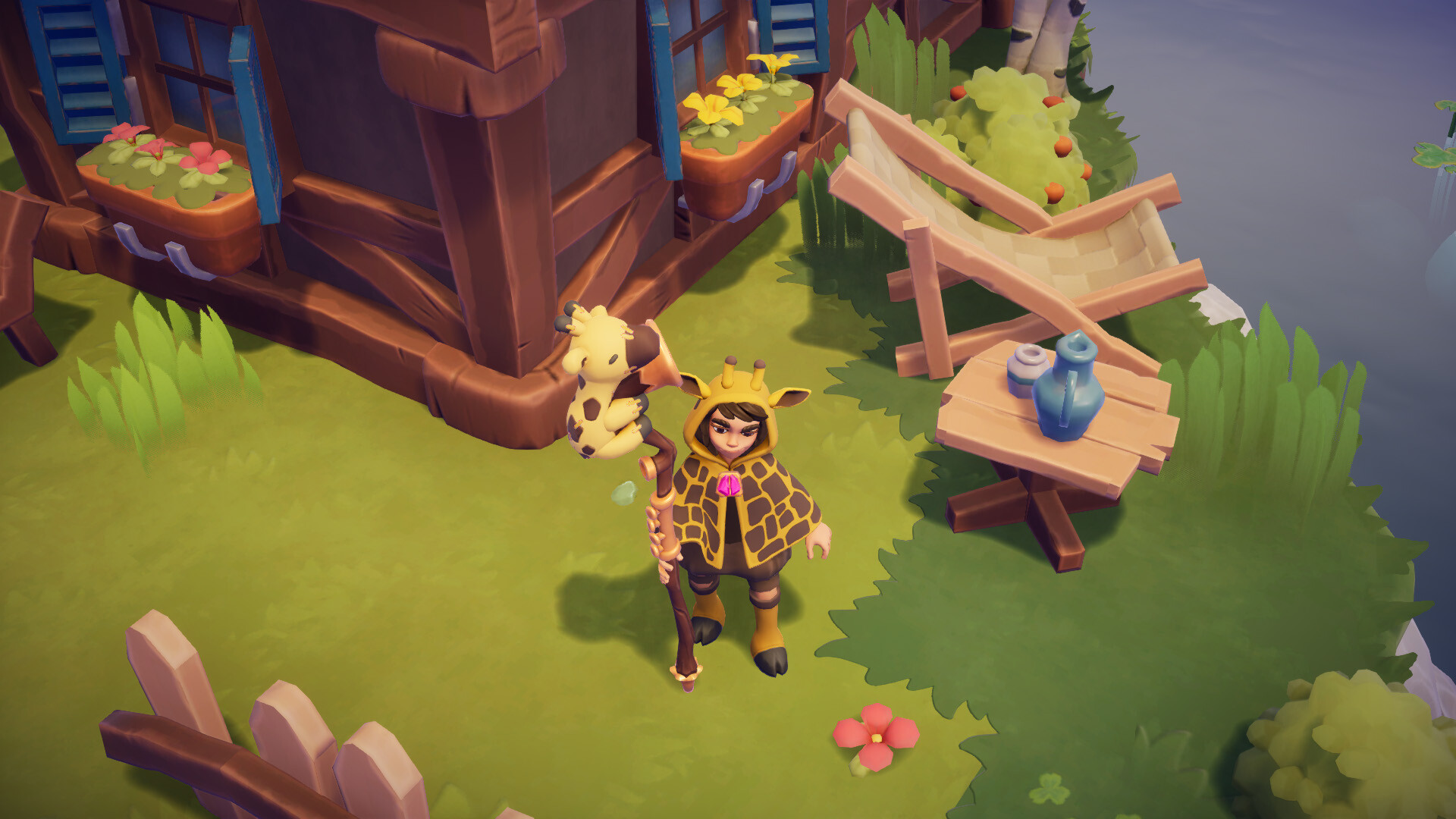
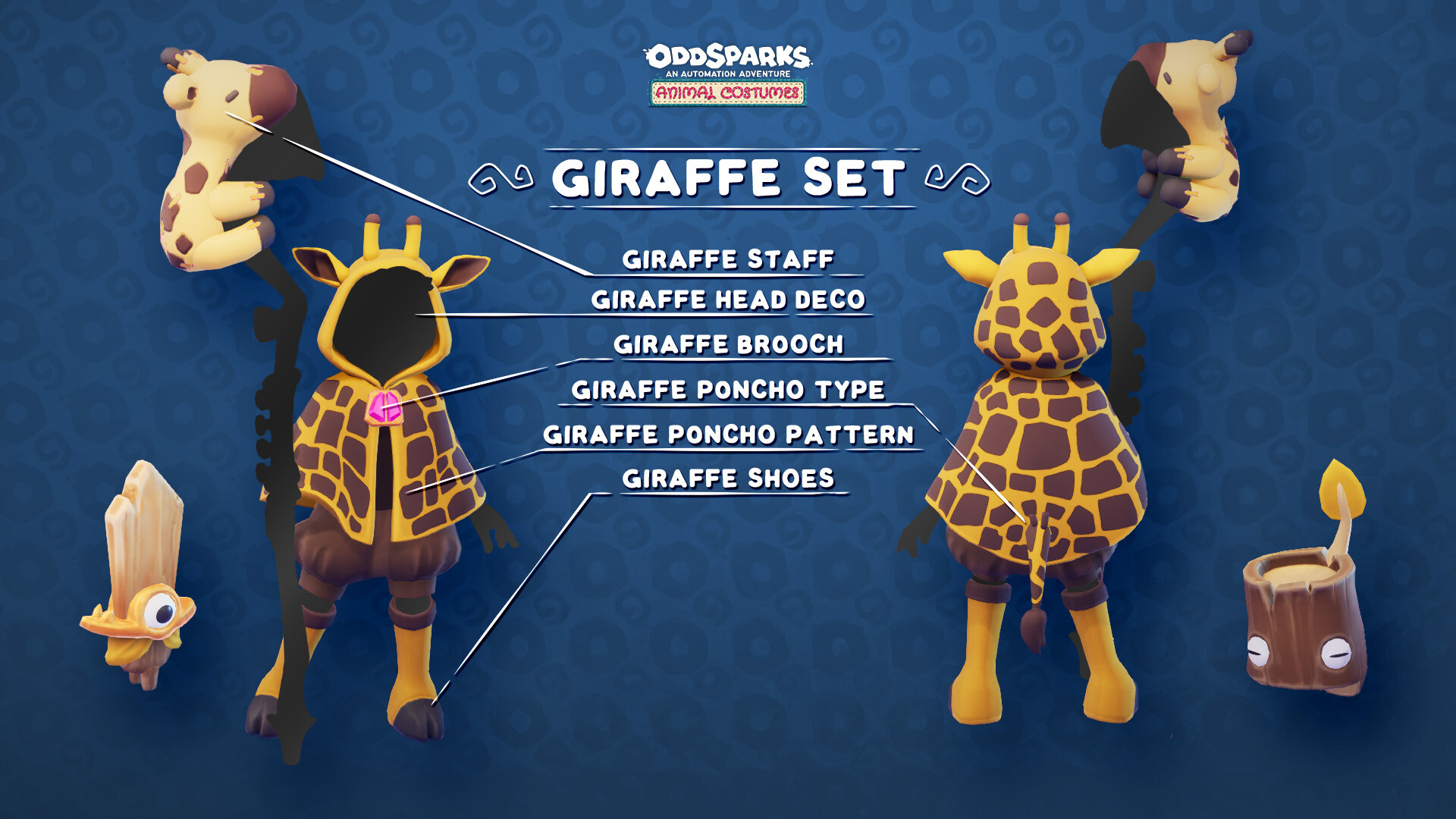
Giraffe Set
Giraffe Poncho Pattern
Giraffe Poncho Type
Giraffe Head Deco
Giraffe Brooch
Giraffe Shoes
Giraffe Staff
Shark Set
Shark Poncho Type
Shark Brooch
Shark Shoes
Shark Staff
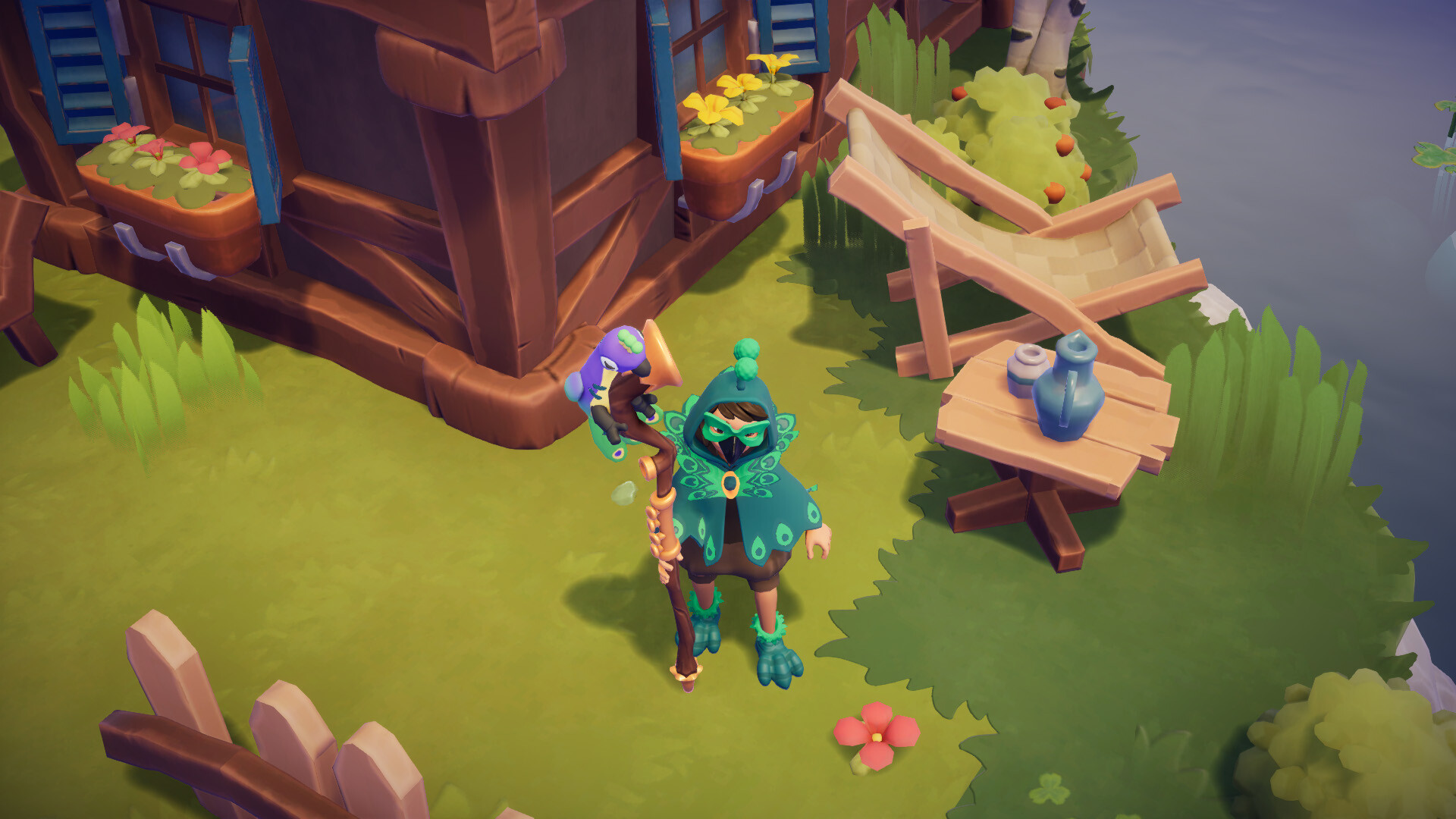
Peacock Set
Peacock Head Deco
Peacock Face Deco
Peacock Brooch
Peacock Poncho
Peacock Shoes
Peacock Staff
The items from the Animal Costumes can be used in the character editor right from the beginning.
Panda Set
Panda Face Accessory
Panda Poncho Pattern
Panda Bear Ears
Panda Poncho Type
Panda Shoes
Panda Brooch
Panda Staff
Turtle Set
Turtle Poncho Pattern
Turtle Face Mask
Turtle Brooch
Turtle Poncho Type
Turtle Staff
Giraffe Set
Giraffe Poncho Pattern
Giraffe Poncho Type
Giraffe Head Deco
Giraffe Brooch
Giraffe Shoes
Giraffe Staff
Shark Set
Shark Poncho Type
Shark Brooch
Shark Shoes
Shark Staff
Peacock Set
Peacock Head Deco
Peacock Face Deco
Peacock Brooch
Peacock Poncho
Peacock Shoes
Peacock Staff
The items from the Animal Costumes can be used in the character editor right from the beginning.
- inimum:
- Requires a 64-bit processor and operating system
- OS: Windows 10 64bit
- Processor: Intel Core i5 / AMD FX-6300
- Memory: 8 GB RAM
- Graphics: GTX 970 4GB / Radeon RX580 4GB or better
- DirectX: Version 11
- Storage: 6 GB available space
- Recommended:
- Requires a 64-bit processor and operating system
- OS: Windows 10 64bit
- Processor: Intel i7 / AMD Ryzen 7
- Memory: 8 GB RAM
- Graphics: GTX 1070 4GB / Radeon RX 5700-XT 4GB or better
- DirectX: Version 11
- Storage: 6 GB available space
If you are not familiar with the technical information of your PC, download the CPU-Z program. CPU-Z will give you detailed information about the main system components - CPU, RAM, video card - installed on your system, which you can then compare with the minimum requirements of the game.
- Go to: http://store.steampowered.com/ and download STEAM client
- Click "Install Steam" (from the upper right corner)
- Install and start application, login with your Account name and Password (create one if you don't have).
- Please follow these instructions to activate a new retail purchase on Steam:
- Launch Steam and log into your Steam account.
- Click the Games Menu.
- Choose Activate a Product on Steam...
- Follow the onscreen instructions to complete the process.
- After successful code verification go to the "MY GAMES" tab and start downloading.
Videos & Screenshots





- Payments
-

-

-

-

-

-

-

-

-
