
Buy Oddsparks: An Automation Adventure - Making Music / ROW
DLC
Platform:
Windows
Genre:
Adventure, Indie, Simulator, Strategies
Publisher:
HandyGames
Activation:
Steam
Release Date:
24 july 2025
Languages:
English
Type:
Key
Region:
EU
8.00 USD
 In stock
Extra Content
Oddsparks: An Automation Adventure required to run
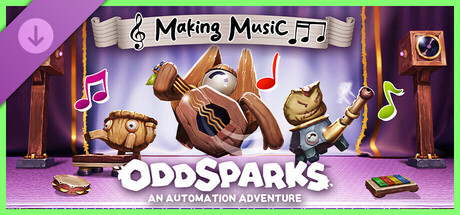
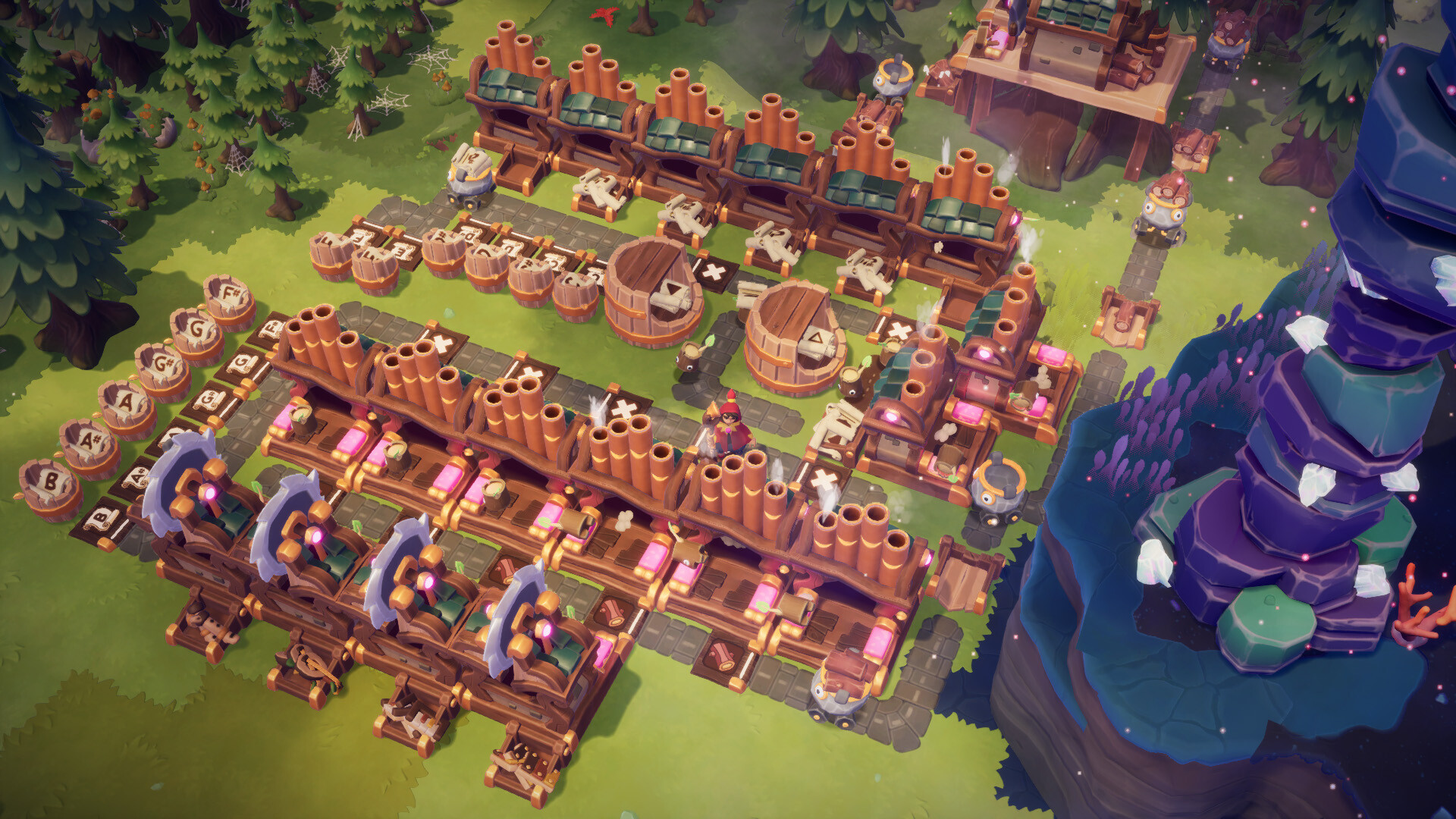
Strike up the band and march to the beat of your own automation in the Making Music DLC for Oddsparks: An Automation Adventure! This playful yet powerful DLC introduces a brand-new musical system that lets you turn your factory into a fully orchestrated machine of rhythm and melody.
Let your creativity resonate. Add music to your mechanics, and harmony to your hustle!
This DLC includes:
New logic items: Musical Pressure Plate (Tier 2) and Musical Speaker (Tier 4)
New Sawbench recipes: toy piano, toy flute, toy lute, and toy xylophone (Tier 2)
New workstation: Musical Workstation (Tier 2)
New Musical Workstation recipes: 12 notes and 2 octave markers (Tier 2)
New path add-on: Metronome (Tier 2)
New decoration: Spark Showcase – Band (Tier 1)
New quests: Musical Constructions (Tier 2) and Musical Speaker (Tier 4)
Compose as You Build
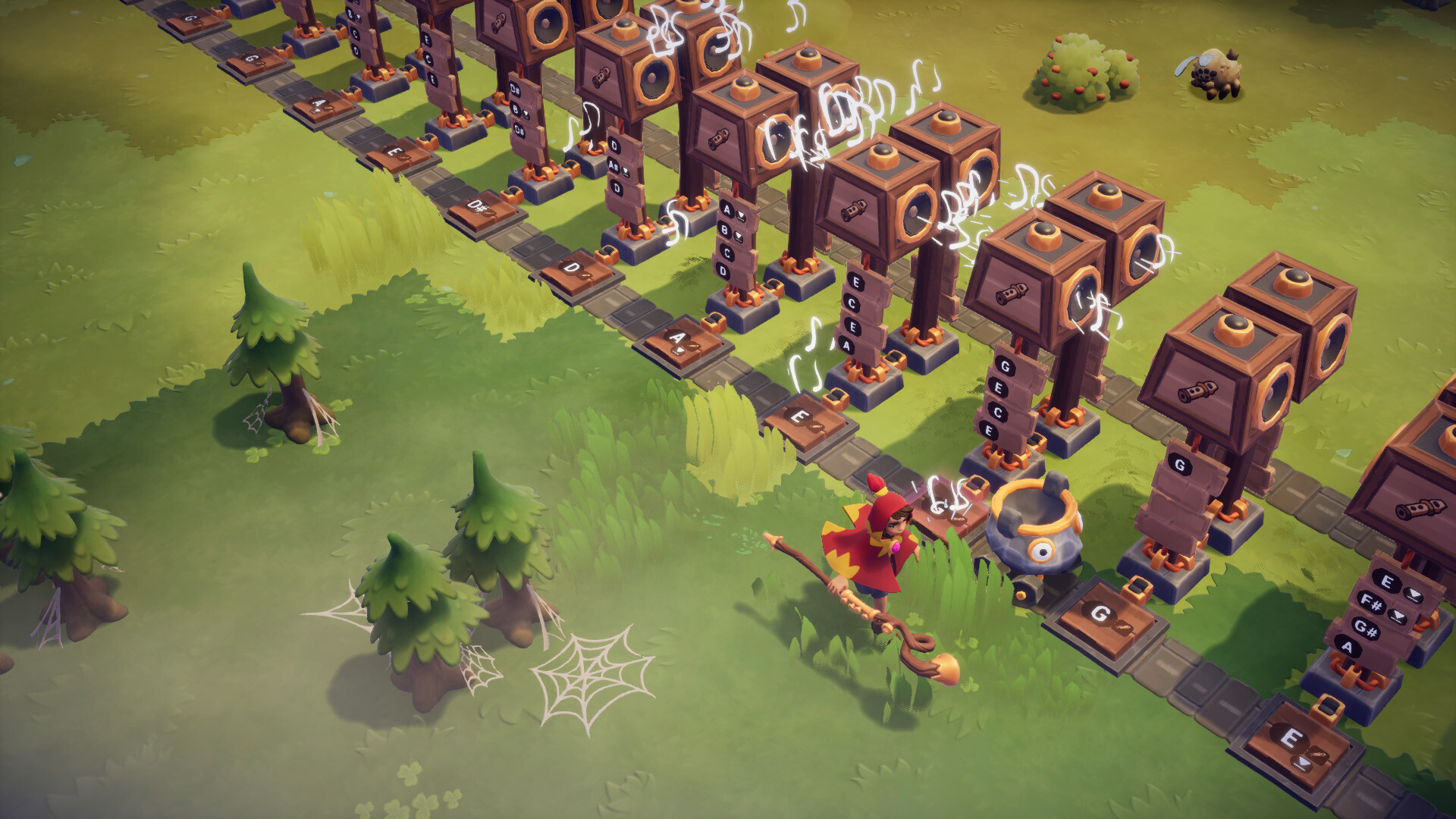
Every Spark step can now strike a chord, literally! Use Musical Pressure Plates to play sounds as Sparks pass by, and control Musical Speakers through the logic systems to bring complex arrangements to life. Timing is Spark-based, and every existing item can now be used to create different sounds.
Craft Your Instruments & Sounds
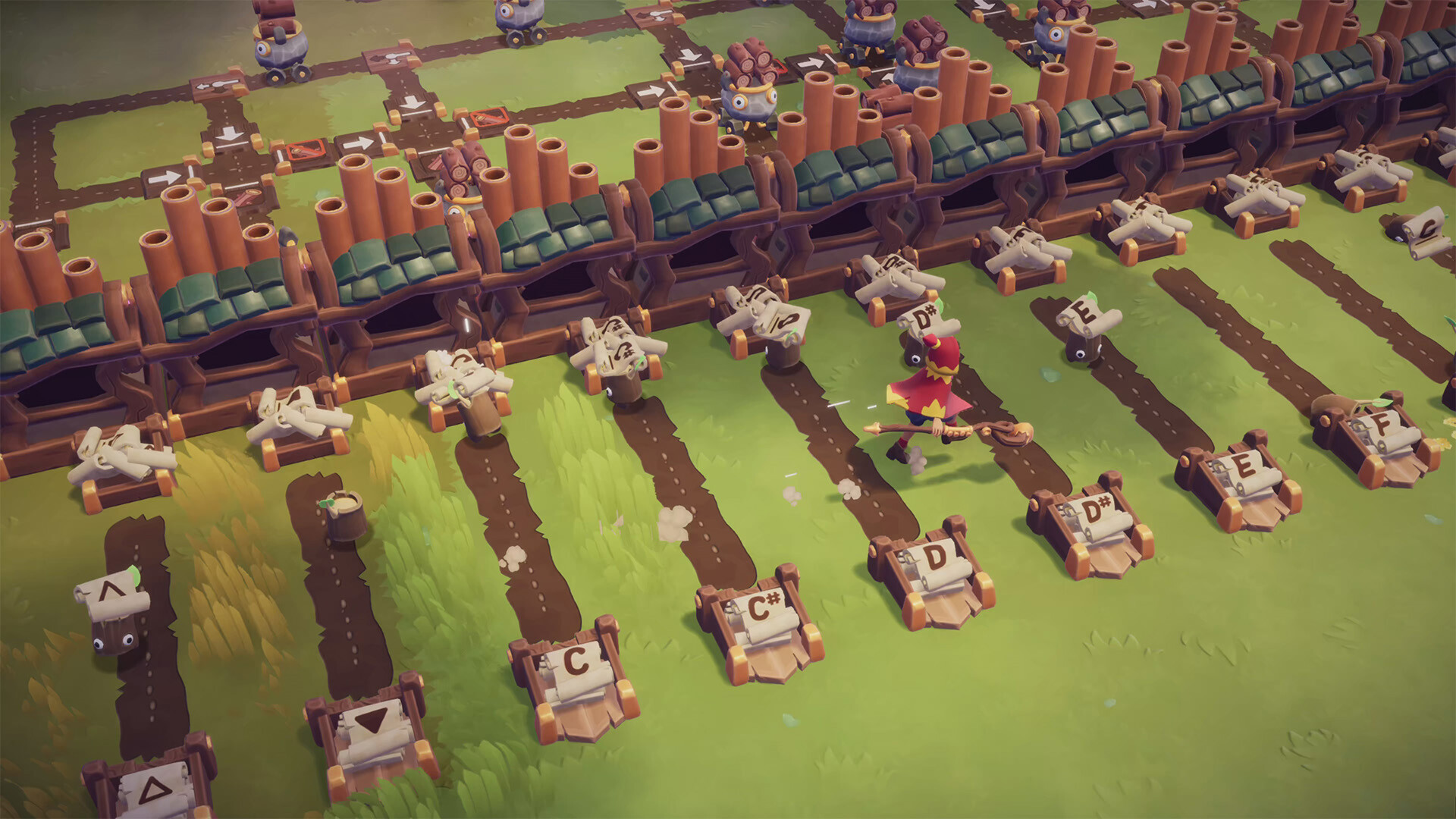
Unleash your musical creativity! Unlock the Musical Workstation and craft a complete set of 12 musical notes and 2 octave markers. And there's more: your Sawbench can now fashion four charming toy instruments (piano, flute, lute, and xylophone), ideal for bringing a touch of melody to your workshops.
Set the Stage
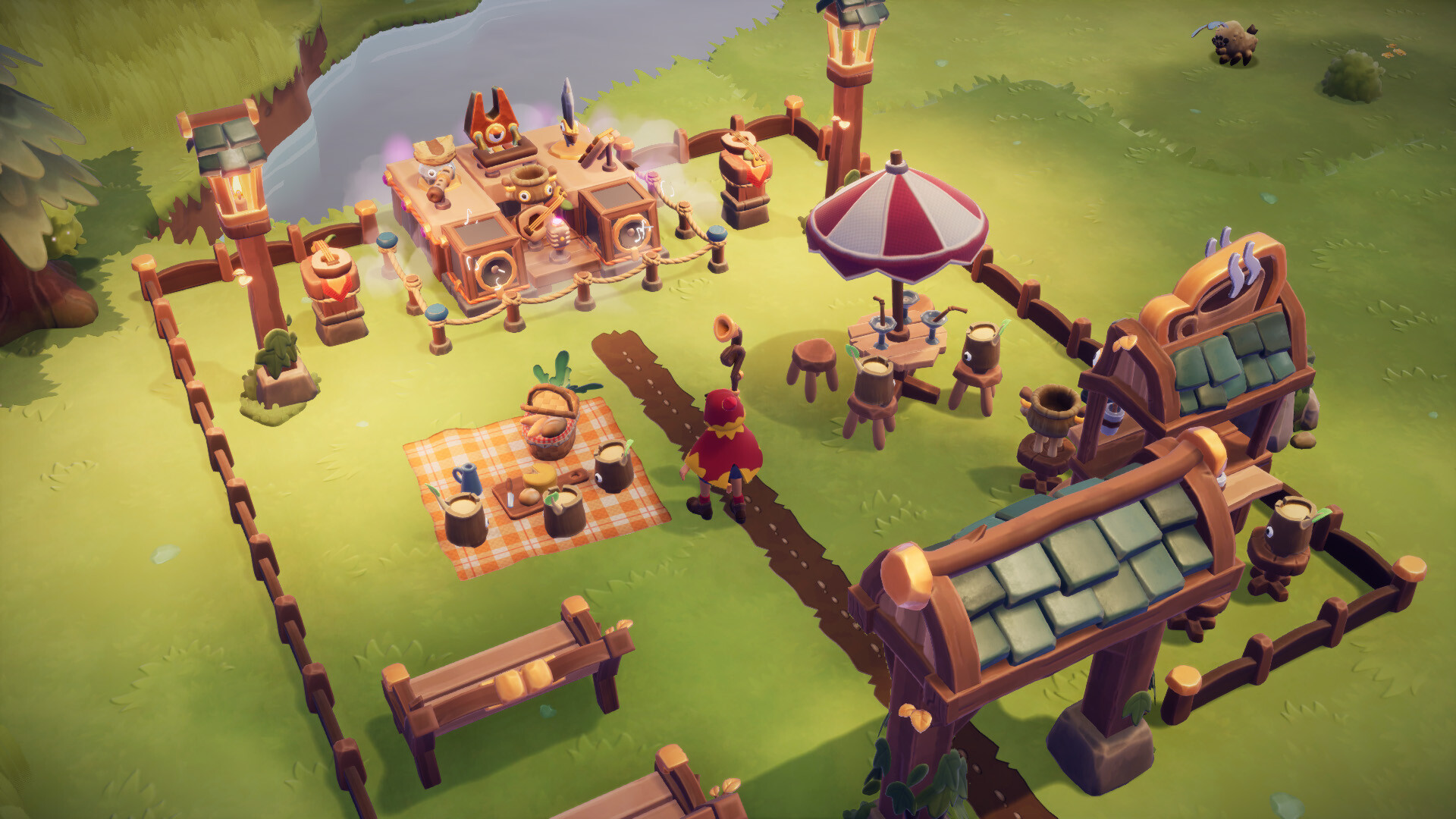
Want to see your Sparks rock out? Build the Spark Showcase - Band, a dedicated concert stage where your Sparks perform together in sync.
Let your creativity resonate. Add music to your mechanics, and harmony to your hustle!
This DLC includes:
New logic items: Musical Pressure Plate (Tier 2) and Musical Speaker (Tier 4)
New Sawbench recipes: toy piano, toy flute, toy lute, and toy xylophone (Tier 2)
New workstation: Musical Workstation (Tier 2)
New Musical Workstation recipes: 12 notes and 2 octave markers (Tier 2)
New path add-on: Metronome (Tier 2)
New decoration: Spark Showcase – Band (Tier 1)
New quests: Musical Constructions (Tier 2) and Musical Speaker (Tier 4)
Compose as You Build
Every Spark step can now strike a chord, literally! Use Musical Pressure Plates to play sounds as Sparks pass by, and control Musical Speakers through the logic systems to bring complex arrangements to life. Timing is Spark-based, and every existing item can now be used to create different sounds.
Craft Your Instruments & Sounds
Unleash your musical creativity! Unlock the Musical Workstation and craft a complete set of 12 musical notes and 2 octave markers. And there's more: your Sawbench can now fashion four charming toy instruments (piano, flute, lute, and xylophone), ideal for bringing a touch of melody to your workshops.
Set the Stage
Want to see your Sparks rock out? Build the Spark Showcase - Band, a dedicated concert stage where your Sparks perform together in sync.
- Minimum:
- Requires a 64-bit processor and operating system
- OS: Windows 10 64bit
- Processor: Intel Core i5 / AMD FX-6300
- Memory: 8 GB RAM
- Graphics: GTX 970 4GB / Radeon RX580 4GB or better
- DirectX: Version 11
- Storage: 6 GB available space
- Recommended:
- Requires a 64-bit processor and operating system
- OS: Windows 10 64bit
- Processor: Intel i7 / AMD Ryzen 7
- Memory: 8 GB RAM
- Graphics: GTX 1070 4GB / Radeon RX 5700-XT 4GB or better
- DirectX: Version 11
- Storage: 6 GB available space
If you are not familiar with the technical information of your PC, download the CPU-Z program. CPU-Z will give you detailed information about the main system components - CPU, RAM, video card - installed on your system, which you can then compare with the minimum requirements of the game.
- Go to: http://store.steampowered.com/ and download STEAM client
- Click "Install Steam" (from the upper right corner)
- Install and start application, login with your Account name and Password (create one if you don't have).
- Please follow these instructions to activate a new retail purchase on Steam:
- Launch Steam and log into your Steam account.
- Click the Games Menu.
- Choose Activate a Product on Steam...
- Follow the onscreen instructions to complete the process.
- After successful code verification go to the "MY GAMES" tab and start downloading.
Videos & Screenshots
Recommended



- Payments
-

-

-

-

-

-

-

-

-
