
Buy Oddsparks: An Automation Adventure - Hats & Helmets / ROW
DLC
Platform:
Windows
Genre:
Adventure, Indie, Simulator, Strategies
Publisher:
HandyGames
Activation:
Steam
Release Date:
25 september 2025
Languages:
English
Type:
Key
Region:
EU
8.00 USD
 In stock
Extra Content
Oddsparks: An Automation Adventure required to run
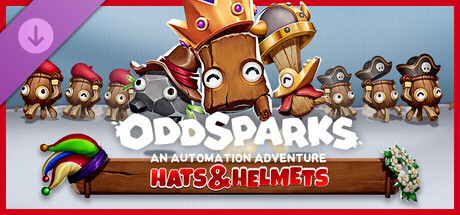
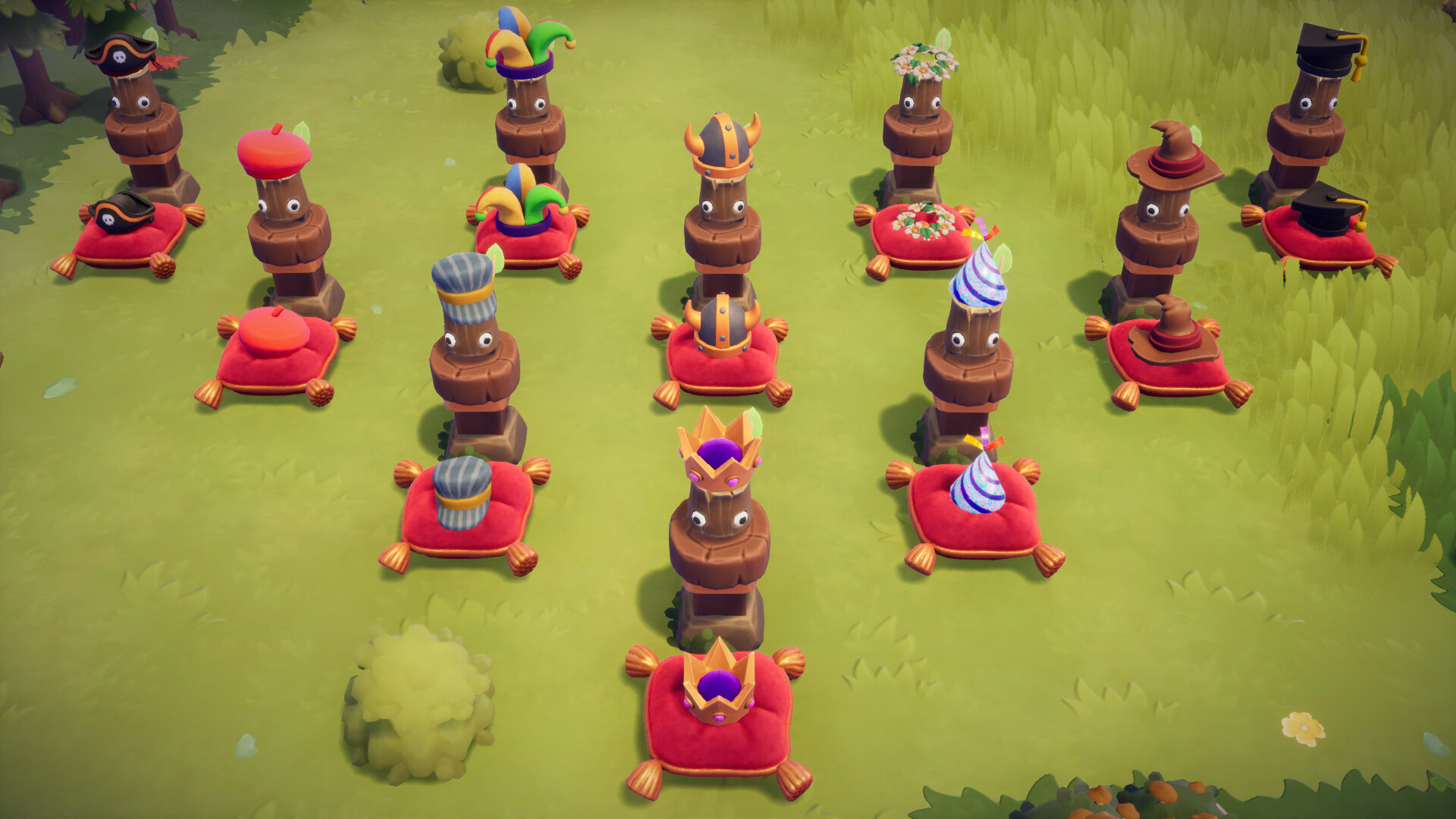
Ready to give your Sparks a fresh look and your factory a new level of control? The Hats & Helmets DLC for Oddsparks: An Automation Adventure is here! This playful yet powerful DLC lets you equip your Sparks with stylish headwear that's not just for show, it's a key to smarter automation. Create dedicated production lines by filtering your Sparks based on their hats, directing them to the right places to get the job done.
Automate. Accessorize. Categorize.
This DLC includes:
10 new, stylish Hats
New Loom recipes to produce hats
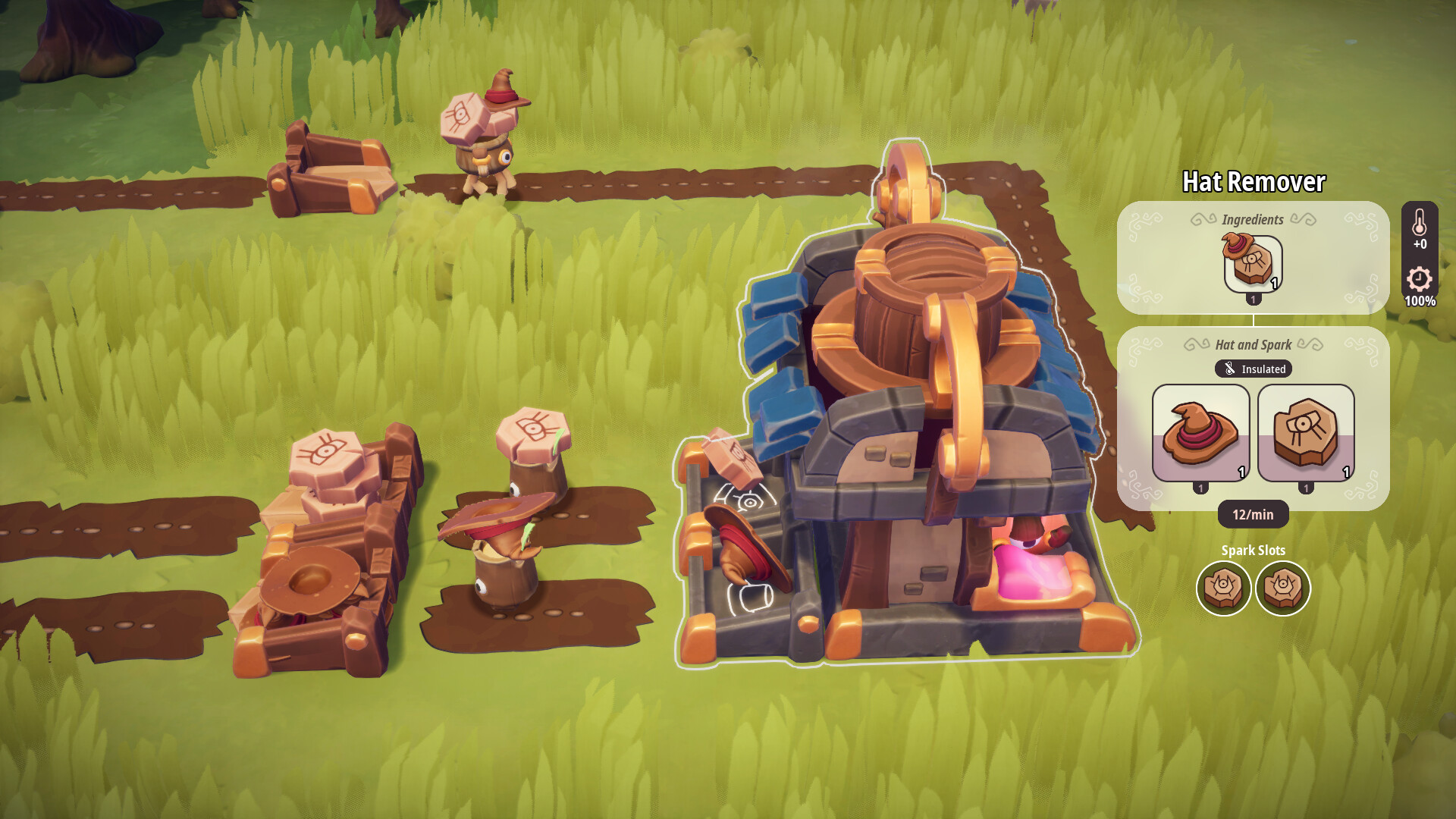
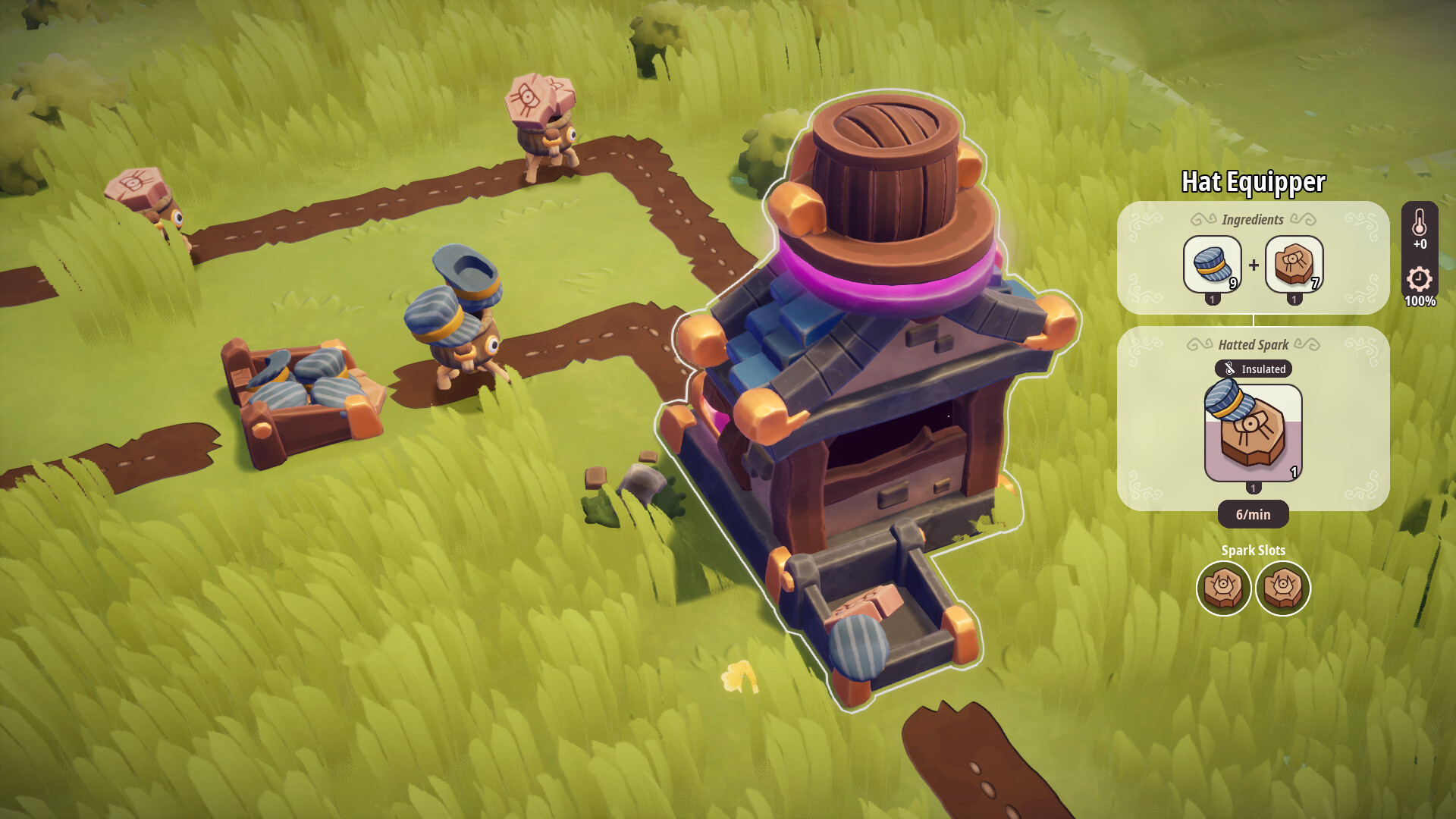
2 new workstations to equip and unequip hats
New Tier 4 Woodsman-Quest "Spark Clothing" to unlock the recipes and workstations
Gear Up Your Sparks
Your Sparks are hard at work, and now they can do it in style! In addition to purchasing hats at the Tailor's, you can now manufacture them yourself on the loom. Equip your Sparks with any of the 10 new hats you've unlocked. Whether they're sporting a rugged helmet or a fancy Flower Crown, these accessories are a crucial part of your operation. Use the new workstations to add and remove hats as needed, giving you a new way to manage your crew.
Filter Your Factory Flow
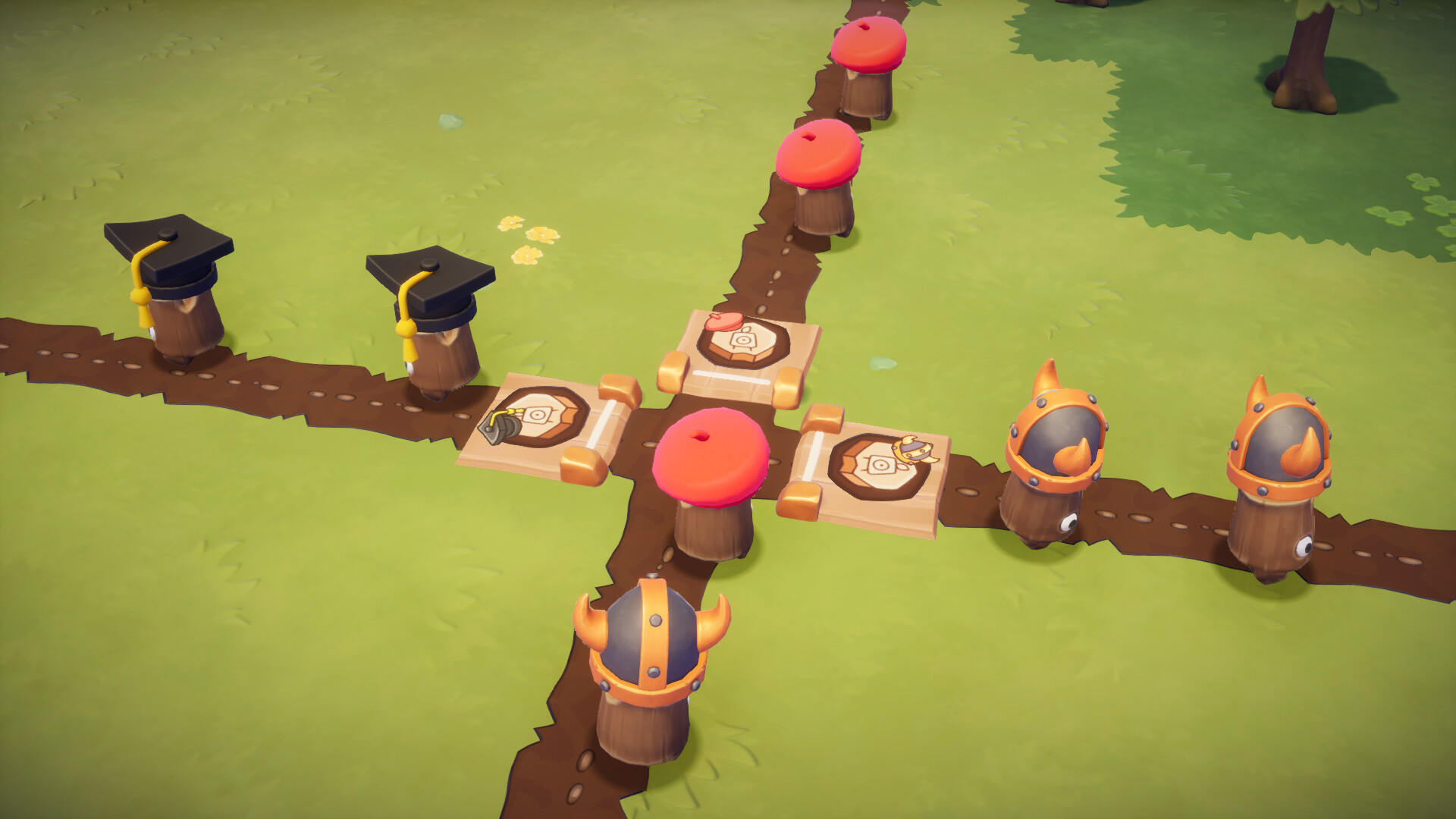
You can precisely direct your Sparks' traffic. Set up a Spark Filter to only allow Sparks wearing a specific hat to pass, giving you a powerful tool to separate different kinds of Sparks on the same path. This new layer of control opens up endless possibilities for optimizing your factory layouts and streamlining your production lines. It's time to build, automate, and accessorize your way to success!
Automate. Accessorize. Categorize.
This DLC includes:
10 new, stylish Hats
New Loom recipes to produce hats
2 new workstations to equip and unequip hats
New Tier 4 Woodsman-Quest "Spark Clothing" to unlock the recipes and workstations
Gear Up Your Sparks
Your Sparks are hard at work, and now they can do it in style! In addition to purchasing hats at the Tailor's, you can now manufacture them yourself on the loom. Equip your Sparks with any of the 10 new hats you've unlocked. Whether they're sporting a rugged helmet or a fancy Flower Crown, these accessories are a crucial part of your operation. Use the new workstations to add and remove hats as needed, giving you a new way to manage your crew.
Filter Your Factory Flow
You can precisely direct your Sparks' traffic. Set up a Spark Filter to only allow Sparks wearing a specific hat to pass, giving you a powerful tool to separate different kinds of Sparks on the same path. This new layer of control opens up endless possibilities for optimizing your factory layouts and streamlining your production lines. It's time to build, automate, and accessorize your way to success!
- Minimum:
- Requires a 64-bit processor and operating system
- OS: Windows 10 64bit
- Processor: Intel Core i5 / AMD FX-6300
- Memory: 8 GB RAM
- Graphics: GTX 970 4GB / Radeon RX580 4GB or better
- DirectX: Version 11
- Storage: 6 GB available space
- Recommended:
- Requires a 64-bit processor and operating system
- OS: Windows 10 64bit
- Processor: Intel i7 / AMD Ryzen 7
- Memory: 8 GB RAM
- Graphics: GTX 1070 4GB / Radeon RX 5700-XT 4GB or better
- DirectX: Version 11
- Storage: 6 GB available space
If you are not familiar with the technical information of your PC, download the CPU-Z program. CPU-Z will give you detailed information about the main system components - CPU, RAM, video card - installed on your system, which you can then compare with the minimum requirements of the game.
- Go to: http://store.steampowered.com/ and download STEAM client
- Click "Install Steam" (from the upper right corner)
- Install and start application, login with your Account name and Password (create one if you don't have).
- Please follow these instructions to activate a new retail purchase on Steam:
- Launch Steam and log into your Steam account.
- Click the Games Menu.
- Choose Activate a Product on Steam...
- Follow the onscreen instructions to complete the process.
- After successful code verification go to the "MY GAMES" tab and start downloading.
Videos & Screenshots
Recommended





- Payments
-

-

-

-

-

-

-

-

-
