
Buy Lou's Lagoon Deluxe Pack / TURKEY
DLC
Platform:
Windows
Genre:
Adventure, Simulator
Publisher:
Megabit Publishing
Activation:
Steam
Release Date:
27 august 2026
Languages:
English
Type:
Key
Region:
TR
4.00 USD
 In stock
Extra Content
Lou's Lagoon / TR required to run
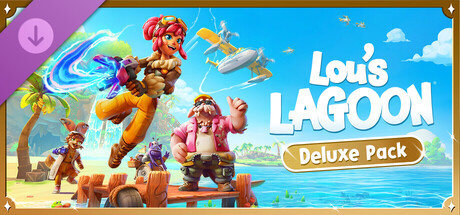
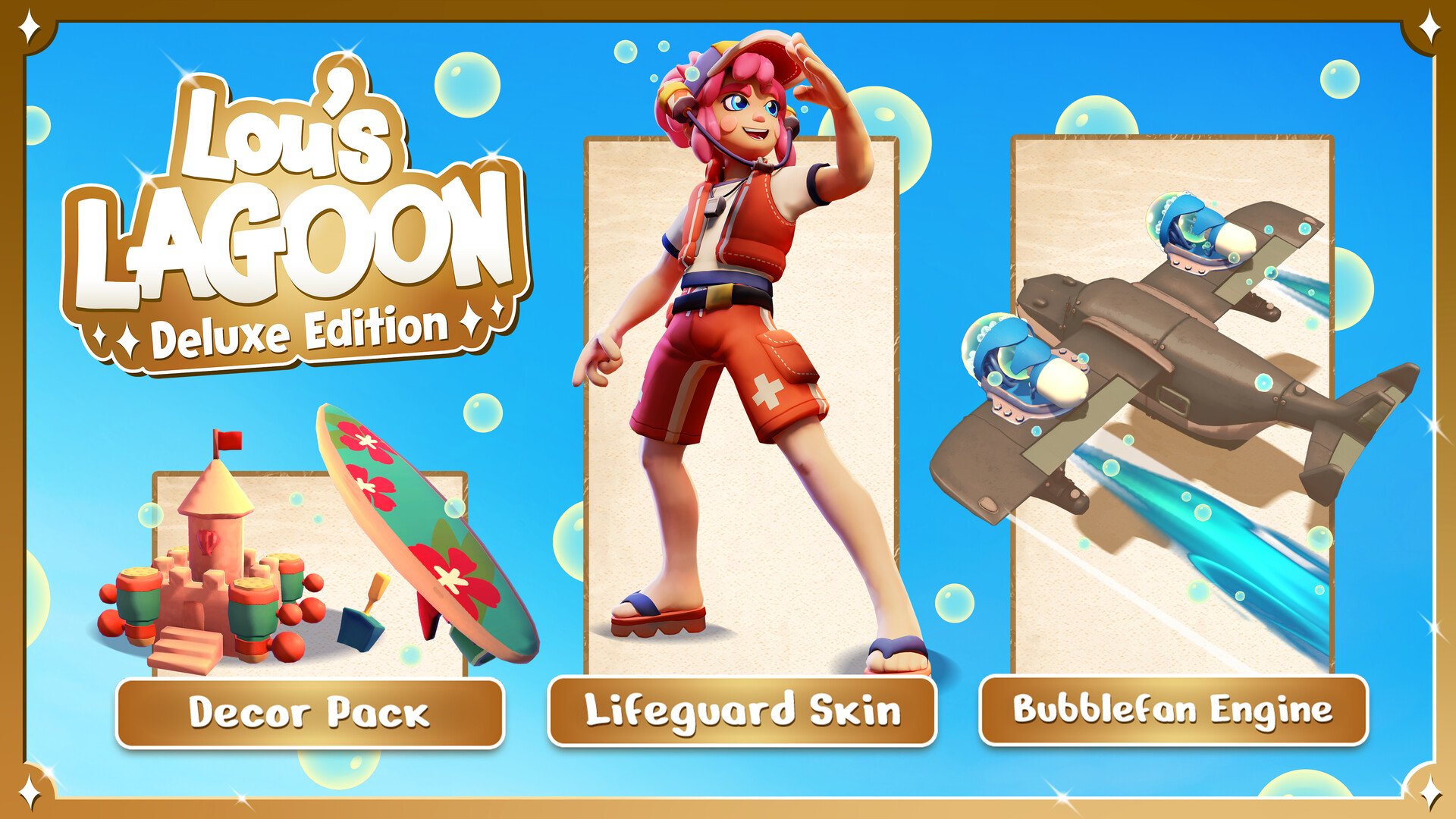
Make a splash in Lou's Lagoon with the bubbly Deluxe Pack! This pack includes:
🫧 Bubblefan Engine: Add some whimsical flair to your flights with an engine that trails a beautiful stream of bubbles across the sky!
🫧 Lifeguard Skin: Keep the islanders safe in style while sporting this vibrant lifeguard outfit (complete with its own bubble accessory).
🫧 Beachside Decor Pack: Dive into decorating with 8 exclusive, bubble-themed furniture pieces—the perfect additions to your ultimate beachside hangout.
🫧 Bubblefan Engine: Add some whimsical flair to your flights with an engine that trails a beautiful stream of bubbles across the sky!
🫧 Lifeguard Skin: Keep the islanders safe in style while sporting this vibrant lifeguard outfit (complete with its own bubble accessory).
🫧 Beachside Decor Pack: Dive into decorating with 8 exclusive, bubble-themed furniture pieces—the perfect additions to your ultimate beachside hangout.
- Minimum:
- OS: Windows 10 64-bit
- Processor: Intel Core i3-9100F or AMD Ryzen 3 1200
- Memory: 4 GB RAM
- Graphics: NVIDIA GTX 1050 Ti or similar (4 GB VRAM)
- Recommended:
- OS: Windows 10 64-bit
- Processor: Intel Core i5-10400 or AMD Ryzen 5 3600
- Memory: 8 GB RAM
- Graphics: GTX 1660 SUPER or similar (6+ GB VRAM)
If you are not familiar with the technical information of your PC, download the CPU-Z program. CPU-Z will give you detailed information about the main system components - CPU, RAM, video card - installed on your system, which you can then compare with the minimum requirements of the game.
- Go to: http://store.steampowered.com/ and download STEAM client
- Click "Install Steam" (from the upper right corner)
- Install and start application, login with your Account name and Password (create one if you don't have).
- Please follow these instructions to activate a new retail purchase on Steam:
- Launch Steam and log into your Steam account.
- Click the Games Menu.
- Choose Activate a Product on Steam...
- Follow the onscreen instructions to complete the process.
- After successful code verification go to the "MY GAMES" tab and start downloading.
Videos & Screenshots


Recommended



- Payments
-

-

-

-

-

-

-

-

-
