
Buy Holdfast: Nations At War - Age of Sail Edition / UAE

Platform:
Windows
Genre:
RPG, Action, Indie, Simulator, Strategies
Publisher:
Anvil Game Studios
Activation:
Steam
Release Date:
5 march 2026
Languages:
English, German, French
Type:
Key
Region:
UAE
22.00 USD
 In stock
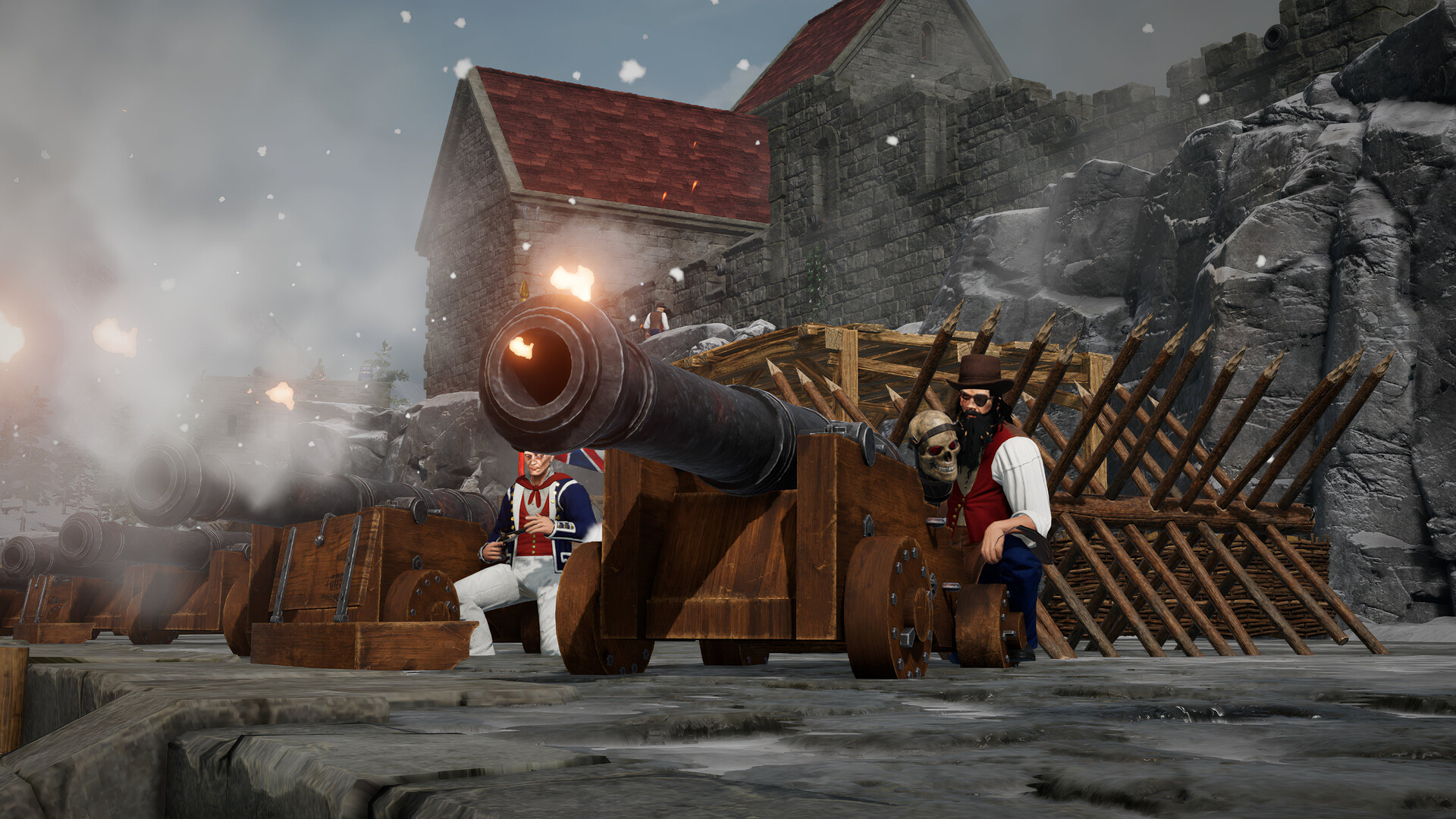
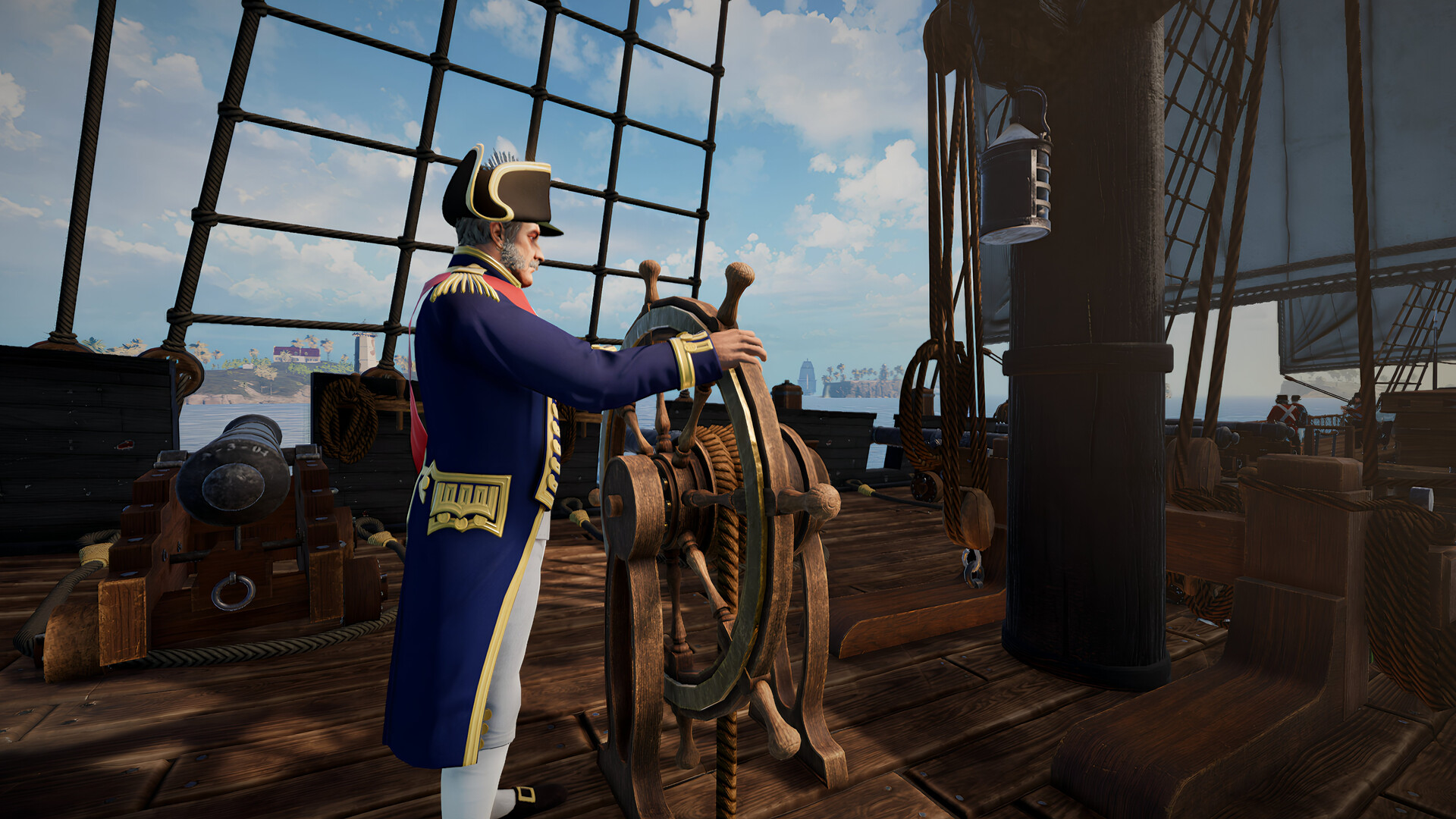
Take command of the Royal Navy and lead with honour as Admiral Horatio Nelson, outfitted in his legendary uniform and wielding his signature sword and pistol. Or embrace a darker legacy and fly the black flag as the Dreaded Pirate Lafitte with his crew of cutthroats.
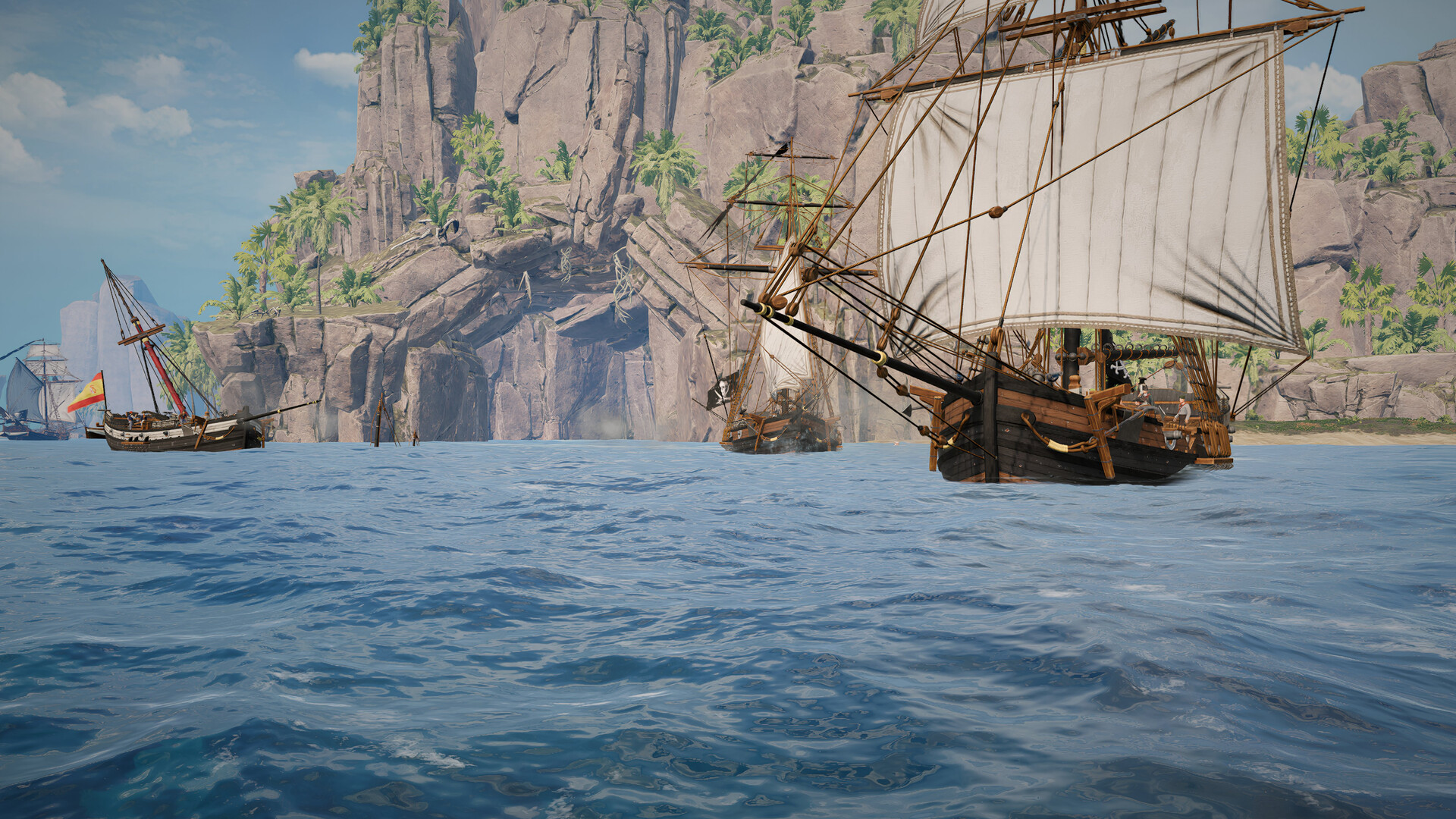
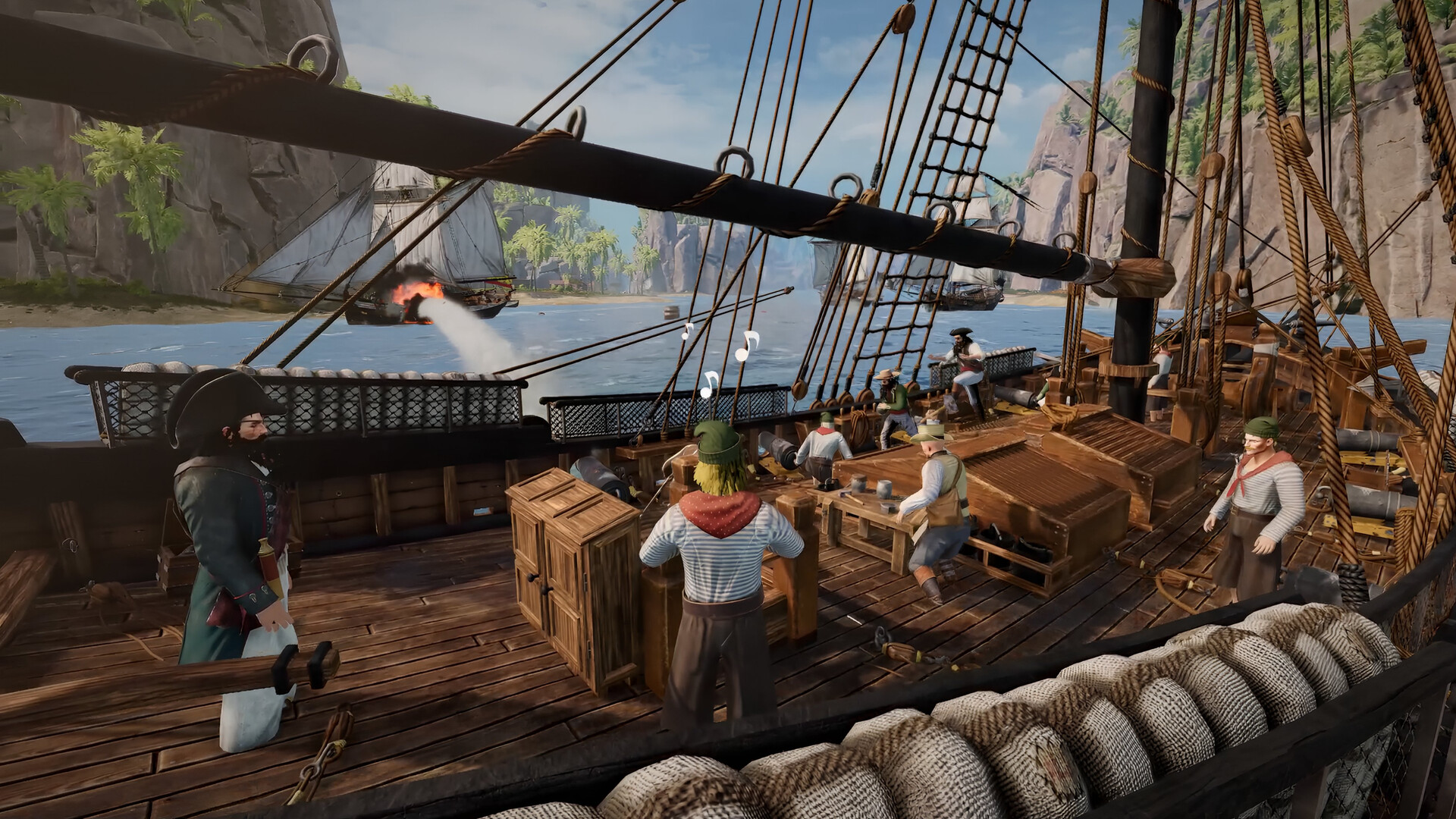
Whether you fight for crown or coin, experience both sides of the waves with a trove of new cosmetic uniforms, weapons, gestures, feats, and playercard items all bundled together for the ultimate Age of Sail experience.
Content present in Holdfast DLCs is purely cosmetic. It doesn’t and never will impact gameplay. Your generous support helps ensure that this grand age of roleplay warfare continues to thrive upon the oceans of Holdfast.
Whether you fight for crown or coin, experience both sides of the waves with a trove of new cosmetic uniforms, weapons, gestures, feats, and playercard items all bundled together for the ultimate Age of Sail experience.
Content present in Holdfast DLCs is purely cosmetic. It doesn’t and never will impact gameplay. Your generous support helps ensure that this grand age of roleplay warfare continues to thrive upon the oceans of Holdfast.
- Minimum:
- OS: Windows 10 64-bit or Windows 11 64-bit
- Processor: Intel i5-4670k or AMD Ryzen 7 1800X
- Memory: 8 GB RAM
- Graphics: Nvidia GT 1030 or Radeon RX 550
- DirectX: Version 11
- Network: Broadband Internet connection
- Storage: 22 GB available space
- Additional Notes: Game also playable on GeForce Now.
- Recommended:
- OS: Windows 10 64-bit or Windows 11 64-bit
- Processor: Intel i7-8700k or AMD Ryzen 5 3600X
- Memory: 10 GB RAM
- Graphics: Nvidia GTX 1060 6GB or Radeon RX 580 8GB
- DirectX: Version 11
- Network: Broadband Internet connection
- Storage: 22 GB available space
If you are not familiar with the technical information of your PC, download the CPU-Z program. CPU-Z will give you detailed information about the main system components - CPU, RAM, video card - installed on your system, which you can then compare with the minimum requirements of the game.
- Go to: http://store.steampowered.com/ and download STEAM client
- Click "Install Steam" (from the upper right corner)
- Install and start application, login with your Account name and Password (create one if you don't have).
- Please follow these instructions to activate a new retail purchase on Steam:
- Launch Steam and log into your Steam account.
- Click the Games Menu.
- Choose Activate a Product on Steam...
- Follow the onscreen instructions to complete the process.
- After successful code verification go to the "MY GAMES" tab and start downloading.
Videos & Screenshots
Recommended



- Payments
-

-

-

-

-

-

-

-

-
