
Buy Hellpoint: Blue Sun / LATAM
DLC
Platform:
Windows
Genre:
RPG, Action, Adventure, Indie
Publisher:
tinyBuild
Activation:
Steam
Release Date:
12 july 2022
Languages:
English
Type:
Key
Region:
LATAM
10.00 USD
 In stock
Extra Content
Hellpoint / LATAM required to run
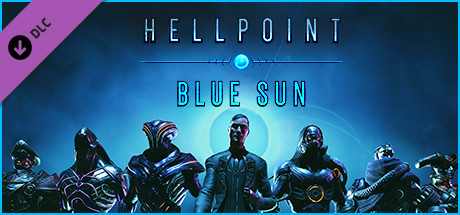
Hellpoint: Blue Sun DLC reveals the complete story of Irid Novo, for those who can understand it. Asmodeus, the deal maker, takes an interest only in the most proficient of Spawns!
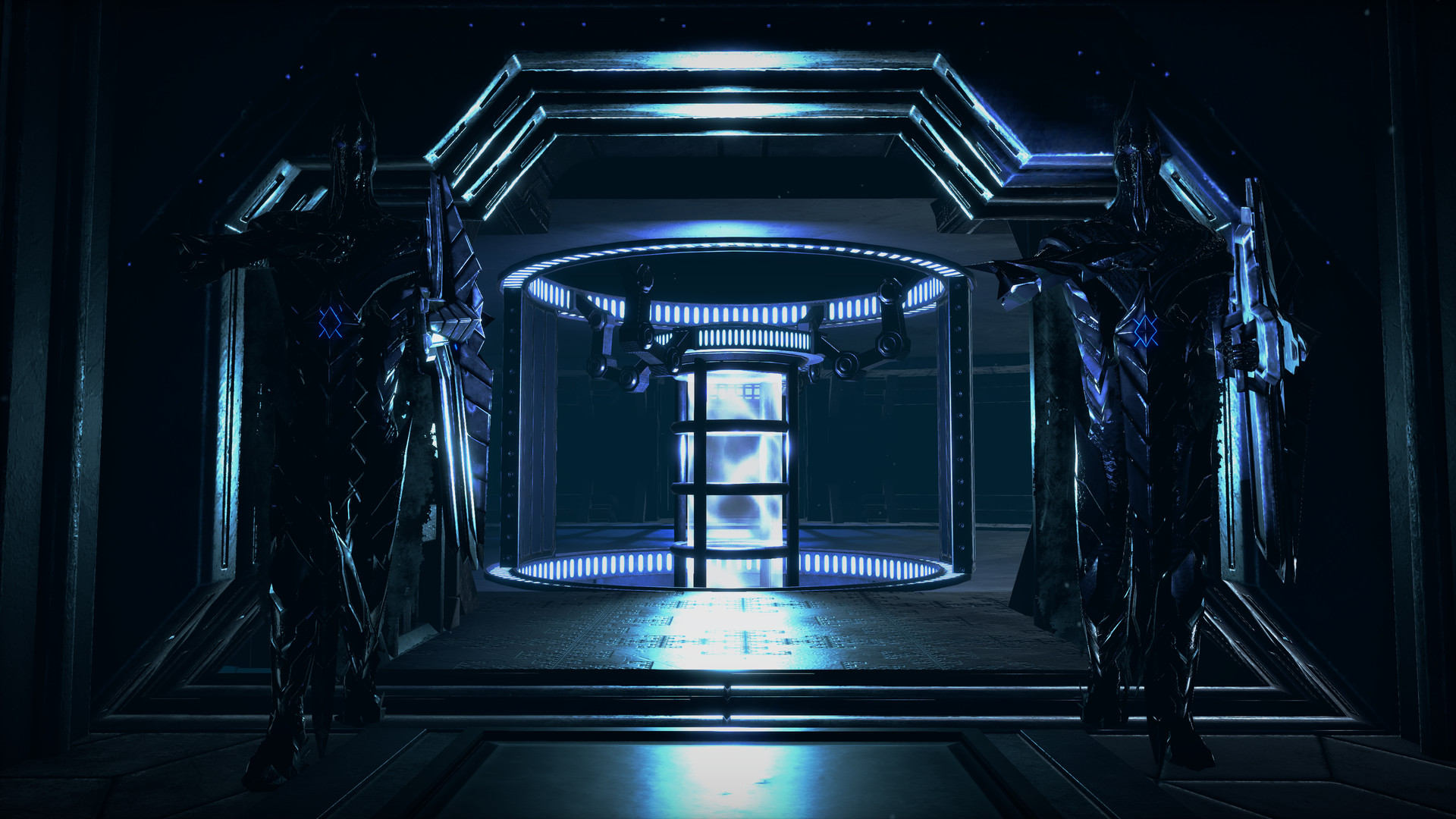
Travel to the Blue Sun parallel dimension to experience a new layer of story that reveals the one true cause of the Merge cataclysm.
Three new sprawling areas to explore and die in, expanding the interconnected level design.
A ton of new armors, characters and bosses
New “contract” system
Two-handed weapons
A variety of quality-of-life improvements designed alongside the Hellpoint player community, like stat respec and inventory management.
The team at Cradle Games poured all their heart and gratitude to invite you for one more sojourn on Irid Novo.
Travel to the Blue Sun parallel dimension to experience a new layer of story that reveals the one true cause of the Merge cataclysm.
Three new sprawling areas to explore and die in, expanding the interconnected level design.
A ton of new armors, characters and bosses
New “contract” system
Two-handed weapons
A variety of quality-of-life improvements designed alongside the Hellpoint player community, like stat respec and inventory management.
The team at Cradle Games poured all their heart and gratitude to invite you for one more sojourn on Irid Novo.
- Minimum:
- Requires a 64-bit processor and operating system
- OS *: Windows 7
- Processor: 4 threads, 2.5+ Ghz
- Memory: 4 GB RAM
- Graphics: GeForce GTX 760 or better
- DirectX: Version 11
- Storage: 6 GB available space
- Recommended:
- Requires a 64-bit processor and operating system
- OS: Windows 10
- Processor: 4 cores, 3+ Ghz
- Memory: 6 GB RAM
- Graphics: GeForce GTX 1050
- DirectX: Version 11
- Storage: 6 GB available space
If you are not familiar with the technical information of your PC, download the CPU-Z program. CPU-Z will give you detailed information about the main system components - CPU, RAM, video card - installed on your system, which you can then compare with the minimum requirements of the game.
- Go to: http://store.steampowered.com/ and download STEAM client
- Click "Install Steam" (from the upper right corner)
- Install and start application, login with your Account name and Password (create one if you don't have).
- Please follow these instructions to activate a new retail purchase on Steam:
- Launch Steam and log into your Steam account.
- Click the Games Menu.
- Choose Activate a Product on Steam...
- Follow the onscreen instructions to complete the process.
- After successful code verification go to the "MY GAMES" tab and start downloading.
Videos & Screenshots



Recommended





- Payments
-

-

-

-

-

-

-

-

-
