
Buy Hello Neighbor 2 / LATAM

Platform:
Windows
Genre:
Adventure, Indie, Strategies
Publisher:
tinyBuild
Activation:
Steam
Release Date:
6 december 2022
Languages:
English
Type:
Key
Region:
LATAM
40.00 USD
 In stock
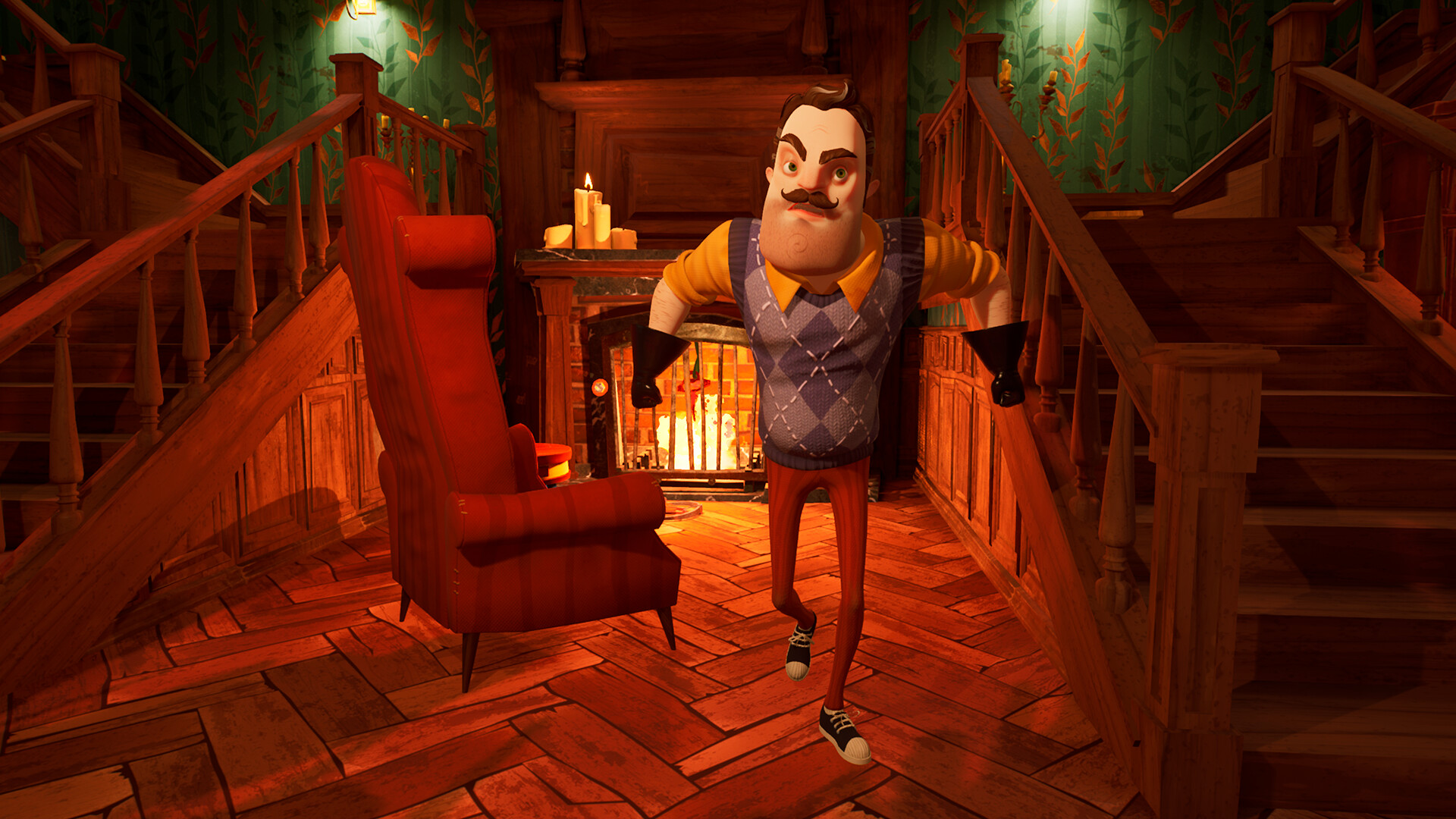
Not everything is as it seems in Raven Brooks. Picking up directly after the events of the original game, the police show up at Mr Peterson’s house — where he had kids locked up in his basement.
As Quentin, an investigative journalist, you sneak into crime scenes and people’s houses to find clues and evidence. It’s up to you to piece this puzzle together. Building upon the formula of Hello Neighbor 1, you play in a larger open world with multiple houses inhabited by suspicious characters.
Sneak into suspicious characters' houses, because that’s what investigative journalists do
The town of Raven Brooks is your playground, with AI-driven residents inhabiting its houses
Track down Mr Peterson - the infamous creepy Neighbor
As Quentin, an investigative journalist, you sneak into crime scenes and people’s houses to find clues and evidence. It’s up to you to piece this puzzle together. Building upon the formula of Hello Neighbor 1, you play in a larger open world with multiple houses inhabited by suspicious characters.
Sneak into suspicious characters' houses, because that’s what investigative journalists do
The town of Raven Brooks is your playground, with AI-driven residents inhabiting its houses
Track down Mr Peterson - the infamous creepy Neighbor
- Minimum:
- OS: Windows 10/11 x64
- Processor: Intel i3 4th gen / AMD Athlon X4 880K
- Memory: 6 GB RAM
- Graphics: GeForce GTX 750 Ti / AMD Radeon HD 7850
- DirectX: Version 12
- Storage: 20 GB available space
- Additional Notes: HDD
- Recommended:
- OS: Windows 10/11 x64
- Processor: Intel i5-4760 / AMD FX 9370
- Memory: 16 GB RAM
- Graphics: GeForce GTX 1660 Ti / AMD Radeon RX Vega 56
- DirectX: Version 12
- Storage: 20 GB available space
- Additional Notes: SSD
If you are not familiar with the technical information of your PC, download the CPU-Z program. CPU-Z will give you detailed information about the main system components - CPU, RAM, video card - installed on your system, which you can then compare with the minimum requirements of the game.
- Go to: http://store.steampowered.com/ and download STEAM client
- Click "Install Steam" (from the upper right corner)
- Install and start application, login with your Account name and Password (create one if you don't have).
- Please follow these instructions to activate a new retail purchase on Steam:
- Launch Steam and log into your Steam account.
- Click the Games Menu.
- Choose Activate a Product on Steam...
- Follow the onscreen instructions to complete the process.
- After successful code verification go to the "MY GAMES" tab and start downloading.
Videos & Screenshots



Recommended




- Payments
-

-

-

-

-

-

-

-

-
