
Buy Happy's Humble Burger Cult / EU
Platform:
Windows
Genre:
Simulator
Publisher:
TinyBuild
Activation:
Steam
Release Date:
16 july 2026
Languages:
English
Type:
Key
Region:
EU
10.00 USD
 In stock
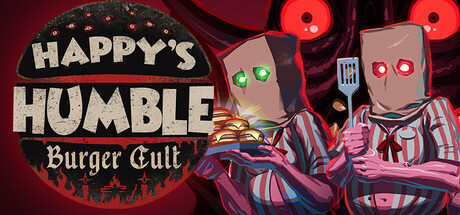
COOK, SERVE, HIT YOUR QUOTA
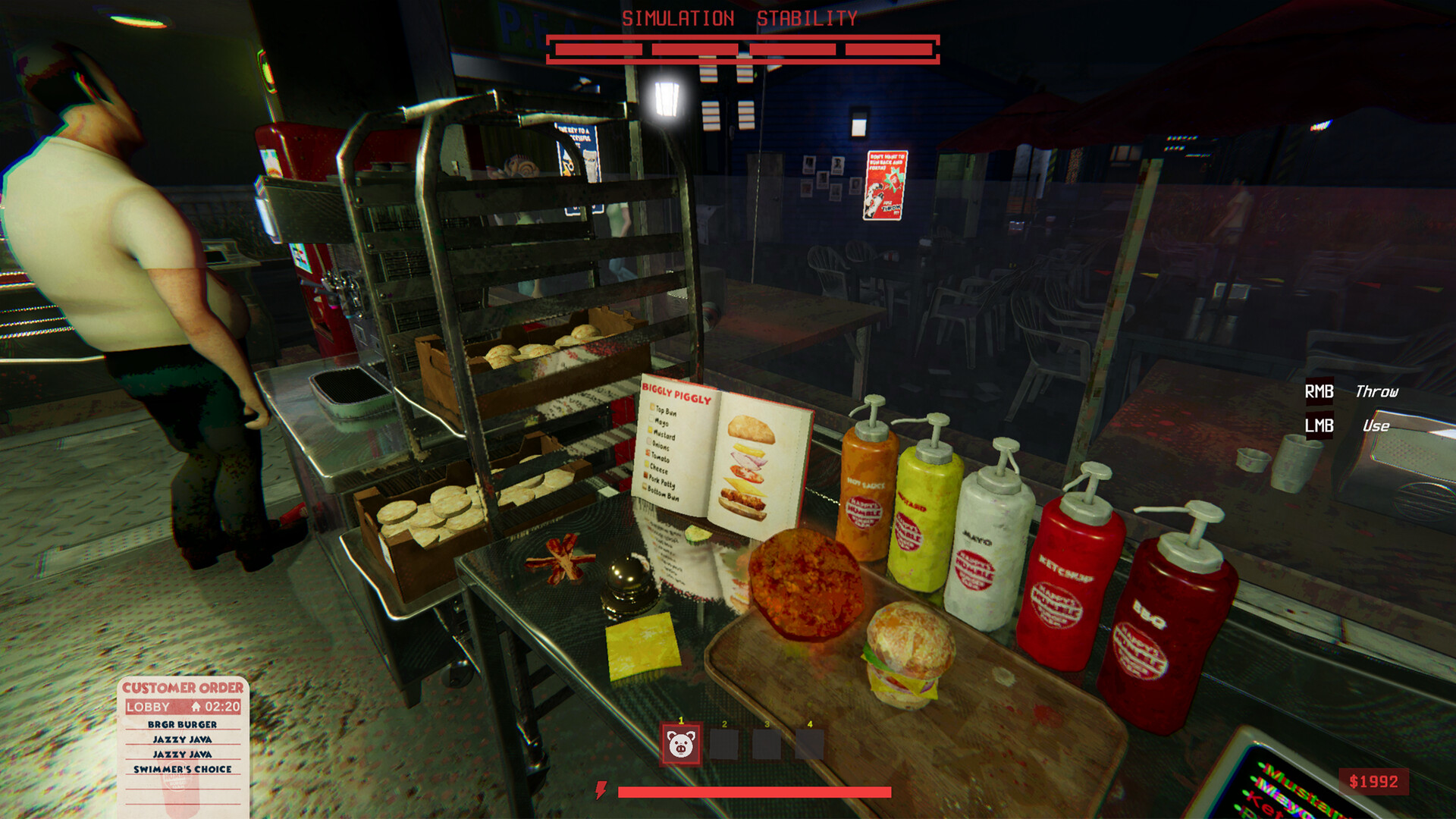
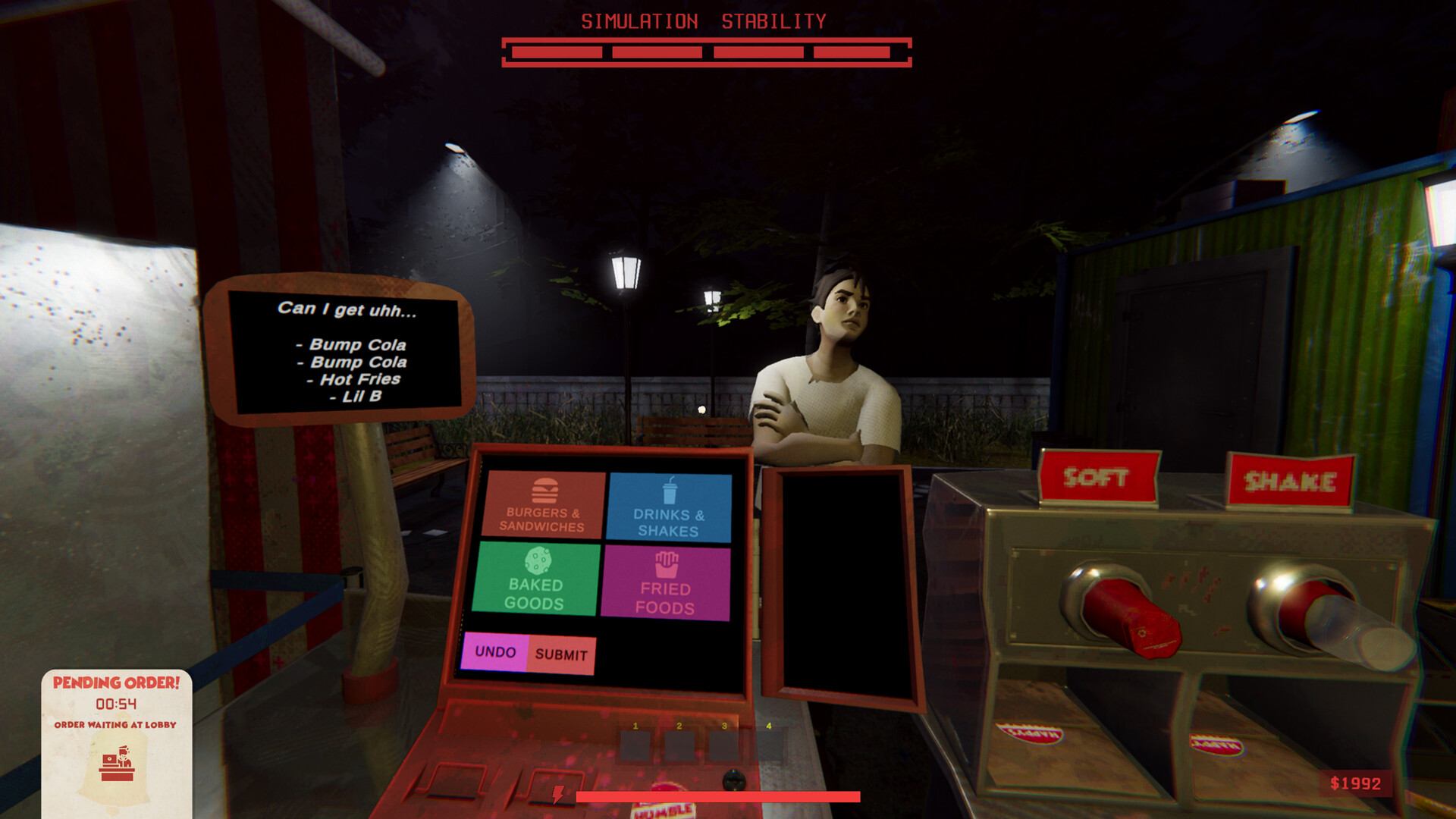
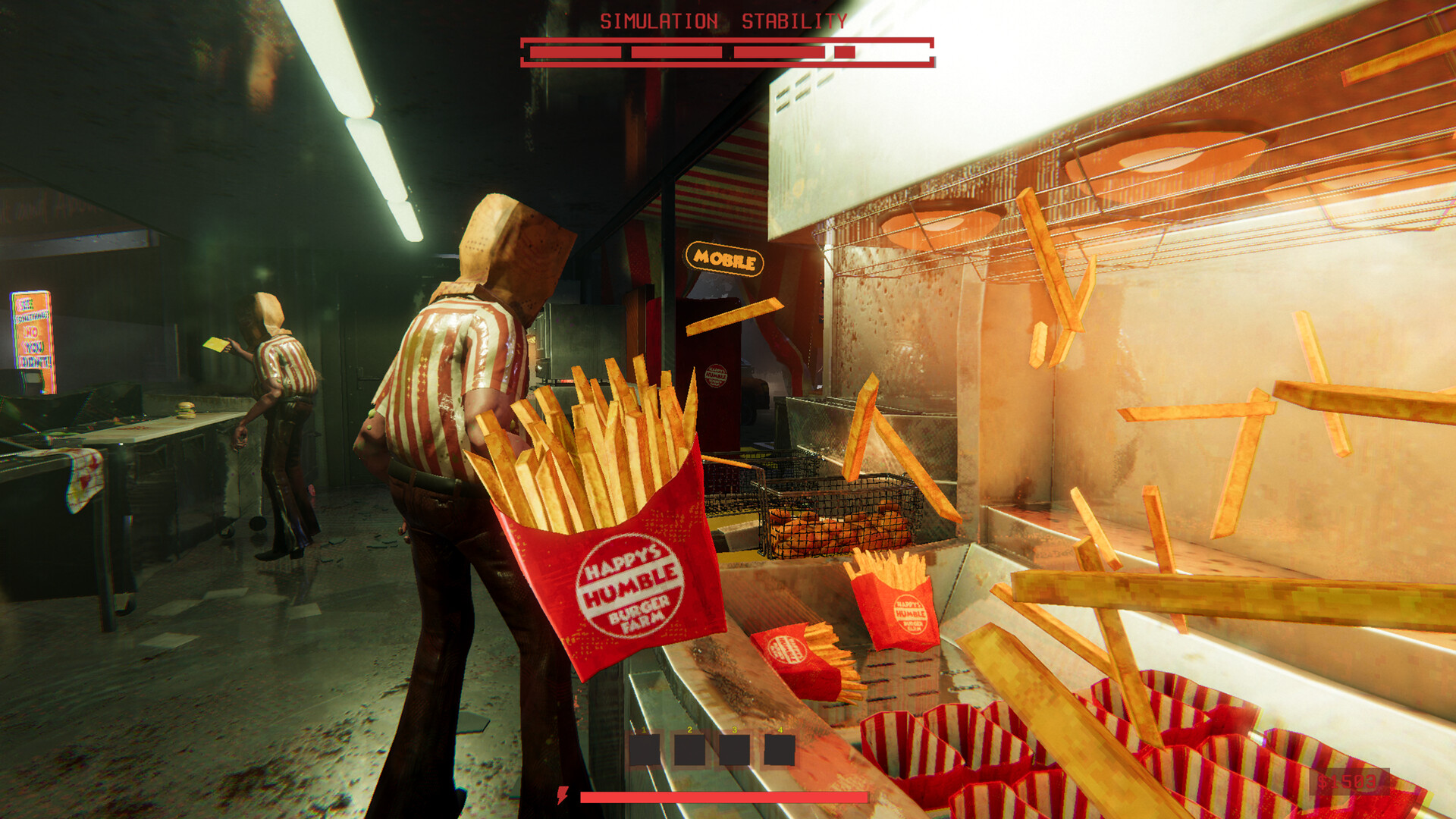
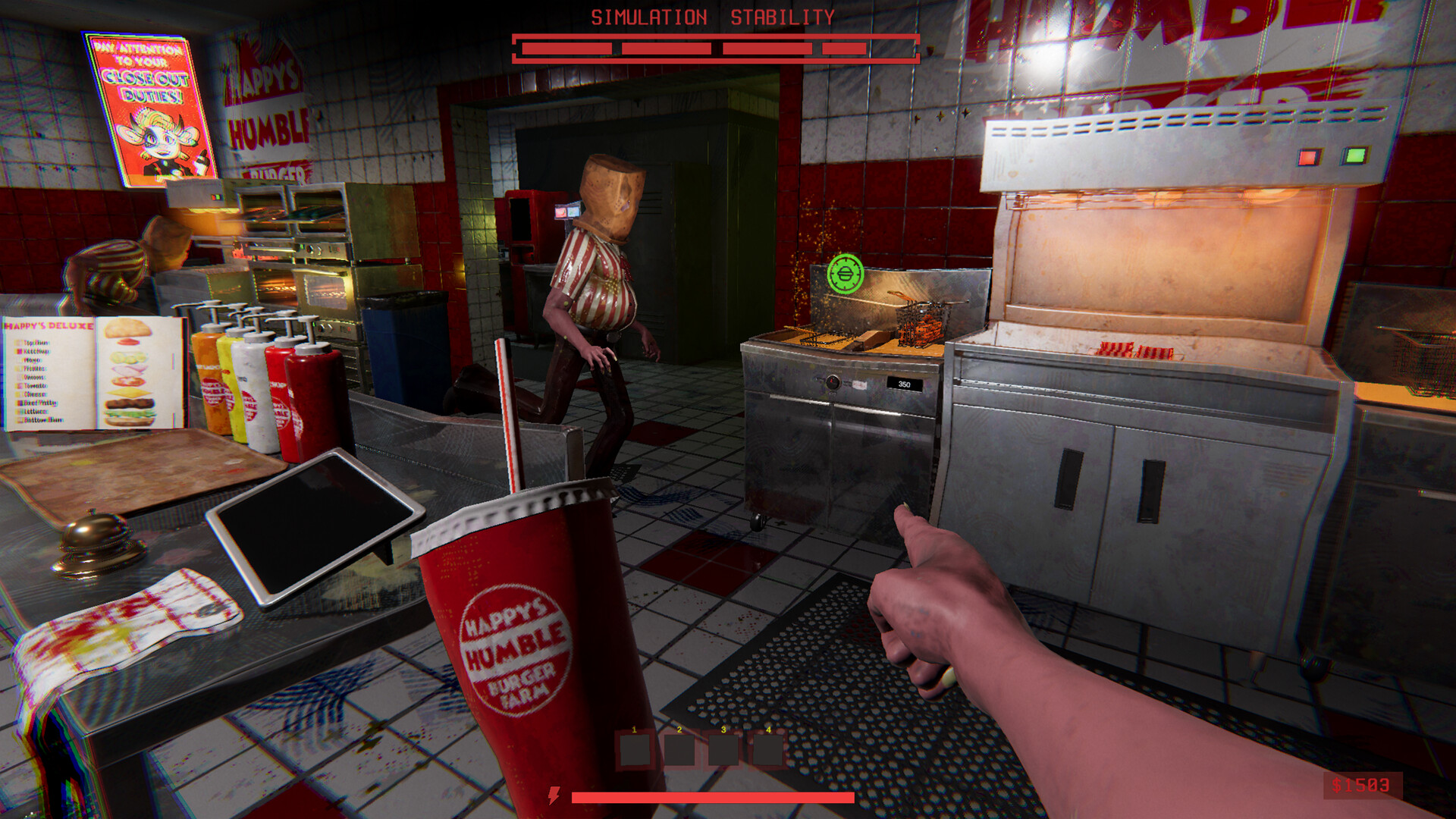
You and your crew are hired to participate in an experiment run by the Paragon Corporation. It sounds like a standard fast-food gig: grill burgers, fry sides, pour drinks, work the register, hit your quota, and keep the customers happy.
ESCAPE THE NIGHTMARE
Every shift is a ticking clock – the kitchen always wins eventually. Once the simulation collapses, Asset Joy breaks containment and begins her hunt. The iconic mascot is back for blood – and you have only one chance to escape!
You and your crew are hired to participate in an experiment run by the Paragon Corporation. It sounds like a standard fast-food gig: grill burgers, fry sides, pour drinks, work the register, hit your quota, and keep the customers happy.
ESCAPE THE NIGHTMARE
Every shift is a ticking clock – the kitchen always wins eventually. Once the simulation collapses, Asset Joy breaks containment and begins her hunt. The iconic mascot is back for blood – and you have only one chance to escape!
Minimum:
- Requires a 64-bit processor and operating system
- OS: Windows 10
- Processor: Core i7-3820 or equivalent
- Memory: 8 GB RAM
- Graphics: NVidia 1070 or equivalent
- DirectX: Version 11
- Network: Broadband Internet connection
- Storage: 10 GB available space
- Additional Notes: Friends to play with
If you are not familiar with the technical information of your PC, download the CPU-Z program. CPU-Z will give you detailed information about the main system components - CPU, RAM, video card - installed on your system, which you can then compare with the minimum requirements of the game.
- Go to: http://store.steampowered.com/ and download STEAM client
- Click "Install Steam" (from the upper right corner)
- Install and start application, login with your Account name and Password (create one if you don't have).
- Please follow these instructions to activate a new retail purchase on Steam:
- Launch Steam and log into your Steam account.
- Click the Games Menu.
- Choose Activate a Product on Steam...
- Follow the onscreen instructions to complete the process.
- After successful code verification go to the "MY GAMES" tab and start downloading.
Videos & Screenshots
Recommended




- Payments
-

-

-

-

-

-

-

-

-
