
Buy Guts and Glory / LATAM
Platform:
Windows
Genre:
Action, Indie, Racing, Casual
Publisher:
tinyBuild
Activation:
Steam
Release Date:
19 july 2018
Languages:
English
Type:
Key
Region:
LATAM
15.00 USD
 In stock
Welcome to Guts and Glory -- The craziest game show on earth, where ordinary people compete in extraordinary challenges of life and death, for glory!
The objective is simple: Race to the finish line while everything tries to kill you.
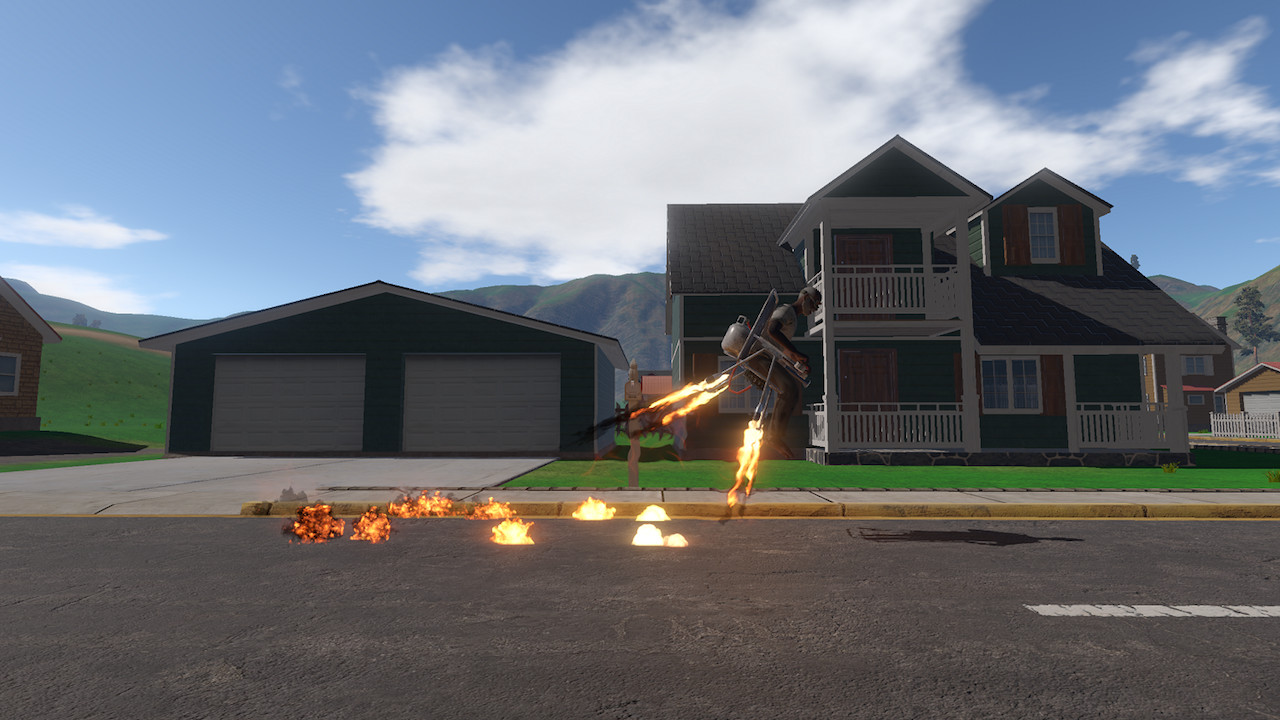
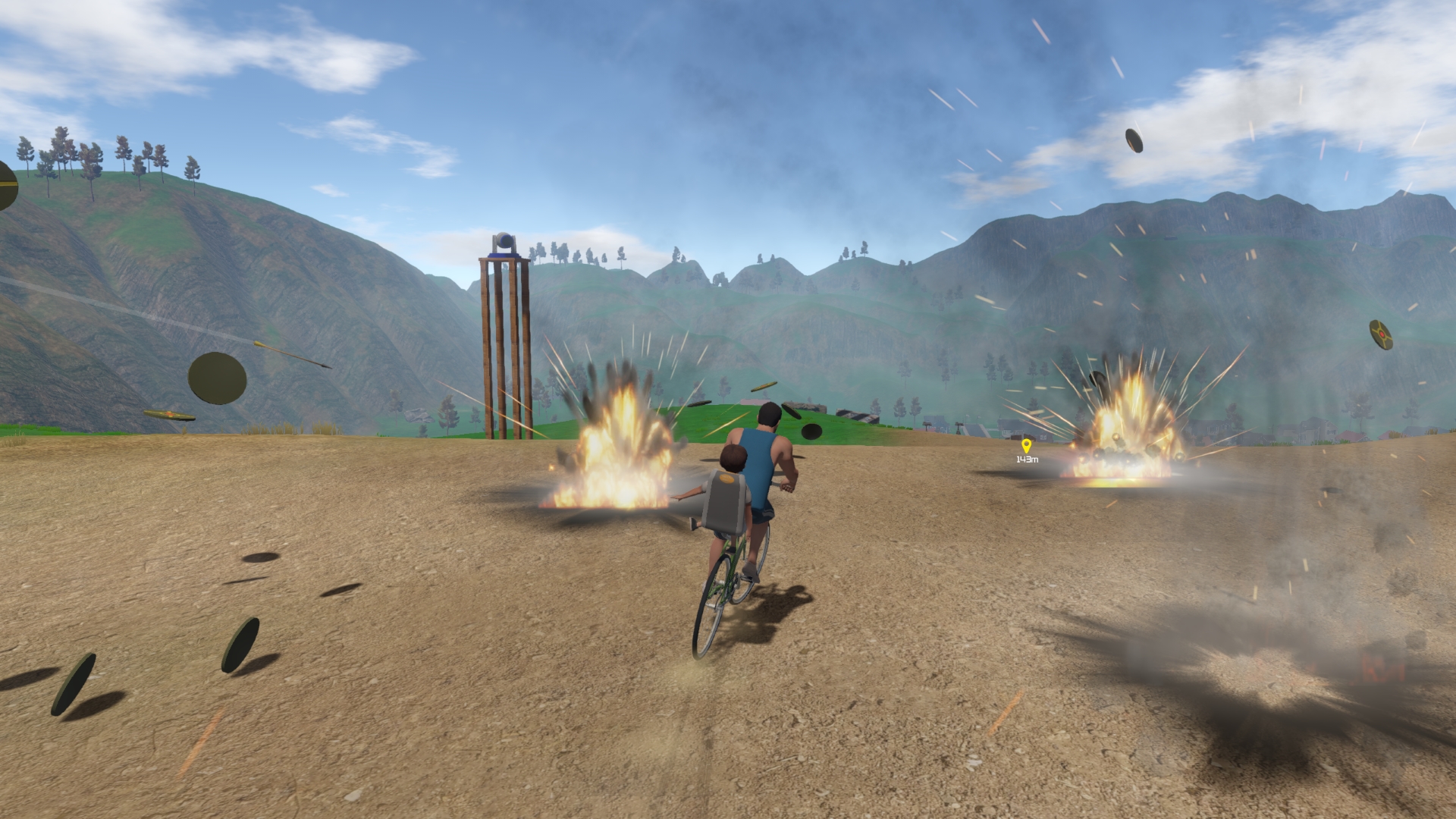
Dodge spinning saw blades, deadly spikes, explosives, turrets, and many other hazards—while navigating insane tracks set in a wide variety of environments. A game full of LOLs and WTFs and OMGs, where failing can be just as much fun as winning. Do it to prove your awesomeness. Do it for the laughs. Do it for the glory!
Featuring a Level Editor to create and share your own deadly challenges!
FEATURE HIGHLIGHTS:
Controller recommended for best experience.
Created by solo developer "HakJak" and the awesome G&G Community
The objective is simple: Race to the finish line while everything tries to kill you.
Dodge spinning saw blades, deadly spikes, explosives, turrets, and many other hazards—while navigating insane tracks set in a wide variety of environments. A game full of LOLs and WTFs and OMGs, where failing can be just as much fun as winning. Do it to prove your awesomeness. Do it for the laughs. Do it for the glory!
Featuring a Level Editor to create and share your own deadly challenges!
FEATURE HIGHLIGHTS:
- 70+ Official Tracks by HakJak
- 1,000+ Workshop Levels and growing!
- 8 different physics-driven vehicles with dynamic damage and destruction
- 100% ragdoll riders, with real-time dismemberment, blood, gore, bones and guts! (plus option to turn this off... or up!)
- In-Game Level Editor with easy Steam Workshop integration
- 500+ Level Editor Items and variations to build and share your own challenges
- Pedestrian characters to chase down and run over--listen to them scream
- AI Vehicles that can race in traffic patterns or even chase the player!
- Destructible props and environments: smash through windows, fences, etc.
- 40+ Hazards and Special Items: cannons, explosives, wrecking balls, circular saws, poop cannons and more!
- Manual driver ejection--leap for the finish line and shave seconds off your time
- Lots of settings and control customization options.
- The Halls of Glory: a virtual trophy room for your achievements, dedications to G&G Community members, and some Easter Eggs for you to find
- Cameos and audio effects by popular YouTubers
- Tons of bizarre content designed by the Guts and Glory Community
- 30+ original soundtracks, all copyright-friendly for YouTube, Twitch, etc.
Controller recommended for best experience.
Created by solo developer "HakJak" and the awesome G&G Community
- Minimum:
- OS *: Windows 7 and up
- Processor: 2 GHz Dual Core
- Memory: 2 GB RAM
- Graphics: GeForce GT 650M / Radeon R9 M375 or higher graphics card (see Additional Notes below).
- DirectX: Version 9.0c
- Storage: 6 GB available space
- Sound Card: DirectX 9 compatible
- Additional Notes: Dedicated graphics card means NOT an Intel HD _____. Basically any video card with a benchmark of 1,200+ (see: . Technically runs on lower, but at your own risk. Controller recommended for best experience. Keyboard and mouse needed for Level Editor.
- Recommended:
- OS *: Windows 7 and up
- Processor: i5 or better
- Memory: 4 GB RAM
- Graphics: GeForce GTX 750 / Radeon R7 360 or higher graphics card (see Additional Notes below).
- DirectX: Version 9.0c
- Storage: 6 GB available space
- Sound Card: DirectX 9 compatible
- Additional Notes: Dedicated graphics card means NOT an Intel HD _____. Basically any video card with a benchmark of 1,200+ (see: . Technically runs on lower, but at your own risk. Controller recommended for best experience. Keyboard and mouse needed for Level Editor.
If you are not familiar with the technical information of your PC, download the CPU-Z program. CPU-Z will give you detailed information about the main system components - CPU, RAM, video card - installed on your system, which you can then compare with the minimum requirements of the game.
- Go to: http://store.steampowered.com/ and download STEAM client
- Click "Install Steam" (from the upper right corner)
- Install and start application, login with your Account name and Password (create one if you don't have).
- Please follow these instructions to activate a new retail purchase on Steam:
- Launch Steam and log into your Steam account.
- Click the Games Menu.
- Choose Activate a Product on Steam...
- Follow the onscreen instructions to complete the process.
- After successful code verification go to the "MY GAMES" tab and start downloading.
Videos & Screenshots


Recommended




- Payments
-

-

-

-

-

-

-

-

-
