
Buy Gone Viral / ROW
Platform:
Windows
Genre:
Action, Indie
Publisher:
Akupara Games
Activation:
Steam
Release Date:
31 august 2021
Languages:
English
Type:
Key
Region:
EU
20.00 USD
 In stock
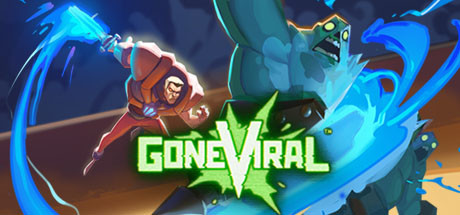
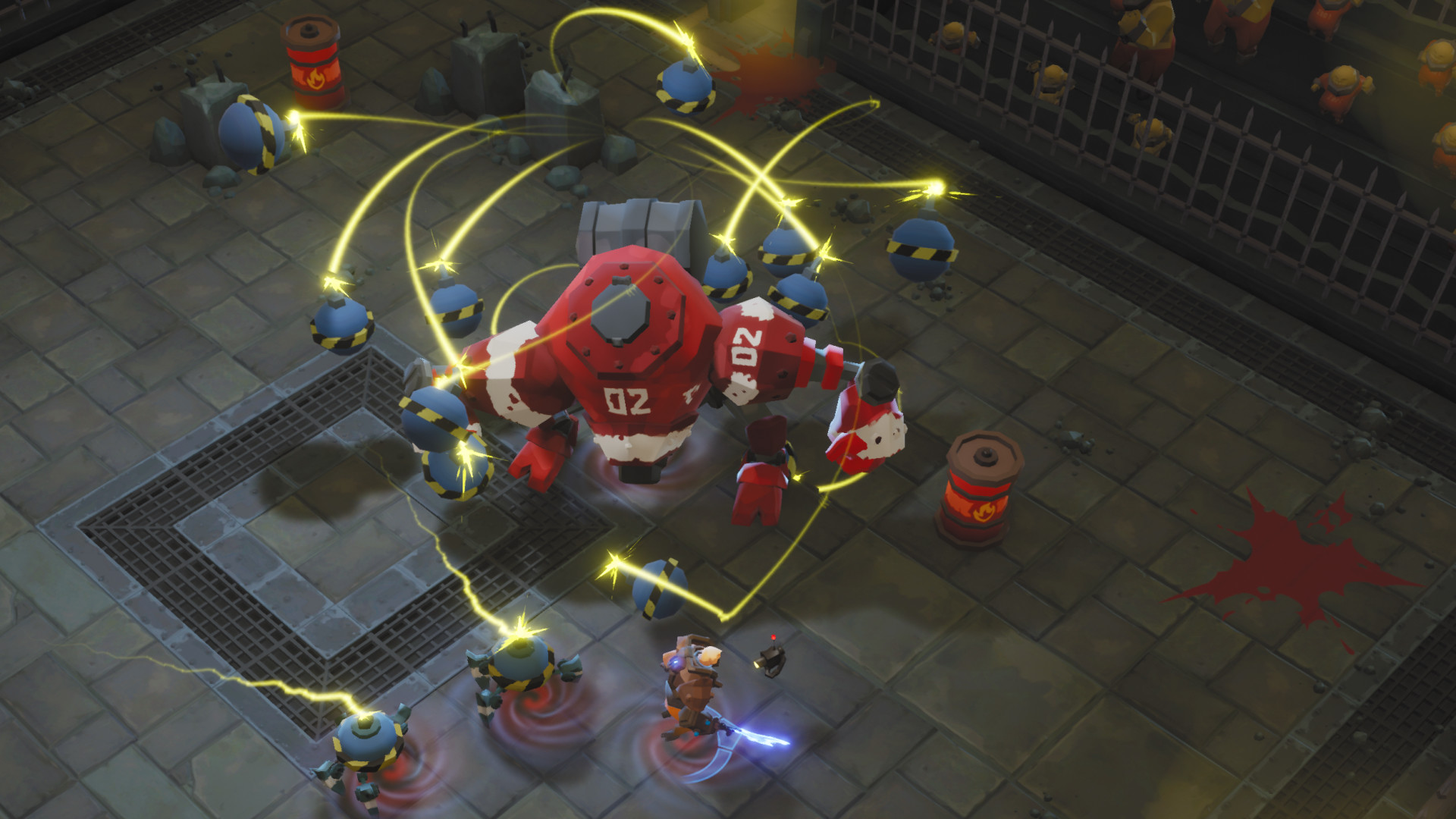
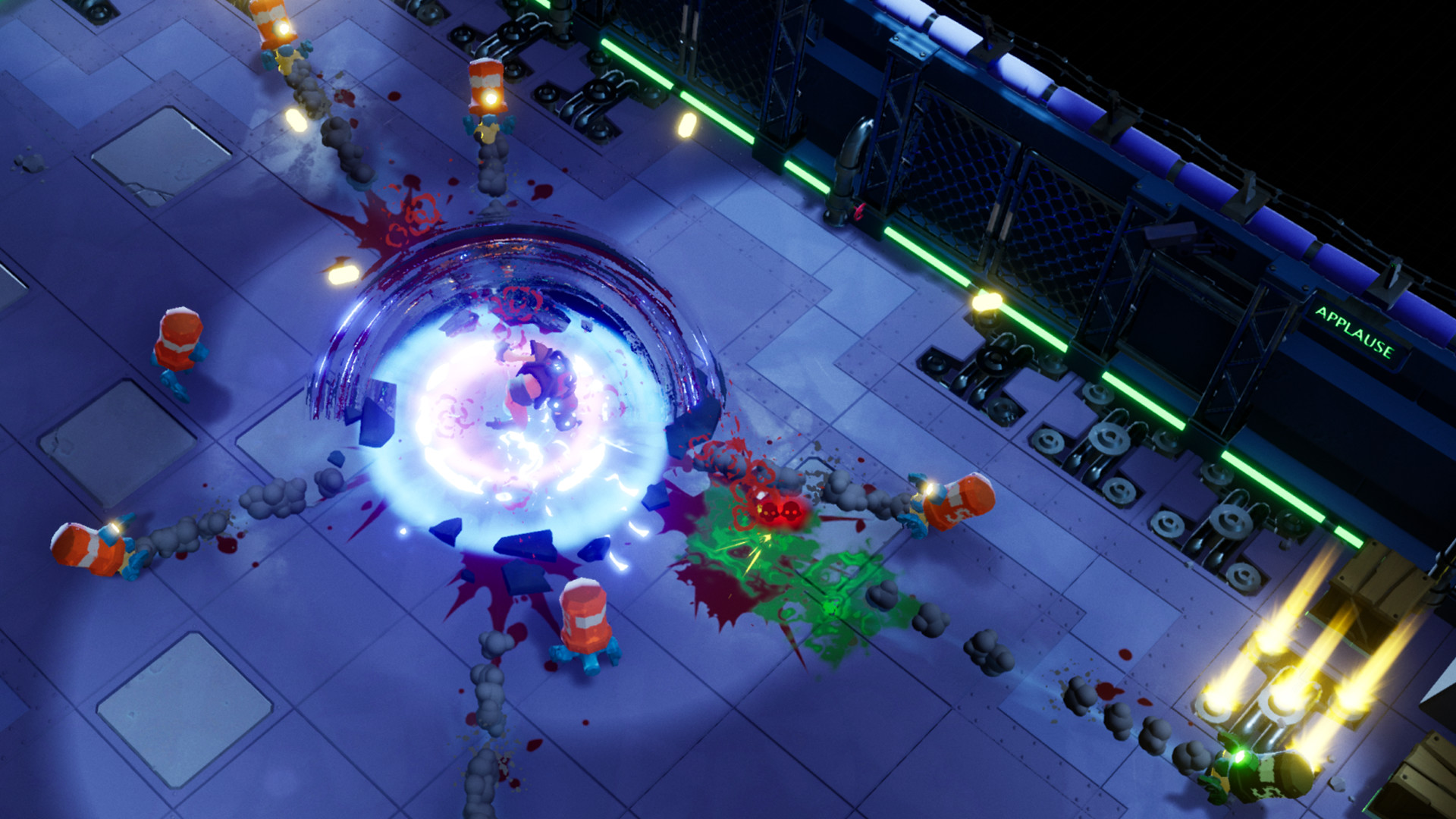
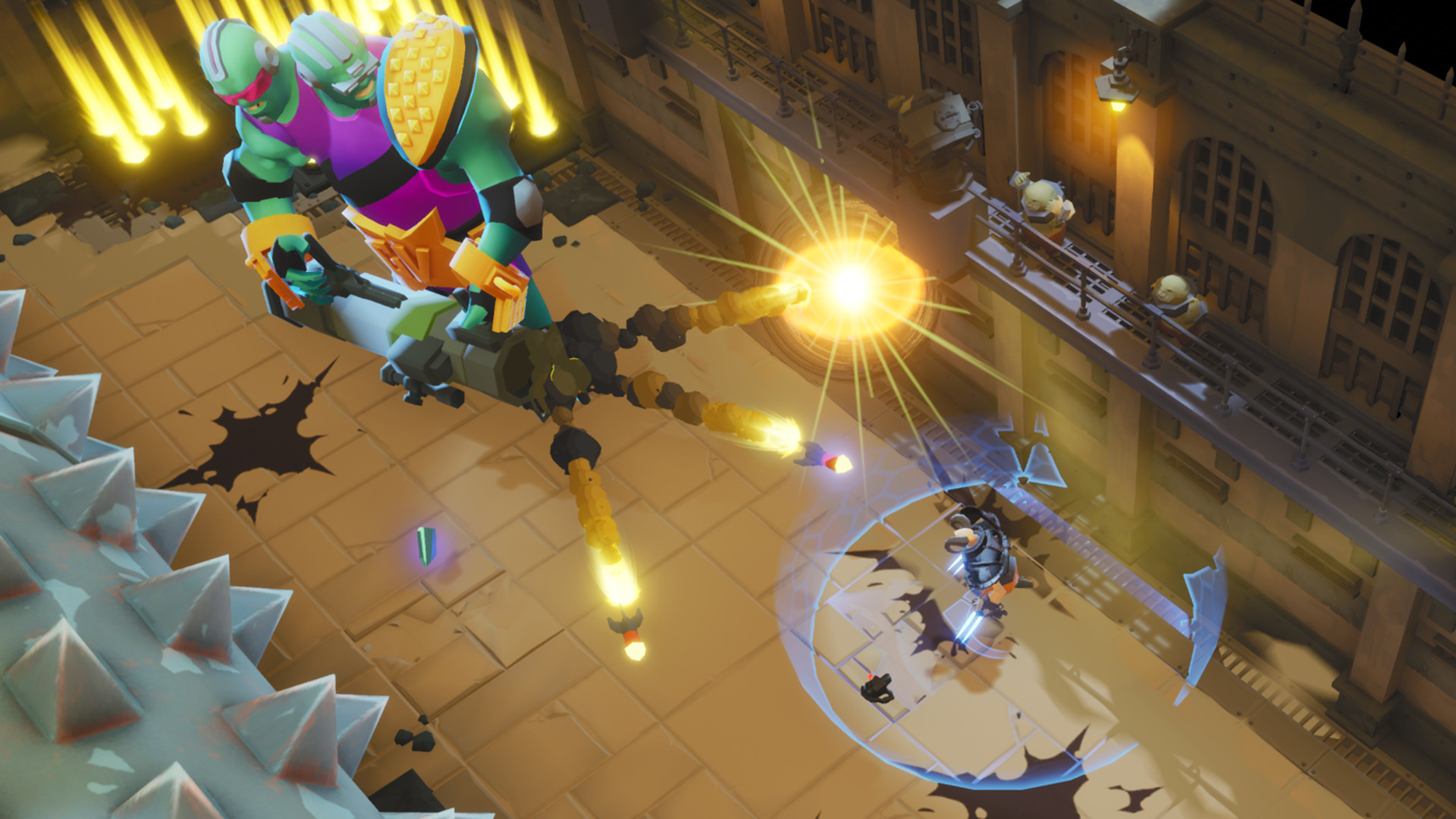
Gone Viral is an over-the-top action game with heavy roguelite elements where you fight for your life in a prison arena to entertain a blood-thirsty audience. Rack up your kill count, grab mutations and crazy weapons to change gameplay and get what you need to escape and Go Viral.
When a civilization dies, so too do its scruples. You’ve been captured by a society that glorifies one thing and one thing only – violence. Oh, and followers, too – can’t forget about them. String together sickening combos to sate your Fans’ thirst for blood and gain rewards. Upgrade your MURDERING skills to achieve even greater spectacle and efficiency as you tear your way through room after room, leaving a trail of blood and tears (but mostly blood) in your wake. Grab your freedom by the throat and never let go.
Gone Viral features randomly-generated levels, over-the-top violence, and physics-based combat that thrives on combos to unleash devastating brutality on your enemies. Become the apocalypse’s greatest SOCIAL MURDIA STAR as you amass a following in-game or IRL. “IRL!?” you say? That’s right! Now introducing Twitch Integration that lets you invite your audience to take part in the world of Gone Viral as Fans who can vote to either help or hinder you.
When a civilization dies, so too do its scruples. You’ve been captured by a society that glorifies one thing and one thing only – violence. Oh, and followers, too – can’t forget about them. String together sickening combos to sate your Fans’ thirst for blood and gain rewards. Upgrade your MURDERING skills to achieve even greater spectacle and efficiency as you tear your way through room after room, leaving a trail of blood and tears (but mostly blood) in your wake. Grab your freedom by the throat and never let go.
Gone Viral features randomly-generated levels, over-the-top violence, and physics-based combat that thrives on combos to unleash devastating brutality on your enemies. Become the apocalypse’s greatest SOCIAL MURDIA STAR as you amass a following in-game or IRL. “IRL!?” you say? That’s right! Now introducing Twitch Integration that lets you invite your audience to take part in the world of Gone Viral as Fans who can vote to either help or hinder you.
- Minimum:
- OS: Windows 10
- Processor: 3rd Gen i3/AMD FX-4100 Series
- Memory: 4 GB RAM
- Graphics: GeForce 7 Series/Radeon R7 Series
- Storage: 3 GB available space
- Recommended:
- OS: Windows 10
- Processor: 6th Gen i5/2nd Gen Ryzen (or better)
- Memory: 4 GB RAM
- Graphics: GeForce 9 Series/Radeon R9 Series (or better)
- Storage: 3 GB available space
If you are not familiar with the technical information of your PC, download the CPU-Z program. CPU-Z will give you detailed information about the main system components - CPU, RAM, video card - installed on your system, which you can then compare with the minimum requirements of the game.
- Go to: http://store.steampowered.com/ and download STEAM client
- Click "Install Steam" (from the upper right corner)
- Install and start application, login with your Account name and Password (create one if you don't have).
- Please follow these instructions to activate a new retail purchase on Steam:
- Launch Steam and log into your Steam account.
- Click the Games Menu.
- Choose Activate a Product on Steam...
- Follow the onscreen instructions to complete the process.
- After successful code verification go to the "MY GAMES" tab and start downloading.
Videos & Screenshots







- Payments
-

-

-

-

-

-

-

-

-
