
Buy Dragon Shelter / Korea

Platform:
Windows
Genre:
Indie, Simulator, Casual
Publisher:
Curve Games
Activation:
Steam
Release Date:
24 september 2026
Languages:
English
Type:
Key
Region:
Korea
20.00 USD
 In stock
Join a heartfelt adventure where friendship, care, and hard work restore harmony to a forgotten world. Rebuild the lost bond between humans and dragons as you transform abandoned lands into a place filled with warmth and joy. Grow crops, gather resources, raise adorable dragons, and help townsfolk rediscover their happiness.
Befriend cheerful dragons, each with unique traits and special powers that assist you on the farm and beyond. Care for them with love and playtime, and they’ll become loyal companions who sense people’s needs and lend their magic wherever it’s needed.
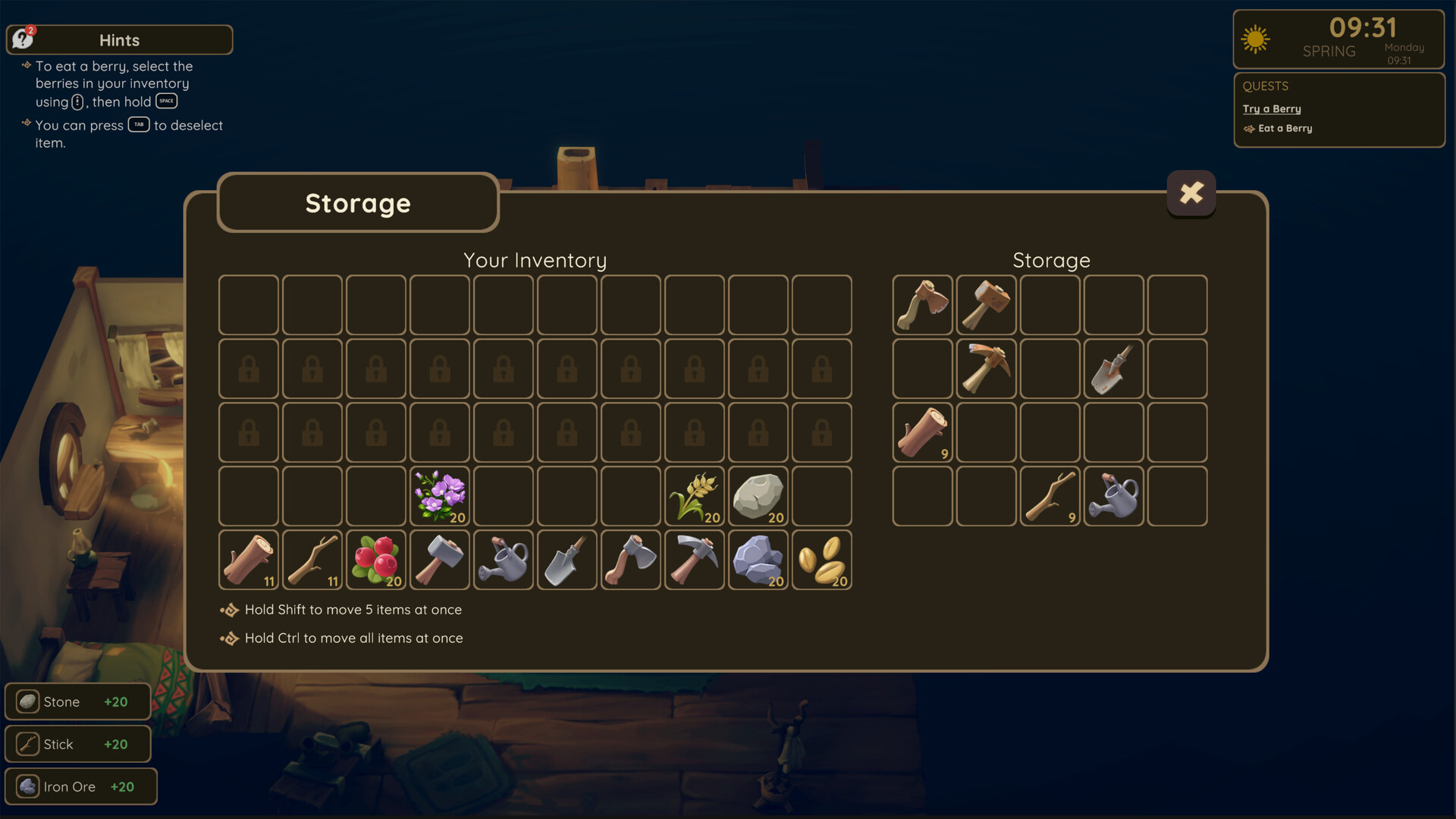
Rebuild your grandpa’s abandoned farm into a thriving sanctuary. Grow crops, harvest resources, and craft valuable goods while your dragon helpers support every step. Watch the land come back to life as your care turns a forgotten place into a haven of joy.
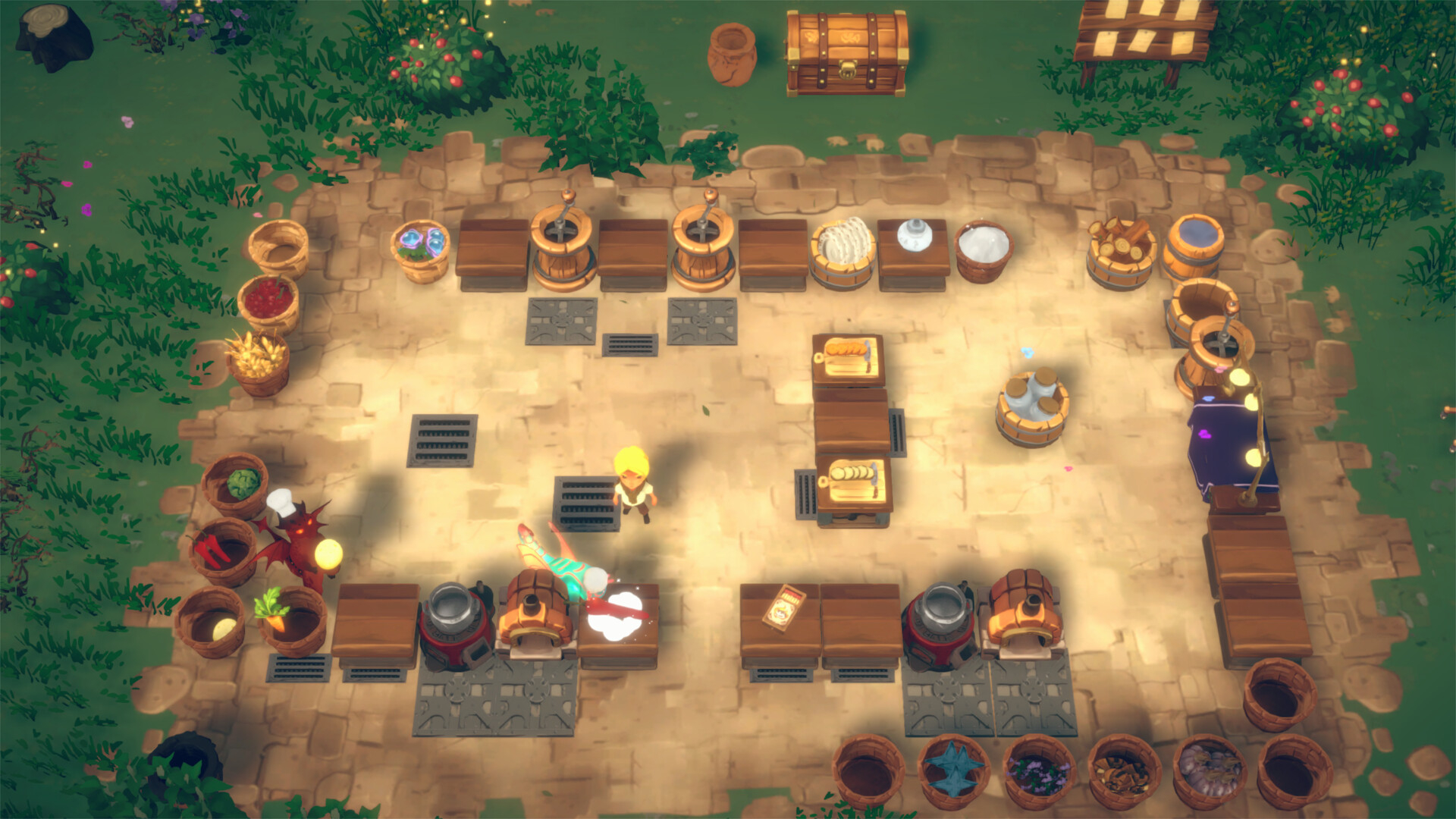
Cooking is the heart of crafting in Dragon Shelter. Meals strengthen bonds with neighbors, lift spirits, and unlock new opportunities. Every harvest can be used in cooking, crafting, alchemy, or trade – making each recipe meaningful and rewarding.
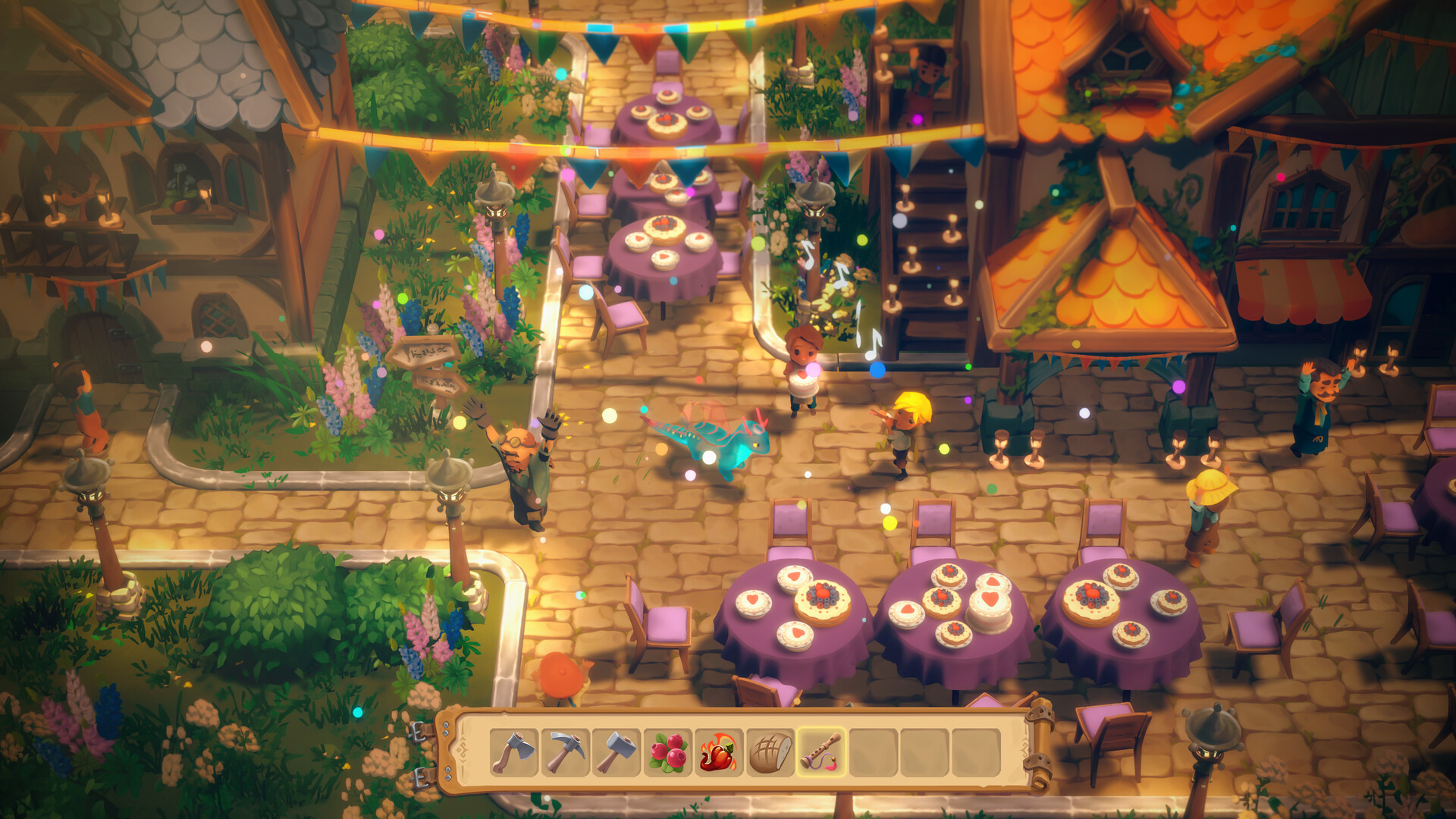
A nearby town has fallen into gloom, but hope remains. With the help of your dragons, reconnect with the townsfolk, uncover their stories, and rekindle their sense of joy and community.
Venture into a vibrant fantasy world filled with magical biomes, curious creatures, and hidden secrets. Every journey offers delightful surprises and the chance to restore life to forgotten lands.
Befriend cheerful dragons, each with unique traits and special powers that assist you on the farm and beyond. Care for them with love and playtime, and they’ll become loyal companions who sense people’s needs and lend their magic wherever it’s needed.
Rebuild your grandpa’s abandoned farm into a thriving sanctuary. Grow crops, harvest resources, and craft valuable goods while your dragon helpers support every step. Watch the land come back to life as your care turns a forgotten place into a haven of joy.
Cooking is the heart of crafting in Dragon Shelter. Meals strengthen bonds with neighbors, lift spirits, and unlock new opportunities. Every harvest can be used in cooking, crafting, alchemy, or trade – making each recipe meaningful and rewarding.
A nearby town has fallen into gloom, but hope remains. With the help of your dragons, reconnect with the townsfolk, uncover their stories, and rekindle their sense of joy and community.
Venture into a vibrant fantasy world filled with magical biomes, curious creatures, and hidden secrets. Every journey offers delightful surprises and the chance to restore life to forgotten lands.
- Minimum:
- Requires a 64-bit processor and operating system
- OS: Windows 10 64-bit
- Processor: Intel Core i5-8400 / AMD Ryzen 5 1600
- Memory: 16 GB RAM
- Graphics: NVIDIA GeForce GTX 1050 Ti / AMD Radeon RX 560 (4 GB VRAM)
- DirectX: Version 11
- Storage: 10 GB available space
- Additional Notes: 1080p @ 30 FPS on Low settings. SSD recommended
- Recommended:
- Requires a 64-bit processor and operating system
- OS: Windows 11 64-bit
- Processor: Intel Core i5-9600K / AMD Ryzen 5 3600
- Memory: 32 GB RAM
- Graphics: NVIDIA GeForce GTX 1660 Ti / AMD Radeon RX 590 (6 GB VRAM)
- DirectX: Version 12
- Storage: 10 GB available space
- Additional Notes: 1080p @ 60 FPS on High settings.
If you are not familiar with the technical information of your PC, download the CPU-Z program. CPU-Z will give you detailed information about the main system components - CPU, RAM, video card - installed on your system, which you can then compare with the minimum requirements of the game.
- Go to: http://store.steampowered.com/ and download STEAM client
- Click "Install Steam" (from the upper right corner)
- Install and start application, login with your Account name and Password (create one if you don't have).
- Please follow these instructions to activate a new retail purchase on Steam:
- Launch Steam and log into your Steam account.
- Click the Games Menu.
- Choose Activate a Product on Steam...
- Follow the onscreen instructions to complete the process.
- After successful code verification go to the "MY GAMES" tab and start downloading.
Videos & Screenshots

Recommended






- Payments
-

-

-

-

-

-

-

-

-
