
Buy D-topia / TR

Platform:
Windows
Genre:
Adventure
Publisher:
Annapurna Interactive
Activation:
Steam
Release Date:
14 july 2026
Languages:
English
Type:
Key
Region:
TR
10.00 USD
 In stock
Step into a future where happiness is curated by artificial intelligence, in this gentle-paced puzzle adventure.
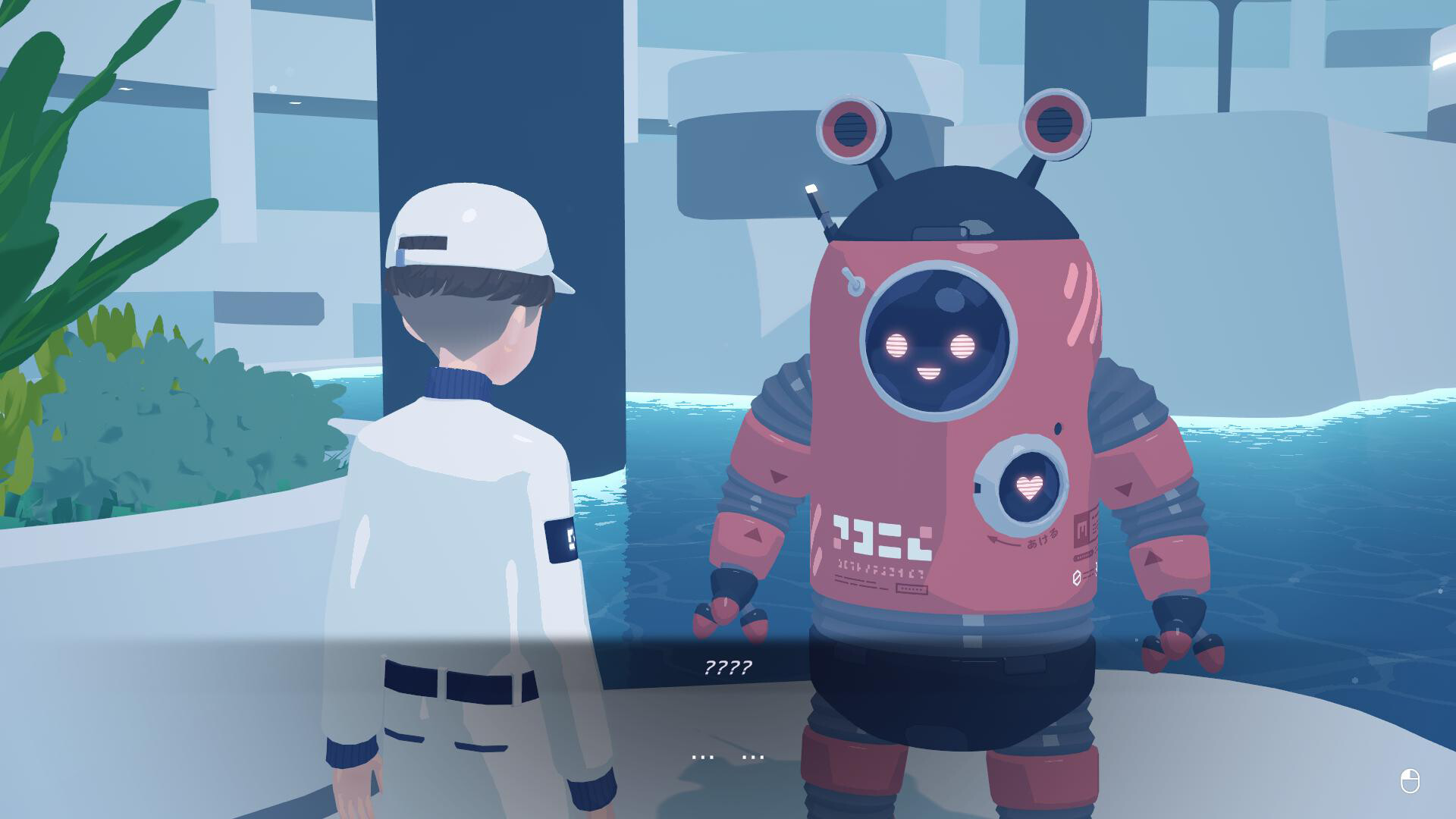
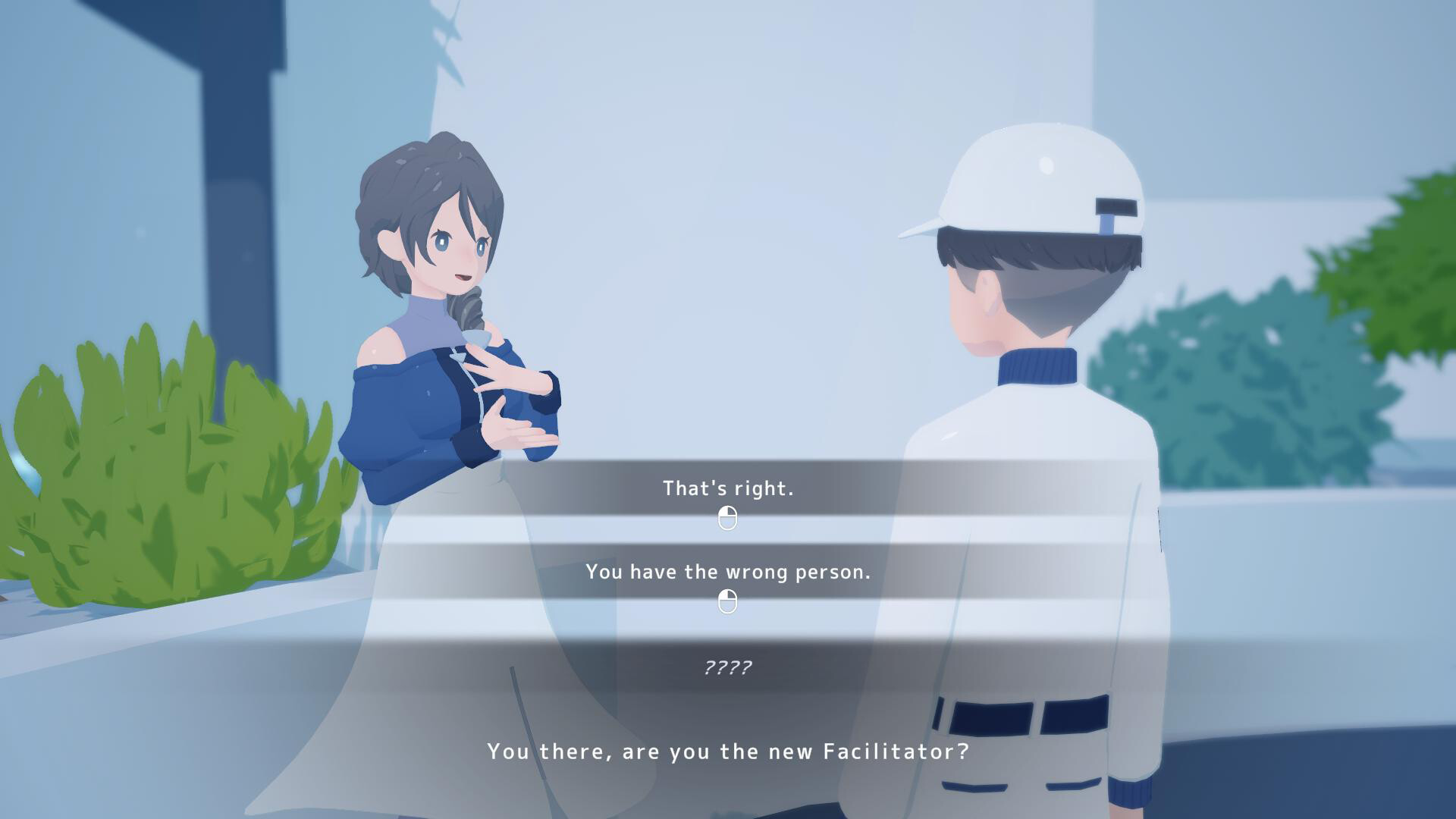
The Utopia Project was created in the interest of maximizing human happiness and comfort. As the newest residential Facilitator at D-topia, your role is to resolve issues around the residential community. Tackle fun logic-based puzzles to resolve mechanical issues and keep the facilities running smoothly and meet the many vibrant residents, each with their own unique story and personal struggle.
But what happens when problems go beyond the mechanical? How will your choices impact the wellbeing of the residents, and the future of humanity? In a world of curated happiness, what does it mean to find purpose?
Features
A Gentle-Paced, Reflective Adventure: Unwind in a calm, yet thought-provoking journey to discover what happiness truly means.
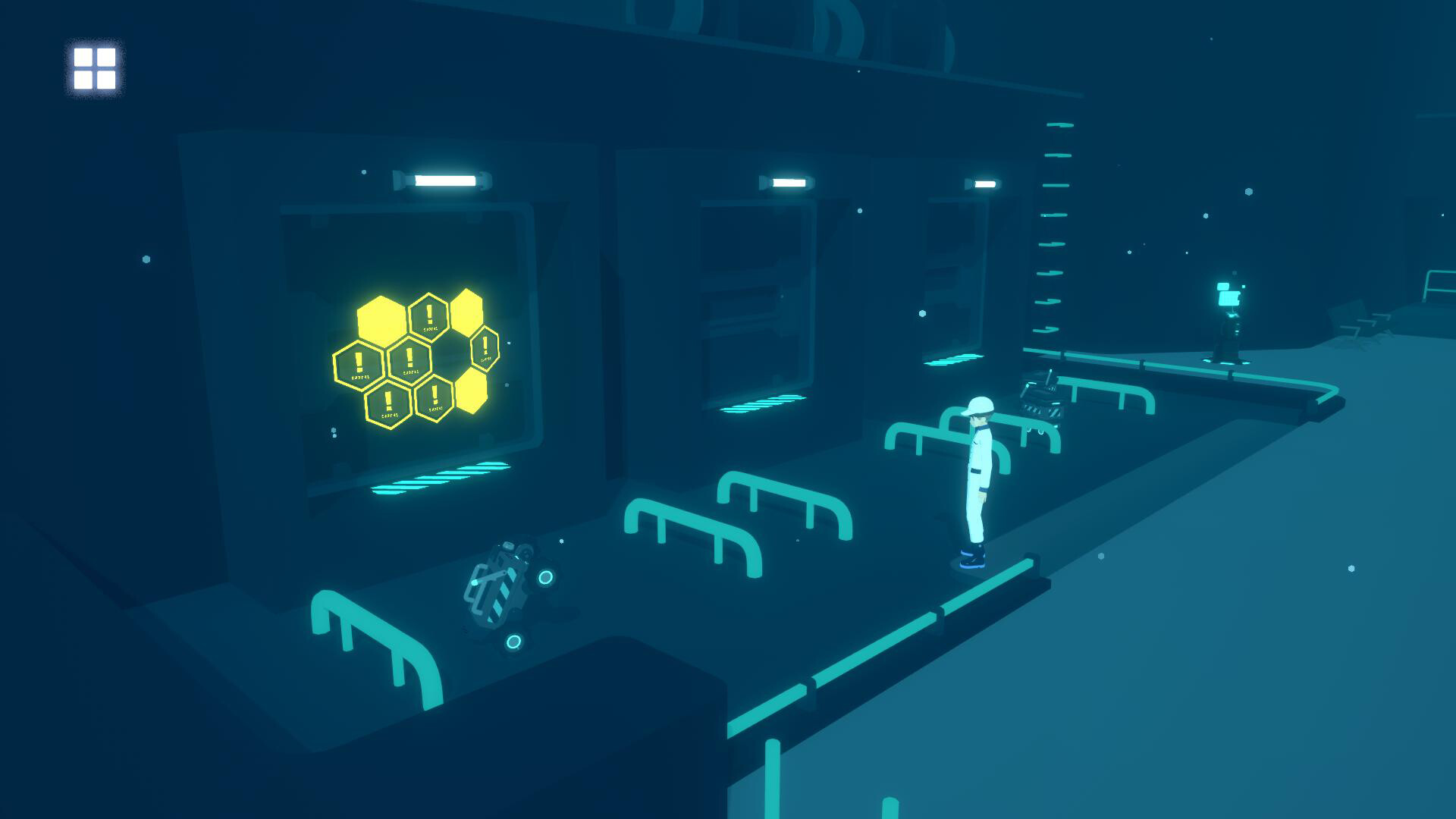
Clever, Integrated Puzzles: Tackle satisfying logic puzzles that connect to the heart of this gentle-paced adventure.
Meet D-topia’s Residents: Gain their trust, discover their stories, and shape their futures in unexpected ways.
Your Choices Matter: Guide this artificial intelligence-managed utopia toward joy or despair through your decisions.
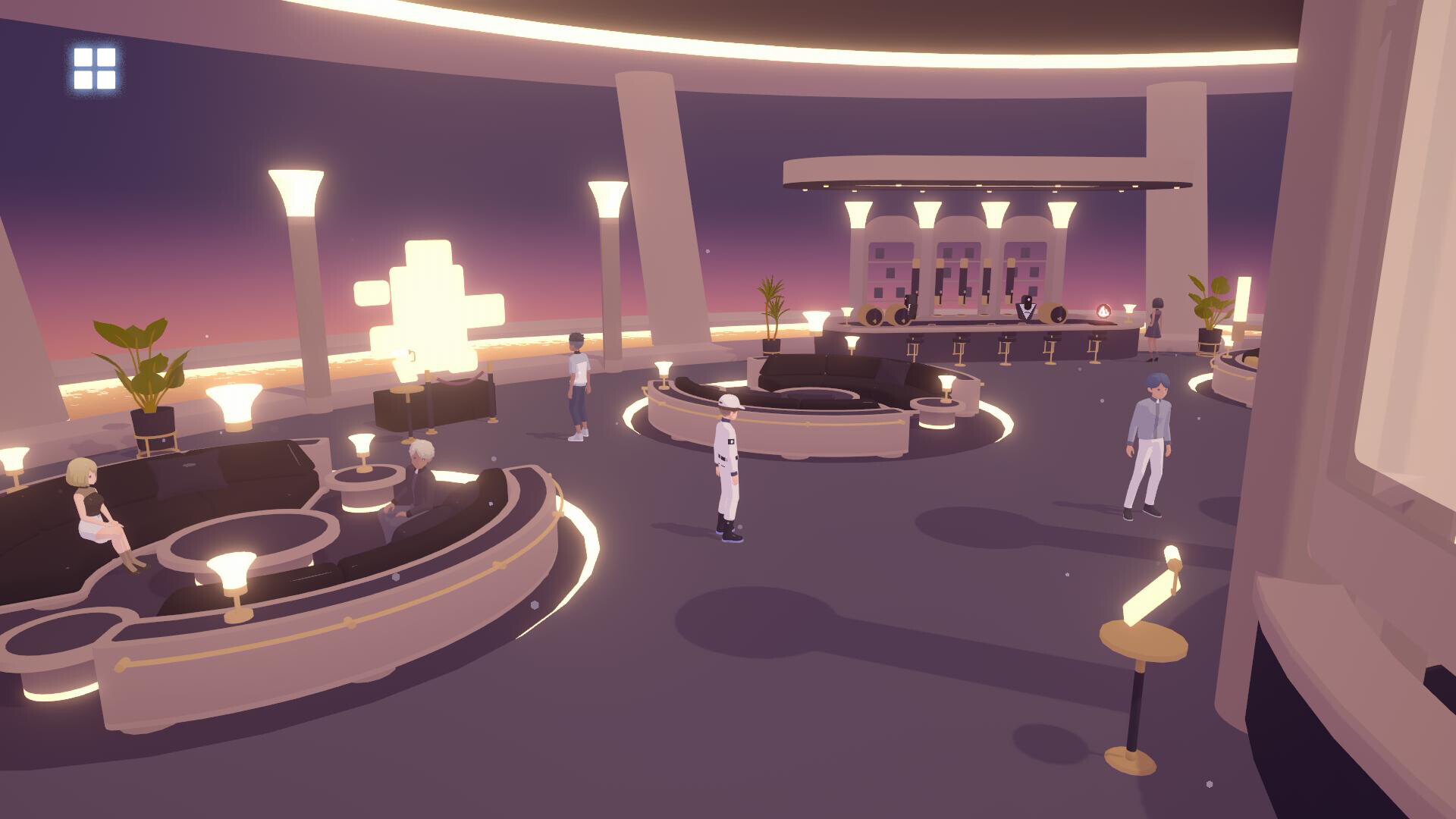
Step Into Two Worlds: Move between the bright, public reality and the hidden “Block Side” to fix glitches and uncover secrets.
The Utopia Project was created in the interest of maximizing human happiness and comfort. As the newest residential Facilitator at D-topia, your role is to resolve issues around the residential community. Tackle fun logic-based puzzles to resolve mechanical issues and keep the facilities running smoothly and meet the many vibrant residents, each with their own unique story and personal struggle.
But what happens when problems go beyond the mechanical? How will your choices impact the wellbeing of the residents, and the future of humanity? In a world of curated happiness, what does it mean to find purpose?
Features
A Gentle-Paced, Reflective Adventure: Unwind in a calm, yet thought-provoking journey to discover what happiness truly means.
Clever, Integrated Puzzles: Tackle satisfying logic puzzles that connect to the heart of this gentle-paced adventure.
Meet D-topia’s Residents: Gain their trust, discover their stories, and shape their futures in unexpected ways.
Your Choices Matter: Guide this artificial intelligence-managed utopia toward joy or despair through your decisions.
Step Into Two Worlds: Move between the bright, public reality and the hidden “Block Side” to fix glitches and uncover secrets.
Minimum:
- Requires a 64-bit processor and operating system
- OS: Windows 10
- Processor: Intel(R) Core(TM) i3-4160 CPU @ 3.60GHz
- Memory: 8 GB RAM
- Graphics: NVIDIA GeForce GTX 780, 3GB
- DirectX: Version 12
- Storage: 2 GB available space
If you are not familiar with the technical information of your PC, download the CPU-Z program. CPU-Z will give you detailed information about the main system components - CPU, RAM, video card - installed on your system, which you can then compare with the minimum requirements of the game.
- Go to: http://store.steampowered.com/ and download STEAM client
- Click "Install Steam" (from the upper right corner)
- Install and start application, login with your Account name and Password (create one if you don't have).
- Please follow these instructions to activate a new retail purchase on Steam:
- Launch Steam and log into your Steam account.
- Click the Games Menu.
- Choose Activate a Product on Steam...
- Follow the onscreen instructions to complete the process.
- After successful code verification go to the "MY GAMES" tab and start downloading.
Videos & Screenshots
Recommended



- Payments
-

-

-

-

-

-

-

-

-
