
Buy Brotato / LATAM
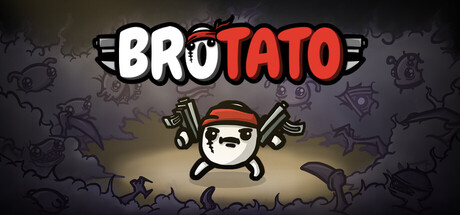
 In stock
Features
-
Auto-firing weapons by default with a manual aiming option
-
Fast runs (under 30 minutes)
-
Dozens of characters available to customize your runs (one-handed, crazy, lucky, mage and many more)
-
Hundreds of items and weapons to choose from (flamethrowers, SMGs, rocket launchers or sticks and stones)
-
Local Co-Op for up to 4 players
-
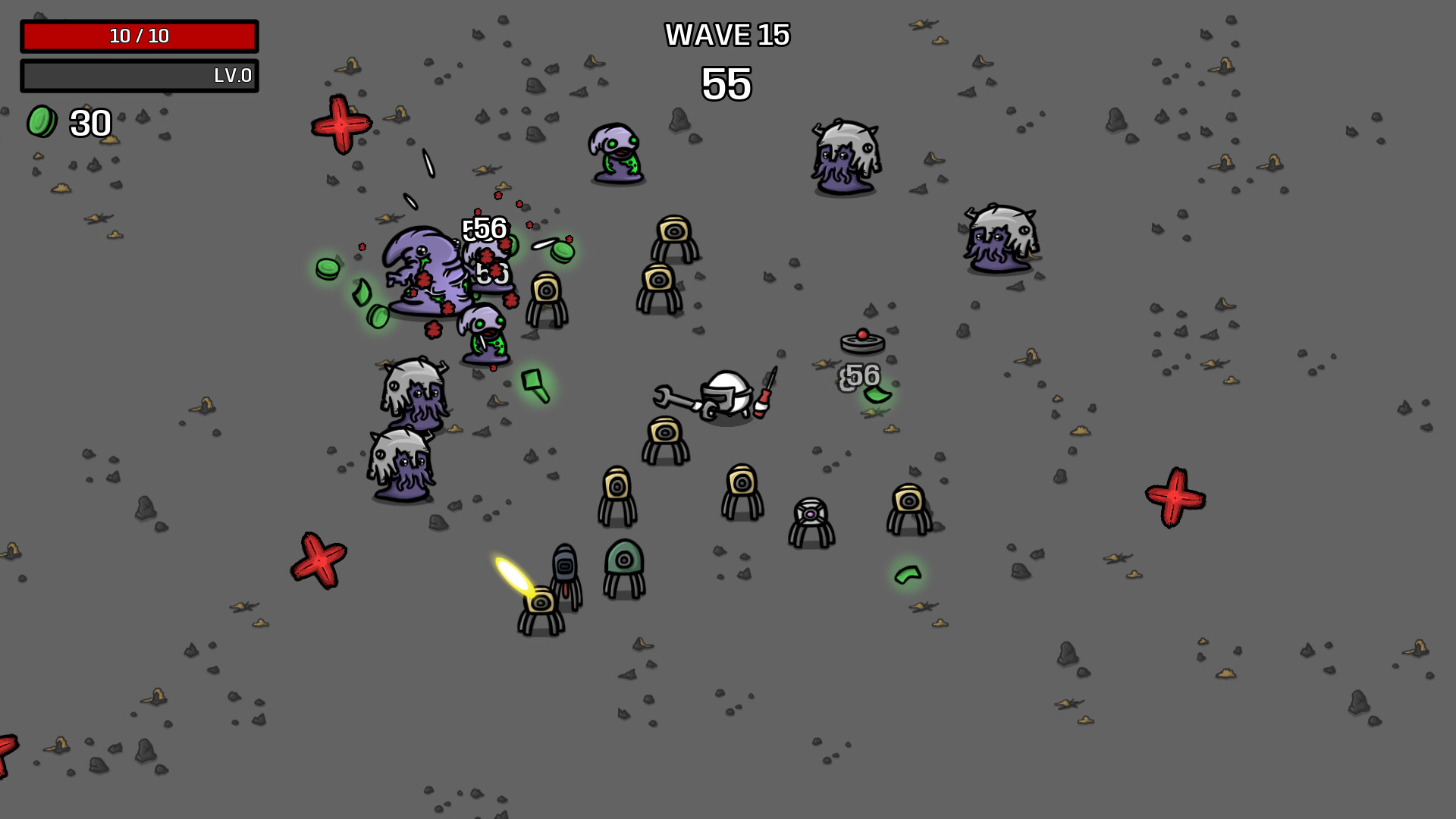
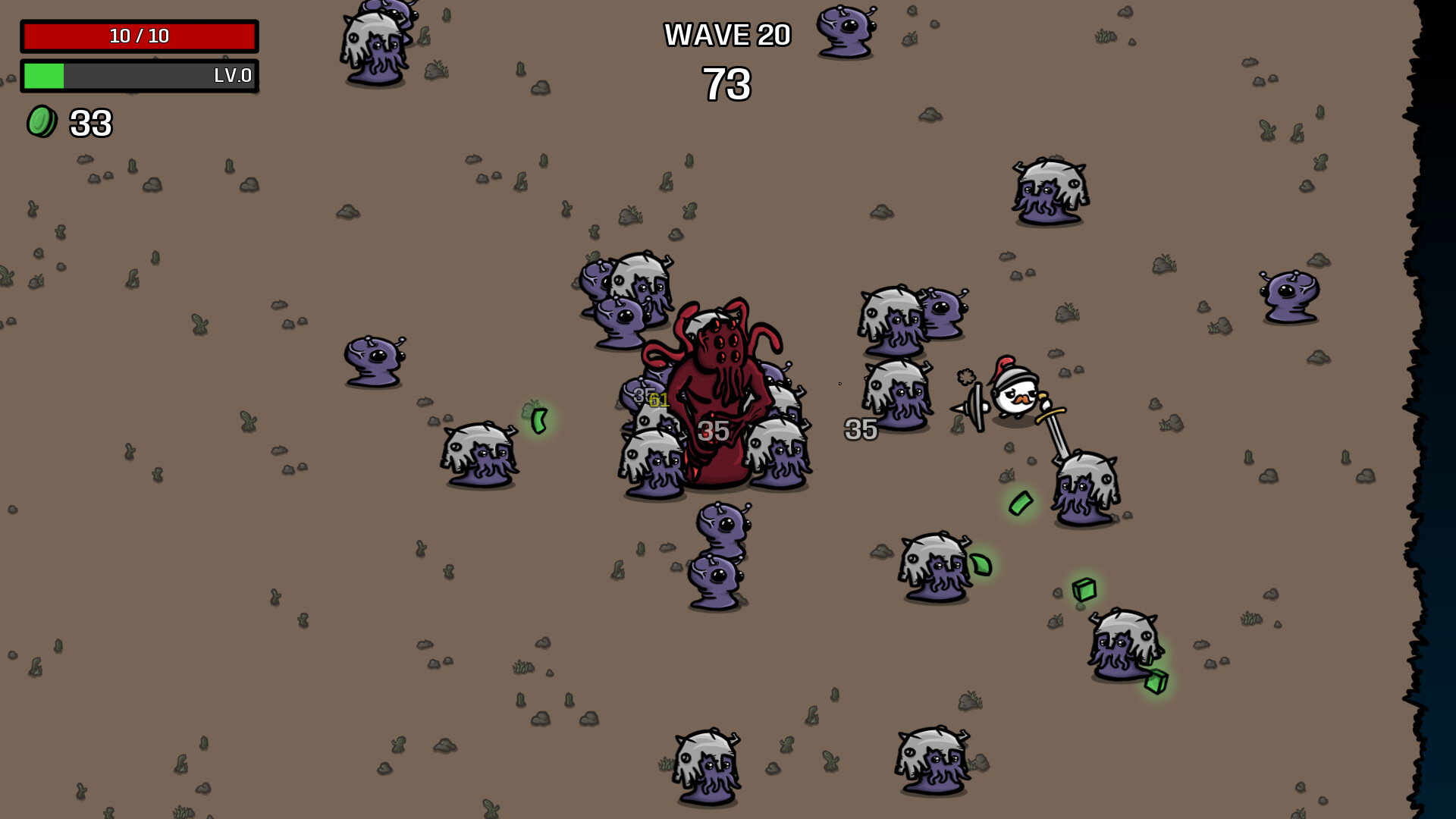
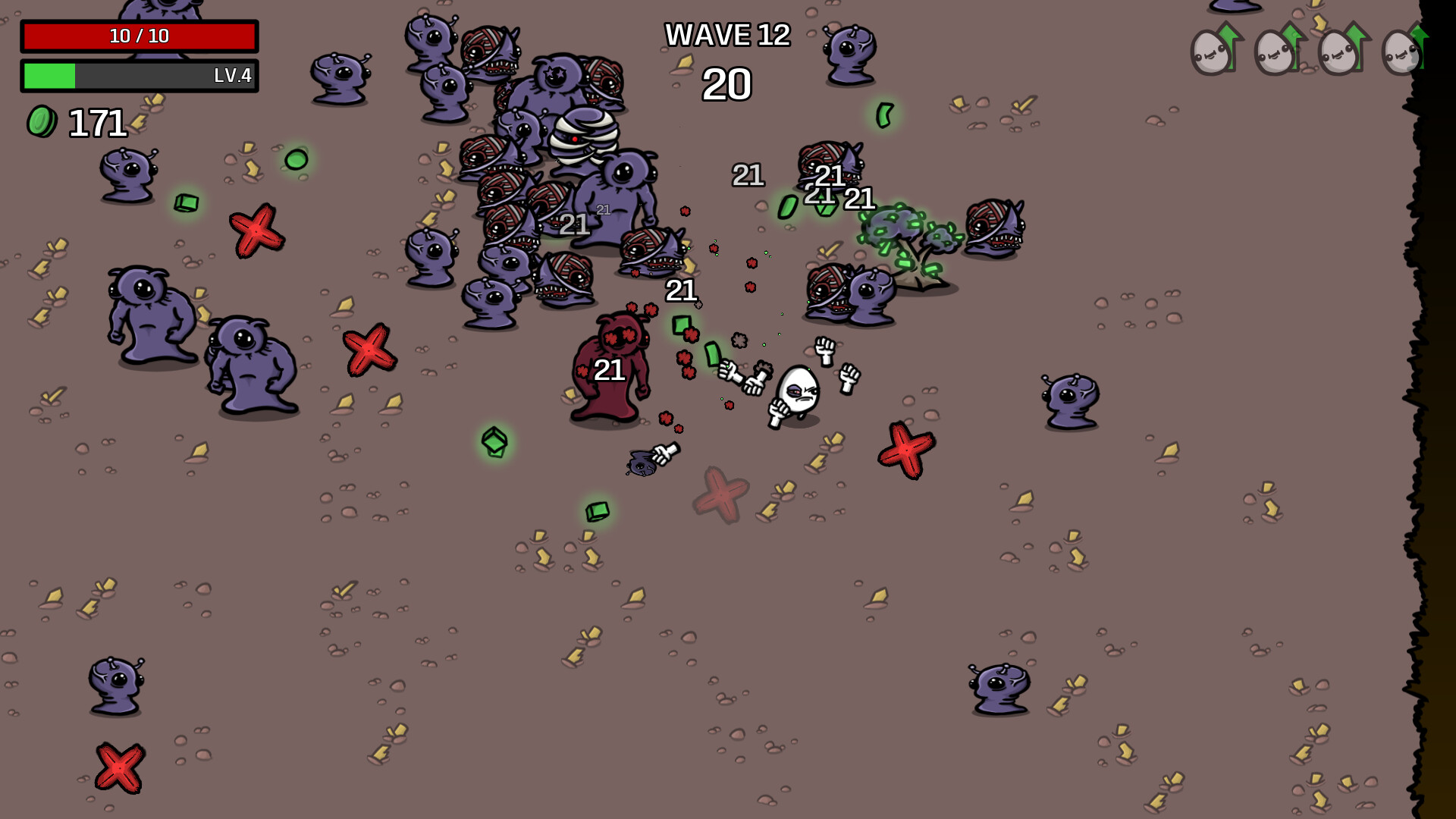
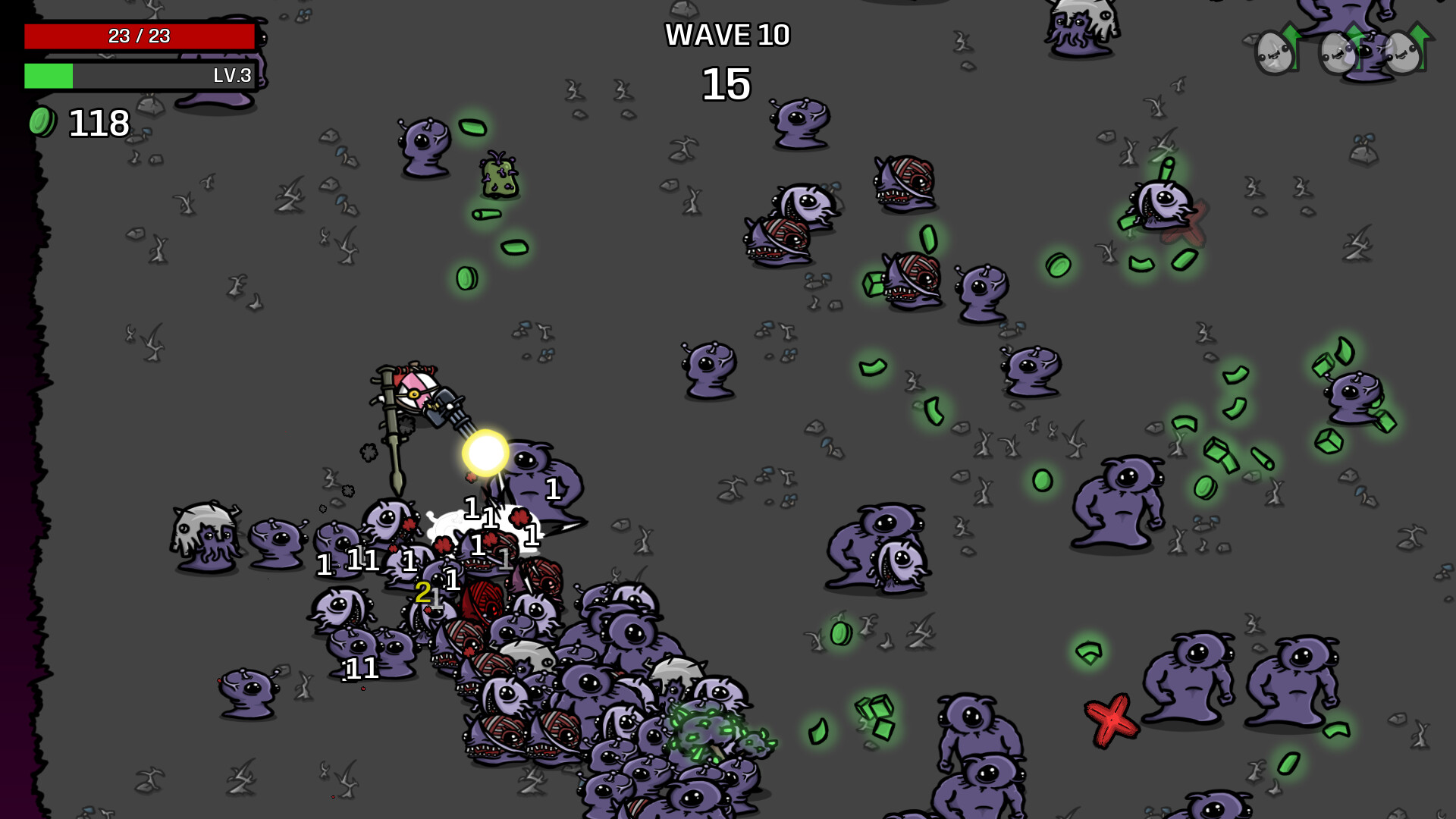
Survive waves lasting 20 to 90 seconds each and kill off as many aliens as you can during that time
-
Collect materials to gain experience and get items from the shop between waves of enemies
-
Accessibility options: tweak the health, damage and speed of enemies so the difficulty is right for you
- Minimum:
- OS *: Windows 7+
- Processor: 2 Ghz
- Memory: 4 GB RAM
- Graphics: 128MB, OpenGL 3+
- Storage: 200 MB available space
If you are not familiar with the technical information of your PC, download the CPU-Z program. CPU-Z will give you detailed information about the main system components - CPU, RAM, video card - installed on your system, which you can then compare with the minimum requirements of the game.
- Go to: http://store.steampowered.com/ and download STEAM client
- Click "Install Steam" (from the upper right corner)
- Install and start application, login with your Account name and Password (create one if you don't have).
- Please follow these instructions to activate a new retail purchase on Steam:
- Launch Steam and log into your Steam account.
- Click the Games Menu.
- Choose Activate a Product on Steam...
- Follow the onscreen instructions to complete the process.
- After successful code verification go to the "MY GAMES" tab and start downloading.
Videos & Screenshots
Recommended






- Payments
-

-

-

-

-

-

-

-

-
