Buy Automachef / EU
Platform:
Windows
Genre:
Action
Publisher:
Team 17
Activation:
Steam
Release Date:
23 july 2019
Languages:
English
Type:
Key
Region:
EU
15.00 USD
 In stock
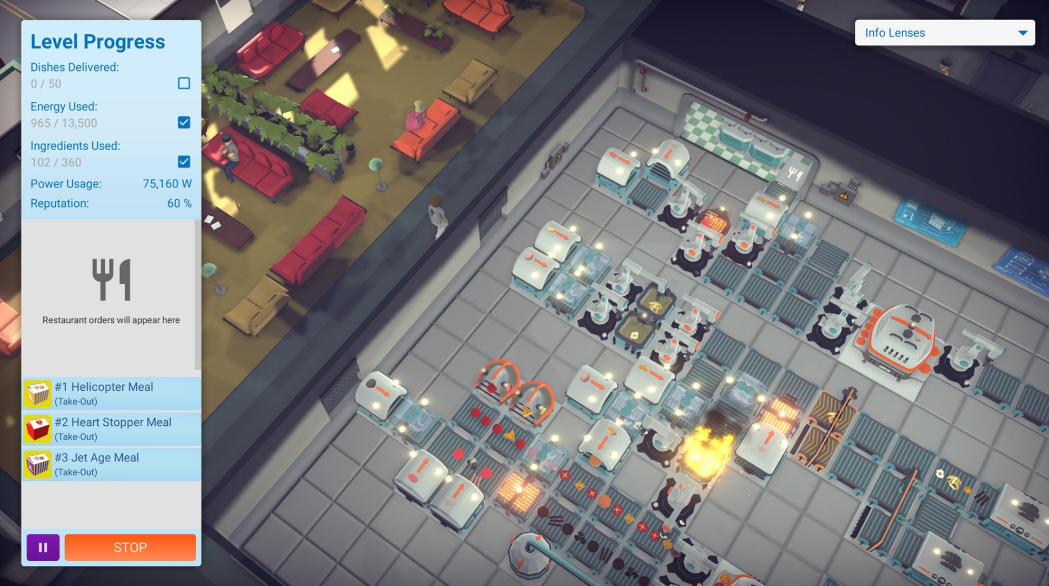
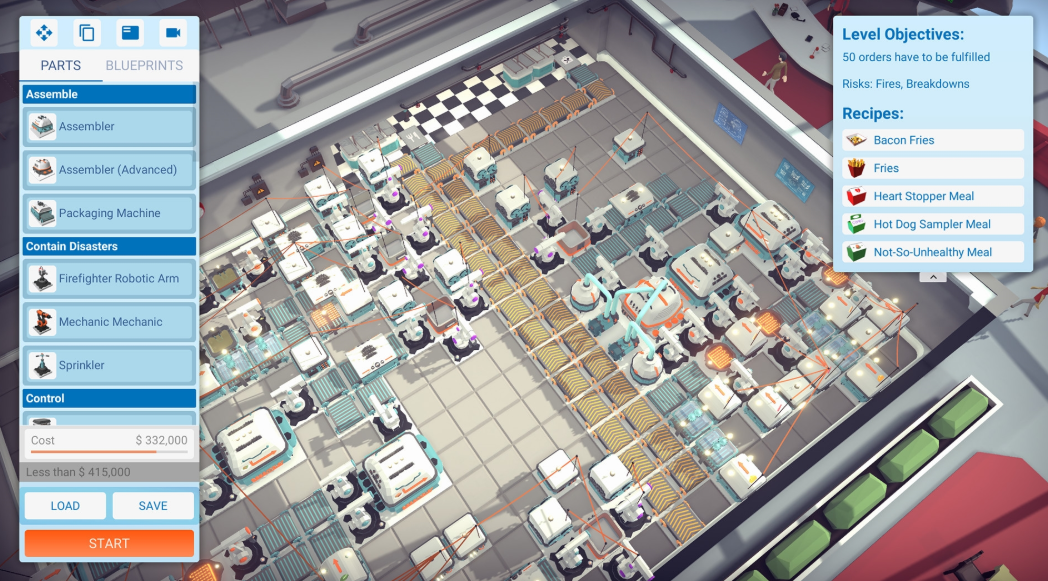
Welcome to Automachef, a resource management puzzler where you design kitchens, program machinery and watch your genius come to life! It’s time to engineer tomorrow’s kitchen, today
*Plan. Position. Program: *
Design and build automated restaurants, then program them to run like well-oiled machines! Do you have a can-do attitude and the know-how to conquer the world of automated restaurants?
*Challenging Puzzles: *
Fine tune your mind as you tackle intricate spatial, resource management and scenario puzzles! Not enough hot dogs? You’ll sort it! Kitchens on fire? No problem for a smart human like you!
*Multiple Brain-Tickling Modes: *
Take on the campaign levels, traverse your way through the business world in contracts mode, or just go nuts and bolts in the sandbox test mode and play until you get your fill.
*Endless Charm and Quirky Humour: *
All delivered in an abundance by our helplessly misguided robot human protagonist- Robert Person. Who is definitely a human. Don’t ask questions.
*Mod Support: *
Think you could bring some more pizazz to the table? GREAT! Step on up to the plate and create your own ingredients, recipes and scenario levels via Steam Workshop!
*Plan. Position. Program: *
Design and build automated restaurants, then program them to run like well-oiled machines! Do you have a can-do attitude and the know-how to conquer the world of automated restaurants?
*Challenging Puzzles: *
Fine tune your mind as you tackle intricate spatial, resource management and scenario puzzles! Not enough hot dogs? You’ll sort it! Kitchens on fire? No problem for a smart human like you!
*Multiple Brain-Tickling Modes: *
Take on the campaign levels, traverse your way through the business world in contracts mode, or just go nuts and bolts in the sandbox test mode and play until you get your fill.
*Endless Charm and Quirky Humour: *
All delivered in an abundance by our helplessly misguided robot human protagonist- Robert Person. Who is definitely a human. Don’t ask questions.
*Mod Support: *
Think you could bring some more pizazz to the table? GREAT! Step on up to the plate and create your own ingredients, recipes and scenario levels via Steam Workshop!
Minimum Requirements
Requires a 64-bit processor and operating system
OS Windows 7 64-bit
Processor Intel Core i5-2300 or AMD A8-5600K
Memory 4 GB RAM
Graphics GeForce GTX 550 Ti or Radeon HD 7770
DirectX Version 11
Sound Card DirectX Compatible Sound Card.
If you are not familiar with the technical information of your PC, download the CPU-Z program. CPU-Z will give you detailed information about the main system components - CPU, RAM, video card - installed on your system, which you can then compare with the minimum requirements of the game.
- Go to: http://store.steampowered.com/ and download STEAM client
- Click "Install Steam" (from the upper right corner)
- Install and start application, login with your Account name and Password (create one if you don't have).
- Please follow these instructions to activate a new retail purchase on Steam:
- Launch Steam and log into your Steam account.
- Click the Games Menu.
- Choose Activate a Product on Steam...
- Follow the onscreen instructions to complete the process.
- After successful code verification go to the "MY GAMES" tab and start downloading.
Videos & Screenshots

Recommended





- Payments
-

-

-

-

-

-

-

-

-