
Buy A Storied Life: Tabitha / LATAM
Platform:
Windows
Genre:
Indie, Casual
Publisher:
Secret Mode
Activation:
Steam
Release Date:
14 april 2026
Languages:
English
Type:
Key
Region:
LATAM
9.00 USD
 In stock
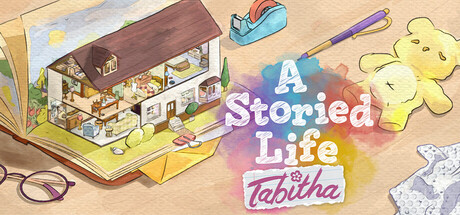
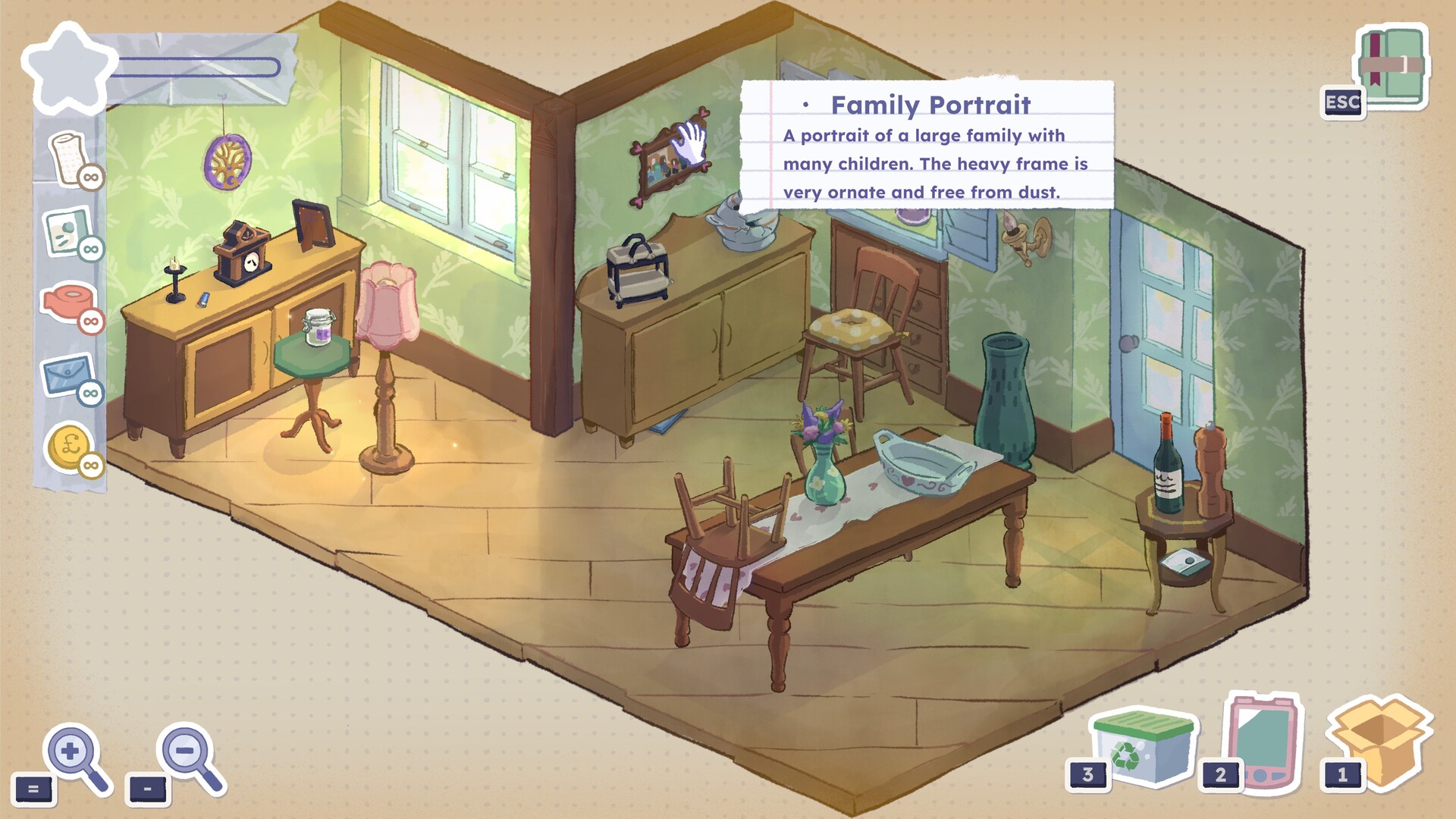
A Storied Life: Tabitha is a cozy narrative game about memory, legacy, discovery, and joy inspired by elements of Unpacking, A Little to the Left, and classic word game Mad Libs.
An elderly loved one has died, leaving you their estate and a letter encouraging you to sell any valuables. But when a mishap spoils their soon-to-be-published memoirs, you set out to repair the damage, piecing together their hidden past using the items you inherit.
House clearing with care
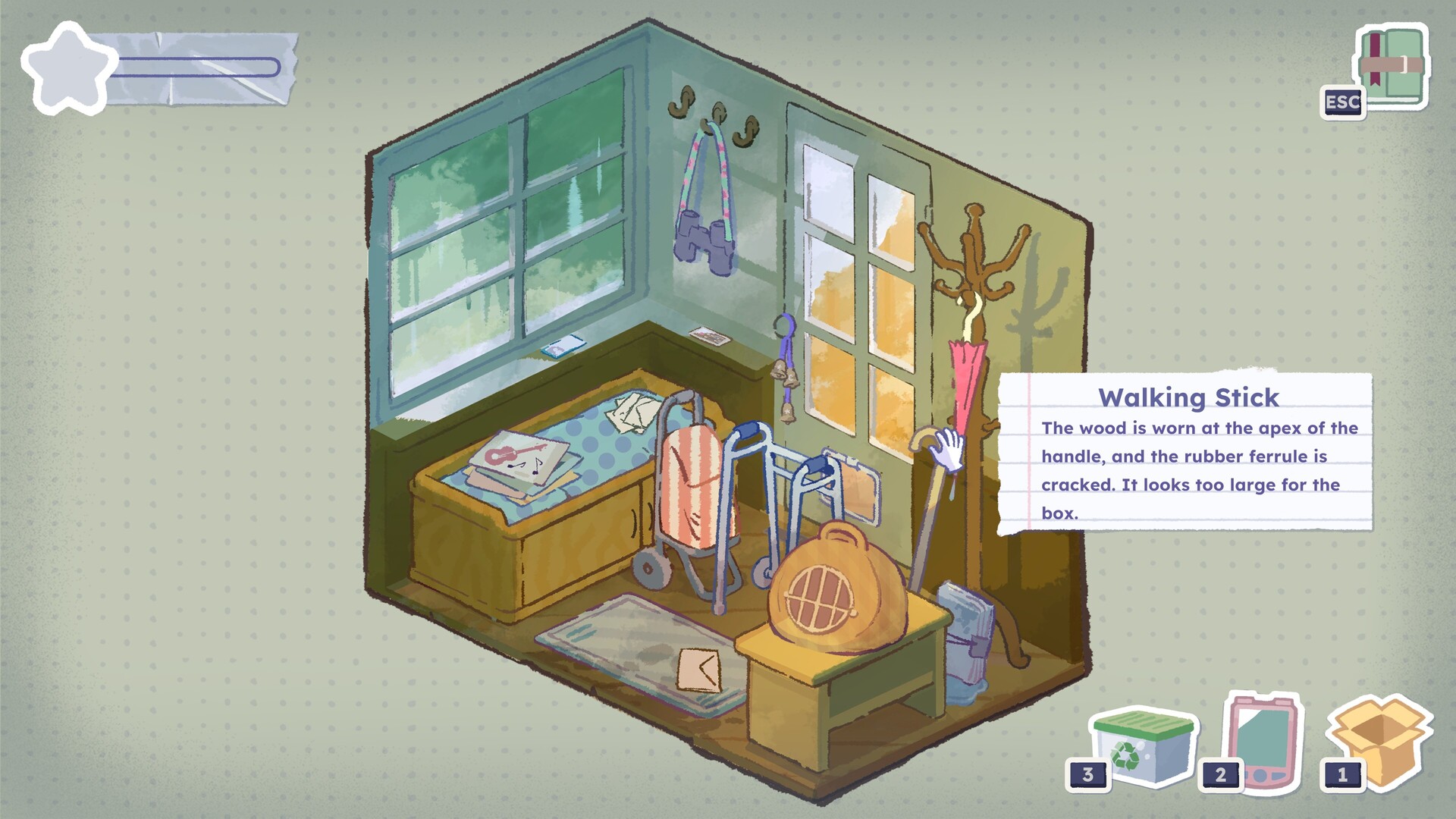
Explore a picturesque country house and pack away its contents, room by room. Move furniture, lift rugs, and open cupboards to uncover hidden and forgotten objects.
What separates cherished items from rubbish? Slowly sift through fragments of someone's past and decide whether to keep, auction, or discard each object.
Relaxing packing puzzles
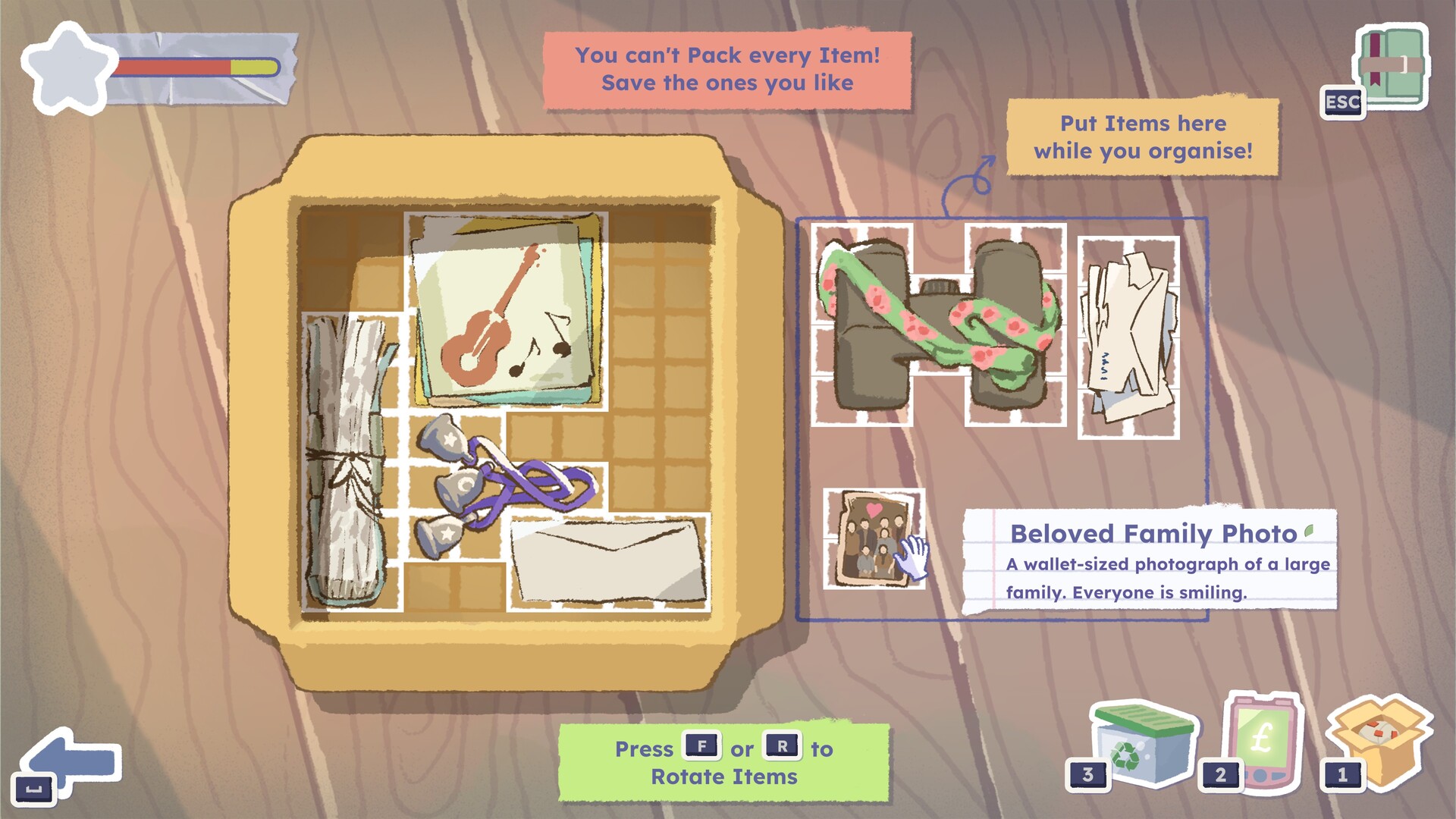
You can't keep everything. Move and rotate items to fit them into boxes. Limited space and weight considerations mean you must let some things go.
Strengthen boxes with tape and vacuum pack soft goods to fit more in. Don't forget to bubble wrap fragile objects or they may break when unpacking.
Restore your loved one's memoirs
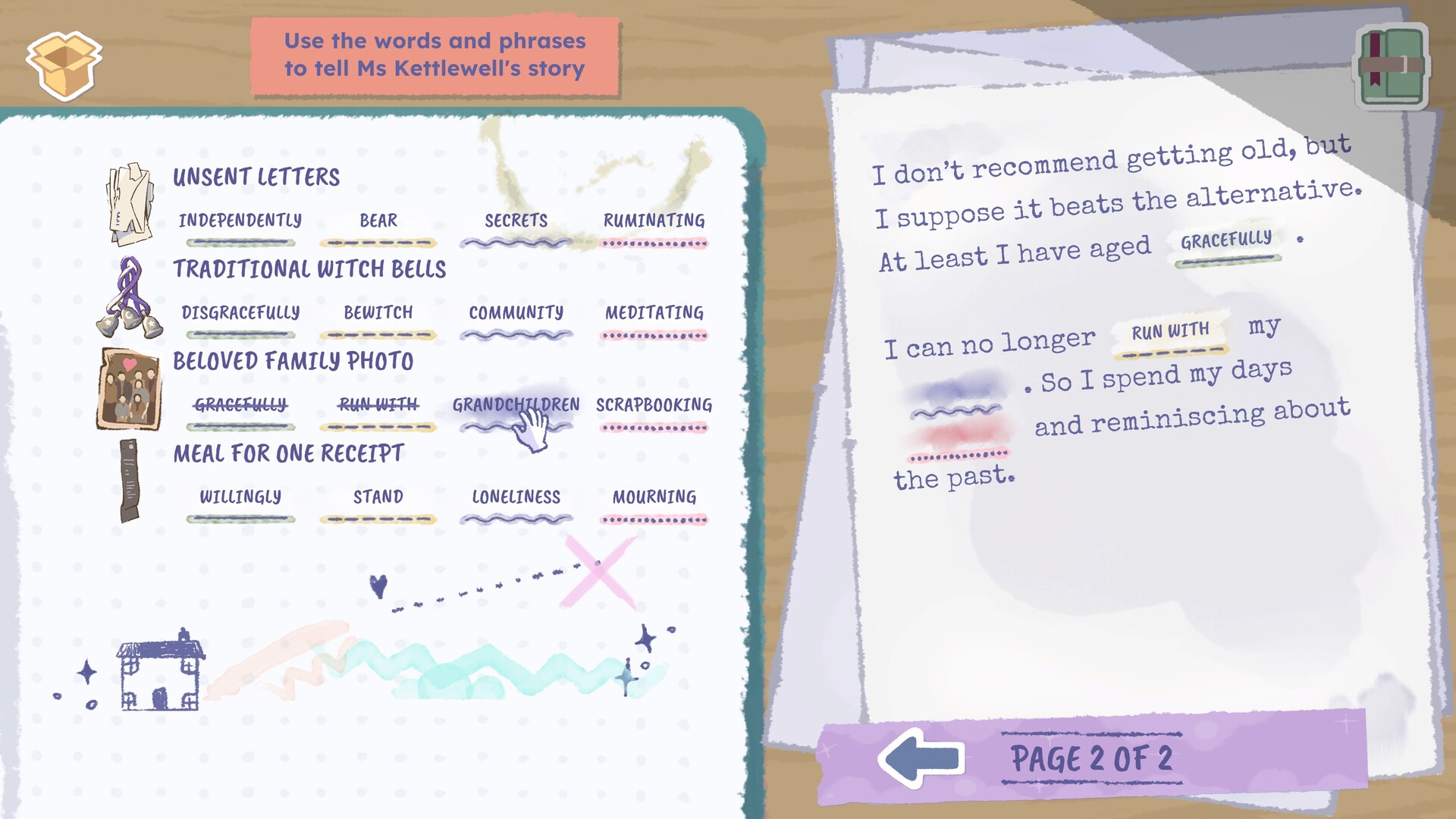
Every item you save unlocks a set of associated words. Use these to mend the gaps in the damaged memoirs, completing the sentences to reveal a storied life.
You determine how the past is recorded. Uplifting, silly, shocking, funny, sombre... the memoirs have many potential branches, and every decision is yours.
An elderly loved one has died, leaving you their estate and a letter encouraging you to sell any valuables. But when a mishap spoils their soon-to-be-published memoirs, you set out to repair the damage, piecing together their hidden past using the items you inherit.
House clearing with care
Explore a picturesque country house and pack away its contents, room by room. Move furniture, lift rugs, and open cupboards to uncover hidden and forgotten objects.
What separates cherished items from rubbish? Slowly sift through fragments of someone's past and decide whether to keep, auction, or discard each object.
Relaxing packing puzzles
You can't keep everything. Move and rotate items to fit them into boxes. Limited space and weight considerations mean you must let some things go.
Strengthen boxes with tape and vacuum pack soft goods to fit more in. Don't forget to bubble wrap fragile objects or they may break when unpacking.
Restore your loved one's memoirs
Every item you save unlocks a set of associated words. Use these to mend the gaps in the damaged memoirs, completing the sentences to reveal a storied life.
You determine how the past is recorded. Uplifting, silly, shocking, funny, sombre... the memoirs have many potential branches, and every decision is yours.
- Minimum:
- Requires a 64-bit processor and operating system
- OS: Windows 10
- Processor: Intel i3-6100 or AMD Ryzen 3 1200
- Memory: 4 GB RAM
- Graphics: Nvidia GeForce GTX 1050 Ti 4GB or AMD Radeon RX 550 4GB
- Storage: 5 GB available space
- Recommended:
- Requires a 64-bit processor and operating system
- OS: Windows 10
- Processor: Intel i5-8600K or AMD Ryzen 5 3600
- Memory: 8 GB RAM
- Graphics: Nvidia GeForce GTX 1660 6GB or AMD Radeon RX 5500 8GB
- Storage: 5 GB available space
If you are not familiar with the technical information of your PC, download the CPU-Z program. CPU-Z will give you detailed information about the main system components - CPU, RAM, video card - installed on your system, which you can then compare with the minimum requirements of the game.
- Go to: http://store.steampowered.com/ and download STEAM client
- Click "Install Steam" (from the upper right corner)
- Install and start application, login with your Account name and Password (create one if you don't have).
- Please follow these instructions to activate a new retail purchase on Steam:
- Launch Steam and log into your Steam account.
- Click the Games Menu.
- Choose Activate a Product on Steam...
- Follow the onscreen instructions to complete the process.
- After successful code verification go to the "MY GAMES" tab and start downloading.
Videos & Screenshots
Recommended


- Payments
-

-

-

-

-

-

-

-

-
